Selecting the right Point of Sale (POS) system is one of the most critical decisions you'll make for your small business. It's no longer just a cash register; it's the central command center for your sales, inventory, customer management, and analytics. Making the wrong choice can lead to operational bottlenecks, lost sales, and frustrated customers. Making the right one streamlines every transaction and provides the data you need to grow intelligently.
This guide is designed to cut through the marketing noise and provide a detailed, practical analysis of the best pos systems for small business owners today. We move beyond generic feature lists to give you a clear picture of how each system performs in the real world. You will find in-depth reviews covering specific use cases, from bustling cafes and retail boutiques to service-based businesses and digital creators. We also explore modern payment solutions, including Bitcoin-ready platforms like Flash, for merchants looking to embrace future-proof technology.
Inside, you'll discover:
- Honest assessments of each platform's strengths and limitations.
- Implementation guidance to get you started smoothly.
- Direct comparisons to help you weigh your options effectively.
- Screenshots and direct links for every system reviewed.
Our goal is to equip you with the insights necessary to choose a POS that not only processes transactions but actively supports your business's unique operational needs. Remember, the software is just one piece of the puzzle. Beyond the software, the physical setup of your checkout area is crucial; consider options like durable and ergonomic height-adjustable register stands to create an efficient and comfortable workspace for your team. Let's find your perfect command center.
1. Flash
Best For: Forward-Thinking Businesses Embracing Cryptocurrency
Flash emerges as a powerful and innovative choice for small businesses ready to step into the future of digital payments. Positioned as a premier Bitcoin payment software, Flash distinguishes itself by enabling direct, wallet-to-wallet transactions over the Lightning Network. This non-custodial approach is a significant advantage, guaranteeing that merchants retain full control over their funds at all times, a critical security feature that sets it apart from many traditional payment processors and makes it one of the best POS systems for small businesses prioritizing financial sovereignty.
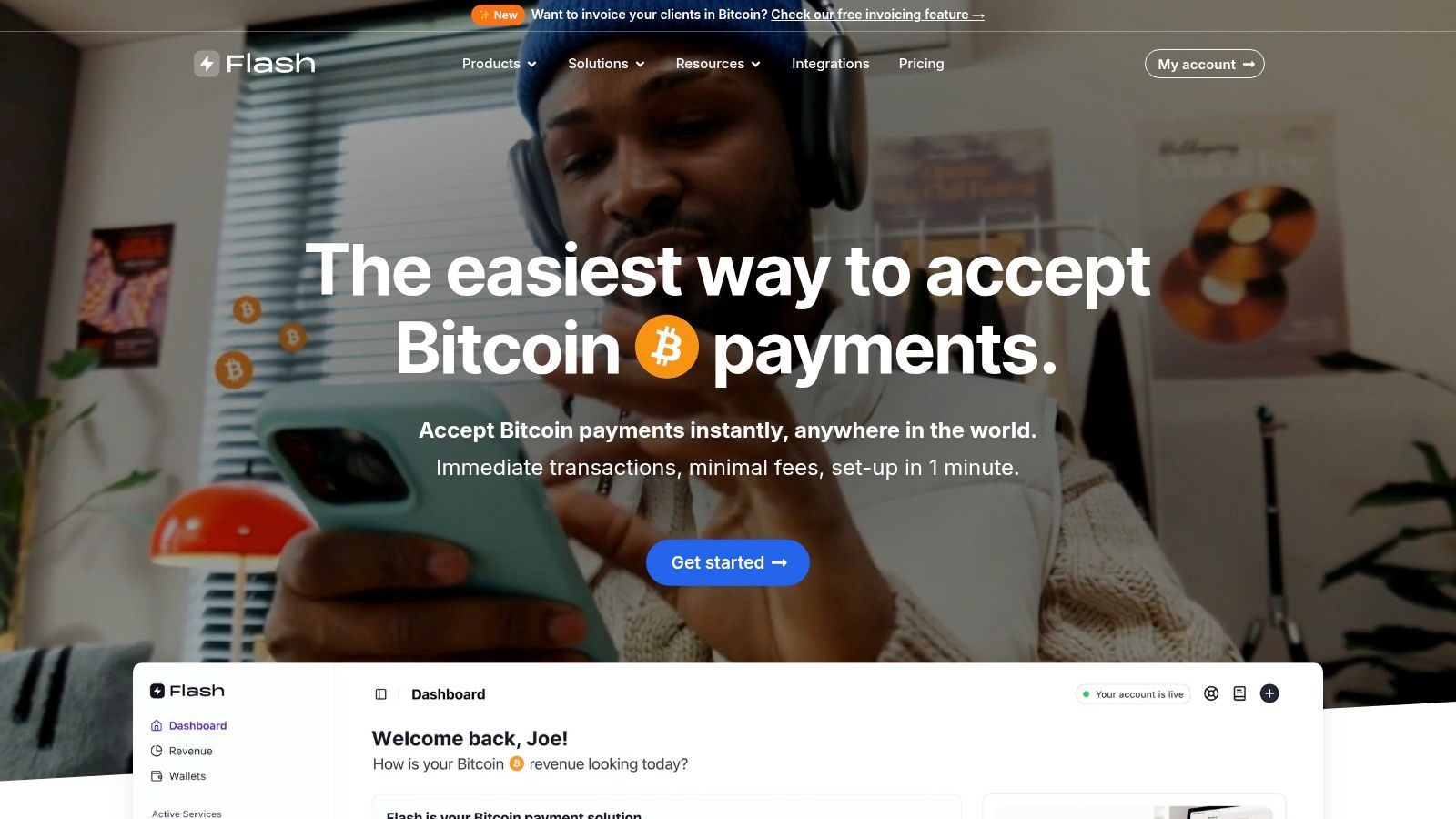
The platform is exceptionally versatile, catering to a wide array of business models. Whether you operate a brick-and-mortar retail shop, run an eCommerce store, offer a SaaS product, or manage a non-profit, Flash provides the tools necessary to seamlessly integrate Bitcoin payments. Its mobile point-of-sale app transforms any smartphone or tablet into a Bitcoin terminal, perfect for in-person transactions, while its robust suite of digital tools supports online commerce with ease.
Key Features and Implementation
Flash is designed for accessibility, offering no-code and low-code integration options that remove technical barriers. The setup process is remarkably fast, allowing merchants to begin accepting Bitcoin in under a minute without cumbersome Know Your Customer (KYC) requirements. This streamlined onboarding process respects user privacy and significantly reduces administrative overhead.
- Payment Solutions: A comprehensive toolkit includes a mobile POS app, recurring subscription billing, digital content paywalls, and customizable payment widgets.
- Non-Custodial Security: Flash never handles your funds. All transactions are peer-to-peer, minimizing counterparty risk and enhancing security.
- Lightning Network: By leveraging the Lightning Network, Flash ensures that payments are not only instant but also carry minimal transaction fees, boosting your bottom line.
- Global Reach: Integrating Flash opens your business to a massive global market of over 500 million Bitcoin users, creating new revenue opportunities.
Expert Insight: The true strength of Flash lies in its commitment to decentralization and user control. For small businesses concerned about the high fees and potential for censorship associated with traditional payment rails, Flash offers a liberating and secure alternative.
Practical Use and Considerations
While Flash excels as a Bitcoin payment processor, merchants should note its specialized focus. It is not an all-in-one system for traditional fiat currency, so businesses will need to operate it alongside their existing payment methods. Newcomers to cryptocurrency may experience a slight learning curve, but Flash mitigates this with excellent documentation and dedicated support to guide users through the process. Pricing information is customized, requiring a direct inquiry to determine the specific fee structure for your business needs.
Pros:
- Completely non-custodial for maximum security and control.
- Instant, low-fee payments via the Bitcoin Lightning Network.
- Versatile tools for both physical and digital businesses.
- No KYC required, ensuring a fast, private onboarding process.
- Flexible no/low-code integration for all technical skill levels.
Cons:
- Pricing details are not publicly listed.
- Requires a separate system for traditional card payments.
2. Square
Square is a titan in the small business POS space, celebrated for its accessibility and robust, free-to-use software. It stands out by completely removing monthly subscription fees for its basic POS plan, making it an incredibly attractive option for new businesses, food trucks, and pop-up shops managing tight budgets. This approach democratizes access to powerful sales tools, offering an integrated system that combines payment processing, inventory tracking, and customer management right out of the box.
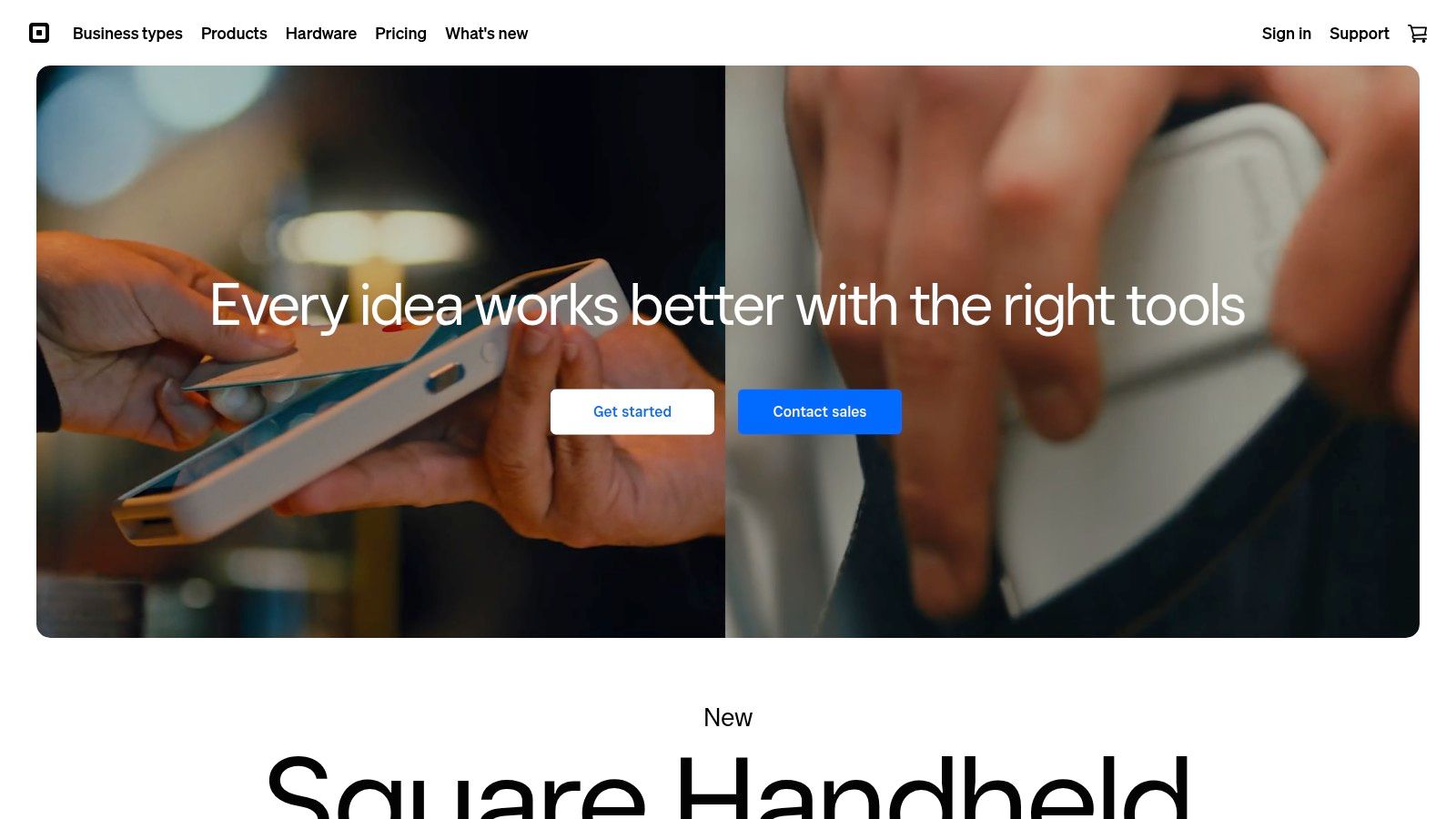
The platform's user experience is a major draw; its interface is famously intuitive on both iOS and Android devices, allowing new staff to be trained in minutes. This focus on simplicity makes Square one of the best POS systems for small business owners who need to get up and running quickly without a steep learning curve.
Key Features and Pricing Breakdown
Square's ecosystem is designed for scalability. While the core POS software is free, businesses pay a flat-rate transaction fee. This predictable pricing model is a significant advantage for businesses with fluctuating sales volumes.
- Pricing: No monthly fees for the basic plan. Transaction fees are typically 2.6% + 10¢ for in-person payments and 2.9% + 30¢ for online transactions.
- Hardware: Options range from a simple magstripe reader for your phone to the comprehensive Square Register and Square Terminal.
- Best For: Startups, mobile businesses, cafes, and small retailers looking for a straightforward, all-in-one solution.
- Limitation: The flat-rate processing fees, while simple, can become more expensive than a traditional merchant account for high-volume businesses. Customization within the software is also more limited compared to some enterprise-level systems.
Website: https://squareup.com/
3. Shopify
Shopify is a powerhouse for retailers aiming to conquer both the physical and digital marketplace. It provides an exceptional POS system that integrates seamlessly with its world-class e-commerce platform, making it the definitive choice for businesses with a hybrid online and brick-and-mortar presence. This unified approach allows merchants to manage inventory, customer data, and sales across all channels from a single dashboard, eliminating the operational headaches of running separate systems.
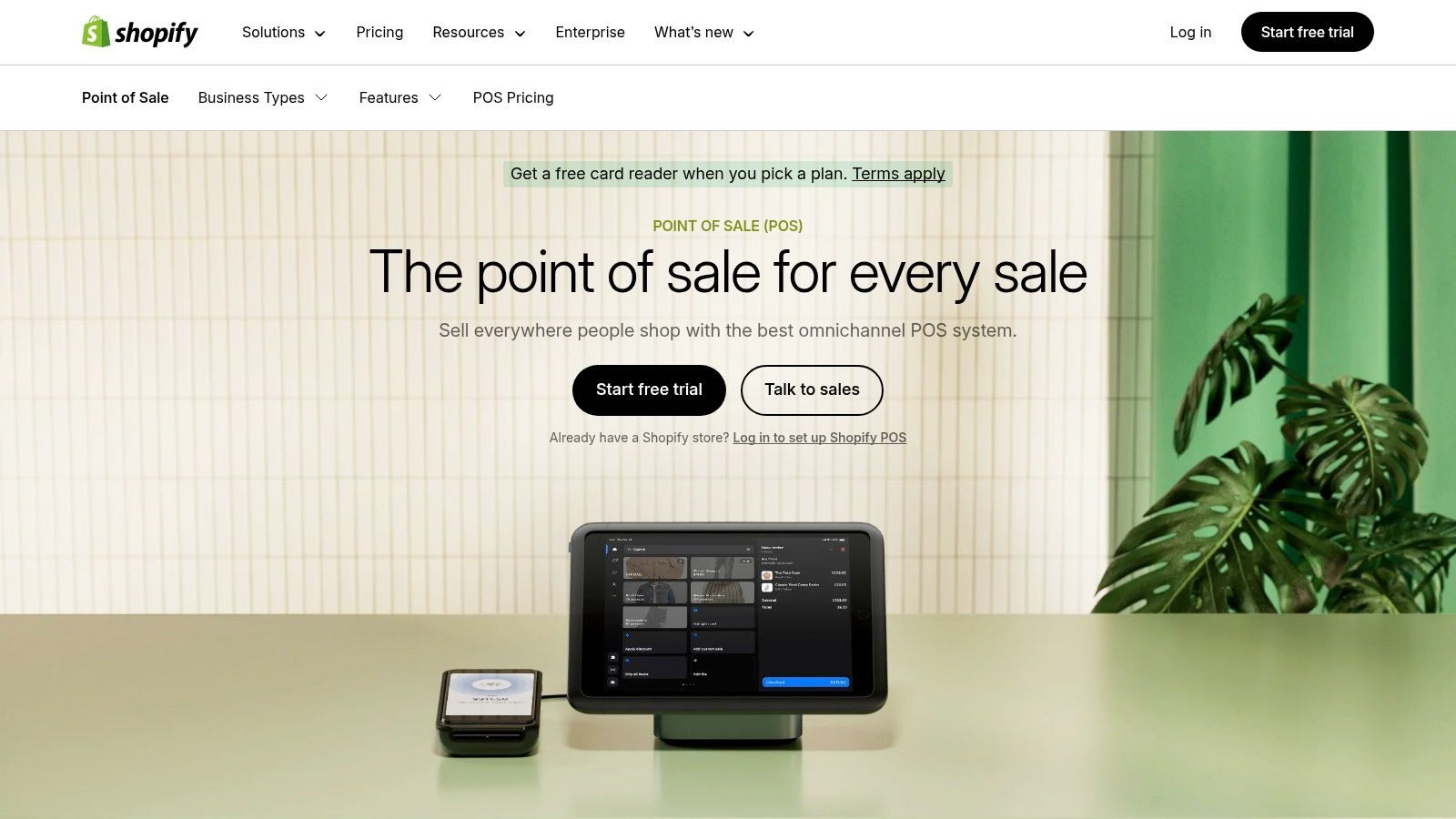
The platform is designed for growth, offering robust tools that scale with your business. For small businesses using Shopify, understanding how to maximize recurring revenue is key; explore the best Shopify subscription apps to enhance your offerings. This makes Shopify one of the best POS systems for small business owners who are serious about building a multi-channel brand and need a reliable, all-in-one solution to support their expansion.
Key Features and Pricing Breakdown
Shopify's value lies in its ecosystem. The POS Lite plan is included with all Shopify e-commerce plans, while the POS Pro plan offers advanced features for a monthly fee per location. This model provides flexibility for businesses to choose the level of functionality they need for their physical stores.
- Pricing: Shopify plans start at $29/month. POS Pro is an additional $89/month per location. In-person transaction fees start at 2.4% + 0¢ for Pro users.
- Hardware: Shopify offers a range of modern and reliable hardware, including tap & chip readers, stands, and a comprehensive retail kit.
- Best For: Retailers with both online and physical stores, multi-location businesses, and brands focused on unified commerce.
- Limitation: The system requires a monthly subscription, which can be a barrier for very new businesses. Using a third-party payment processor incurs additional transaction fees from Shopify.
Website: https://www.shopify.com/pos
4. Clover
Clover is a powerful and highly customizable POS system known for its sleek, proprietary hardware and adaptable software plans. It stands apart by offering a more robust, all-in-one solution that can be tailored to specific industries, from quick-service restaurants to full-service retail stores. This flexibility allows businesses to choose a hardware and software combination that precisely fits their operational needs, rather than adapting to a one-size-fits-all system.
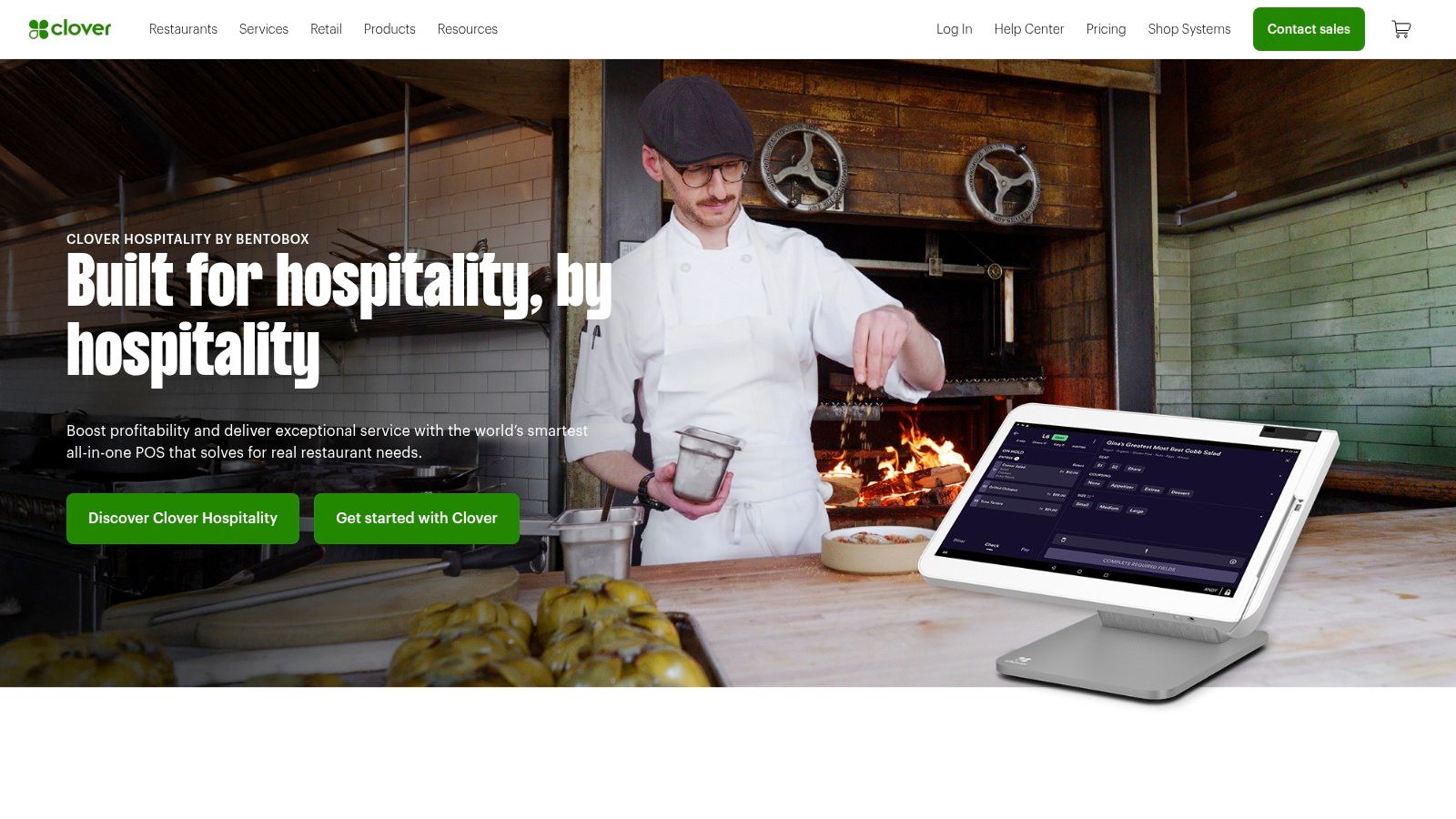
The user experience is a key strength, featuring a modern and intuitive interface on its high-quality devices like the Clover Station and the portable Clover Flex. While it offers deep functionality, its design ensures that daily tasks like taking payments, managing inventory, and tracking employee performance remain straightforward. This balance of power and usability makes it one of the best POS systems for small business owners who are ready to invest in a more comprehensive and scalable solution.
Key Features and Pricing Breakdown
Clover's ecosystem is built around choice, allowing merchants to select from various software tiers and a wide array of apps from the Clover App Market to extend functionality. Pricing depends heavily on the chosen software plan, hardware, and payment processor, as Clover hardware is often sold through third-party resellers like Fiserv.
- Pricing: Software plans start around $14.95/month for basic payment processing, with more comprehensive plans for retail and restaurants ranging from $44.95 to $94.85/month. Transaction fees vary by processor.
- Hardware: Options include the handheld Clover Flex, the compact Clover Mini, and the full-sized Clover Station Duo countertop system.
- Best For: Restaurants, retail shops, and service businesses that need a specialized, all-in-one system with industry-specific features.
- Limitation: The cost can be higher than competitors due to hardware and monthly software fees. Being tied to a specific payment processor and having limited third-party integrations outside its own app market can be a drawback for some.
Website: https://www.clover.com/
5. Lightspeed
Lightspeed offers a robust POS system tailored for established retailers and restaurants seeking powerful, specialized tools. It shines in its ability to handle complex operations, especially for businesses with large inventories or multiple locations, making it a go-to for ambitious owners ready to scale. The platform provides a comprehensive suite that goes beyond simple transactions, integrating advanced inventory management, detailed analytics, and customer relationship management into one system.
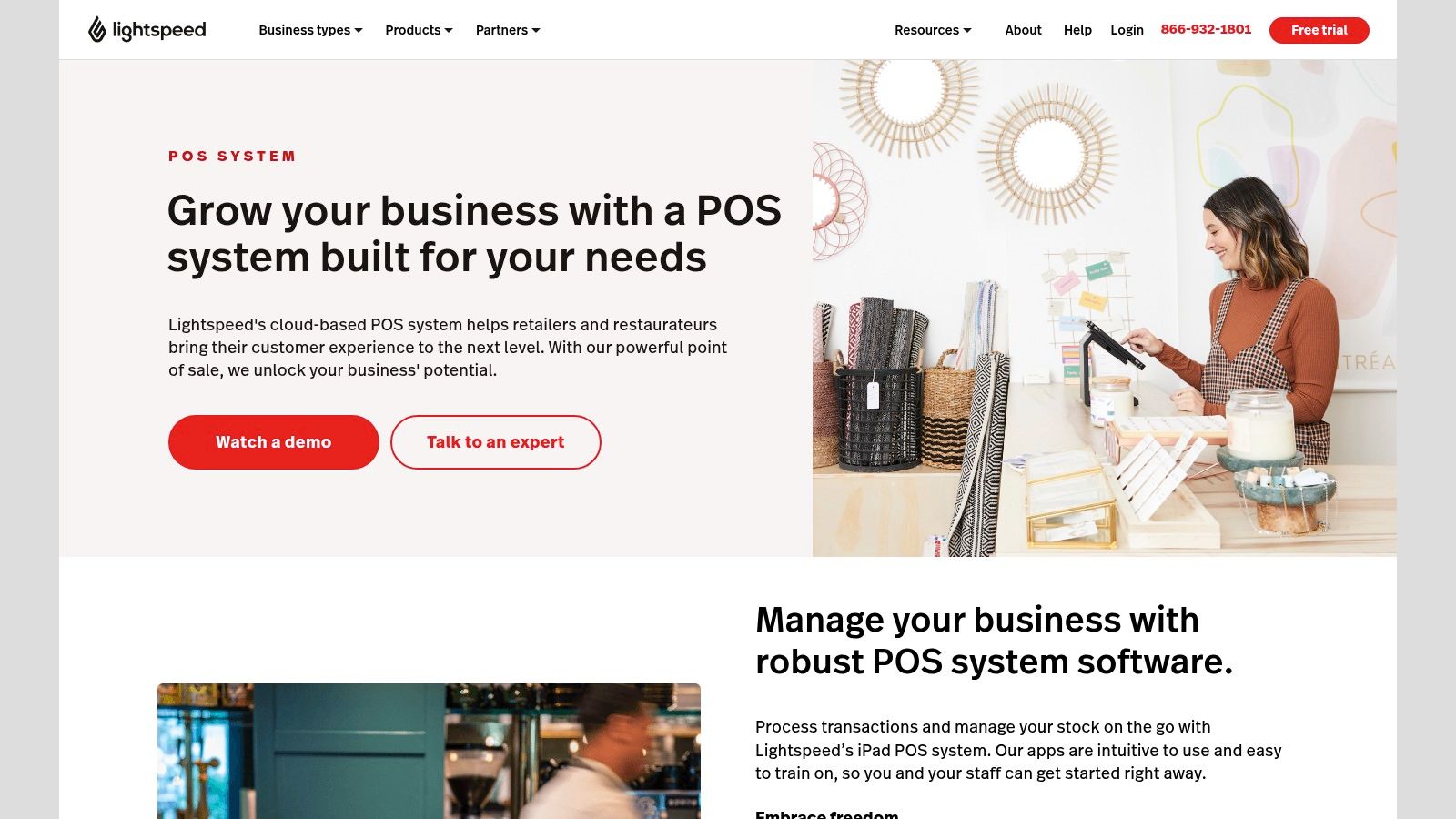
While its feature depth introduces a steeper learning curve compared to simpler systems, this complexity is its core strength. For a growing business, Lightspeed is one of the best POS systems for small business owners who need granular control over their stock and data-driven insights to make strategic decisions, from purchasing to marketing. The dedicated solutions for retail and hospitality ensure that features are highly relevant to the industry's specific challenges.
Key Features and Pricing Breakdown
Lightspeed's architecture is built for growth, with different plans catering to various business sizes and needs. Unlike free-to-start models, it operates on a monthly subscription basis, which funds its extensive feature set and dedicated support.
- Pricing: Subscription-based, starting at around $69-$119/month depending on the plan (Retail or Restaurant) and billing cycle. Payment processing fees are separate.
- Hardware: Compatible with a wide range of third-party hardware, including barcode scanners, receipt printers, and cash drawers, often bundled with their plans.
- Best For: Established retailers, multi-location stores, and full-service restaurants that require sophisticated inventory and reporting tools.
- Limitation: The higher monthly fees and potentially complex interface can be a barrier for new or very small businesses. The need to use their in-house payment processor to get the best rates can be restrictive for some.
Website: https://www.lightspeedhq.com/pos/
6. Toast
Toast is a dominant force in the restaurant technology space, purpose-built from the ground up to handle the unique demands of the food service industry. Unlike general-purpose POS systems, every feature is designed with restaurants in mind, from quick-service cafes to full-service fine dining establishments. This singular focus allows it to offer highly specialized tools for table management, menu engineering, and kitchen communication that generic systems simply can't match, solidifying its place as one of the best POS systems for small business owners in the food and beverage sector.
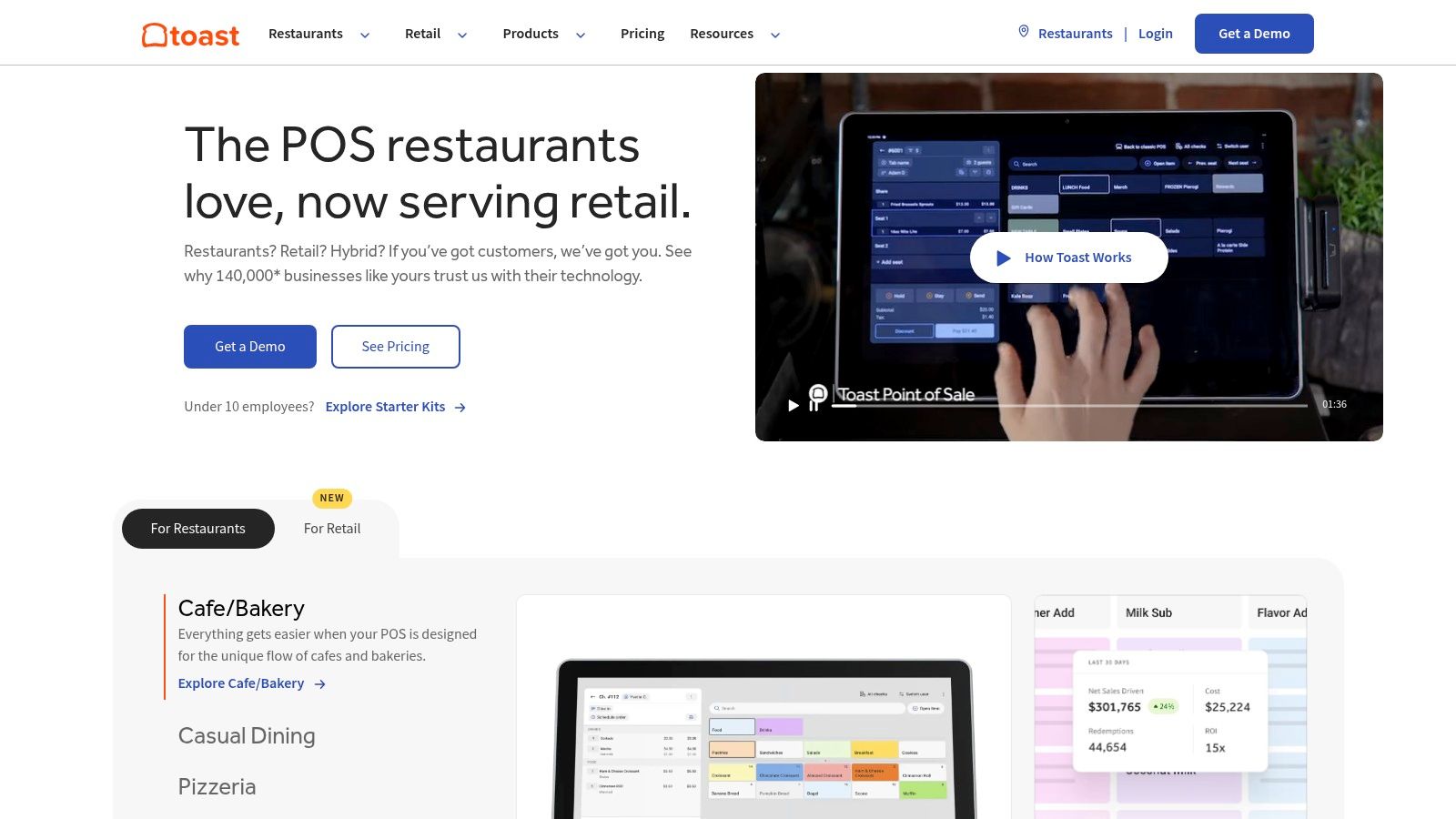
The platform runs on durable, spill-proof, commercial-grade Android hardware, ensuring reliability during a chaotic dinner rush. Its integrated approach means online ordering, delivery service management, and in-house operations all flow through one central hub, providing a unified view of the business and streamlining workflows for both front-of-house and back-of-house staff.
Key Features and Pricing Breakdown
Toast’s all-in-one ecosystem connects every aspect of restaurant operations, from the first guest interaction to back-end reporting and payroll. This comprehensive integration is its core value proposition.
- Pricing: Offers a "Pay-as-you-go" starter plan with no upfront hardware costs or monthly software fees, but higher processing rates. Paid plans start at $69/month for core software.
- Hardware: Custom-built hardware is required, including terminals, kitchen display systems (KDS), and handheld devices.
- Best For: All types of restaurants, including cafes, bars, pizzerias, and full-service dining, that need a specialized, all-in-one management system.
- Limitation: The system requires a multi-year contract and proprietary hardware, creating vendor lock-in. Some key features, like online ordering and marketing, require add-on subscriptions that increase the monthly cost.
Website: https://pos.toasttab.com/
7. Vend
Vend positions itself as a powerful, retail-focused POS system, designed specifically for brick-and-mortar stores that are looking to grow. It excels in inventory management and multi-store operations, making it a top contender for established retailers with complex stock requirements. Its cloud-based nature ensures that store owners can manage their business from anywhere, offering flexibility that modern retail demands.
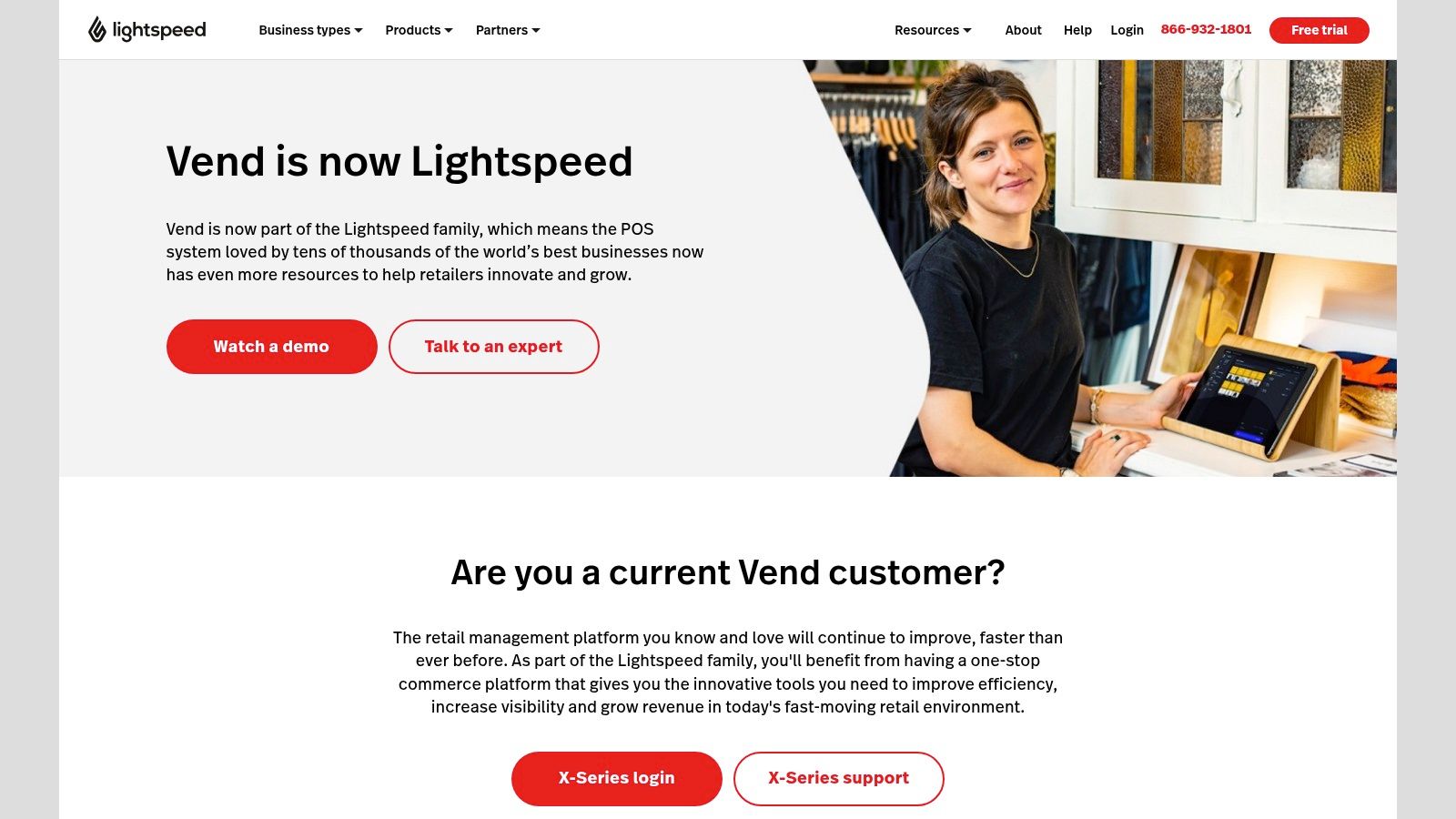
The platform is celebrated for its clean, user-friendly interface that works seamlessly on iPad, Mac, or PC, reducing staff training time. This emphasis on usability, combined with robust backend features, makes Vend one of the best POS systems for small business owners who need sophisticated inventory control without a complicated setup. It also boasts strong e-commerce integrations, allowing for a truly unified online and in-store sales channel.
Key Features and Pricing Breakdown
Vend’s strength lies in its comprehensive feature set tailored for retail. It supports a wide range of third-party payment processors, giving businesses the freedom to choose the best rates. The system also includes powerful reporting and analytics to provide deep insights into sales, customer behavior, and product performance.
- Pricing: Subscription-based, with plans starting around $69/month (billed annually) for the Lean plan. More advanced plans offer expanded features for larger businesses.
- Hardware: Compatible with a wide range of third-party hardware including barcode scanners, receipt printers, and cash drawers.
- Best For: Multi-location retailers, boutiques, and businesses with large inventories that need advanced stock management and e-commerce sync.
- Limitation: The monthly fees are higher compared to entry-level systems like Square, and its offline functionality is more limited, requiring a stable internet connection for optimal performance.
Website: https://www.vendhq.com/
8. PayPal Zettle
PayPal Zettle leverages the familiarity and trust of the PayPal ecosystem, offering a streamlined mobile POS solution for small businesses already using PayPal for their online transactions. Its main appeal lies in its seamless integration, allowing merchants to manage both online and in-person sales within one consolidated financial environment. This unified approach simplifies bookkeeping and provides a holistic view of business performance, making it a strong contender for businesses operating across multiple channels.
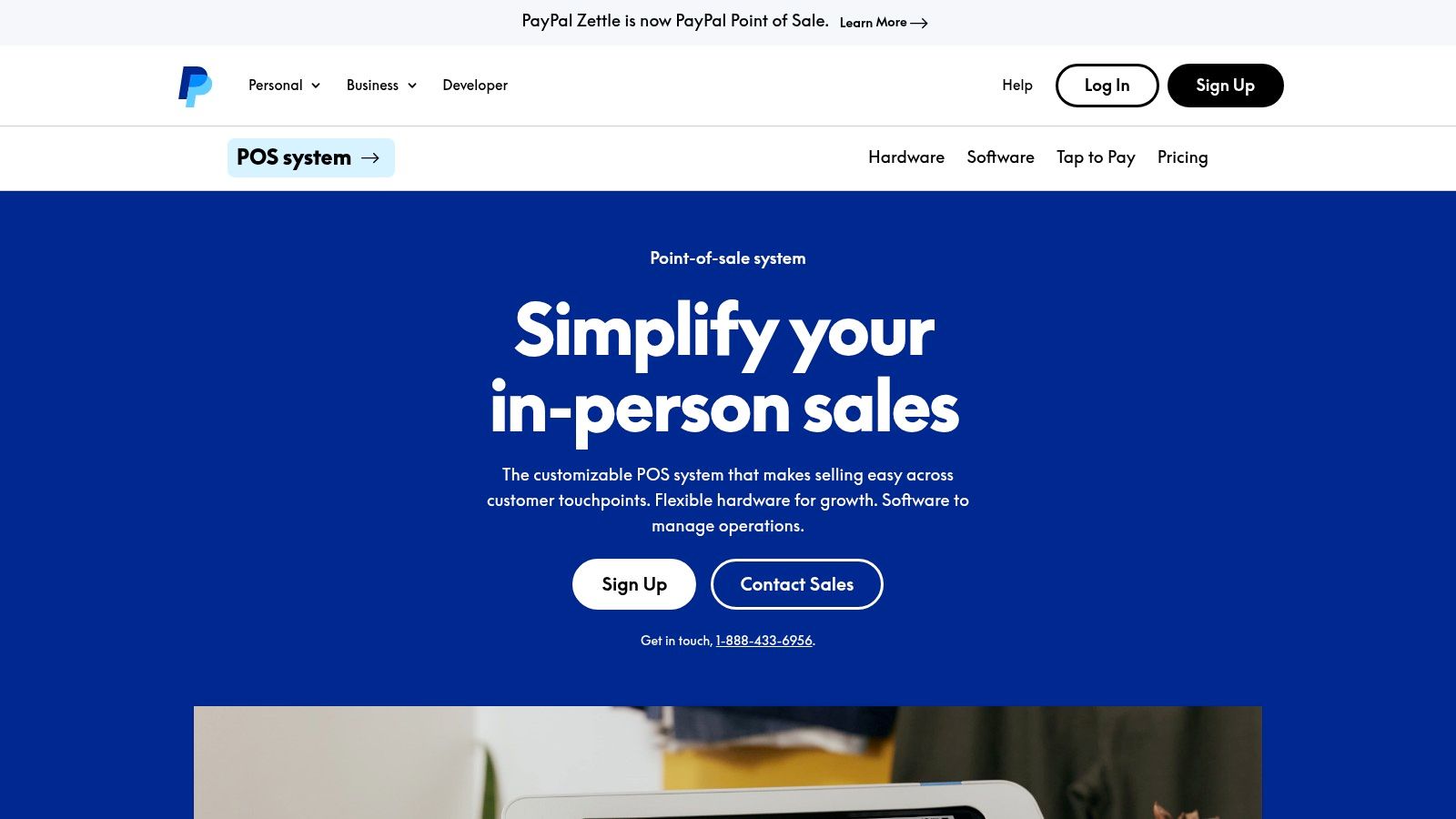
The system is particularly effective for merchants who need a simple, mobile-first setup. By pairing the Zettle mobile app with its sleek card reader, businesses can quickly accept a wide range of payments, including contactless cards and digital wallets, anywhere they operate. This focus on mobility and ease of use makes PayPal Zettle one of the best POS systems for small business owners who value speed and convenience.
Key Features and Pricing Breakdown
Zettle operates on a no-monthly-fee model, which is a significant benefit for businesses with inconsistent sales or those just starting out. The platform provides essential tools for sales tracking and inventory management directly within the app, covering the fundamental needs of a small retail or service operation without any recurring software costs.
- Pricing: No monthly fees. Transaction fees are 2.29% + 9¢ for in-person card and contactless payments, and a higher 3.49% + 9¢ for manually keyed-in transactions.
- Hardware: A modern and affordable card reader is the primary hardware, designed for portability and ease of use.
- Best For: Existing PayPal users, market stall vendors, and service professionals who want a simple, integrated payment system.
- Limitation: The system’s feature set is relatively basic, lacking the advanced inventory, reporting, and employee management tools found in more comprehensive POS solutions. The transaction fees for manual entry are also comparatively high.
Website: https://www.paypal.com/us/business/pos
9. Helcim
Helcim distinguishes itself in the crowded POS market with a singular focus on transparent, cost-effective payment processing. It’s built around an interchange-plus pricing model, which passes the direct cost of processing a transaction from card networks (like Visa or Mastercard) to the merchant, plus a small, fixed markup. This approach offers significant savings for businesses with steady or high sales volumes, making Helcim one of the best POS systems for small business owners who are tired of complex, unpredictable fees.
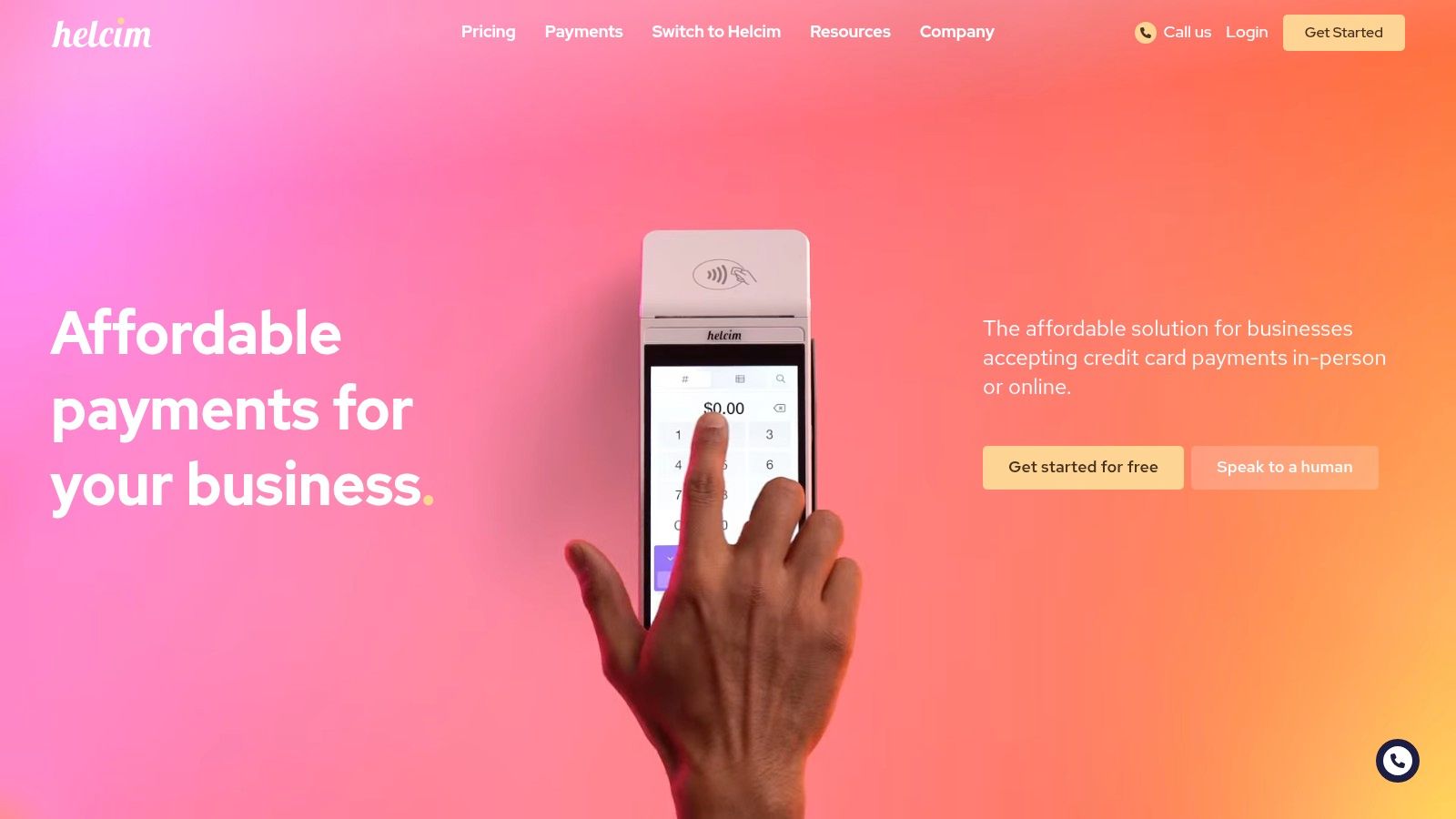
The platform bundles its powerful payment processing with a full suite of business management tools at no extra monthly cost. Users get access to a robust POS application that includes inventory management, customer relationship management (CRM), invoicing, and online checkout capabilities. This all-in-one offering, combined with its pricing honesty, secures its place as a top contender for established small businesses looking to optimize expenses without sacrificing functionality.
Key Features and Pricing Breakdown
Helcim’s core value is its commitment to no monthly fees, no contracts, and providing the most affordable processing rates possible. The system is designed for businesses that have outgrown the flat-rate model and are ready for a more sophisticated pricing structure that rewards higher sales volume with lower effective rates.
- Pricing: No monthly software fees. Processing is based on an interchange-plus model, with rates that automatically decrease as your sales volume increases.
- Hardware: Offers the Helcim Card Reader and works with a range of third-party terminals, providing flexibility.
- Best For: Retail stores, service-based businesses, and B2B companies with consistent sales over $2,000 per month.
- Limitation: The interchange-plus model can seem complex for brand-new businesses, and its proprietary hardware selection is more limited than some all-in-one competitors.
Website: https://www.helcim.com/
10. SumUp
SumUp has carved out a niche in the market by offering an exceptionally mobile-friendly and affordable POS system, perfectly suited for sole traders, market stall vendors, and small businesses on the move. Its core value proposition is simplicity and cost-effectiveness, completely eliminating monthly subscription fees. This makes it a compelling choice for businesses that need a straightforward way to accept card payments without the commitment of a long-term contract or recurring software costs, positioning it as one of the best POS systems for small business owners prioritizing low overhead.
The platform is renowned for its easy setup and user-friendly mobile app, which pairs seamlessly with its sleek, compact card readers. This focus on a frictionless user experience ensures that even the least tech-savvy business owner can start processing transactions within minutes. The system provides essential tools like basic inventory management, sales reporting, and customer profiles directly within the free app, offering significant value without any initial software investment.
Key Features and Pricing Breakdown
SumUp’s model is built around accessibility, with low-cost hardware and a clear, pay-as-you-go transaction fee structure. This approach is ideal for businesses with irregular sales patterns, as costs are directly tied to revenue.
- Pricing: No monthly fees. A flat-rate transaction fee of 2.6% + 10¢ is charged for in-person payments.
- Hardware: Offers a range of affordable and portable card readers, including the SumUp Plus and the standalone SumUp Solo.
- Best For: Mobile vendors, freelancers, artists, and small pop-up shops that require a simple, no-frills payment solution.
- Limitation: The system lacks the advanced inventory, reporting, and integration capabilities of more robust platforms. The transaction fees for online and keyed-in payments are also higher, making it less ideal for businesses with significant e-commerce or phone sales.
Website: https://www.sumup.com/
11. Epos Now
Epos Now positions itself as a powerful, cloud-based POS solution tailored specifically for the retail and hospitality sectors. It stands out by offering an extensive feature set that goes beyond simple payment processing, providing businesses with deep operational control. This system is designed for owners who need granular management over inventory, comprehensive sales analytics, and robust staff management tools, all housed within a single, integrated platform.
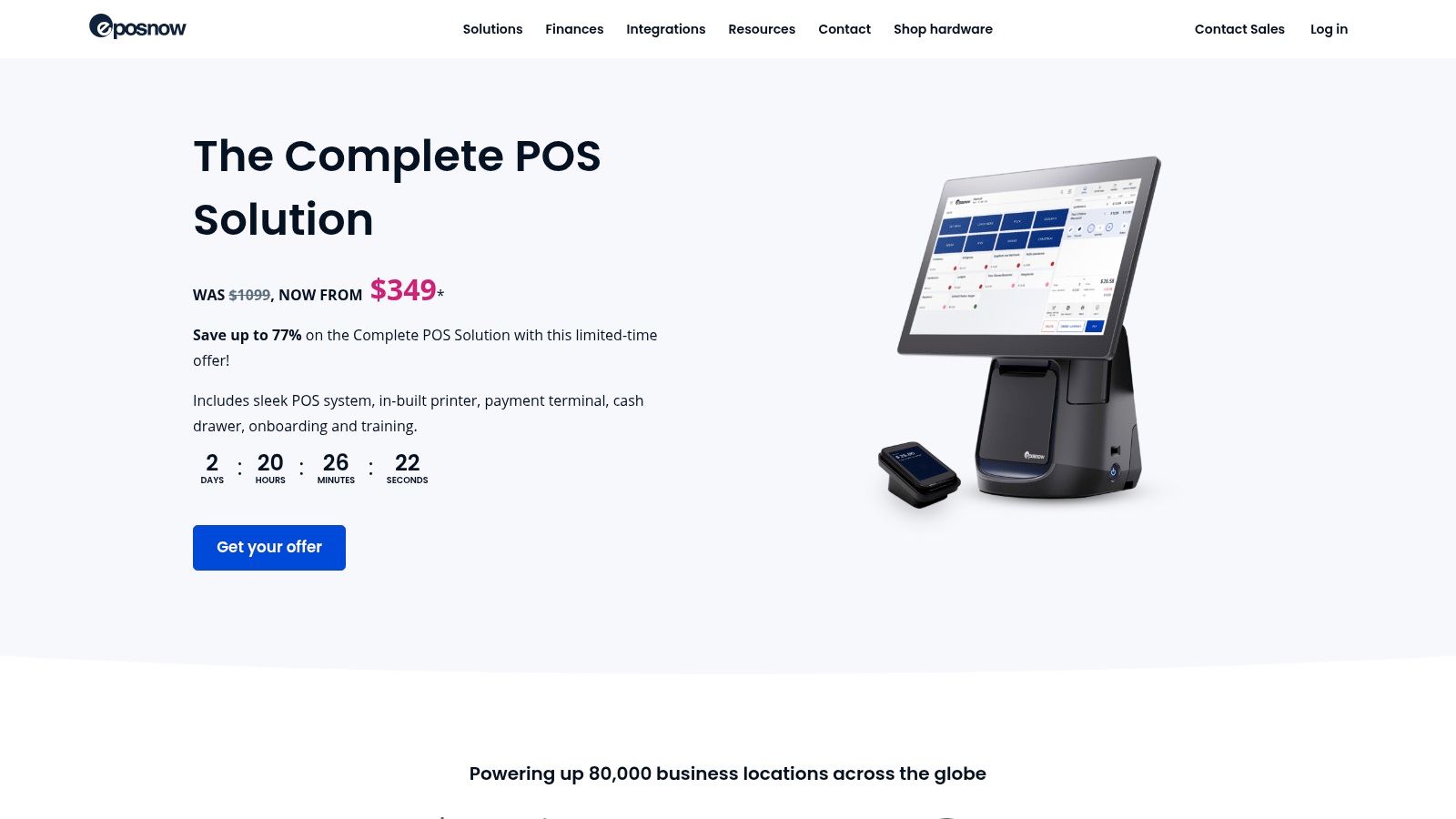
The platform's strength lies in its adaptability. Epos Now supports a vast library of third-party integrations, from accounting software like Xero to online ordering platforms, allowing businesses to create a customized tech stack. This flexibility makes it one of the best POS systems for small business owners who envision scaling their operations and require a system that can grow with them, rather than one they will outgrow.
Key Features and Pricing Breakdown
Epos Now provides both hardware and software bundles, offering a complete out-of-the-box solution. While the hardware can represent a higher initial investment, the software is feature-rich, providing significant value for businesses that can leverage its full capabilities.
- Pricing: Software plans are subscription-based, often bundled with hardware purchases. Custom quotes are standard, so you'll need to contact their sales team for specific pricing.
- Hardware: Offers complete POS terminal kits including a touch screen, cash drawer, and receipt printer. Options are available for both retail and hospitality setups.
- Best For: Established single-location or multi-site restaurants, bars, and retail stores that need advanced inventory and reporting features.
- Limitation: The system’s offline functionality is limited, making a stable internet connection crucial for uninterrupted service. The initial hardware costs can also be a significant hurdle for new businesses on a tight budget.
Website: https://www.eposnow.com/
12. GoDaddy
GoDaddy extends its well-known website-building and e-commerce services into the physical retail space with a straightforward Point of Sale system. Its primary strength lies in its seamless integration with GoDaddy's own ecosystem, making it an excellent choice for existing customers who want to unify their online and in-person sales channels. This creates a cohesive brand experience and simplifies backend management, especially for inventory and customer data.
The platform is designed for simplicity and speed of setup, appealing to small business owners who are not tech experts. For those already using GoDaddy for their e-commerce store, adding the POS functionality is a logical and efficient next step. This makes it one of the best pos systems for small business owners who prioritize an all-in-one solution from a single, familiar provider.
Key Features and Pricing Breakdown
GoDaddy's model focuses on eliminating monthly software fees, bundling functionality with its payment processing and proprietary hardware. This approach is ideal for businesses that want predictable costs tied directly to sales volume.
- Pricing: No monthly fees. In-person transaction fees are 2.3% + 0¢. Keyed-in transactions are 3.3% + 0¢.
- Hardware: Requires GoDaddy's proprietary POS hardware, which includes options like a smart terminal and a card reader with a docking station.
- Best For: Existing GoDaddy customers, solopreneurs, and small retailers who need a simple, integrated system for both online and offline sales.
- Limitation: The system is a closed ecosystem. It has very limited third-party integrations and requires you to use GoDaddy's payment processing and hardware, offering less flexibility than other platforms.
Website: https://www.godaddy.com/pos
Top 12 POS Systems Feature Comparison
| Product | Core Features & Unique Selling Points | User Experience & Quality ★ | Value Proposition & Price 💰 | Target Audience 👥 | Notes / Highlights |
|---|---|---|---|---|---|
| 🏆 Flash | Non-custodial, direct wallet-to-wallet ⚡, subscription billing, paywalls, widgets ✨ | Instant payments, low fees ★★★★☆ | Minimal fees, no KYC, scalable network | Merchants, eCommerce, SaaS, digital creators | Recommended for crypto-focused merchants |
| Square | Free POS software, payment processing, inventory, analytics | Easy setup, intuitive ★★★☆☆ | No monthly fees, higher txn fees | Small businesses, startups | Affordable, limited customization |
| Shopify | E-commerce integration, inventory, multi-channel selling | Seamless integration ★★★★☆ | Monthly fees + hardware costs | Retailers with online & physical stores | Best for Shopify users |
| Clover | Multiple hardware options, employee & loyalty programs | User-friendly ★★★☆☆ | Flexible plans, added cost for features | Retail & restaurant businesses | High-quality hardware |
| Lightspeed | Advanced inventory, multi-location, CRM, e-commerce | Strong reporting ★★★★☆ | Higher monthly fees | Retailers, restaurants, multi-location stores | Robust but steeper learning curve |
| Toast | Restaurant focus: table mgmt., online ordering, scheduling | Restaurant-tailored ★★★★☆ | Contract required, extra fees on add-ons | Foodservice businesses | Excellent support for restaurants |
| Vend | Cloud-based, inventory, loyalty, multi-store | User-friendly ★★★☆☆ | Higher monthly fees | Retailers, multi-store operations | Solid reporting & support |
| PayPal Zettle | Mobile card reader, PayPal integration, contactless payments | Easy PayPal integration ★★★☆☆ | No monthly fees, higher txn fee on manual | Mobile vendors, small businesses | Strong PayPal ecosystem |
| Helcim | Interchange-plus pricing, no monthly fees, invoicing | Transparent pricing ★★★☆☆ | Cost-effective for high volume | High-sales volume businesses | Transparent but limited hardware |
| SumUp | Mobile card readers, no monthly fees, simple setup | Affordable, easy ★★☆☆☆ | No monthly fees, higher online txn fees | Small businesses, mobile vendors | Minimal features |
| Epos Now | Cloud-based, inventory, employee mgmt, third-party apps | Comprehensive features ★★★☆☆ | Higher hardware cost | Retail, hospitality industries | Flexible but pricier hardware |
| GoDaddy | E-commerce integration, inventory, sales tracking | Easy setup ★★★☆☆ | No monthly fee, hardware tied to GoDaddy | Small businesses, online & in-person sales | Limited integrations, GoDaddy hardware only |
Making the Final Call: Your Business, Your POS
Navigating the landscape of the best POS systems for small business can feel overwhelming. We've journeyed through twelve distinct platforms, from industry-specific powerhouses like Toast for restaurants and Lightspeed for complex retail, to versatile all-rounders like Square and Shopify that excel in omnichannel environments. We also explored innovative, forward-thinking solutions like Flash, which opens the door to the burgeoning world of Bitcoin and Lightning Network transactions.
The core lesson is this: there is no single "best" system, only the system that is best for your specific business reality. Your ideal POS is not just a tool for processing payments; it is the central nervous system of your daily operations, influencing everything from customer satisfaction to inventory accuracy and long-term growth strategy.
Key Takeaways and Final Considerations
Before you make your final decision, distill your needs down to the essentials. Reflect on the detailed reviews of systems like Clover, known for its extensive app market, or PayPal Zettle, praised for its simplicity and seamless PayPal integration. Don't forget budget-friendly, straightforward options like SumUp and GoDaddy for new ventures, or the robust, developer-friendly nature of Helcim for businesses focused on low processing fees.
As you weigh your options, revisit these critical decision-making factors:
- Your Business Model: A bustling cafe has vastly different needs than an online course creator or a multi-location retail store. Match the POS features (like Toast's menu management or Vend's advanced inventory) to your primary source of revenue and operational workflow.
- Scalability and Growth: Where do you see your business in five years? A simple mobile card reader might suffice today, but will you need multi-location support, advanced analytics, or eCommerce integration tomorrow? Choosing a system like Shopify or Lightspeed can provide a clear growth path.
- The Customer Experience: The transaction is a critical touchpoint. Consider how the system facilitates a smooth checkout. Does it support modern payment methods like contactless, mobile wallets, or even Bitcoin via the Lightning Network with a solution like Flash? A clunky or slow payment process can sour an otherwise positive customer interaction.
- Hardware and Ecosystem: Evaluate the upfront hardware costs and long-term compatibility. Are you tied to proprietary hardware, or can you use more flexible options like iPads? Consider the software ecosystem, including integrations with accounting software, email marketing platforms, and loyalty programs.
Your Actionable Next Steps
Making a confident choice requires a structured approach. Don't rush into a long-term contract without doing your due diligence.
- Shortlist Your Top 3: Based on our deep dives, select the three systems that most closely align with your industry, budget, and feature requirements.
- Request Live Demos: Reading reviews is one thing; seeing the software in action is another. Schedule demos and come prepared with a list of specific questions about your unique use cases. Ask them to walk you through a typical day for your business.
- Scrutinize the Fine Print: Carefully review pricing structures, contract terms, and transaction fees. Look for hidden costs related to hardware leasing, software add-ons, or customer support tiers.
- Consider the Bigger Picture: A great POS system helps streamline operations, but it's part of a larger ecosystem of tools that shape your brand's perception. For instance, many POS systems offer features to collect customer feedback, which is a cornerstone of effective online reputation management for small business. Integrating your POS data with strategies to monitor reviews and engage with customers creates a powerful feedback loop that fuels growth and builds trust.
Ultimately, investing in the right POS system is an investment in your business's future efficiency, profitability, and ability to adapt. Take your time, trust your research, and choose the partner that will empower you to succeed not just today, but for years to come.
Ready to embrace the future of payments and offer your customers faster, more secure, and globally accessible transaction options? Explore how Flash can integrate seamlessly into your business, providing instant Bitcoin payments over the Lightning Network with minimal fees. See how Flash is making it easy for businesses like yours to step into the future of digital currency.