A BitPay QR code is essentially a digital price tag for making a Bitcoin payment. It neatly packages all the necessary transaction details into a single, scannable square. When you scan it with your Bitcoin wallet, it automatically pulls in the right info, so you don't have to fumble with long, complicated addresses or manually type in payment amounts.
This simple act dramatically cuts down on the chance of making a costly mistake. It makes paying with Bitcoin faster, far more accurate, and just plain easier for everyone involved.
A Bridge Between Digital Cash and Commerce
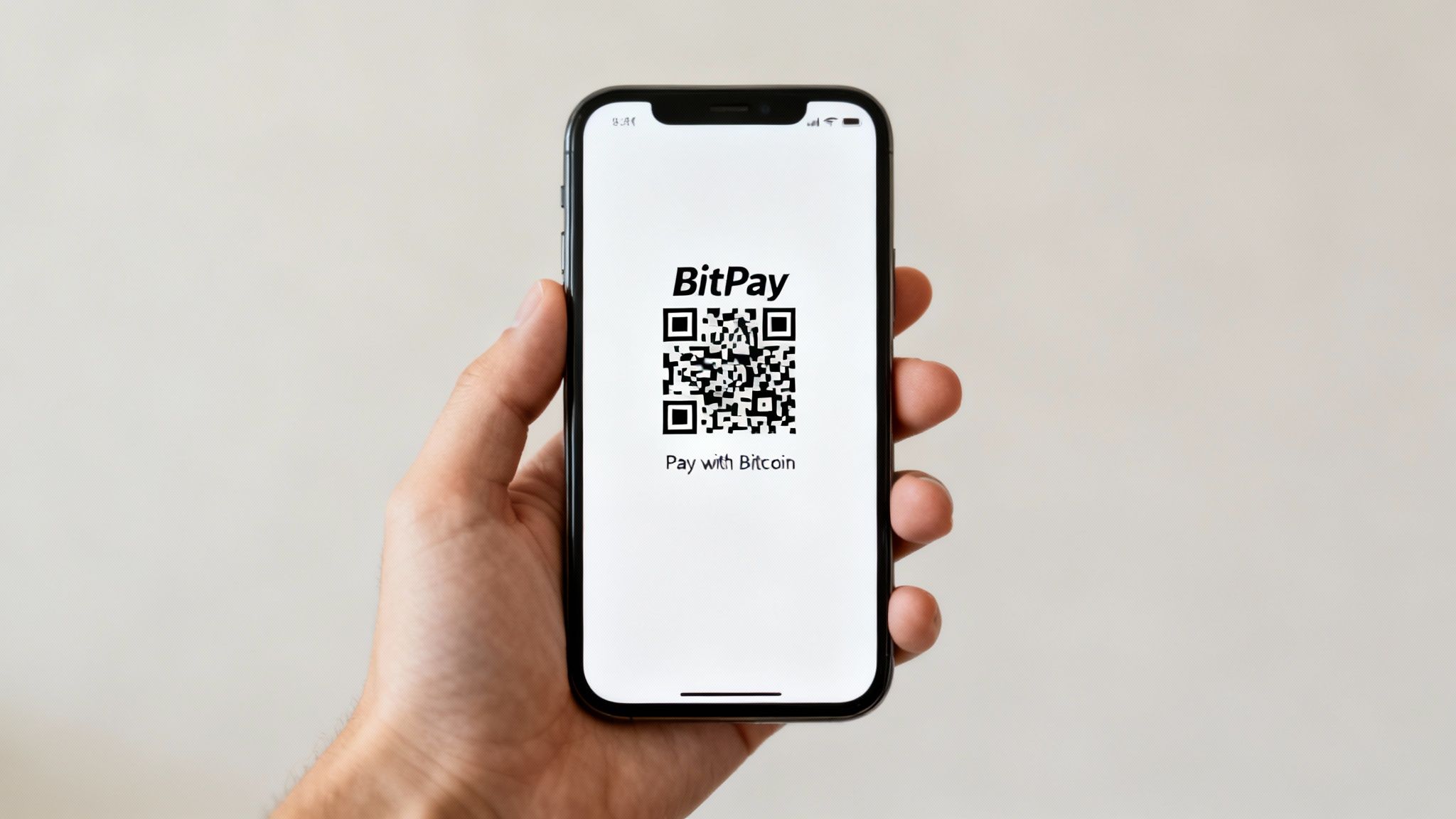
At its heart, a BitPay QR code is a clever tool built to take the headache out of Bitcoin payments. Just picture trying to buy a coffee by typing a 34-character string of random letters and numbers into your phone, all while a line of impatient people forms behind you. It's a recipe for disaster.
One tiny typo in that address, and your Bitcoin could be lost forever in the digital ether. The QR code solves this problem in a brilliantly simple way: it encodes all that critical data into a picture your phone's camera can read in an instant.
The Problem of Manual Entry
Before QR codes became the standard, making a Bitcoin payment was a nail-biting experience. You had to meticulously copy and paste the merchant's long, alphanumeric wallet address and then enter the exact payment amount. It was a process riddled with potential for human error.
In the world of Bitcoin, most errors are irreversible. A single wrong character often means your funds are gone for good. This friction was a huge barrier, making Bitcoin feel clunky and impractical for day-to-day shopping. BitPay's QR codes were designed to tear down that wall, making a Bitcoin payment feel as routine as scanning a barcode at the grocery store.
How BitPay Streamlines the Process
When a merchant requests a payment through BitPay, the system generates a unique QR code for that specific transaction. This isn't just a link to a wallet address; it’s a structured command containing everything your wallet needs to execute the payment flawlessly.
Here’s what a single scan really does:
- Populates the Recipient's Address: The correct merchant wallet address is loaded automatically, killing any chance of a typo.
- Enters the Exact Amount: The precise Bitcoin amount, calculated from the local currency at a locked-in exchange rate, is filled in for you.
- Initiates a Secure Handshake: The code often includes data that lets your wallet talk directly to BitPay’s servers to verify the invoice before you even hit "send."
This simple scan transforms a complex, multi-step chore into a single, near-instantaneous action. It masterfully closes the gap between the technical guts of the Bitcoin network and the smooth checkout experience we all expect in modern commerce.
To get a better sense of the tech that makes this possible, including the secure validation methods involved, it's worth exploring topics like QR Code Authentication. Ultimately, this is the technology that makes Bitcoin a truly viable payment method for both merchants and their customers.
How a Simple Scan Powers Bitcoin Payments
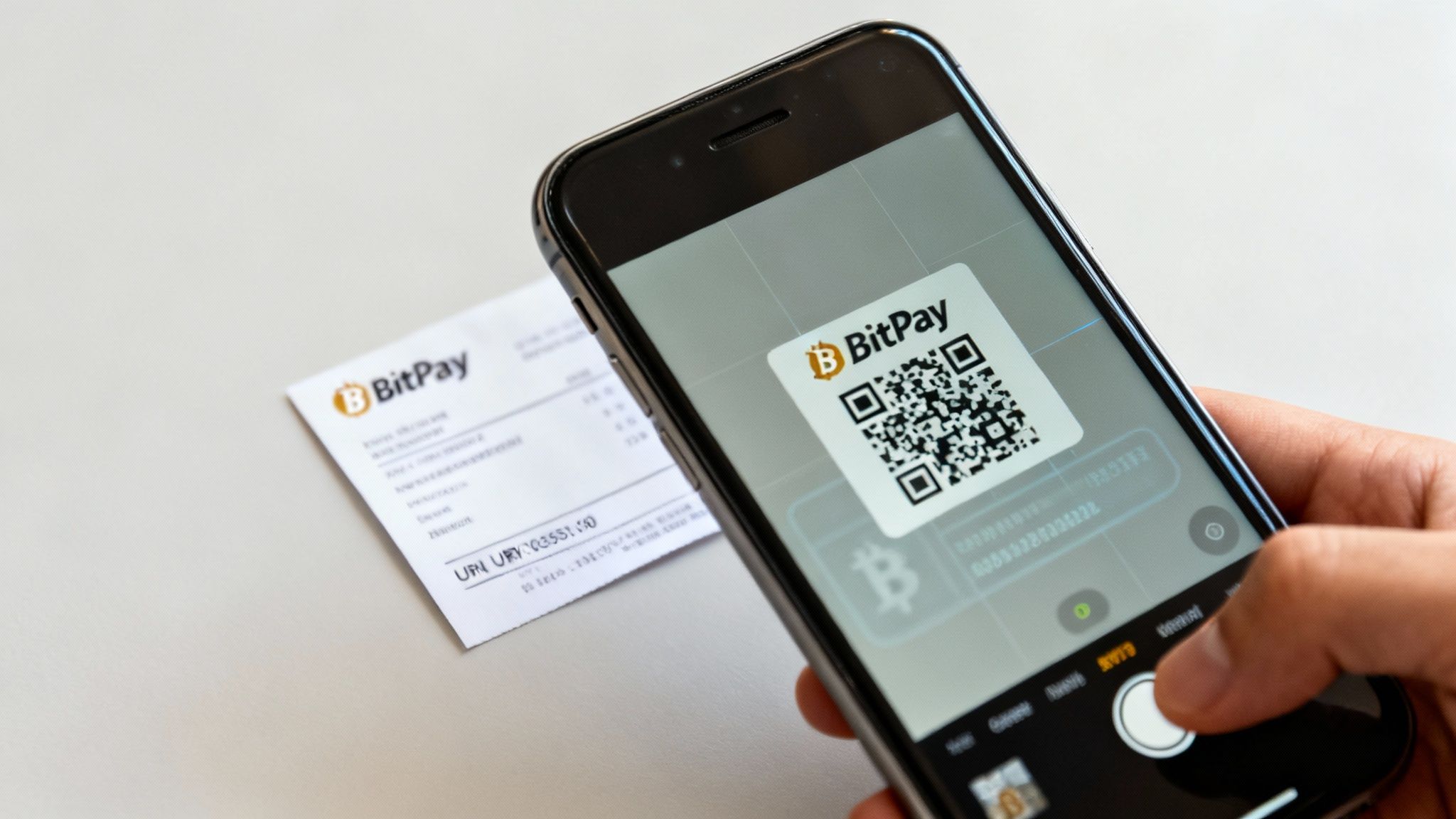
When you point your phone's camera at a BitPay QR code, you're doing a lot more than just scanning a fancy barcode. You're kicking off a precise set of instructions that turns a potentially messy process into a simple, secure payment. This smooth experience is all thanks to a standardized format that acts as the backbone for most Bitcoin QR code payments.
At its heart, the QR code is just a visual representation of the Bitcoin URI scheme. Think of this scheme as a universal language that all Bitcoin wallets understand. It ensures that when your wallet app sees that code, it knows exactly what to do next—no guesswork involved.
This isn't just a random scramble of data; it's a direct command telling your wallet two critical pieces of information: who to pay and how much to send. By packing these details into a single scannable image, the system sidesteps the huge risk of manually typing a long Bitcoin address, where a single typo can mean your funds are lost forever.
The Anatomy of a Bitcoin Payment Request
So, what's actually hidden inside that black-and-white square? While it looks like digital noise, a BitPay QR code contains a structured message your wallet can instantly read. A basic Bitcoin payment request is built on a few key parts.
- The Bitcoin Address: This is the destination for your payment. It's that long, jumbled string of letters and numbers that nobody wants to type by hand.
- The Payment Amount: The code specifies the exact amount of Bitcoin needed for the transaction, so you don't accidentally over or underpay.
- Optional Parameters: Sometimes, extra info like a merchant's name (a "label") or a memo can be included to help you remember what the payment was for.
This structure is the foundation, but BitPay builds on top of it with another layer of intelligence to make the system more robust for real-world commerce.
BitPay’s Payment Protocol: A Secure Handshake
While the basic URI scheme works well, BitPay levels it up with its own Payment Protocol. This protocol opens a direct line of communication between your wallet and BitPay's servers the moment you scan the code. It turns a simple one-way instruction into an interactive conversation.
This "digital handshake" is a vital step that verifies all the payment details before your transaction ever hits the blockchain. Your wallet doesn't just send the funds off into the void; it first checks in with BitPay to make sure the invoice is legitimate and correct.
This back-and-forth confirmation checks several things:
- Invoice Validity: Is this payment request still active, or has it expired?
- Merchant Identity: Is the payment going to the right merchant, or is this a phony QR code?
- Payment Accuracy: It locks in the Bitcoin price at that moment, protecting both you and the merchant from price swings while you complete the payment.
By enabling this secure conversation, BitPay turns a simple scan into a confirmed, error-free transaction. It's this protocol that makes the whole system reliable enough for everyday use at the checkout counter.
The rapid growth of QR code technology shows just how valuable this is. The global QR code payment market was pegged at around USD 12.54 billion in 2024 and is expected to rocket to USD 61.73 billion by 2033. This surge is fueled by our demand for instant, touch-free ways to pay, which is exactly what BitPay's system delivers for Bitcoin. You can dig into more data on the global QR code economy on Grand View Research.
Because so many of us are already used to scanning QR codes for everything from restaurant menus to concert tickets, using them for Bitcoin payments feels like a natural next step. It simplifies the whole experience, bridging the gap between traditional shopping and the world of digital currency.
Accepting Bitcoin Payments as a Merchant
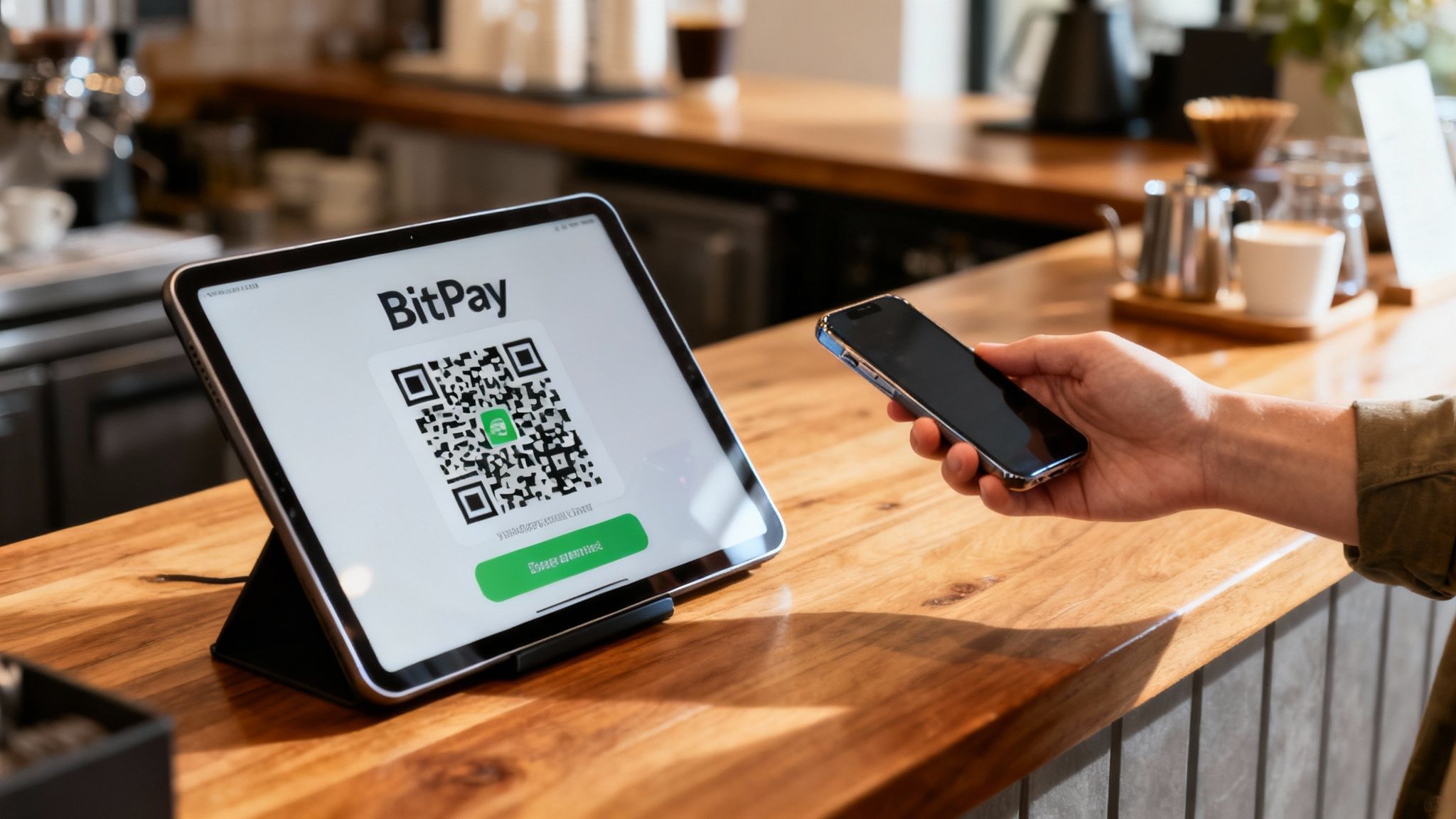
For any business curious about tapping into the Bitcoin economy, BitPay is one of the most direct ways to start. The whole platform is built to get rid of the usual hurdles, making it surprisingly simple to accept Bitcoin without needing a crash course in the technology. It all starts with setting up a merchant account, which becomes your command center for all things transactions and settlements.
Once you’re set up, the real action happens at your point of sale. Generating a payment request is the core of the whole experience. Whether you’re using a tablet in your shop or an integrated checkout on your website, the process is clean and consistent.
That simplicity is key. Merchants don't need to be Bitcoin experts—they just need a tool that works. BitPay handles all the messy, technical stuff behind the curtain, letting you focus on running your business.
Generating Your First Payment Request
Creating a BitPay QR code is practically instant. As a merchant, you just punch in the sale amount in your local currency, like dollars or euros. BitPay’s system grabs that amount, converts it to the equivalent in Bitcoin at the current market rate, and locks in that price for a 15-minute window.
This invoice then pops up as a unique QR code on your screen. The customer scans it, and boom—their wallet is automatically filled with the exact payment details. No fumbling with addresses or amounts, which means no chance of typos.
Think about two everyday examples:
- A Coffee Shop: The barista enters $5.00 into the BitPay POS app on a tablet. A QR code for that amount instantly appears for the customer to scan.
- An Online Store: A shopper is ready to buy a $150 item and clicks "Pay with BitPay." A unique QR code is generated right there on the checkout page, ready for a quick scan with their mobile wallet.
In both situations, the merchant is only dealing with their familiar local currency. BitPay takes care of all the Bitcoin conversions and network details, making it a smooth ride for everyone.
From Scan to Settlement
So, what happens after the scan? This is where BitPay really earns its keep for merchants. The platform's system immediately starts watching the Bitcoin network for that specific transaction. As soon as the payment is detected and confirmed on the blockchain, the invoice is marked as paid.
You get that confirmation right away, so you can hand over the coffee or ship the product with total confidence. No need to stare at a block explorer or nervously wait for funds to appear. The BitPay dashboard gives you a clear, real-time status update for every single sale.
The biggest game-changer for most businesses is the automatic settlement. BitPay completely shields you from Bitcoin's price swings by converting the Bitcoin you receive back into your chosen currency and dropping it right into your bank account.
This means you get the exact amount you charged, every time. You're protected from the volatility of the crypto market. While BitPay offers a fantastic solution for Bitcoin, it's always smart for merchants to compare different payment gateways to build a well-rounded payment strategy.
To get started, here's a quick checklist to guide you through the setup process.
Merchant Setup Checklist for BitPay QR Code Payments
| Step | Action Required | Key Consideration |
|---|---|---|
| 1. Create an Account | Sign up for a BitPay merchant account on their official website. | Have your business verification documents (like articles of incorporation) ready. |
| 2. Configure Your Business Profile | Enter details about your business, including industry and expected volume. | This information helps BitPay tailor the service and ensure compliance. |
| 3. Set Up Settlement Preferences | Link your bank account and choose your preferred settlement currency (e.g., USD, EUR). | Decide on your settlement frequency—daily, weekly, etc. Daily is often best to minimize exposure. |
| 4. Integrate with Your POS or Website | Install the BitPay app on your POS device or integrate the API with your e-commerce platform. | Check for pre-built plugins for platforms like Shopify or WooCommerce to make this step easier. |
| 5. Run a Test Transaction | Create a small invoice (e.g., $1.00) and pay it yourself from a personal Bitcoin wallet. | This ensures the entire flow—from QR code generation to bank settlement—is working correctly. |
Following these steps will get you up and running smoothly, ready to accept your first Bitcoin payment.
The proof is in the numbers. BitPay supports a large number of merchants across the globe and processes millions of transactions annually. Bitcoin remains the most dominant asset used on the platform, cementing its role as a serious payment option.
Making a Payment as a Customer
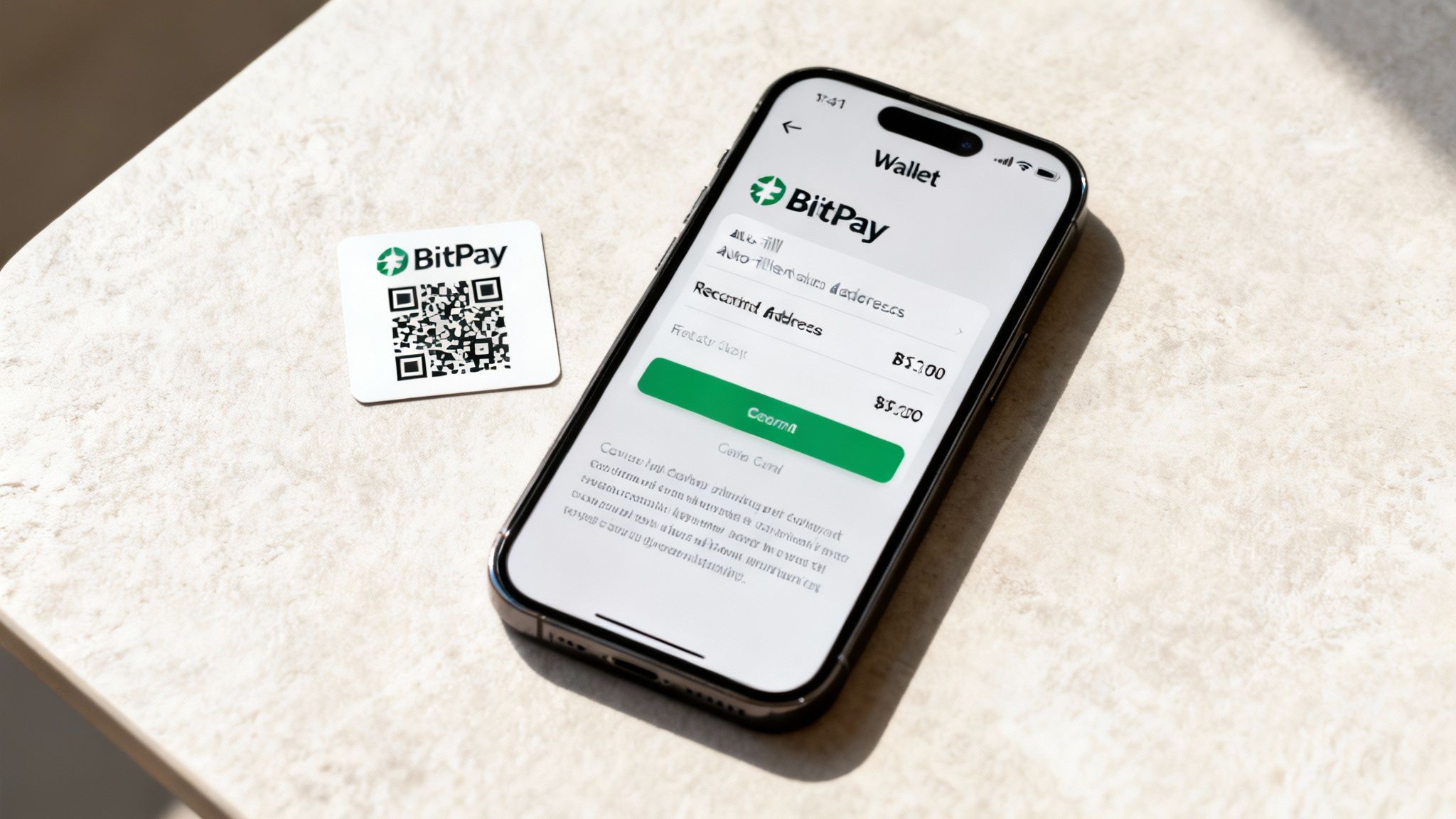
From your side of the counter, paying with a BitPay QR code feels just like any other modern digital payment. The whole experience has been boiled down to a few quick taps on your phone, completely hiding the technical stuff that usually comes with Bitcoin transactions. All you really need is a compatible Bitcoin wallet on your smartphone.
Once you’ve got your wallet funded and ready to go, the actual payment is a refreshingly simple three-step process. This is a world away from the old, clumsy method of trying to copy and paste a long, complicated Bitcoin address without making a typo. A single scan is all it takes to kick off a secure and accurate payment.
The entire customer journey is built for speed and confidence. You don't need to know anything about how the Bitcoin network operates to buy a coffee or pay for a service. The QR code is the perfect middleman, translating the merchant's payment request into a simple action you can complete in seconds.
The Simple Three-Step Payment Process
The real magic of the BitPay system is just how simple it is. Paying for something follows a clear, intuitive path that removes any guesswork and practically eliminates the chance of making a mistake. It’s a process you'll get right on the very first try.
This streamlined flow is no accident. It’s designed to make Bitcoin payments practical for everyday life, whether you're at a local cafe or checking out online. The goal is to make the experience feel familiar, safe, and incredibly fast.
Here’s exactly how it breaks down:
Open Your Bitcoin Wallet
First thing's first: open your favorite Bitcoin wallet app. Find the "send" or "scan" button, which will fire up your phone's camera, making it ready to read the QR code.Scan the BitPay QR Code
Next, just point your camera at the QR code the merchant shows you—it could be on a screen or a printed bill. Instantly, your wallet will read the data and fill in all the payment fields for you.Confirm the Transaction
Finally, your wallet will pop up a summary screen with all the key details: the recipient's address and the exact Bitcoin amount. Give it a quick once-over to make sure it's all correct, then authorize the payment with a tap or your fingerprint.
This process perfectly illustrates why QR codes have become so dominant in modern payments. Their use has exploded worldwide, creating the ideal environment for systems like BitPay to thrive. In fact, research shows that 44.6% of internet users between 16 and 64 scan at least one QR code every month. The United States alone is responsible for nearly 44% of all global scans, proving just how deeply this habit is ingrained. You can check out more stats on the rise of QR codes at QR-Insights.com.
Key Benefits for the Customer
Using a BitPay QR code isn't just about being quick; it also brings some serious advantages to the table from a customer’s perspective. Each benefit is designed to build trust and offer a better payment experience than both old-school methods and manual Bitcoin transfers.
The biggest win is the total elimination of manual entry. Your wallet handles the recipient’s address and the precise Bitcoin amount automatically. This virtually erases the risk of sending your funds to the wrong place—a common and often irreversible mistake.
Beyond that crucial safety net, you also get:
- Enhanced Speed: The entire transaction, from scan to confirmation, can be wrapped up in less than a minute.
- Improved Privacy: You’re not sharing sensitive data like credit card numbers or personal details with the merchant.
- Transaction Certainty: Because the payment details are pre-filled, you can be absolutely sure you’re sending the exact amount required, avoiding any awkward underpayment or overpayment issues.
Security Best Practices for QR Code Payments
https://www.youtube.com/embed/-bbsXVfBMdI
While a BitPay QR code makes paying with Bitcoin feel almost effortless, that convenience shouldn't lull you into a false sense of security. Both customers and merchants have a part to play in keeping every transaction safe.
Thankfully, you don't need to be a security expert. By adopting a few simple, commonsense habits, you can confidently use this technology and sidestep the most common risks. For customers, it all comes down to that final confirmation screen. For merchants, it's about locking down your account and your physical point-of-sale.
A Customer's Safety Checklist
As a customer, your best defense is simply paying attention. Scammers are always finding new ways to exploit QR codes, but their tricks are easy to catch if you know what to look for.
The golden rule is to always verify the payment details in your wallet app before you even think about hitting "Send." This screen is your last line of defense, showing you the exact amount and the recipient's Bitcoin address. Take two seconds to confirm it all matches what the merchant is asking for.
Here are a few practical tips to keep in your back pocket:
- Trust the Source: Only scan a QR code shown to you directly by the merchant. This could be on their official website's checkout page or a point-of-sale device they physically control. Be extremely skeptical of codes you see on random flyers, posters, or stickers in public.
- Watch Out for 'Qishing': This is just phishing with a QR code twist. A scammer will slap a sticker with their own malicious QR code right on top of a legitimate one, hoping to intercept your payment. It's a low-tech trick that relies on you not paying attention.
- Double-Check the Details: Before you approve anything, give the amount and address in your wallet one last look. The BitPay Payment Protocol adds a layer of safety, but nothing beats a final manual check.
Securing the Merchant's End
For merchants, security is a two-front battle: protecting your digital BitPay account and securing the physical space where you take payments. A compromised account doesn't just mean lost money; it can seriously damage your reputation.
It all starts with basic digital hygiene. Your BitPay account is the key to your funds, so treat it like a bank vault. That means using strong, unique passwords and turning on every security feature you can.
Your single most powerful defense is two-factor authentication (2FA). Enabling 2FA adds a crucial security step, demanding a second, temporary code from your phone to log in or make important changes. This makes it incredibly difficult for someone to get in, even if they somehow steal your password.
Beyond your account, you need to think about your physical checkout environment:
- Protect Your Devices: Make sure the tablets, phones, or computers you use to generate QR codes are secure. Keep the software updated and protected with passcodes.
- Prevent Physical Tampering: Get in the habit of regularly checking any QR codes displayed in your store. Look for signs of tampering, especially stickers that look like they've been placed over the original code.
- Train Your Staff: Your employees are on the front lines. Teach them these security practices so they can spot anything suspicious and help customers pay safely.
By putting these measures in place, both sides of the transaction can use the BitPay QR code system with peace of mind, knowing they’ve done their part to keep the funds safe.
Got Questions About BitPay QR Codes?
Even something as simple as scanning a QR code can bring up a few questions. Getting a handle on how these payments really work is the key to paying with Bitcoin smoothly every single time. Here, we'll tackle the most common questions people have, giving you straight-up answers to help you pay with confidence or fix any issues that pop up.
Think of this as your practical guide for all things BitPay. Whether you're wondering which wallet to use or what happens if a payment goes sideways, we’ve got you covered.
Can I Use Any Bitcoin Wallet to Scan a BitPay QR Code?
Technically, yes, almost any wallet can scan a QR code. But for BitPay, you’ll have a much better—and safer—experience if your wallet supports the Bitcoin Payment Protocol.
This protocol is the magic ingredient that makes BitPay transactions so reliable. It lets your wallet talk directly with BitPay’s servers before you hit send. This quick check-in confirms the invoice is legit, verifies the merchant’s identity, and locks in the exact Bitcoin amount. It’s a simple but powerful step that prevents classic mistakes like sending too little or too much.
If you use a wallet without this support, you're flying blind. You miss out on that extra layer of verification, which opens the door to failed or messy transactions. For the smoothest payment possible, stick with a wallet that plays nice with BitPay's system.
What Happens If I Send the Wrong Bitcoin Amount?
BitPay’s whole system is built to stop this from happening, especially if you use a compatible wallet that fills in the amount for you. But hey, mistakes can happen. If an incorrect amount gets sent, BitPay has a clear process for sorting it out.
Underpayments: If you send less than the invoice requires, the payment won't go through. BitPay will usually email you with instructions to pay the rest and complete the order. You'll also have the option to just get a refund for the amount you already sent.
Overpayments: Send too much? No problem. The payment will still be processed, and the merchant will get the correct amount. BitPay then automatically kicks off a refund for the extra funds. You'll just need to provide a Bitcoin address to get the overpaid amount back.
The easiest way to avoid all this? Use a wallet that supports the Bitcoin Payment Protocol. It takes any manual guesswork out of the equation, ensuring you send the right amount, every single time.
Are There Fees When Using a BitPay QR Code?
Yes, there are a couple of costs for the customer when paying a BitPay invoice. It’s good to know what they are so you aren't caught off guard at the final confirmation screen.
First up is the Bitcoin network fee, often called a miner fee. This isn't a BitPay fee—it's what you pay the Bitcoin network to get your transaction confirmed by miners. Your wallet calculates this for you, and it can change depending on how busy the network is.
The second is a 1% Network Cost fee that BitPay adds to the invoice total. This helps cover the operational costs of processing the payment on the blockchain. It's clearly listed and baked into the final amount on the QR code, ensuring the merchant always gets their full asking price while the customer covers the transaction overhead.
How Long Do I Have to Pay After Scanning the Code?
When a BitPay QR code is created, a 15-minute timer starts ticking. This is a big deal because, for those 15 minutes, the Bitcoin exchange rate for your purchase is locked in. It’s a clever feature that protects both you and the merchant from Bitcoin's price swings.
You have to send the transaction from your wallet within that window to get the guaranteed rate. If you wait too long and the invoice expires, the payment might not process correctly.
If you do send a payment after the timer runs out, it could be processed at a completely new exchange rate, which can easily result in an underpayment or overpayment. The best move is to always complete your payment right after scanning the BitPay QR code to make sure everything goes through as planned.
At Flash, we believe in empowering merchants with direct, decentralized Bitcoin payment solutions. Our platform enables you to accept wallet-to-wallet payments instantly, without us ever touching your funds. This approach eliminates intermediaries, minimizes fees, and removes KYC requirements, offering you and your customers complete privacy and control. Turn any device into a Bitcoin POS terminal and start accepting payments in under a minute. Explore how Flash can connect you to the global Bitcoin economy at .