Before you can start accepting Bitcoin, you need a safe place to keep it. This isn't like opening a standard bank account; it's about choosing the right digital vault for your business. The first big decision is whether you need a "hot wallet" for everyday sales or a "cold wallet" for long-term savings.
This choice is foundational. It sets the stage for how you'll manage your Bitcoin revenue, balance security with convenience, and ultimately, take control of your earnings.
Understanding Your Bitcoin Wallet Options
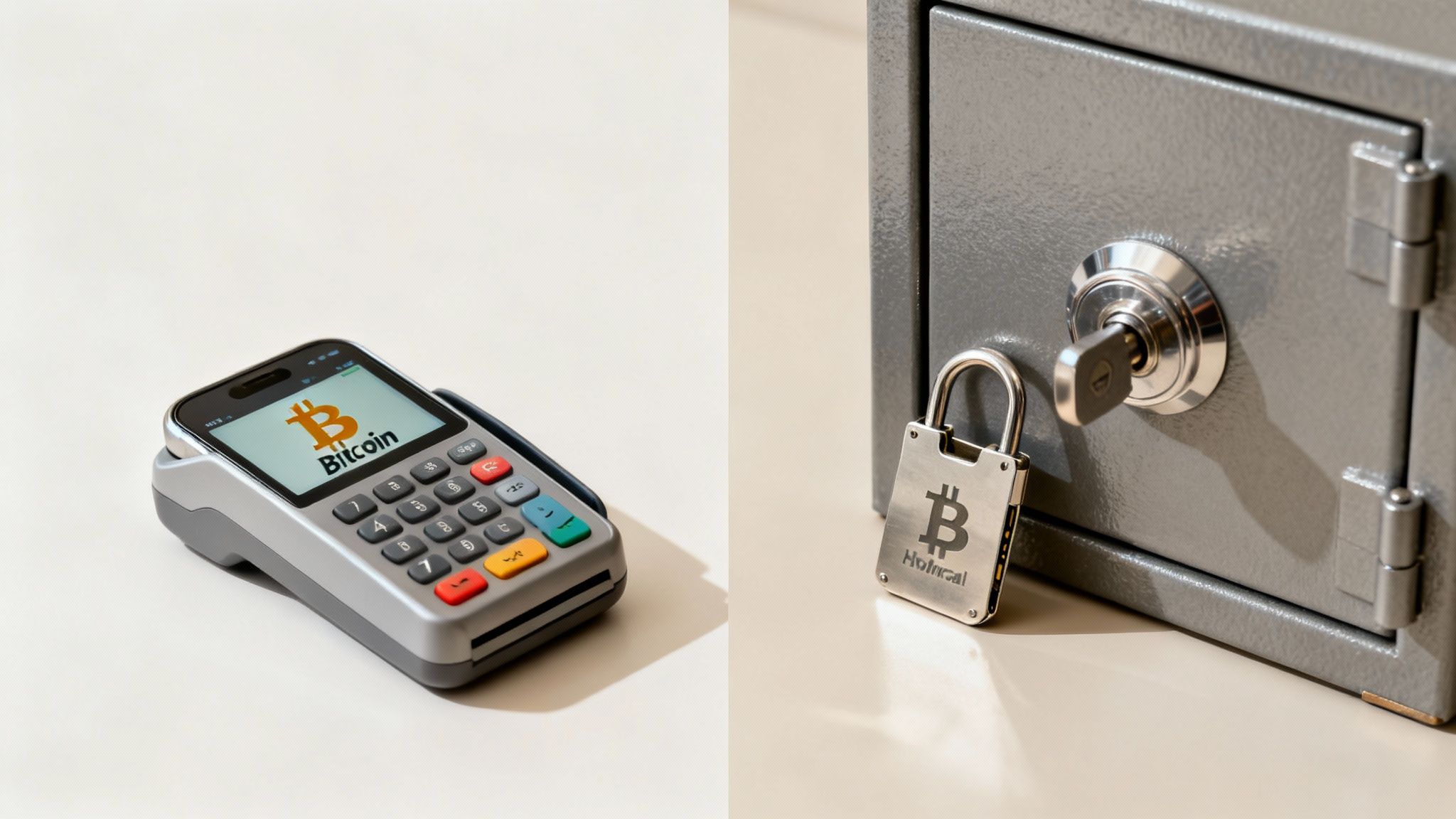
Picking your first Bitcoin wallet is easily the most important step you'll take. Think of it less like opening a simple account and more like installing a core piece of your business's financial plumbing. The wallet you choose directly impacts your security, ease of use, and how efficiently you can handle customer payments.
The whole system is built around self-custody, which just means you are in complete control of your funds. It’s a powerful concept, but that responsibility means you need to get comfortable with the tools of the trade.
Hot Wallets: Your Digital Cash Register
A hot wallet is any Bitcoin wallet that's connected to the internet. This includes the mobile apps, desktop software, and web-based wallets you've probably heard of. Their constant connectivity is what makes them so handy for day-to-day business.
- Best for: Processing frequent customer payments and managing smaller, operational balances.
- Real-world scenario: A coffee shop owner uses a mobile wallet app on a tablet to instantly accept a Bitcoin payment at the counter. Quick, seamless, and the customer is on their way.
Because they’re always online, hot wallets are all about speed and access. This is perfect for the fast pace of retail, where nobody wants to wait around for a transaction to clear. But that same convenience—being connected to the internet—naturally comes with a higher security risk compared to their offline cousins.
The demand for these tools is exploding. The global crypto wallet market was valued at USD 12.59 billion in 2024 and is expected to jump to nearly USD 18.96 billion by 2025. This growth is fueled by merchants and individuals who want direct control over their money. Unsurprisingly, internet-connected hot wallets command over 50% of the market share because they're just so easy to use. You can dig into the numbers in this report on wallet market statistics.
To help you visualize the difference, here's a quick breakdown of hot versus cold wallets.
Choosing Your Bitcoin Wallet Type
| Wallet Type | Best For | Security Level | Convenience |
|---|---|---|---|
| Hot Wallet | Daily transactions, small balances | Good | High |
| Cold Wallet | Long-term savings, large amounts | Excellent | Low |
Most businesses end up using a combination of both—a hot wallet for daily sales and a cold wallet to secure the profits.
Cold Wallets: Your Business Vault
On the flip side, a cold wallet (or cold storage) is completely disconnected from the internet. These are usually physical hardware devices, often looking like a USB stick, that store your Bitcoin's private keys entirely offline.
Being offline makes them practically untouchable by online threats like hacking and malware.
The easiest way to think about it is this: your hot wallet is the cash register you use for daily sales, while your cold wallet is the secure bank vault where you lock up your earnings for long-term safekeeping.
Cold wallets are the undisputed gold standard for securing any significant amount of Bitcoin that you don't need to touch right away. For a merchant, this is the perfect place to sweep the day's or week's profits from your hot wallet, protecting your capital from the risks that come with daily operations.
Selecting the Right Bitcoin Wallet for Your Business
Now that we’ve covered the difference between hot and cold storage, it's time to get practical and pick the right wallet for your business. This isn't a one-size-fits-all decision. The wallet that works wonders for a solo creator is probably the wrong choice for a bustling online store.
Getting this right from the start saves you from a world of logistical headaches later. Instead of just grabbing the most popular name you see, your choice should be a direct reflection of how your business actually operates.
First, Map Out Your Business Needs
Before you even start browsing wallet reviews, take a step back and think about your specific situation. A small online shop selling digital art has completely different requirements than a company with a finance team that needs to manage funds.
Ask yourself these questions:
- Who needs access? Is it just you? Or do multiple team members need to get their hands on the funds? This will tell you if you need a multi-signature wallet.
- What’s your transaction volume like? A high-volume business needs powerful transaction management tools. If you're just starting, simplicity might be more important.
- Where do you make your sales? An online merchant will lean towards a desktop or web wallet. A physical store or a stall at a weekend market will find a mobile wallet indispensable for taking payments on the fly.
Answering these questions first will dramatically narrow down your options and stop you from wasting time on wallets that just won't work for you. It's about building a crypto setup that actually serves your business model.
Think of it like choosing accounting software. You wouldn't saddle a small freelance business with a complex, enterprise-level system. The same logic applies here; the tool has to fit the job.
For a real-world example, picture a local coffee shop. They could thrive with a simple, trusted mobile wallet running on a dedicated tablet at the counter. It's fast, easy for the staff to learn, and perfect for those quick point-of-sale transactions. Speed and simplicity are everything in that environment.
Key Features Merchants Should Look For
Once you have a clear picture of your needs, you can start evaluating wallets based on the features that truly matter for a business. While any wallet can send and receive Bitcoin, merchants should be on the lookout for a few extra capabilities.
An e-commerce store with a small finance team, for instance, should make multi-signature (multisig) support a non-negotiable feature. This is a security setup that requires two or more private keys to sign off on a transaction. It means no single employee can move funds on their own, which massively reduces the risk of internal theft or costly mistakes. It's the crypto version of needing two managers to open the company safe.
Beyond specific features, look into the wallet provider's reputation. How long have they been in the game? Do they push out regular security updates? A wallet is a long-term piece of your financial infrastructure, so you want to partner with a provider known for being reliable and obsessed with security.
Finally, make sure the wallet you choose plays nicely with payment platforms like Flash. This is crucial for enabling seamless, direct wallet-to-wallet transactions without unnecessary middlemen getting in the way.
How to Create and Secure Your New Bitcoin Wallet
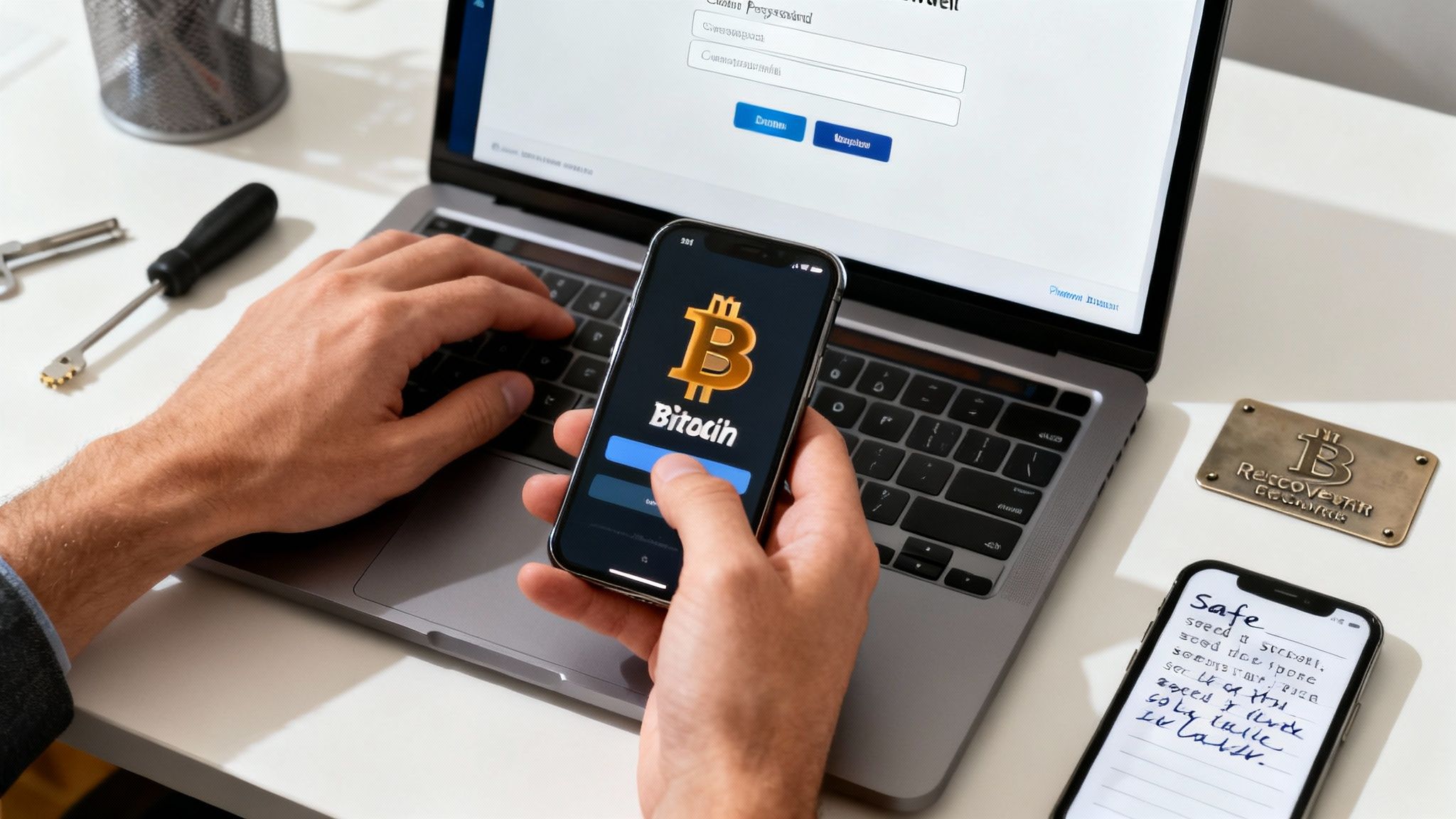
This is what a public Bitcoin address looks like. It’s what you’ll share with customers so they can pay you.
Okay, you've picked the right type of wallet for your business. Now it’s time to get it set up. The process itself is usually quick, but the security measures you put in place right now are what will protect your funds for the long haul. Let's walk through what really matters.
Initial Setup and Password Creation
First things first, get the wallet software from the official source. That means the developer’s website or the official app store—no exceptions. Once you've installed it, the app will walk you through the creation of a new wallet.
You'll be asked to create a strong password or PIN. Think of this as the first lock on your digital vault. It encrypts the wallet on your device and is required every time you want to send funds out.
- Make it unique: Never, ever reuse a password from another service.
- Make it complex: Mix it all up—uppercase, lowercase, numbers, and symbols.
- Make it memorable (to a machine): Your best bet here is a password manager. It can generate ridiculously complex passwords and store them securely for you.
But here’s the thing: this password only protects the wallet on this specific device. It’s not the real key to your funds. That honor belongs to something far more important: your recovery phrase.
Understanding Your Recovery Phrase
During the setup, your wallet will spit out a recovery phrase, sometimes called a seed phrase. It’s a list of 12 or 24 random words. You need to treat this phrase like the master key to your entire Bitcoin vault.
Why? Because if your computer dies or you lose your phone, this exact sequence of words is your only way to get your funds back. You can enter it into a new wallet on a new device and regain full access. It’s your ultimate safety net.
Think of it this way: the password is the key to your house (the device), but the recovery phrase is the deed to the property (your Bitcoin). Anyone who has the deed owns the property, no matter what.
Because of this, how you store this phrase is the single most critical security decision you'll make.
Securing Your Recovery Phrase
So many people get this part wrong. It's tempting to store your recovery phrase somewhere convenient, but that's almost always a terrible idea. Your one job is to protect it from both digital thieves and physical accidents.
Where you should NEVER store your phrase:
- In a cloud drive like Google Drive or Dropbox.
- In an email to yourself.
- As a screenshot on your phone or computer.
- In a text file on your desktop.
All these methods leave your master key connected to the internet, just waiting for a hacker to find it. The best practice is old-school and simple: write it down on paper or, even better, engrave it on metal. Then, lock it away somewhere safe and offline, like a fireproof safe.
Finding Your Bitcoin Receiving Address
With your wallet set up and your recovery phrase tucked away securely, you're ready to get paid. For that, you need your public receiving address.
This address is just a long string of characters, often shown as a QR code for easy scanning. You can share this with anyone without any risk—it's like giving someone your bank account number. Most modern wallets generate a fresh address for every new transaction, which is a great practice for merchant privacy.
And one final, crucial tip: lock down any accounts associated with your wallet, like the email you use for notifications. Setting up strong Multi-Factor Authentication (MFA) adds another powerful layer of defense against anyone trying to gain unauthorized access.
The Merchant's Daily Bitcoin Security Checklist
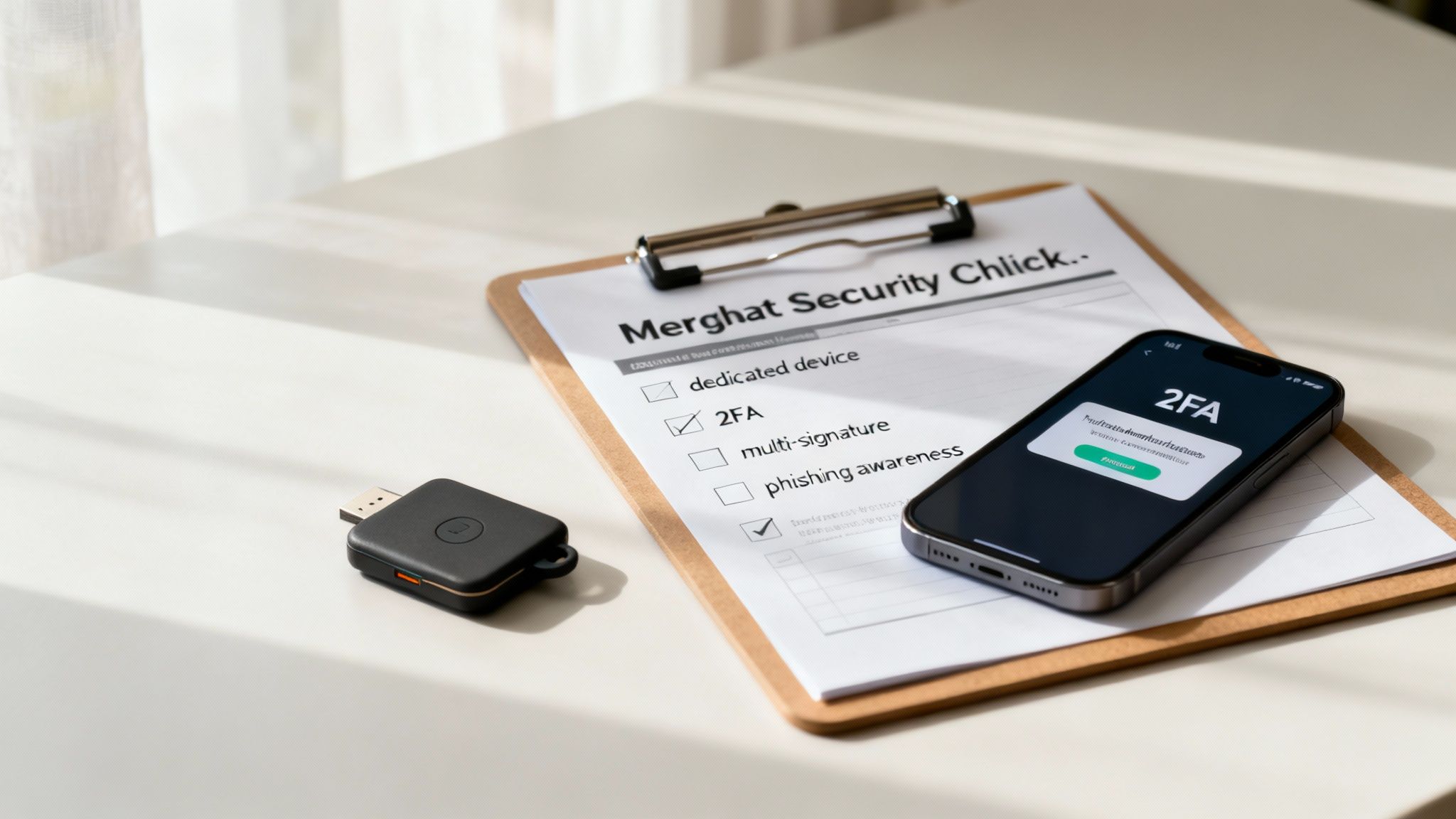
So, you’ve managed to create a crypto wallet. That’s great, but the initial setup is just the starting line, not the finish. Real security isn't a "set it and forget it" task; it's a collection of habits you weave into your daily business operations.
For any merchant handling company funds, this kind of discipline isn't just a good idea—it's non-negotiable.
This checklist goes beyond just keeping your recovery phrase safe. It’s all about building a solid operational security routine to guard your assets day in and day out. This is how you protect your business's Bitcoin from both common scams and more sophisticated attacks.
Isolate Your Operations
One of the smartest security moves you can make is to dedicate a specific device only for managing your Bitcoin. This could be a clean laptop or even a smartphone that is used for absolutely nothing else—no casual web browsing, no checking emails, and definitely no social media.
This simple act of isolation massively reduces your attack surface. By limiting the device's exposure to the wider internet, you dramatically lower the risk of accidentally downloading malware or falling for a phishing attack that could drain your funds.
Think of it like a bank teller's terminal. It's a purpose-built machine, locked down to perform only essential financial tasks. Adopting this mindset for your Bitcoin management is a powerful, low-cost security upgrade.
Bolster Your Defenses With Hardware
While a software wallet on a dedicated device is a fantastic start, pairing it with a hardware wallet adds a powerful layer of protection. A hardware wallet is a small physical device that keeps your private keys completely offline, even when you're signing a transaction.
Here’s how this plays out in a typical business setting:
- Daily Transactions: Your software wallet (your "hot wallet") is perfect for generating receiving addresses and keeping an eye on incoming customer payments.
- Securing Funds: When you need to send Bitcoin out—maybe to pay a supplier or move profits into cold storage—the transaction starts on your software wallet but has to be physically confirmed on the hardware device.
This two-step process means that even if your computer were somehow compromised, a thief couldn't move your funds without having your hardware wallet in their hands and knowing its PIN.
Recognize and Evade Phishing Scams
Scammers are always cooking up new ways to trick people into revealing their sensitive info. As a merchant, you're a prime target. You have to stay vigilant for common phishing tactics.
These often show up as official-looking emails or direct messages urging you to take immediate action. They might claim your wallet needs "validating" or that there's a security alert, followed by a link to a fake website that’s a perfect copy of your real wallet provider's page. Their only goal is to trick you into entering your recovery phrase or password. Never click these links or enter your private information.
Team Access and Key Management
What happens when multiple employees need to manage the wallet? The answer is not to share a single recovery phrase. That's a recipe for disaster.
Instead, you need a multi-signature (or multisig) wallet. This setup requires multiple private keys to authorize a single transaction, making it impossible for one person to move funds on their own.
The growing demand for sophisticated and secure wallet solutions underscores their critical function in the evolving digital economy. As you can see in this comprehensive crypto wallet market report, advanced features are becoming standard as wallets are expected to handle a rising number of secure, high-value crypto transactions. This team-based approach to security is essential for any business serious about protecting its Bitcoin.
Alright, your secure Bitcoin wallet is set up and ready to roll. Now for the fun part: actually putting it to work. Getting from setup to receiving your first payment is pretty straightforward, but a few pro tips will make your daily operations way smoother and keep your transactions private. This is where you'll get comfortable and turn a new piece of tech into a normal part of your business day.
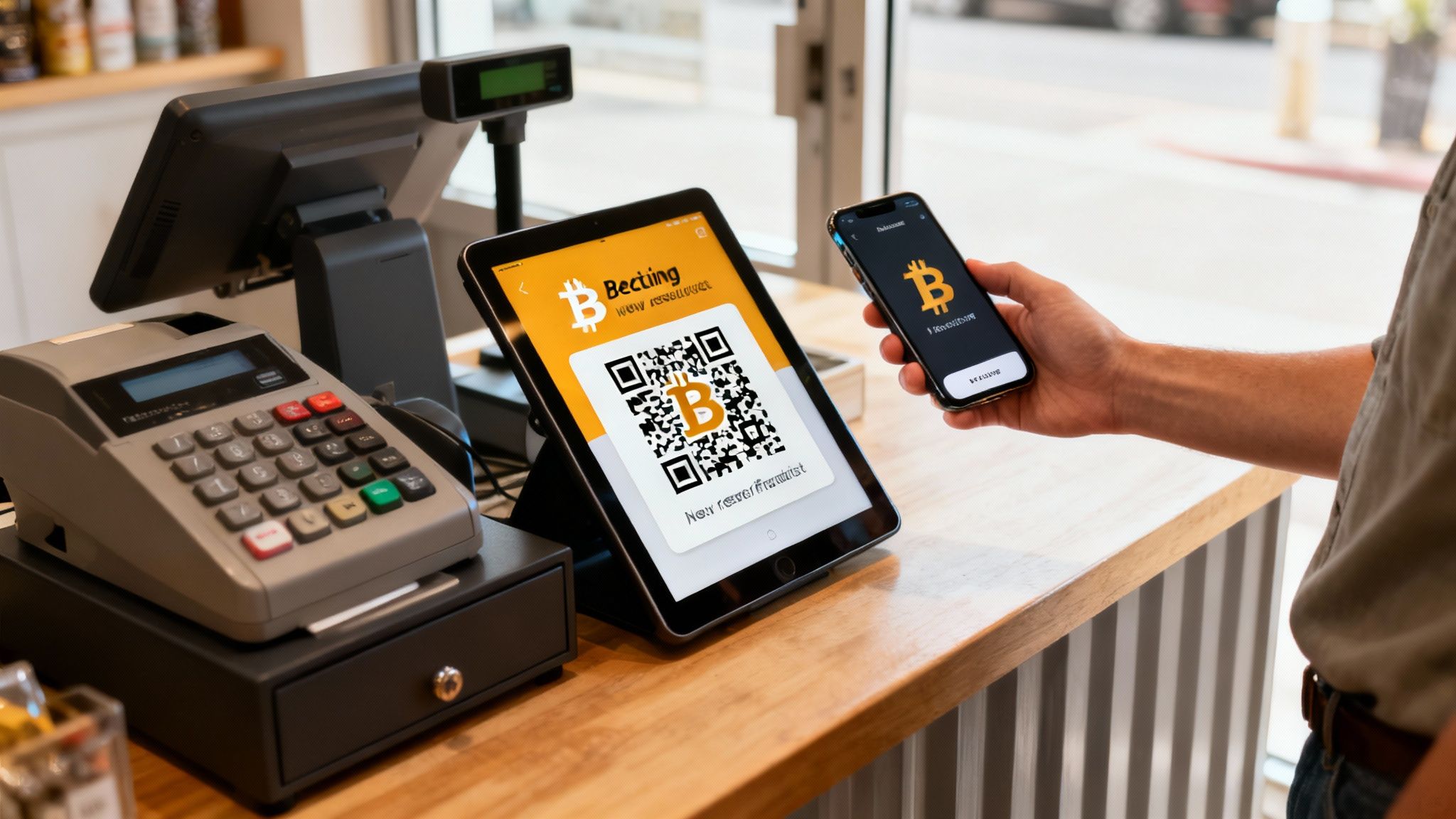
First things first, to accept a payment, you need to generate a receiving address. The best way to think about this is like creating a unique invoice number for every single customer. Sure, you could reuse an old address, but from a privacy standpoint, that's a huge mistake.
We can't stress this enough: generating a fresh Bitcoin address for every single payment is the gold standard for merchants. Doing this makes it nearly impossible for an outsider to link all your transactions on the public blockchain. This protects your financial privacy and your customers'.
The good news? Most modern wallets, especially those built to work with platforms like Flash, handle this for you automatically. When a customer checks out, the system spits out a brand new, one-time-use address for that specific purchase. Your workflow stays simple, and your privacy gets a massive boost without you lifting a finger.
Keeping an Eye on Payments and Confirmations
Once a customer hits "send," you'll want to watch for the payment to land. The transaction gets broadcast to the Bitcoin network, where miners pick it up and bundle it into a block. This whole process is what we call a "confirmation."
Understanding confirmations is non-negotiable for merchants:
- Zero Confirmations (0-conf): This means the payment has been sent but isn't locked into the blockchain yet. For small, in-person sales—like a cup of coffee—it's generally fine. The risk is extremely low.
- One Confirmation: The transaction has been included in one block. For most digital goods and services, this is often considered secure enough to release the product.
- Multiple Confirmations: Selling something high-value? Waiting for three to six confirmations gives you a much higher level of certainty that the transaction can't be reversed or messed with.
Your wallet will likely show an incoming payment almost instantly, but you'll see the confirmation count tick up over time—usually about once every 10 minutes or so.
A Quick Word on Network Fees
Bitcoin network fees, often called miner fees, are small amounts attached to a transaction to make sure miners process it quickly. When you're on the receiving end, your customer is the one who pays this fee. Simple.
However, when you need to send Bitcoin out—maybe to move funds to a cold storage wallet or pay a supplier—you'll be the one paying the fee. Your wallet will typically suggest an appropriate fee based on how busy the network is at that moment. Pro tip: if you need a transaction to go through fast during a busy period, paying a slightly higher fee can push you to the front of the line. It’s a small detail, but a key part of managing your Bitcoin effectively.
Common Questions About Merchant Bitcoin Wallets
Stepping into the world of Bitcoin payments always brings up a few questions. It’s smart to get a handle on these before you pick a wallet and hook it into your business. Let's walk through some of the most common things we hear from merchants just getting started.
First up, a classic question: "Can I just use my personal Bitcoin wallet for my business?" While you technically could, it's a really bad idea. I can't stress this enough.
There's a reason every accountant preaches separating business and personal finances—it’s just good practice. The same rule applies here. Keeping a dedicated business wallet makes your bookkeeping a thousand times easier, turns tax time into less of a nightmare, and protects your personal Bitcoin from any business-related hiccups. Setting up a new wallet is free, so there’s no good reason to mix your funds.
Wallet Recovery and Security
Okay, what happens if you lose your password? This is probably the biggest source of anxiety for newcomers, and it gets to the heart of what makes Bitcoin different.
This is where you need to understand the difference between a password and a recovery phrase.
If you forget your wallet's password, your recovery phrase is your master key. It lets you restore your entire wallet on a new phone or computer and get all your funds back. But—and this is a big but—if you lose that recovery phrase, your Bitcoin is gone. Forever. There's no "Forgot my phrase" link. No customer service agent to call. This is why writing down your recovery phrase and storing it somewhere safe offline is the single most important security step you'll ever take.
Self-custody means you are your own bank. That power comes with immense freedom, but it also demands personal responsibility. Your recovery phrase is the ultimate key to your funds—treat it like gold.
Integrating With Payment Systems
Another question we get is how a self-custody wallet actually connects to a payment processor like Flash. The good news is that it’s designed to be simple and secure. A payment platform never needs your private keys or recovery phrase. Don't ever share them.
To get paid, you just provide your public wallet address. That's it. The system uses this address to send customer payments directly into your wallet, so you're always in control. Before you commit, always double-check a processor's documentation to see which wallets they play nice with. It'll save you a headache later.
As you get comfortable, it’s also crucial to really understand how to store Bitcoin safely. This isn't a one-time thing; it's an ongoing practice.
Finally, let's talk about network fees. Bitcoin transaction fees, often called miner fees, are small payments that incentivize the network to process transactions. When a customer pays you, they cover this fee. When you send Bitcoin out of your wallet—say, to an exchange or a supplier—you pay it. Most modern wallets are smart enough to suggest the right fee so your transaction goes through without a long wait.
Ready to start accepting Bitcoin securely and directly? With Flash, you can set up wallet-to-wallet payments in under a minute, with no intermediaries and no KYC requirements. Get started today at .