Hardware wallets boil down to a straightforward idea: keep your private keys off the internet and sign Bitcoin transactions inside a secured chip. Merchants trust them because they blend offline key storage, rugged hardware design, and reliable transaction signing into a single solution.
Understanding Hardware Wallet Basics
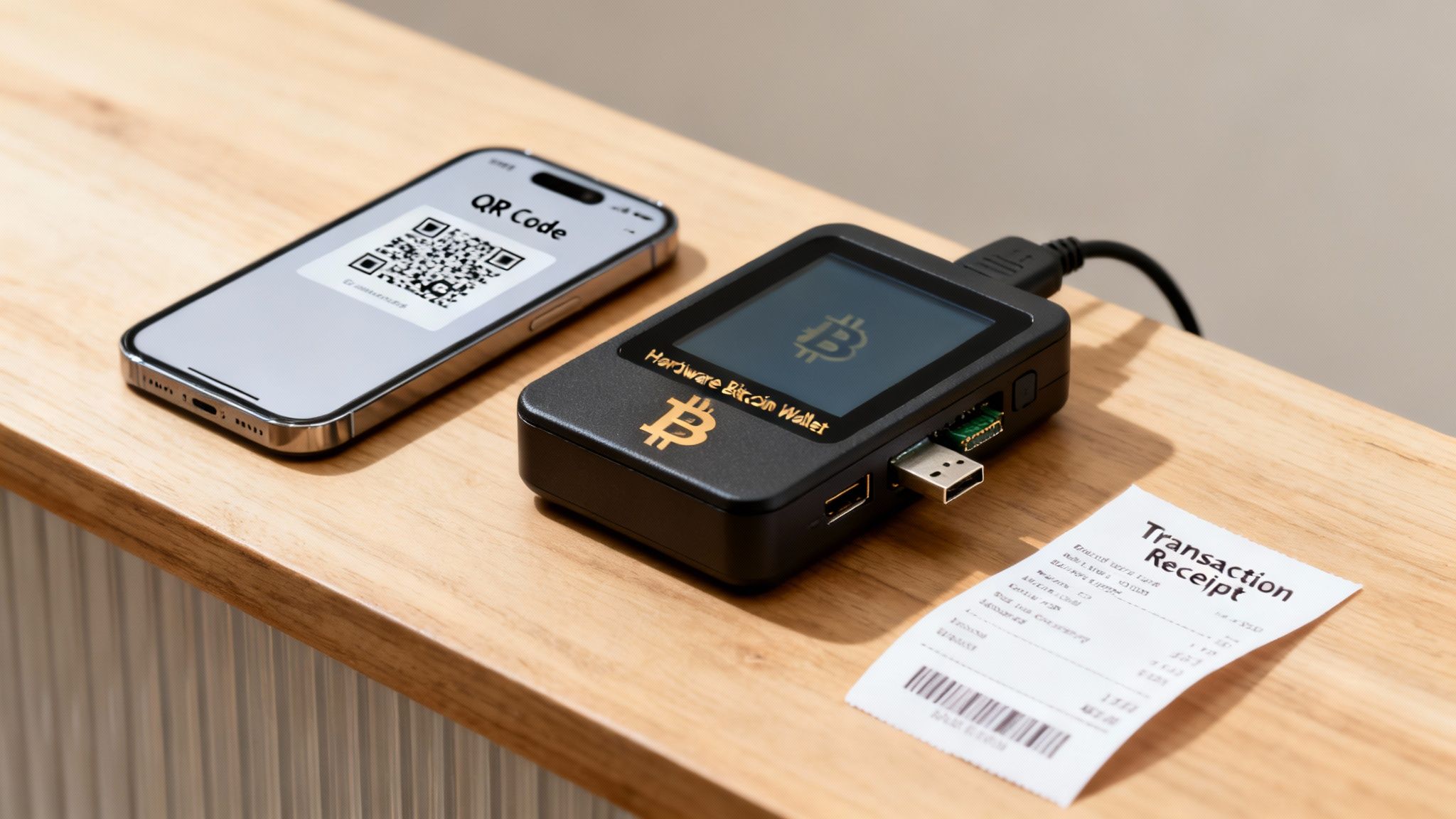
Think of a hardware wallet as a high-security vault. Even if your online systems get breached, the vault remains sealed and your private keys never venture into the wild.
- Offline Key Storage: Keys stay on the device, never touching an internet-connected computer.
- Secure Element: A special chip built to resist tampering, shielding against malware.
- Air-Gapped Signing: You authorize transactions without ever exposing keys to your network.
- Merchant Workflows: Integrates smoothly with point-of-sale terminals and online checkout pages.
Before we dive deeper, let’s glance at how three wallet types stack up side by side:
Quick Comparison Of Wallet Types
| Characteristic | Hardware Wallet | Software Wallet | Custodial Wallet |
|---|---|---|---|
| Private Key Storage | Offline secure element | Local device memory | Third-party servers |
| Transaction Signing | On-device air-gapped | Software-based signing | Server-side signing |
| Exposure to Online Threats | Minimal | Moderate | High |
This snapshot highlights how hardware wallets minimize attack vectors, whereas software wallets carry moderate risk and custodial solutions introduce counterparty exposure.
Offline custody with hardware wallets drastically reduces the attack surface for Bitcoin payments.
Unlike software wallets that live on your phone or computer, hardware wallets ensure signing stays air-gapped, closing off many online exploits. On the other hand, custodial services hold your keys on their servers, trading security for convenience and adding compliance hurdles.
Next Steps In This Guide
- Unpack the cryptographic foundations behind key generation and signing.
- Weigh the security benefits against potential limitations.
- Walk through a step-by-step setup to start accepting Bitcoin with your hardware wallet.
Preview Of Merchant Workflows
- Generate receiving addresses on the fly.
- Approve transactions via USB or Bluetooth.
- Reconcile on-chain payments in your dashboard.
- Pair Flash’s non-custodial, wallet-to-wallet model with hardware wallets for direct Bitcoin transfers—no intermediaries required.
Understanding Key Concepts
Picture your Bitcoin private key as the combination to a safety deposit box. Your hardware wallet keeps that combination locked away, never exposed to your computer or the internet. Inside, a secure element chip acts like the vault door, protecting your seed phrase with tamper-resistant hardware and strict firmware checks.
Before any coins ever move, you generate a public address on the device. That address is like a deposit slip you hand out to customers—safe to share and unable to reveal your private key.
The real magic happens in an air-gapped environment. You draft an unsigned transaction on your computer and send it over USB or Bluetooth to the wallet. After reviewing the details on the wallet’s tiny screen, you confirm with a PIN or button press. The device signs the transaction offline and returns only the signature to your computer.
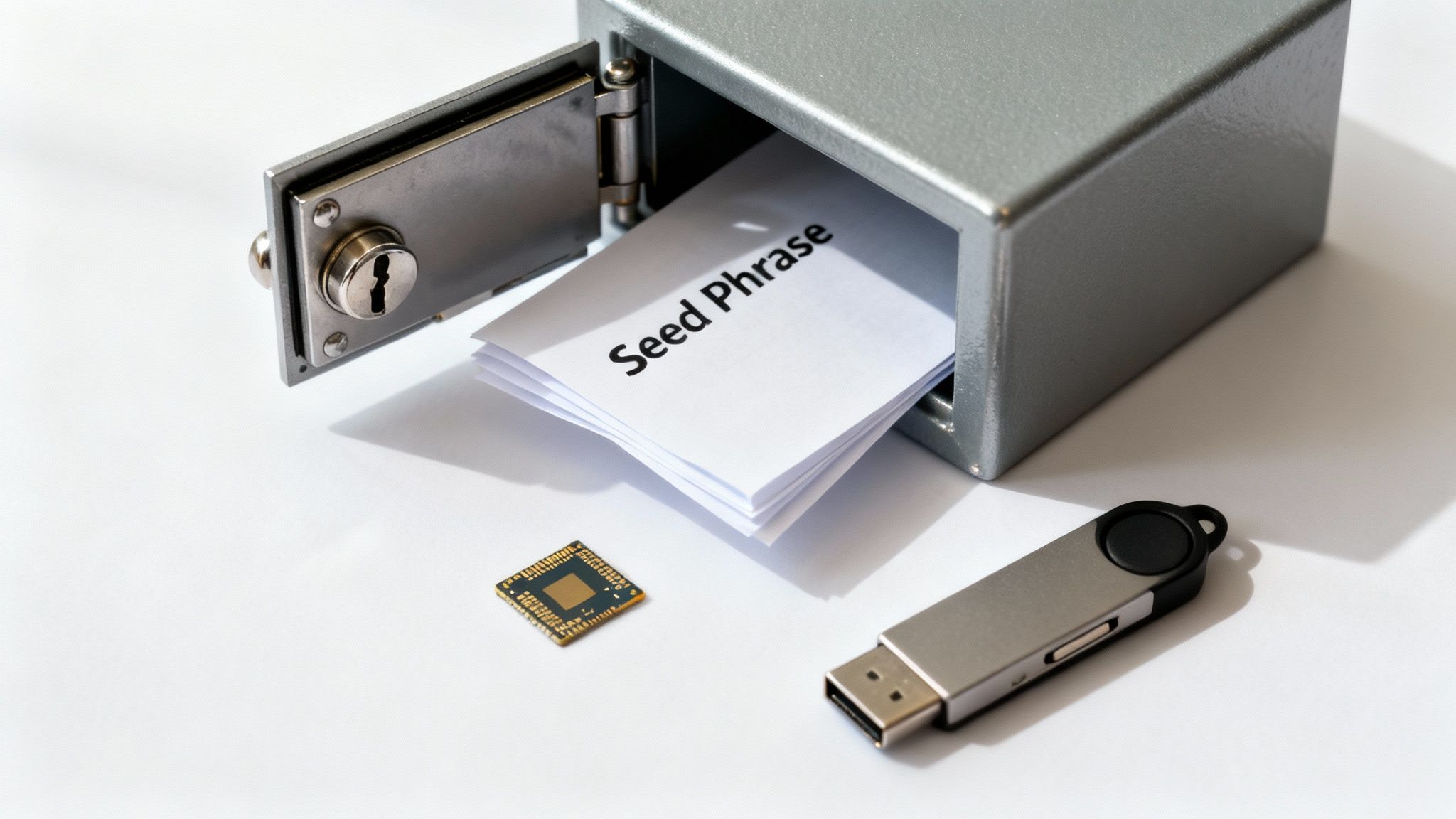
Role Of Public And Private Keys
Your private key is the secret code; it never leaves the hardware wallet. Think of it as the unique signature only you can apply.
Your public key is like the lock indicator on the box—you can show it around without worry. It lets anyone send Bitcoin to your address while keeping your private key hidden.
- Private Key grants spending authority by signing transactions
- Public Key lets others send Bitcoin to your address
- Seed Phrase is a human-readable backup that regenerates your key pair
How Air-Gapped Signing Works
Air-gapping isolates the private key entirely. The steps look like this:
- Draft the transaction on your computer
- Transfer unsigned data to the hardware wallet
- Review destination address, amount in satoshis, and fee on the device screen
- Confirm by entering a PIN or pressing a button
- The wallet signs the transaction offline and sends back only the signature
In this way, untrusted computers handle only non-sensitive data.
Think of your hardware wallet as a secure post office: it stamps (signs) your parcel (transaction) and seals it without ever opening it.
Evolution Of Hardware Wallets
Early hardware wallets were simple USB fobs—no display, minimal on-device interaction, full reliance on a computer. Today’s devices include Bluetooth, NFC, touchscreens, and rechargeable batteries, smoothing out merchant checkouts without sacrificing security.
| Generation | Connectivity | User Interface | Security Element |
|---|---|---|---|
| 1st Gen | USB only | No display | Basic secure chip |
| 2nd Gen | USB + Bluetooth | Small screen | Enhanced secure element |
| 3rd Gen | USB + NFC + Bluetooth | Color touchscreen | Advanced secure enclave |
Hardware wallets never expose your private key, regardless of connectivity improvements.
Since the mid-2010s, the hardware wallet market has expanded rapidly. Analysts value it between USD 350 million and USD 506 million, with forecast CAGRs from 18.9% to 30%, projecting market sizes of USD 1.5–5.1 billion by the early-to-mid 2030s. Discover more insights about hardware wallet market forecasts on CoherentMarketInsights
Offline Transaction Flow
- Merchant generates a new Bitcoin address on the hardware wallet
- Checkout system drafts the unsigned transaction
- Wallet receives the transaction for approval
- Device signs offline and returns only the signature
- Your system broadcasts the signed transaction to the Bitcoin network
Isolating the signing step cuts out most attack vectors. Only the completed, signed transaction ever touches the internet—your private key remains offline.
By visualizing a safety deposit box, a vault door, and a secure post office, you’ll see how hardware wallets keep Bitcoin safe without ever exposing your private key.
Stay vigilant.
Security Benefits And Limitations
Hardware wallets tuck your private keys into a tamper-resistant chip, essentially turning them into a vault for your Bitcoin. This clear separation—keeping keys offline—blocks many of the attack paths hackers look for.
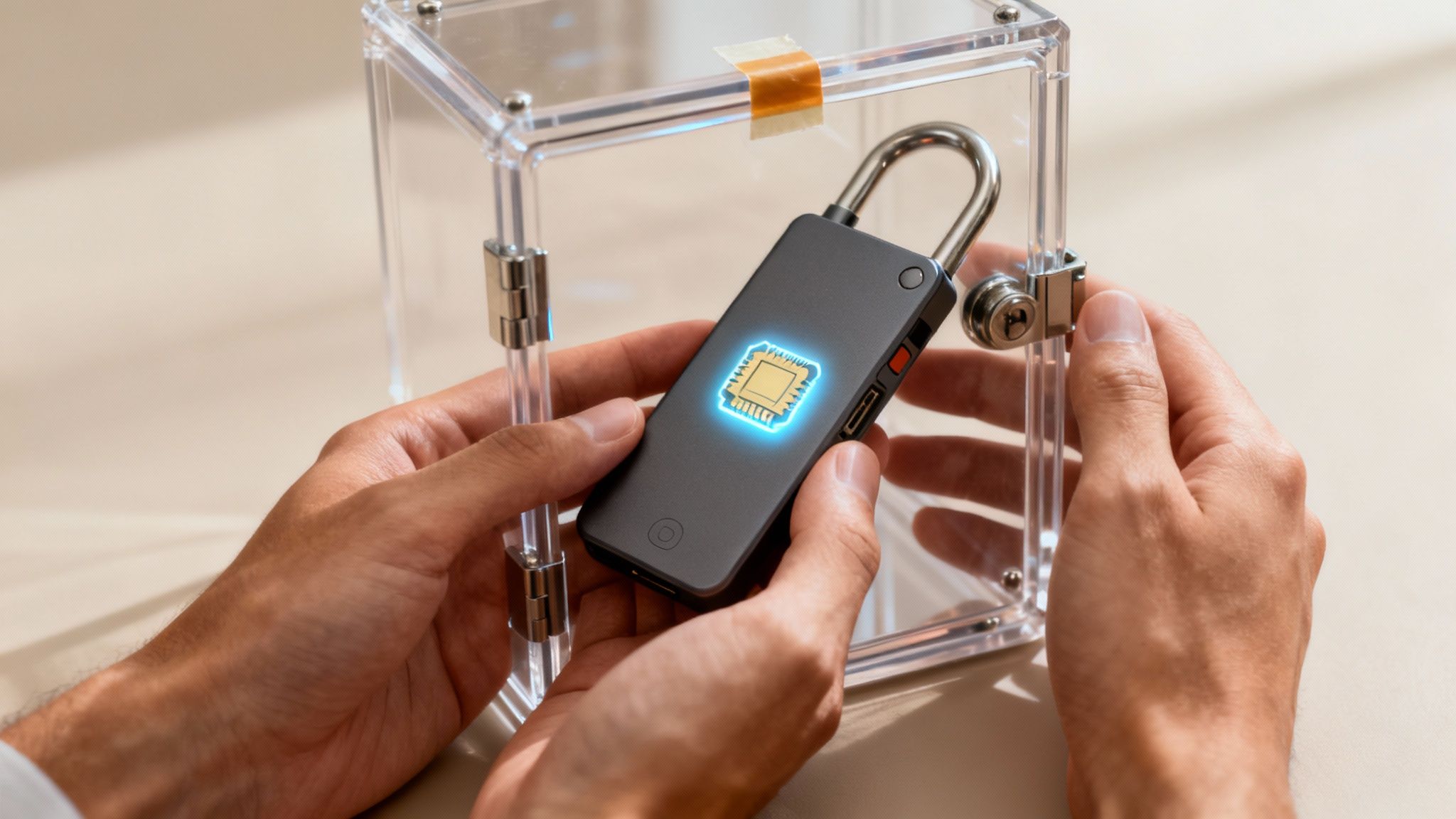
Over the years, public exchange hacks have drained retail and institutional holders of hundreds of millions, even billions, of dollars through hot-wallet breaches and phishing schemes. It’s a stark reminder: if you control the keys, you control the coins—and keeping them offline matters.
- Secure-element chips resist physical tampering and won’t reveal your private keys, no matter how determined the attacker.
- PIN locks combined with multi-factor approval make brute-forcing a device practically futile.
- Air-gapped signing ensures transactions are approved on a device that never touches the internet, cutting off countless exploit routes.
That layered approach makes a hardware wallet a tough nut to crack. However, no solution is bulletproof. Hardware devices can fail or run buggy firmware, potentially locking you out of your own funds.
For example, a sudden power drop mid-update could render your wallet unusable. To guard against that, merchants need rock-solid procedures around seed-phrase backups.
- Store your seed phrase in a fireproof, waterproof safe—ideally off-site.
- Limit access: only trained personnel should ever handle the backup.
- Rotate copies every few months to prevent wear or data loss.
Balancing Offline Security Risks
Hardware wallets protect keys, but they can’t stop you from approving a malicious transaction if you’re tricked into it. Always cross-check the destination address on the device’s screen.
In a busy store, it’s easy for staff—or customers—to breeze through on-screen prompts without reading. That’s why clear training and simple checklists are such a game-changer.
"A single misread prompt can cost millions—never rush approval on your hardware wallet."
Even with these safeguards, you’ll need to weigh the operational complexities. Industry data shows cold wallets made up 22% of the overall wallet market in 2025, while hot wallets still held 56% in 2024. Learn more about hardware wallet market trends on SQMagazine.co.uk
Deciding if a hardware wallet fits your retail setup comes down to risk tolerance and technical bandwidth. A small shop might find the backup routines onerous, whereas a high-volume merchant will value the extra assurance.
- Run firmware updates first on a spare device.
- Keep seed-phrase backups offline in a secure vault.
- Schedule periodic checks to confirm each backup still works.
These steps minimize costly downtime and show customers you take Bitcoin security seriously.
Remember: hardware wallets are just one piece of your defense. Pair them with reliable point-of-sale software, staff training, and regular audits to build a truly resilient system.
Flash slots right into that mix. Its non-custodial, wallet-to-wallet flow means you never hand over your keys—perfect for hardware-wallet users who want straightforward, secure transactions.
| Risk Factor | Impact | Mitigation |
|---|---|---|
| Device Failure | Potential key loss | Regular firmware tests and backups |
| Phishing Scams | Unauthorized signing | Staff training and clear prompts |
| Seed Phrase Loss | Irrecoverable funds | Secure off-site backups |
This balanced view of strengths and blind spots will help you pick the right tools. Security always starts with knowing both your fortress and its weak points.
Next, you’ll explore how hardware wallets compare to software and custodial options—so you can tailor a payment setup that matches your store’s exact needs.
Comparing Hardware And Software Wallets
Choosing the right wallet solution can feel like picking the perfect safe for your valuables. Merchants weigh private key control, transaction signing approaches, integration hurdles, and ongoing upkeep when deciding between hardware wallets, software wallets, or custodial services.
At its core, each option shifts how you guard those cryptographic keys and who holds the final responsibility:
- Private Key Control shows who actually holds the keys during a checkout.
- Transaction Signing distinguishes on-device approvals from software or server-side confirmations.
- Ease Of Integration reflects how quickly you can start accepting Bitcoin.
- Maintenance Needs covers firmware updates, backups, and support considerations.
Key Control Differences
Hardware wallets lock your keys inside a dedicated, tamper-resistant chip—think of it as a safety deposit box in your own vault. You, the merchant, have exclusive control and eliminate remote attack points.
On the flip side, software wallets store keys on devices constantly touching the internet. That opens a door to malware or phishing threats. Custodial services hand off key custody entirely, streamlining setup but introducing counterparty risk if the service stumbles.
Protecting private keys is the cornerstone of Bitcoin security. Hardware wallets turn key custody into a sealed box, not a network-hosted vault.
Transaction Signing Methods
With hardware wallets, the transaction journey looks like this:
- You create an unsigned transaction on your POS.
- You transfer it to the device via USB or Bluetooth.
- You inspect the payout address and amount on the tiny screen.
- You sign and then broadcast the transaction.
This air-gapped process acts like a physical handshake—no one can intercept the deal mid-motion.
Software wallets, by comparison, handle signing inside the app. It’s faster but relies fully on your device’s security. Malware lurking in the background can slip in, sign transactions without your knowledge, and empty a wallet before you even realize.
Custodial services push the entire signing process onto their servers. That hides the technical steps but means you’re trusting them to be both secure and solvent.
Integration And Maintenance
Plugging in a hardware wallet usually requires a one-time pairing and occasional firmware updates. You’ll also manage seed backups and train your team. All told, this upfront work pays off in complete key sovereignty.
Software wallets tend to offer SDKs or APIs for quick integration—perfect if you’re racing against a product launch. Yet, they need regular patches and constant monitoring of the host environment.
Custodial solutions often mean “set it and forget it” with simple API keys. Convenient, but control and transparency live elsewhere.
Now, let’s put these options side by side:
Feature Comparison Of Wallet Types
Below is a quick look at how the three wallet models stack up feature by feature.
| Feature | Hardware Wallet | Software Wallet | Custodial Wallet |
|---|---|---|---|
| Key Control | Offline, Merchant-Held | Local Device | Third-Party Custodian |
| Transaction Signing | Air-Gapped On-Device Display | In-App Signing | Server-Side Signing |
| Integration Effort | Device Pairing + SDK Integration | Library Install + Configuration | API Key Setup |
| Maintenance | Firmware Updates + Backup Audits | App Updates + Security Monitoring | Vendor Service Management |
By comparing these characteristics, you can decide which setup aligns with your security requirements and technical bandwidth.
Checkout Experience Impact
Hardware-wallet checkouts invite customers into the process. Shoppers actually witness the payment details on the device’s screen—boosting trust in every step.
Software wallets streamline the flow with deep links or in-app prompts. That feels speedy but hides the granular confirmation, which can leave some users uneasy.
Custodial options offer “Pay Now” buttons and a familiar click-to-go approach. Convenience is high, though you’re trading away transparency—and taking on counterparty risk.
Flash’s non-custodial, wallet-to-wallet model pairs naturally with hardware wallets, enabling fast, fee-minimal payments with no intermediaries. It’s the best of both worlds: visible key control on the customer side and seamless checkout for merchants.
Merchant Integration And Checkout Flows
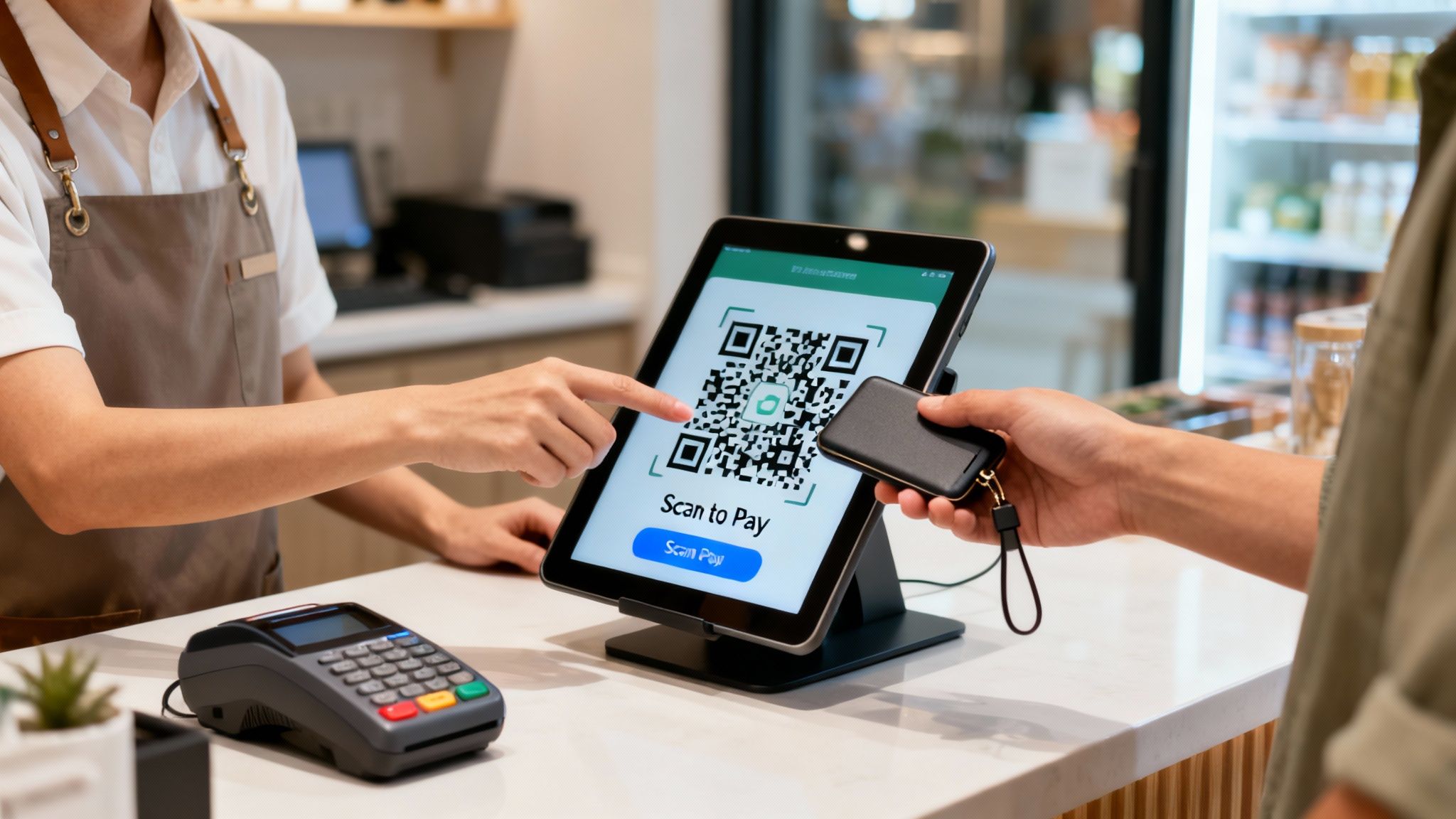
Hardware wallets slot into a merchant’s system by preparing the device for Bitcoin transactions. You begin with an offline setup—firmware updates, PIN creation, seed backup—so your keys never touch the internet until you’re ready to sign. This simple foundation is what keeps funds safe before pairing with your point-of-sale.
Initial Device Setup
To pair your hardware wallet with a POS, complete these steps:
Step 1: Install Official Firmware
Use the manufacturer’s tool to load the latest firmware and confirm its authenticity.Step 2: Set Your PIN & Seed
Choose a strong PIN, then write down the seed phrase on the provided recovery cards.Step 3: Secure Your Seed Phrase
Store it in a fireproof safe or another highly secure location.
For a busy shop, rotating devices can help—prepare two or three wallets each week so you’re never caught unprepared.
Pairing Method Tips:
- USB pairing gives a direct, reliable cable connection for transaction signing.
- Bluetooth pairing works without wires but keep devices close and verify fingerprints manually.
“Pairing security starts with verifying the device fingerprint before any connection.”
- Match the wallet’s ID in your POS display.
- Only accept Bluetooth connections in a private, controlled area.
- Activate USB debugging mode solely when needed.
Secure Address Generation
Every receiving address is generated on-device. Your online system never sees the private key. When a customer begins checkout, your POS requests a fresh Bitcoin address. The wallet then displays it on its screen—letting the customer confirm it before it’s sent back.
Numbered flow:
- POS or web checkout signals the wallet for a new address.
- The device creates the address within its secure element.
- Customer checks and approves the address on the hardware screen.
- Wallet returns the address to the POS for invoicing.
This air-gapped method guarantees no sensitive data ever goes online, and customers gain confidence by watching the process unfold live.
Customer Payment Flow
Once the address appears, payment can proceed via QR code or USB cable. Merchants often:
- Display a dynamic QR on a terminal.
- Email the QR code instantly for remote buyers.
After scanning, the wallet reveals transaction details—amount, fee, and destination address. The customer confirms on-device, signs the payment, and broadcasts it to the network.
| Step | Action | Outcome |
|---|---|---|
| 1 | Customer Selects Bitcoin Pay | POS Requests New Address |
| 2 | Wallet Generates & Displays | Customer Scans QR Code |
| 3 | Customer Reviews On-Device | Transaction Is Signed |
| 4 | POS Broadcasts Signed Data | Payment Completes On-Chain |
This transparent approval flow boosts customer confidence and cuts down on disputes.
Troubleshooting Common Issues
Even solid integrations hit snags—cables go bad, Bluetooth overlaps, addresses mismatch. Here’s how to stay ahead:
- Check and replace cables monthly.
- Maintain a Bluetooth whitelist for approved devices.
- Train staff to spot a single wrong character on a tiny screen.
If pairing fails, verify the wallet’s fingerprint again. For Bluetooth hiccups, clear nearby device clutter. And if the address doesn’t match, restart the session and confirm each digit manually.
“A single mismatched character can send Bitcoin to the wrong address. Always confirm visually.”
Flash’s non-custodial, wallet-to-wallet model plugs right into this workflow. Your POS only handles unsigned data, while customers keep full control of their keys and funds.
Monitoring And Reporting
Keep an eye on pairing success rates and average checkout time. Aim for 90% of pairings to finish within five seconds—that’s a smooth experience. A simple dashboard can show which wallets are online and track transaction statuses.
Monthly audits should review:
- Pairing Success Rate
- Checkout Completion Time
- Transaction Failure Rate
Regular reporting helps you spot weak points and maintain a friction-free Bitcoin checkout every time.
Best Practices For Wallet To Wallet Payments
Accepting Bitcoin via hardware wallets doesn’t have to be a headache. With the right policies and workflows in place, merchants can make transactions as smooth as possible. Start by setting clear procurement standards and combining them with thorough staff training and customer-facing guides.
Beyond that, a straightforward checklist helps everyone stay on the same page—and cuts down on those costly human errors.
Procurement Guidelines For Hardware Wallets Include:
- Verify vendor reputation and ongoing firmware update support to guard against vulnerabilities.
- Ensure devices offer both USB and Bluetooth connectivity to match your point-of-sale setup.
- Check for a rugged design with tamper-resistant secure elements to keep private keys safe.
Checklist For Device Procurement
Begin by identifying approved hardware wallet models and logging each purchase in a central registry.
Require the following details for every unit:
- Serial number
- Firmware version
- Acquisition date
Rotate devices on a regular cadence—replace one wallet every quarter to sidestep outdated firmware problems.
Employee Training And Seed Backup
Staff need hands-on practice before going live. Divide your training into bite-sized modules:
- Device setup and PIN creation
- Writing down seed phrases on fireproof paper
- Simulated recovery drills with shredded mock phrases
Review backup locations monthly and confirm that only authorized team members have access. Document each rotation in a secure log, then run a full recovery test every quarter.
Staff must never store seed phrases digitally to prevent accidental exposure.
Customer Communication Templates
Clear, visual instructions turn confusion into confidence. Provide step-by-step guides that cover:
- Scanning the QR code
- Verifying the Bitcoin address and amount on the device
- Signing the transaction on-device
Include screenshots or diagrams so customers know exactly what to expect.
Example Template:
“Step 1: Scan the QR code with your hardware wallet app.
Step 2: Confirm the Bitcoin address and amount displayed on the device screen.
Step 3: Press the wallet button to sign and broadcast the transaction.”
Encourage customers to double-check every character. This little extra step cuts down on address-mismatch errors and builds trust.
Batch Reconciliation And Reporting
At day’s end, reconcile your transactions on-chain. A simple spreadsheet or your existing accounting software will do:
| Metric | Target | Notes |
|---|---|---|
| Pairing Success Rate | 95% | Aim for quick, reliable connections |
| Reconciliation Accuracy | 99.5% | Verify all TXIDs match invoices |
| Settlement Time | <15 minutes | Track mempool confirmations |
Regular audits help you spot trends—like inconsistent fees or duplicate addresses—before they become big headaches.
Flash Model Integration
Flash’s non-custodial, wallet-to-wallet approach pairs naturally with hardware wallets. Your POS never holds funds, and each private key remains on the customer’s device. Transactions flow directly from payer to payee on the Bitcoin network.
Flash eliminates counterparty risk by ensuring funds transfer directly between wallets.
To integrate Flash:
- Install the merchant SDK or plugin.
- Configure your checkout to generate unsigned transactions.
- Hand off the transaction to the hardware wallet for signing.
- Once signed, Flash broadcasts it instantly—no middleman, no custody.
Troubleshooting Common Errors
Even the best plans hit snags. If connections drop or transactions stall, try these fixes:
- Replace frayed USB cables monthly to avoid dropouts.
- Clear Bluetooth pairing lists regularly to prevent device interference.
- Verify on-device addresses character by character to catch typos.
If a transaction won’t broadcast, consult Flash’s debug logs for the signed data. And remember: most refund disputes start when staff skip that final confirmation prompt.
Vendor Compliance And Security Audits
Supply-chain security is non-negotiable. Schedule annual audits for every hardware wallet model in use and bring in third-party experts to test firmware and vendor processes.
- Confirm each shipment arrives in sealed packaging to rule out tampering.
- Keep proof of purchase and serial records for complete traceability.
Audit findings should feed directly into your training and procurement updates.
By weaving audit feedback into your checklists, you’ll lock down vulnerabilities before they become a problem.
By following these best practices, merchants create a robust, scalable framework for wallet-to-wallet Bitcoin payments. Clear procurement policies, rigorous staff training, and daily reconciliation form the backbone of a secure operation. Pairing Flash’s non-custodial model with hardware wallets means trustless transfers—no intermediaries, no custody. And with regular audits, you’ll stay one step ahead as your transaction volume grows.
FAQ
Q: What Is A Hardware Wallet And How Does It Differ From A Software Wallet?
A: A hardware wallet is like a secure vault for your private keys, keeping them offline in a dedicated chip. Software wallets, on the other hand, store keys on devices that are always connected to the internet—so they face a higher risk of online attacks.
When you use a hardware wallet at checkout, here’s what happens:
- Generate a fresh Bitcoin address right on the device.
- Display or share that address (via QR code or on-screen) so customers can pay securely.
Key Takeaway
Accepting payments directly into a hardware wallet gives merchants full control and cuts out many common attack vectors.
Backup And Recovery
Q: What Happens If A Customer Loses Their Seed Phrase?
A: The seed phrase is the only way to recover funds. Lose it, and there’s no backup. To prevent that nightmare, merchants should:
- Train staff on encrypted and physical backup procedures.
- Encourage customers to store their seed phrase in fireproof and waterproof safes.
- Recommend keeping multiple copies in separate, secure locations.
Q: How Do I Choose The Right Hardware Wallet For My Store?
A: Focus on these factors:
- Firmware Updates: Ensure the device gets regular security patches.
- Manufacturer Reputation: Verify authenticity and customer support.
- Integration Options: Check for compatible POS or plugin support.
- Form Factor & Connectivity: Decide between USB or Bluetooth based on your environment and customer comfort.
Pro Tip
Always test new hardware wallets in a staging environment before rolling them out to live customers.
Sign and broadcast transactions through Flash’s API to maintain a secure, non-custodial record of every sale.
Ready to start accepting bitcoin payments with a hardware wallet? Try Flash for seamless, non-custodial, wallet-to-wallet bitcoin transactions at .
Experience instant settlements and minimal fees today.
Join thousands of merchants worldwide securely.