Finding your Bitcoin wallet address is usually just a tap away. In most wallet apps, you'll look for a button that says "Receive" or an icon that looks like a QR code. Tapping this will bring up your public address—both as a long string of characters and a scannable QR code.
This is the information you share with someone who wants to send you bitcoin. It’s completely safe to give out.
Your Bitcoin Address Explained
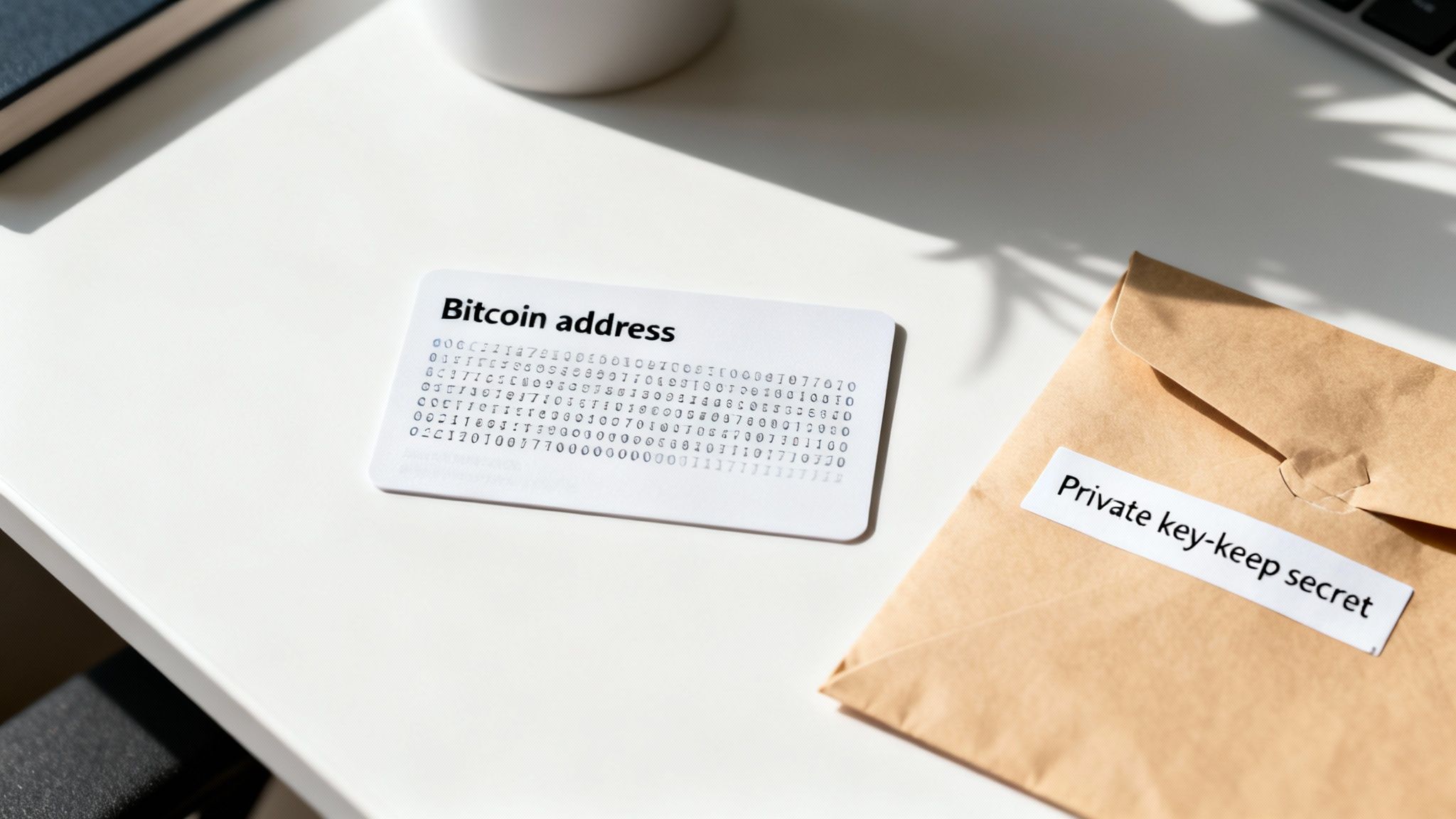
Before we jump into the "how-to" for different wallets, let's get clear on what a Bitcoin address actually is—and just as importantly, what it isn't. Think of it as your personal account number for the Bitcoin network. It's a unique string of letters and numbers that points directly to your wallet.
Public Address vs. Private Key
Getting this next part right is absolutely critical. Confusing your public address with your private key is one of the most expensive mistakes a newcomer can make.
- Public Address: This is for receiving. It acts like an email address or a bank account number. It's generated by your wallet and is 100% safe to share with anyone.
- Private Key: This is your secret. It's the password that gives you—and only you—the power to spend the bitcoin in your wallet. You must never, ever share your private key or your wallet's seed phrase with anyone.
A simple way to remember it: The public address is where people send you money. The private key is what you use to sign off on sending money out. One is for sharing, the other is for your eyes only.
This distinction is the bedrock of Bitcoin security. Once you understand it, managing your funds becomes much less intimidating and a whole lot safer.
A typical Bitcoin address is a string of up to 35 characters that starts with a "1", "3", or "bc1". When you share this, someone can send bitcoin to you, but they can't touch what's already there. Every transaction gets recorded on the public ledger, but only the person holding the private key can ever move those funds again.
Locating Your Address on Different Wallet Types
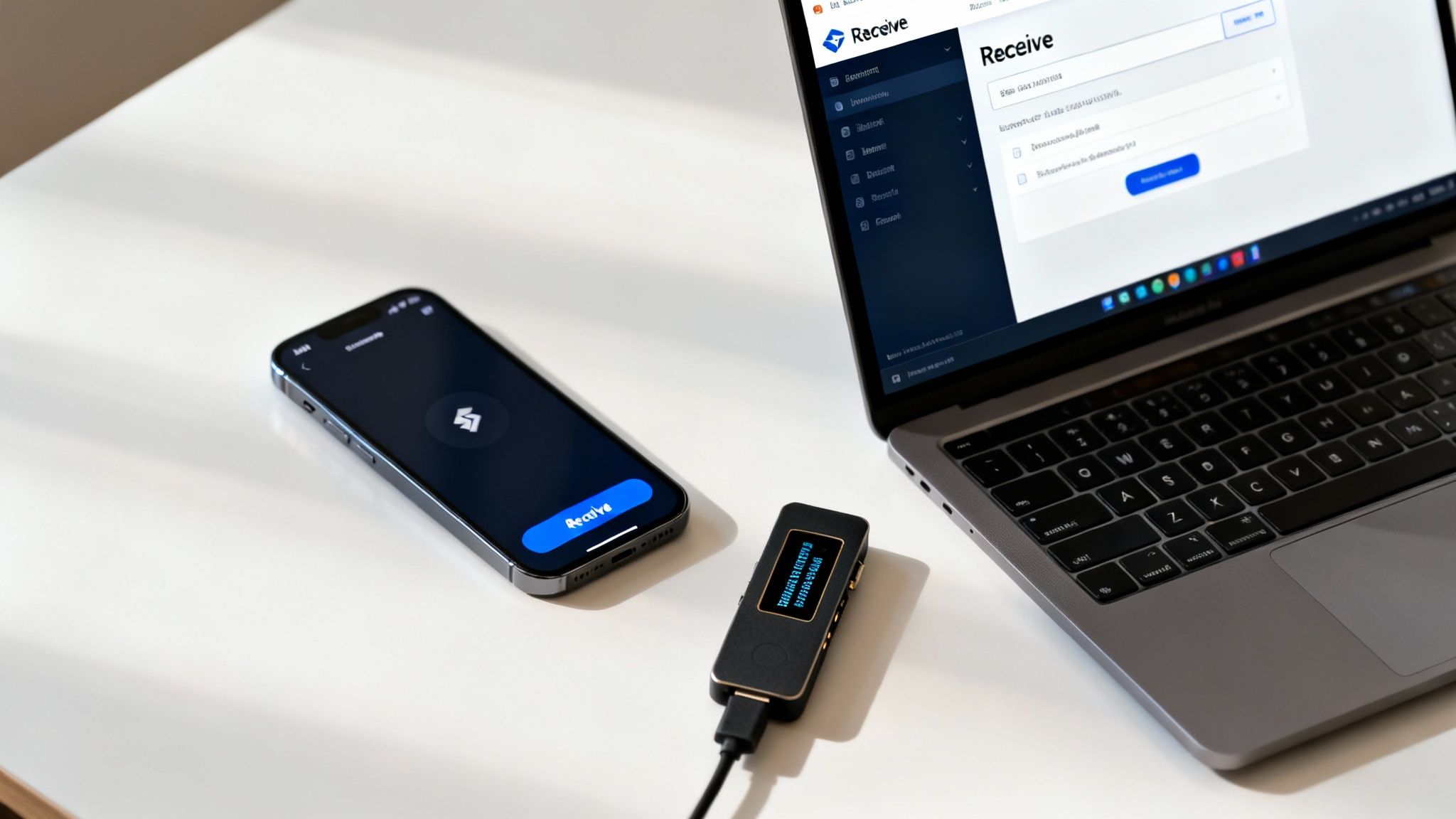
Alright, now that we've covered the "what," let's get into the "how." Finding your Bitcoin address is something you'll do all the time, but the exact steps can look a little different depending on your wallet of choice. Whether you're using your phone, a computer, or a dedicated hardware device, the core idea is always the same: you need to find the option to receive funds.
The growth in Bitcoin wallet usage is staggering and a clear sign that it is weaving itself into the fabric of daily finance. The number of crypto mobile wallet users recently jumped by 20% in a single year, hitting an all-time high. This isn't just a niche trend; it's part of a massive global shift. Around 716 million people now own cryptocurrency worldwide—a 16% increase from the previous year. For the average user, knowing how to find and use a wallet address is becoming a fundamental skill. You can dig deeper into these numbers in this detailed report on the state of crypto.
Mobile Wallets: The On-The-Go Method
For most people, their first taste of Bitcoin comes from a mobile wallet. These apps are built for convenience and speed, making them ideal for everyday use.
Let's say you need to get paid back for lunch. You'd just pull out your phone and open your wallet, maybe something like BlueWallet or Muun. Right there on the main screen, you'll almost always see a big, friendly button that says "Receive." Sometimes it’s just a simple QR code icon.
Tapping that button is the goal. Your wallet will instantly generate a brand-new Bitcoin address just for this transaction. It will show you two key things:
- The Full Address String: That long jumble of characters you can copy to your clipboard.
- A QR Code: A scannable black-and-white square that contains the same address.
The QR code is perfect for in-person payments. Your friend can just open their own wallet, tap "Send," and scan your screen. The address auto-fills perfectly, so there’s zero risk of typos.
Desktop Wallets: For More Control
Desktop wallets like Sparrow or Electrum give you a much more powerful interface for managing your Bitcoin. Running on your laptop or home computer, they're often the choice for people who want more advanced features and granular control over their transactions.
Finding your address here is the same concept, just with a different layout. Instead of a single button on a small screen, you’ll usually find a dedicated "Receive" tab within the application.
Click on that tab, and the wallet generates a new address. A great feature here is the ability to add a label or description, like "Payment for Invoice #451" or "Sale of old bike." Getting into this habit is a lifesaver for keeping your transaction history organized. The address and its QR code will be displayed clearly, ready for you to share.
A Pro Tip for Desktop Users: Resist the urge to screenshot your QR code and send it over an insecure channel like social media DMs. Always use the wallet's "Copy Address" button. This ensures you have the exact string of characters, which you can then paste directly where it needs to go.
Hardware Wallets: The Gold Standard for Security
When it comes to securing a serious amount of Bitcoin, nothing beats a hardware wallet. Devices from companies like Trezor or Ledger are designed to keep your private keys completely offline, safe from any malware that might be lurking on your computer.
Using a hardware wallet to get an address involves one extra, critical step: verification. You actually start the process in the companion software on your computer, like Ledger Live or Trezor Suite, not on the device itself.
- Initiate in the App: First, you’ll open the software and click the "Receive" button.
- Generate the Address: The application then talks to your connected hardware wallet, prompting it to generate a new receiving address.
- Verify on the Device: This is the most important part. The same address will now appear on your computer screen and on the small screen of the hardware wallet. You must physically look at your device and confirm that the address shown there perfectly matches the one on your computer.
This verification step is your shield against malware. It prevents a scenario where a virus on your computer swaps the address you see on screen for one belonging to a hacker. By confirming the address on the trusted, offline device, you know it's yours. Once you’ve confirmed the match, you'll press a physical button on the hardware wallet to approve it. Only then is it safe to copy and share that address.
Sharing Your Address Securely
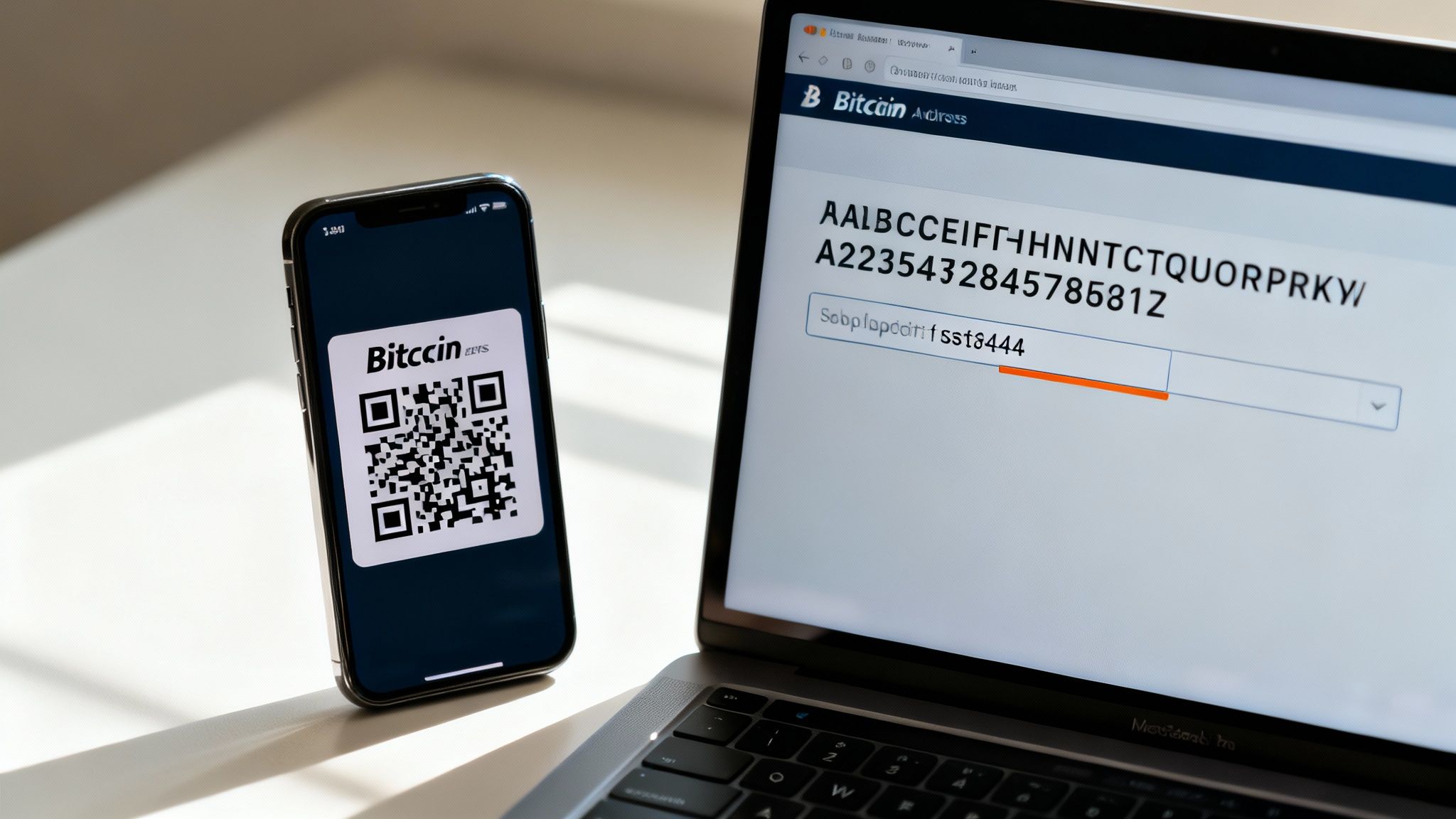
Okay, so you’ve found your wallet address. Now comes the part where you actually use it to get paid. This is a critical step because a simple mistake can send your funds into the void, and with Bitcoin, there’s no "undo" button.
Luckily, sharing your address safely really just boils down to knowing which method to use and building one simple habit into your routine.
When you’re in the same room as the sender or even just on a video call, the QR code is your best friend. It’s practically foolproof. The sender just points their wallet app’s camera at your screen, and your long, complicated address gets imported perfectly. No typos, no fuss.
For online transactions—maybe you're sending an invoice via email or getting paid through a messaging app—you'll fall back on the classic copy-and-paste. It works just fine, but it does open the door to a very specific and sneaky kind of attack.
The Dangers of Clipboard Malware
There’s a nasty piece of malware out there called a "clipboard hijacker" or "clipper." It's designed specifically to prey on crypto users during the copy-paste process. This little bit of malicious software just sits quietly on your computer or phone, watching everything you copy.
When it spots a Bitcoin address in your clipboard, it instantly swaps it with a scammer's address. It happens in the blink of an eye. If you're not paying close attention, you’ll paste the attacker’s address, hit send, and unknowingly send your money straight to a thief.
The Non-Negotiable Verification Habit
To protect yourself, there's one simple, non-negotiable habit you need to bake into every single transaction: always double-check the address after you paste it.
Trying to verify the entire string of characters is a waste of time. Instead, just check the bookends—the first few and the last few characters.
Here’s how it looks in practice:
- Copy the real address: Let's say it's
bc1qxy2kgdygjrsqtzq2n0yrf2493p83kkfjhx0wlh. - Paste it into the sending field: You paste the address where it needs to go.
- VERIFY: Before you even think about clicking send, glance back at your own wallet and confirm the pasted address starts with
bc1q...and ends with...0wlh.
This quick check completely neutralizes clipboard hijackers. The scammer’s address will have a totally different beginning and end, making the swap instantly obvious.
Adopting this "first-four, last-four" check is arguably the single most important action you can take to prevent a devastating loss. Make it an automatic reflex for every transaction, no matter how small.
Address Sharing Methods Compared
To make it even clearer, here's a quick comparison of the two main sharing methods and what to watch out for with each.
| Method | Best For | Key Security Tip |
|---|---|---|
| QR Code | In-person transactions or sending from your mobile to your desktop. | Ensure the app you're using to scan is a legitimate and trusted Bitcoin wallet. |
| Copy & Paste | Online transactions, emails, and messaging apps. | Always verify the first and last four characters of the address after pasting it. |
Ultimately, whether you're scanning a QR code or pasting an address, the responsibility for confirming the destination always rests with the sender. By understanding the risks and practicing diligent verification, you can receive Bitcoin confidently and securely every time.
Why Your Bitcoin Address Keeps Changing
If you’re new to Bitcoin, one of the first things that might throw you for a loop is seeing a different address every single time you hit the "Receive" button. It’s easy to have a moment of panic, wondering if something’s broken or if your old addresses are gone for good.
Don’t worry. This isn’t a bug—it’s actually one of Bitcoin’s most powerful privacy and security features at work.
The Magic of HD Wallets
The vast majority of modern Bitcoin wallets are what we call Hierarchical Deterministic (HD) wallets. This tech is what allows your wallet to generate a nearly endless stream of new, unique receiving addresses, all stemming from a single master private key (which is what your seed phrase represents).
Think of it like having a master key that can create a brand-new, unique key for every door you ever need to open. Each key opens a different door, but they all lead back to your secure vault. Every time you ask to receive bitcoin, your wallet just hands you a fresh key that’s never been used before.
This is a massive upgrade for your privacy. By using a new address for every payment you receive, you make it incredibly difficult for snoops on the public blockchain to link all your transactions together. If you used the same address for everything, anyone could easily see your entire financial history, your total balance, and all your spending habits.
Key Takeaway: All your old addresses still work forever. Any bitcoin sent to an address you've used in the past will still land safely in your wallet. But it's a critical security practice to always generate a new one for each new transaction.
Why This Matters More Than You Think
Getting a handle on these wallet fundamentals is becoming more important every single day. As Bitcoin adoption grows, so does the need for better security awareness from users.
Recent data shows that around 28% of American adults—that’s roughly 65 million people—now own cryptocurrencies, a number that has almost doubled since late 2021. But even with this explosion in ownership, many people are still catching up; 40% of owners say they're concerned about the safety of the technology. These numbers, pulled from the latest consumer crypto report, show a real gap between owning Bitcoin and truly understanding how to use it safely.
By making it a habit to use a new address for every transaction, you’re taking a professional-grade step to protect your financial privacy. This simple action prevents what's known as "address reuse," a bad practice that can lay your entire financial history bare for the world to see.
Each new address acts as a shield, breaking the chain of traceability and making your on-chain activity much, much harder to follow. So, the next time you see a new string of characters when you go to receive Bitcoin, you can feel confident. Your wallet is just doing its job—protecting you.
Essential Habits for Managing Your Bitcoin Address
Knowing how to find your wallet address is just the starting line. The real skill is in managing it safely to protect your funds for the long haul. A few simple, consistent habits can be the difference between a secure Bitcoin experience and a very costly mistake.
The first habit is non-negotiable: always, always verify an address before sending or sharing. Think of it like double-checking a bank account number before a wire transfer, but with higher stakes. A single misplaced character can send your funds into the void, and on the Bitcoin network, there are no refunds and no "undo" button.
Keep Your Financial Life Private
A common impulse for newcomers is to post a donation address on a public forum or social media profile. It seems harmless, but doing so permanently links your real-world identity to your on-chain financial activity. Anyone can then pop that address into a block explorer and see every transaction you've ever made with it, completely shredding your privacy.
You wouldn't post your bank statements online for the world to see, right? Treat your Bitcoin addresses with that same level of discretion.
The Golden Rule of Bitcoin Security: Your private key and your seed phrase are for your eyes only. Never share them, never photograph them, and never, ever store them on an internet-connected device. They are the keys to your entire wallet.
Stay Organized with Address Labeling
As your transaction history grows, it's easy to lose track of what's what. Most modern wallets have a simple but incredibly powerful feature to combat this confusion: address labeling.
When you generate a new address to receive funds, take a moment to add a descriptive label. It's a small step that provides crucial context down the road.
- For Business: Label an address "Payment from Client A - Inv #123."
- For Savings: Use a label like "Transfer to Cold Storage - May 2025."
- For Personal Use: Something as simple as "Repayment from Bob" works perfectly.
This practice transforms a confusing jumble of transactions into a clean, easy-to-understand financial ledger. As wallet technology gets better and more accessible, managing your addresses effectively has become a core skill for millions of users. The infrastructure is maturing, with the ecosystem now processing massive volumes through all kinds of wallet systems. To learn more about the growth of crypto adoption and wallet usage, you can see how you're part of a growing trend. Adopting these habits now will help you use Bitcoin safely and confidently.
Common Questions About Bitcoin Addresses
Once you get the hang of finding your Bitcoin address, a few other questions almost always pop up. Let's tackle some of the most common ones so you can manage your Bitcoin with more confidence.
Can I Reuse an Old Bitcoin Address?
Technically, yes, you can. Any address your wallet has ever generated stays tied to your private key forever and can still receive funds.
However, from a privacy perspective, reusing addresses is a really bad idea. When you use the same address over and over, you're making it incredibly easy for anyone to hop on the public blockchain and trace your entire transaction history. This paints a detailed picture of your financial life. The best practice is simple: always generate a fresh address for every single transaction.
Is My Wallet Address the Same as My Public Key?
They're related, but they're not the same thing. Think of it this way: your wallet address is actually created from your public key using a few one-way cryptographic steps.
Your public key is the raw, complex ingredient. The address is the finished, user-friendly version that's safe to share. For all practical purposes, like getting paid, the address is the only thing you'll ever need to hand out.
Key Insight: You can share your wallet address freely without ever revealing the underlying public key. This adds another simple, yet effective, layer of security to the whole process.
What Happens If I Send Bitcoin to the Wrong Address?
This is one of the harshest lessons in Bitcoin: transactions are irreversible. Once you send it, it's gone. If you send your funds to an address you don't control, there is no way to get them back.
There’s no customer support line to call or a bank to reverse the charge for you. This is precisely why the habit of triple-checking an address before you hit "confirm" is absolutely critical. That extra moment of verification can save you from a permanent, and often painful, loss of funds.
Ready to accept Bitcoin payments directly from your customers' wallets? Flash provides the tools you need to integrate seamless, wallet-to-wallet transactions with no intermediaries. Get started in under a minute at .