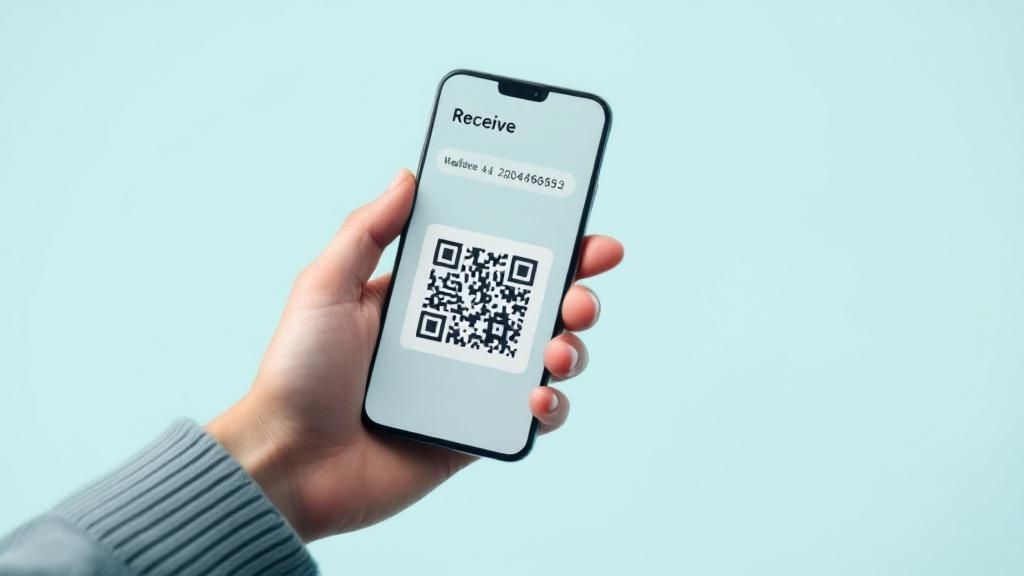
To receive Bitcoin, you first need a wallet address. Getting one is simple: just open your crypto wallet and look for a "Receive" or "Deposit" option. This will pull up your unique address, usually shown as both a long string of characters and a scannable QR code. You can copy this and share it with anyone who wants to send you funds.
Understanding Your Crypto Wallet Address
Before we jump into the "how," let's quickly cover the "what." Think of your wallet address as your unique account number on the blockchain. It's a public identifier that you can—and should—share with anyone sending you cryptocurrency. It's a fundamental piece of the puzzle, but it's only one half of the equation.
The other, far more critical half, is your private key.
If the wallet address is your bank account number, the private key is your secret PIN and password all rolled into one. It’s what grants you access to your funds and gives you the power to authorize transactions. This key must be kept secret at all costs; sharing it is like handing over full control of your finances.
Your wallet address is public and designed to be shared. Your private key is the secret that proves ownership and must never be revealed. Confusing the two is one of the most common and costly mistakes a newcomer can make.
The Two Main Types of Wallets
Every wallet that generates an address falls into one of two categories. The choice you make here is all about balancing convenience against security.
- Hot Wallets (Software): These are the apps on your phone or computer that stay connected to the internet. They're incredibly convenient for everyday transactions and are usually very easy to set up.
- Cold Wallets (Hardware): These are physical devices, often resembling a USB drive, that store your private keys completely offline. They offer the highest level of security, making them the go-to choice for storing larger amounts of crypto for the long term.
The crypto community is huge, with an estimated 134 million wallet users in North America alone. Globally, hot wallets are far more common, making up a staggering 78% of all crypto wallets simply because they're so accessible. Cold wallets, favored by serious investors for their Fort Knox-like security, account for the remaining 22%. You can explore more about these trends and wallet adoption statistics.
Choosing Your Wallet Type
Here's a quick comparison to help you understand the fundamental differences between software and hardware wallets.
| Feature | Hot Wallets (Software) | Cold Wallets (Hardware) |
|---|---|---|
| Connectivity | Always connected to the internet | Offline; only connects when you plug it in |
| Primary Use Case | Daily transactions, spending, and trading | Long-term storage, "HODLing" |
| Security Level | Good, but vulnerable to online threats | Excellent; immune to online hacking and malware |
| Convenience | Very high; access funds quickly from any device | Lower; requires the physical device to transact |
| Cost | Usually free | Requires purchasing a physical device ($50-$200+) |
| Examples | Exodus, BlueWallet, Electrum | Ledger, Trezor, Coldcard |
Ultimately, the best approach for most people is to use both: a hot wallet for small, "walking around" money and a cold wallet for your main savings that you don't plan on touching often.
Finding Your Wallet Address on Mobile
For a lot of people, a mobile wallet is the easiest way to handle crypto. It just makes sense. With over 78% of wallets being software-based, apps like Trust Wallet have become the go-to for sending and receiving digital assets straight from your phone. You can go from zero to having a wallet ready in just a few minutes.
First things first: only download your wallet app from the official Apple App Store or Google Play Store. Steer clear of third-party links you see online. Scammers love setting up traps with fake apps. Once it's installed, the app will walk you through setting up a new wallet. This is the crucial part where you'll get your recovery phrase, usually a list of 12 or 24 words.
Think of this phrase as the master key to your Bitcoin. Write it down—on actual paper—and store it somewhere safe and offline. Never, ever take a screenshot or save it in a digital file. If your phone gets lost or breaks, that piece of paper is the only way you’ll see your funds again.
This is what a typical mobile wallet looks like. The design is clean for a reason—to make it as simple as possible to get what you need.
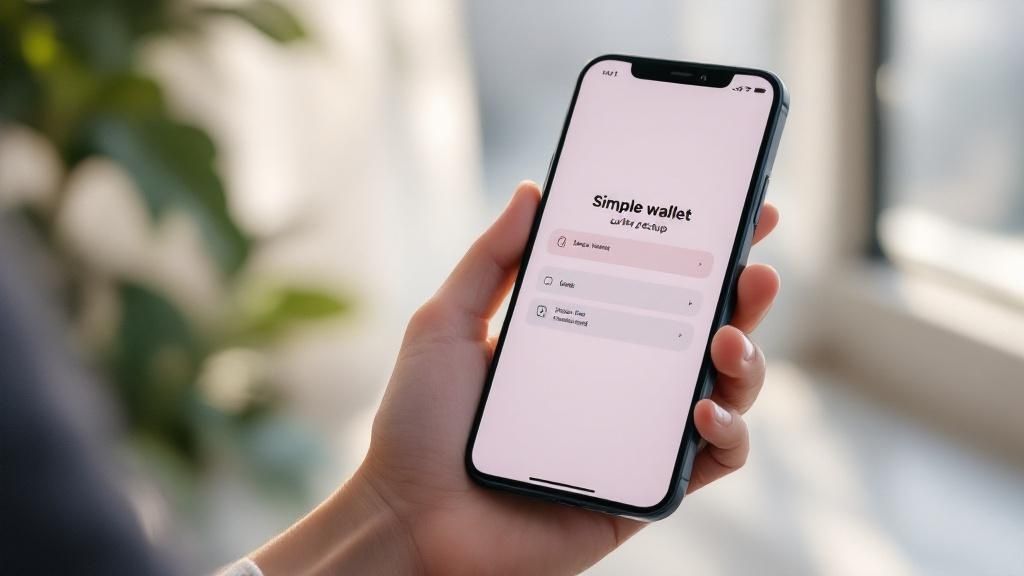
You'll notice the big "Send" and "Receive" buttons right away. They're designed to be front and center, making it intuitive to find your wallet address when you need it.
Pinpointing Your Receiving Address
Okay, so your wallet is set up and your recovery phrase is tucked away safely. Now let's grab that address. The good news is that most mobile wallets follow the same basic flow, so once you learn it on one, you can find your way around others pretty easily.
- Find and tap the 'Receive' button. It's almost always on the main screen. Tapping "Receive" kicks things off.
- Pick your crypto. The wallet will show you a list of all the coins it supports. You'll want to select the one you're about to receive, like Bitcoin (BTC).
- There's your address. The app will then show you everything you need: a long string of characters (that's your address) and a scannable QR code.
Pro Tip: Whenever possible, use the QR code. It's faster and removes any chance of making a typo when copying that long address. Sending crypto to the wrong address is a one-way trip—the funds are usually gone for good.
From this screen, you can usually tap a "Copy" icon to grab the address for pasting into a message, or just have the sender scan the QR code right off your phone. That's it. You're all set to receive your first crypto transaction on mobile.
Getting Your Address on a Desktop Wallet
Desktop wallets like Exodus are a fantastic middle ground. They give you a solid mix of security, direct control over your funds, and a user-friendly interface right on your computer—often with more features than their mobile counterparts, which is great if you're managing several different assets.
First things first: security. Always, and I mean always, download the wallet software directly from the official website. Steer clear of third-party download sites or random links. These are prime hunting grounds for malware designed to drain your crypto.
When you run the installer, you'll be guided through creating a new wallet. This means picking a strong password and, most critically, backing up your 12-word recovery phrase. Grab a pen and paper, write this phrase down, and tuck it away somewhere safe and offline. This isn't just a backup; it's the master key to your funds if your computer ever gives up the ghost.
Treat your recovery phrase like gold. Never store it digitally—no screenshots, no text files, no password managers. A physical, offline copy is the only truly secure method.
Navigating to Your Address
With your wallet set up and secured, finding your address is a piece of cake. Wallet developers know that receiving crypto is one of the first things you'll do, so they make it obvious.
It usually goes something like this:
- Unlock your wallet: Launch the application and punch in your password.
- Pick your asset: From the main dashboard, find and click on the crypto you want to receive, like Bitcoin (BTC).
- Hit "Receive": Inside that specific crypto's section, you'll see big, clear "Send" and "Receive" buttons. Just click "Receive".
That's it. Your unique wallet address will pop up, shown as both a long string of characters and a scannable QR code. You can copy this address to give to whoever is sending you funds.
You might notice that many modern wallets, including those used in Flash's network, generate a fresh address for every single transaction. This is a privacy feature. It's a flurry of activity happening constantly across blockchains. For context, TRON often sees around 2.9 million daily active addresses, while Bitcoin averages nearly 887,000. This highlights just how many new addresses are being created and used every day. You can explore more insights on crypto user activity here.
Don't let this worry you. Every address ever generated for your wallet remains linked to it forever. You can still receive funds to any of your old addresses without any issues.
How to Get an Address from a Hardware Wallet
When you get serious about security, especially if you're holding a significant amount of Bitcoin, a hardware wallet isn't just a good idea—it's essential. Think of devices from brands like Ledger or Trezor as the gold standard. Why? They keep your private keys completely offline, totally isolated from the nasty stuff on the internet like malware or phishing scams.
First things first, you'll need to set up the device. This usually means plugging it into your computer, installing the official software (like Ledger Live or Trezor Suite), and setting a PIN. The most critical part of this whole process is writing down your recovery phrase—typically 24 words—on the physical card that comes in the box. This phrase is the ultimate master key to all your crypto.
Crucial Tip: Never, ever take a photo of your recovery phrase or type it into any website or app. If your device gets lost, stolen, or smashed, that offline piece of paper is the only way you're getting your funds back on a new device.
Generating Your Secure Address
Getting a receiving address from a hardware wallet isn't as simple as clicking "Receive" in a mobile app, and that's by design. The process involves an extra security step that makes all the difference. You'll start the request in the software on your computer, but the final, crucial confirmation happens on the hardware device itself.
This little back-and-forth adds a massive layer of protection. It means that even if your computer was riddled with malware, a hacker couldn't trick you by showing you their address instead of yours. You have to physically verify the address on your hardware wallet’s trusted screen and press a button to approve it. The address on your computer screen must match the one on the device's screen.
This kind of "cold storage" security is paramount, which is why it's the go-to method for big players and institutions. The recent buzz around Bitcoin ETFs and companies adding Bitcoin to their balance sheets has only underscored the need for these ultra-secure solutions, where generating a wallet address is a tightly controlled procedure. You can get more insight into how the big fish secure their Bitcoin here.
Once you've given it the green light on your device, the address and its QR code will pop up in the desktop app. Now it’s ready to be copied and shared. You've just generated a receiving address backed by the best security the industry has to offer.
Essential Tips for Managing Your Wallet Addresses
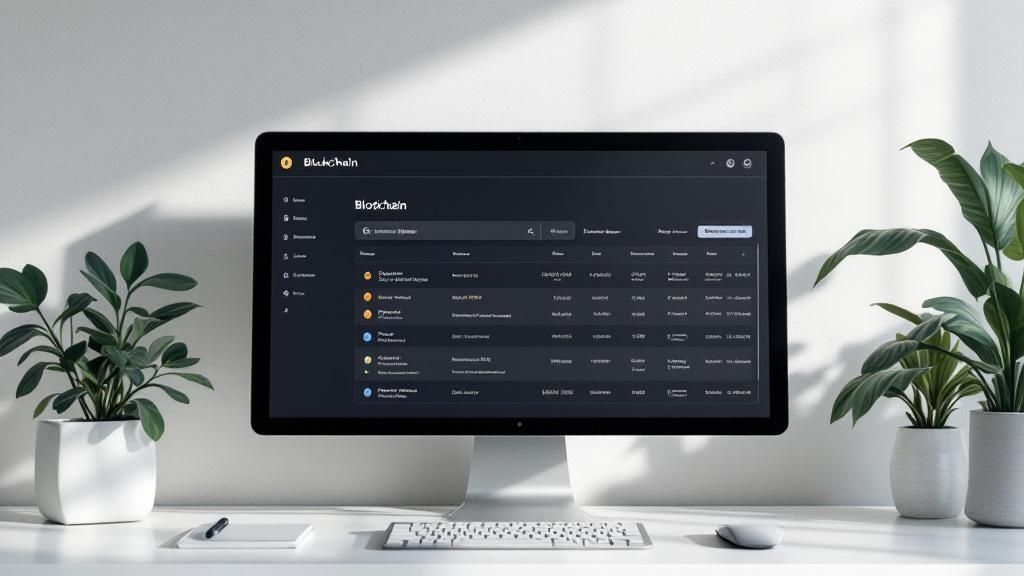
Alright, so you know how to find your wallet address. Now for the part that really matters: managing it safely.
Getting this right is far more important than just locating the address itself. One slip-up can mean a total loss of your funds, and on the blockchain, there are no do-overs. The responsibility is entirely on you.
The single most critical habit you need to build is to always, always double-check the address before you confirm any transaction. Seriously. I'm not just talking about glancing at the first few and last few characters, either.
There's a particularly nasty type of malware out there called a "clipboard hijacker." It waits for you to copy an address, and the second you paste it, the software swaps it with a scammer's address. It's a real threat, and it happens. Always verify the full address, character-for-character, on your wallet's final confirmation screen before hitting send.
Best Practices for Address Security
Beyond just verifying the address, a few other habits will seriously upgrade your security and privacy. Think of these less as suggestions and more as essential practices for anyone who wants to protect their assets.
- Embrace New Addresses: Many modern wallets, including those used in Flash's network, automatically generate a new address for every single transaction. This isn't just for show—it's a powerful privacy feature. Using a fresh address each time makes it much harder for anyone to trace your financial activity across the public ledger.
- Send a Test Transaction: This is a classic for a reason. If you're sending a large amount of Bitcoin to a new recipient for the first time, send a tiny "feeler" amount first. Wait for it to be confirmed, then send the rest. It’s a simple step that can save you from a very expensive typo.
A common misconception I hear is that old addresses expire or become invalid. They don't. Any address your wallet has ever generated will remain linked to it forever and can still receive funds. The reason we don't reuse them is purely for privacy.
Remember, every transaction is final. There’s no customer service line to call or a bank to reverse the charge if you send your Bitcoin into the void. Taking those few extra seconds to be diligent is the best defense you have.
Common Questions About Wallet Addresses
Once you've got the hang of finding your wallet address, a few questions almost always pop up. It's totally normal. Getting these sorted out is key to feeling confident and keeping your crypto safe. Let's walk through some of the things people often ask.
The first one is usually, "Is it safe to give out my wallet address?" The short answer is yes, absolutely. Your wallet address is public by design; it's meant to be shared. Think of it like your bank account number or your email address—you give it out to receive money or messages, but no one can get into your account with just that information.
It's literally impossible for someone to steal your crypto just by knowing your public address. To do that, they'd need your private key or recovery phrase, which you should guard like your life depends on it.
Should I Reuse the Same Wallet Address?
You technically can reuse the same address over and over. Nothing will break. But from a privacy standpoint, it’s a bad habit to get into. Every transaction on the blockchain is public, so using the same address for everything makes it incredibly easy for anyone to connect all the dots of your financial activity. It's like handing someone a complete, itemized history of your spending.
That's why most modern wallets automatically generate a fresh, unused address for every new transaction you receive. It's a built-in privacy feature that you should definitely take advantage of.
What Happens If I Send Crypto to the Wrong Address?
This is the one that keeps people up at night, and for good reason. Crypto transactions are irreversible. Once you hit send, that's it—there’s no "undo" button, no customer support line to call, and no bank to reverse the charge. If you send funds to the wrong address, they are almost certainly gone forever.
This is why you have to be almost paranoid about double-checking—or even triple-checking—every single character of an address before confirming a transaction. A tiny typo can be an incredibly expensive mistake.
Ready to start accepting Bitcoin payments directly from your customers? Flash makes it simple with direct wallet-to-wallet transactions, cutting out the middlemen and their high fees. You can get set up and start accepting Bitcoin in under a minute. Explore our tools to get started.