Paying someone with Bitcoin might sound complicated, but it's actually pretty straightforward. At its core, it's just a direct transfer from your digital wallet to someone else's, using a special, unique address. Think of it like sending a secure email, but with money attached. You completely bypass the banks for a direct, person-to-person payment.
How Bitcoin Payments Actually Work
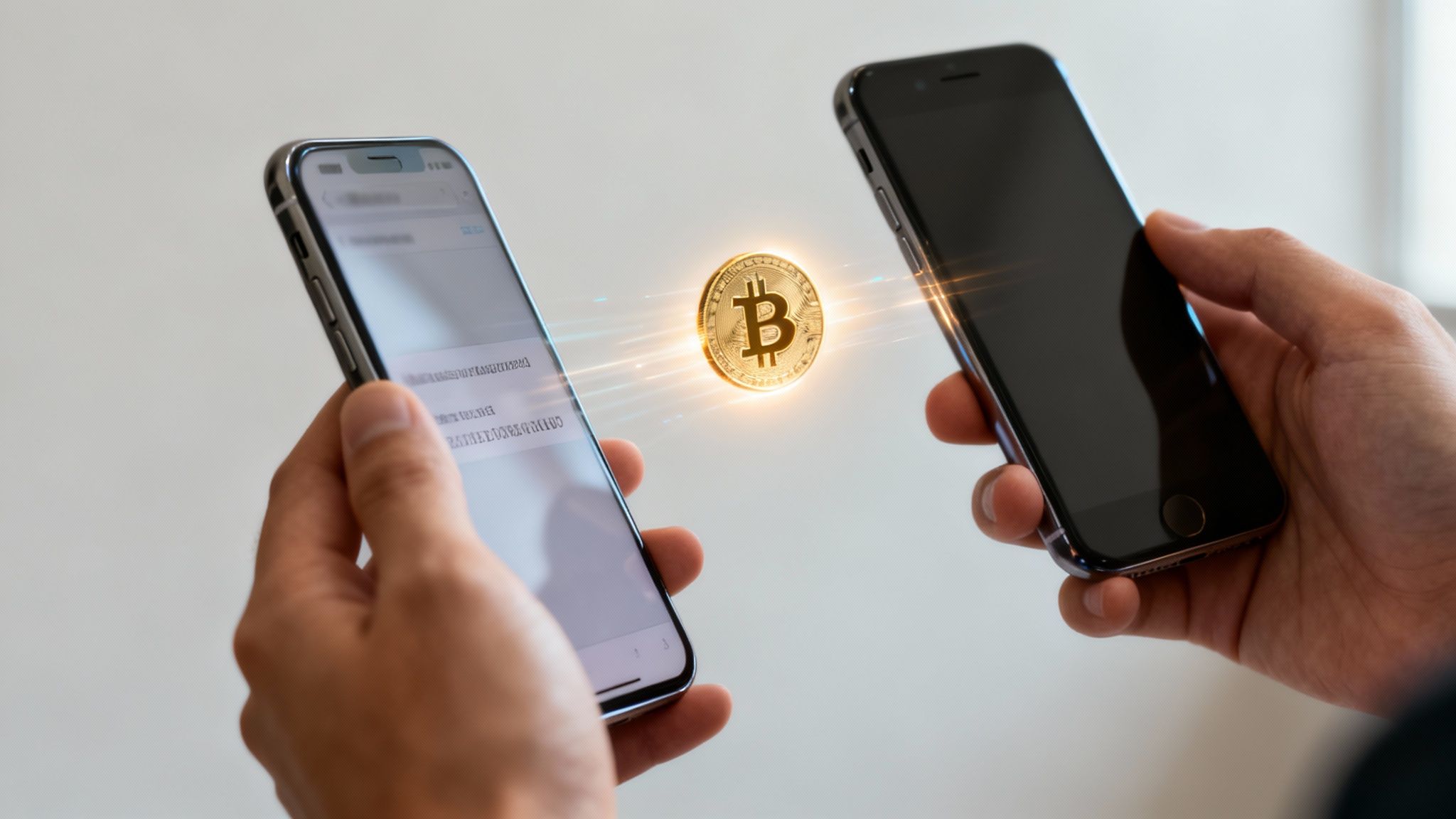
So, what’s happening under the hood when you hit 'send'? Instead of a bank account number, you’re sending funds to a Bitcoin address—a long, unique string of letters and numbers. The best way to think of this address is like a digital P.O. box that's only used once for maximum privacy and security.
When you decide to make a payment, your Bitcoin wallet uses your private key—a secret code that proves the bitcoin is yours—to digitally 'sign' the transaction. This signed transaction is then broadcast to the entire Bitcoin network across the globe.
The Role of The Blockchain
Once your payment is out there on the network, it gets bundled with other recent transactions into a 'block.' This block is then permanently added to the blockchain, which is just a massive, public ledger of every Bitcoin transaction ever made. This whole process is managed by thousands of independent computers, so no single company or government can control it.
The real beauty of a Bitcoin payment is its finality and transparency. Once confirmed on the blockchain, the transaction is irreversible and publicly verifiable, providing a high level of security and trust for both the sender and receiver.
Now, this might all sound super technical, but your wallet does all the heavy lifting for you. From your perspective, the process is simple and boils down to just a few key things.
Your Bitcoin Payment Checklist
Before you can send any Bitcoin, you need to make sure you have the basics in place. This table breaks down exactly what you'll need.
| Component | What It Is | Where to Get It |
|---|---|---|
| Bitcoin Wallet | A digital wallet app or device that stores your Bitcoin. | App stores (like Muun or Blink) or hardware stores. |
| Bitcoin (BTC) | The actual cryptocurrency you'll be sending. | A Bitcoin exchange, a Bitcoin ATM, or from another person. |
| Recipient's Address | The unique address where you'll send the funds. | The person or business you are paying will provide this. |
Once you have these three things sorted, you're ready to go. You just need to have your funded wallet, get the recipient's address, and confirm the amount before sending. This guide will walk you through each part of the process, showing you exactly what to do so you can make payments with total confidence.
Choosing and Securing Your Bitcoin Wallet
Alright, before you can send a single satoshi, you need a Bitcoin wallet. Think of it as your personal interface to the Bitcoin network—it's where you'll store your funds and sign off on any payments you want to make.
For anyone just dipping their toes in, a simple software wallet on your phone or computer is the perfect place to start. They're intuitive and get the job done without a steep learning curve.
It's amazing how much the space has grown. Mobile devices are now used for a significant portion of all Bitcoin transactions, which just goes to show how easy it's become to pay for things right from your pocket. If you're curious, you can explore a full breakdown of these global trends to see where things are headed.
Picking a User-Friendly Wallet
My advice? Stick to wallets designed specifically for Bitcoin. This cuts out all the noise and complexity, letting you focus on what matters. Look for one with a clean design and a solid track record in the community.
A fantastic resource is the official Bitcoin.org website. They have a handy wallet selection tool that lets you filter options based on your operating system (like Windows, Android, etc.) and the features you need. It’s a great way to cut through the clutter and find a wallet that’s just right for you.
Securing Your Backup: The Most Important Step
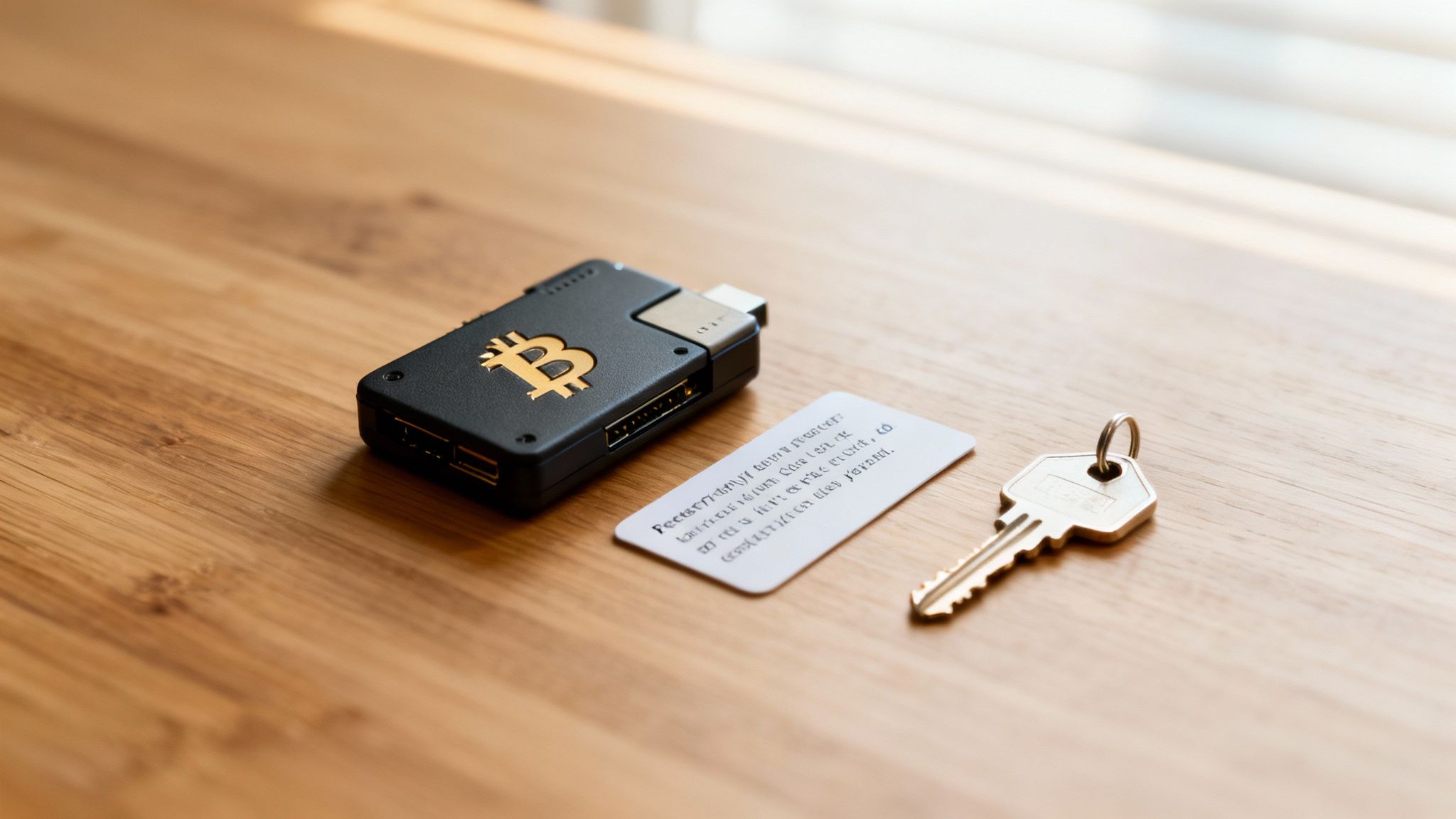
Once you’ve installed a wallet, it will ask you to write down a recovery phrase, usually 12 or 24 random words. Pay attention, because this is the single most critical part of the whole setup.
This phrase is the master key to all your Bitcoin. If your phone gets lost, stolen, or just stops working, this sequence of words is the only way to restore your funds on a new device.
Seriously, never store your recovery phrase digitally. No screenshots. No notes app. Don't email it to yourself. Write it down on a piece of paper and hide it somewhere safe where only you can find it.
I've heard horror stories. One person I know stored their phrase in a password manager, thinking it was secure. When that online service was breached, a hacker found the phrase and drained their wallet instantly. The funds were just… gone. An offline, physical backup is non-negotiable.
Getting Bitcoin Into Your Wallet
Alright, you've set up your secure Bitcoin wallet. Now for the important part: getting some sats in there. An empty wallet is just a starting point, but thankfully, buying Bitcoin and moving it into your own custody is much simpler than it sounds.
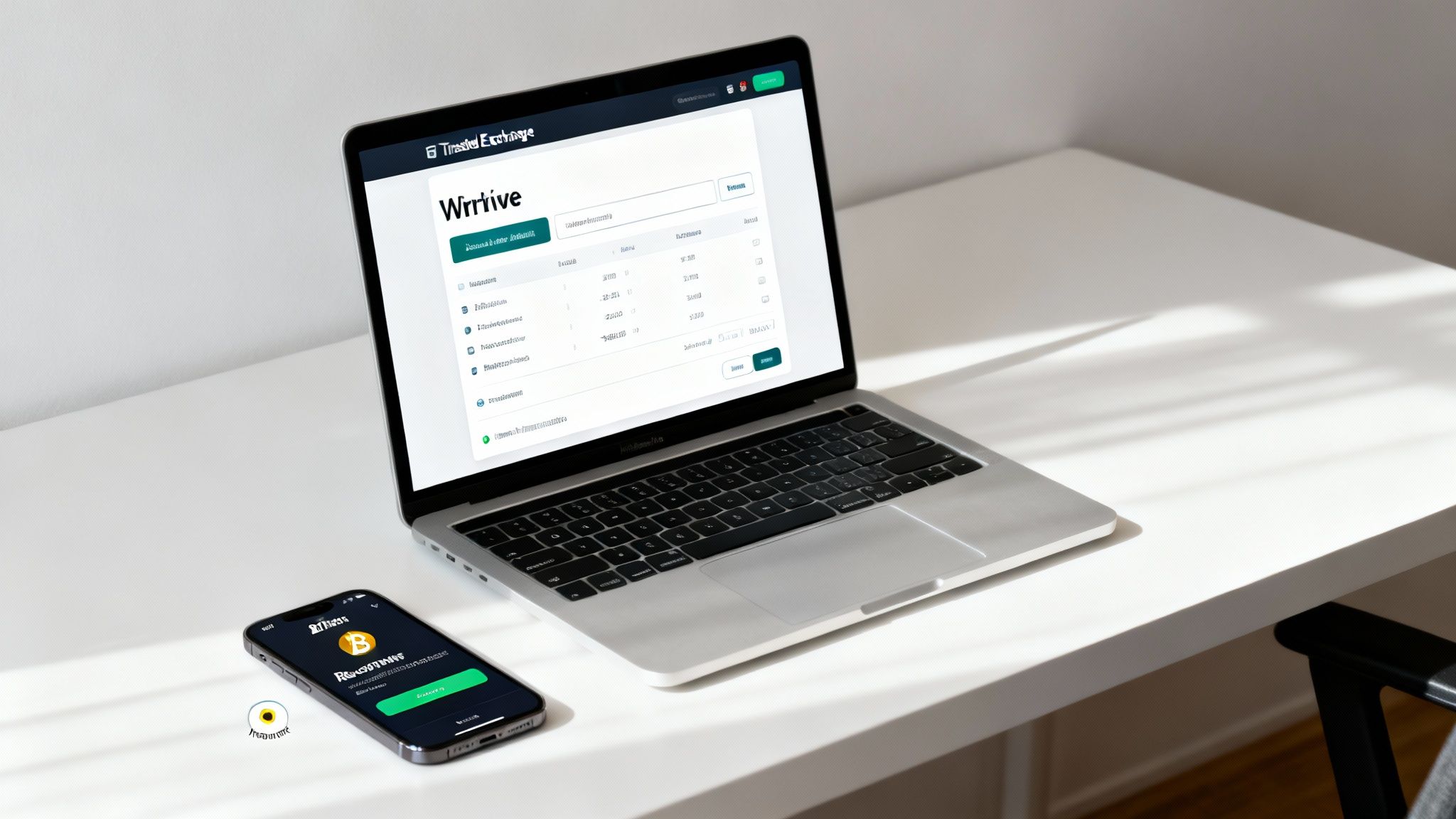
For most people, the journey starts at a trusted Bitcoin exchange. This is where you'll make your initial purchase. But here's the crucial next step: once you buy the Bitcoin, you need to withdraw it to your own wallet—the one where you hold the keys. This is what separates simply owning Bitcoin from truly controlling it.
Avoiding Irreversible Mistakes
Let's get one thing straight: Bitcoin transactions are final. There's no "undo" button, no customer service line to call if you mess up. Once you hit send, it's gone. Sending funds to the wrong address is the digital equivalent of dropping cash into a random mailbox—you’re not getting it back.
This is probably the most common—and most painful—mistake newcomers make. The solution is simple: always copy and paste the receiving address. Never, ever try to type it out by hand. A single typo, one wrong character, and your funds will be sent into a black hole.
Here's a pro tip that has saved countless people from a world of hurt: send a small test transaction first. Before you move a large amount, send a tiny fraction—just a few dollars' worth. This little bit of diligence confirms the address is correct and everything works as expected.
The Test Transaction Method
Sending a small test amount first is the single best habit you can build. It's a small step that provides massive peace of mind.
Here’s why it's a non-negotiable practice for savvy users:
- Verifies the Address: It's your proof that you copied the correct address before you commit the full amount.
- Builds Confidence: Seeing that first small payment land in your wallet confirms the entire process works.
- Minimizes Risk: If you do make a mistake, you've only lost a few bucks instead of your entire payment.
Once that test transaction appears safely in your wallet, you can go ahead and send the rest. You'll do it with the confidence of knowing everything is set up perfectly. Now, with a funded wallet, you're ready to make your first payment securely.
Sending Your First Bitcoin Payment
So, you’ve got a funded wallet and you're ready to make your first move. This is where it all clicks—that abstract concept of a Bitcoin transaction becomes a few simple taps on your screen. Let's walk through it so you can send that first payment without breaking a sweat.
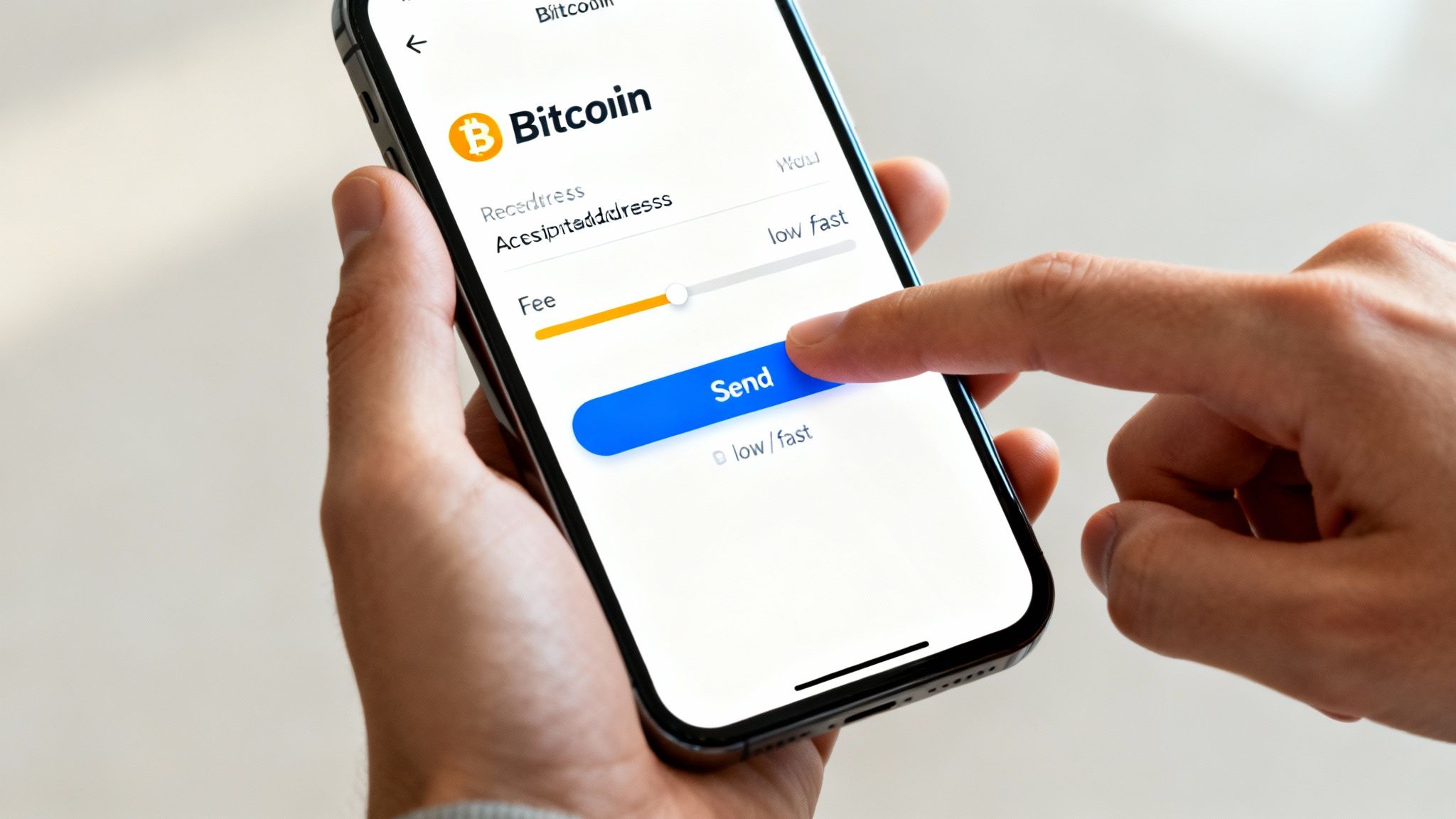
First thing's first: open your wallet and look for the 'Send' button. It’s usually pretty prominent. Your wallet will then ask for two key pieces of information—the recipient's Bitcoin address and the amount you want to send.
The address is the single most critical detail here. Get it wrong, and those funds are gone for good. There’s no "undo" button in Bitcoin.
To avoid any mishaps, always get the address directly from the person or merchant you're paying. The best way? Scan their QR code. If that’s not an option, use your phone’s copy-paste function. Manually typing it out is just asking for trouble.
Setting the Amount and Checking the Details
Once the address is locked in, it's time to enter the payment amount. A great feature in most modern wallets is the ability to toggle between your local currency (like USD) and Bitcoin (BTC). The wallet handles the conversion on the fly, which is a massive help.
Now, before you get too excited and hit send, pause for a moment. Do a final check. It only takes a few seconds.
- The Address: Look at the first few and last few characters of the address. Do they match what the recipient sent you? This quick glance can save you from a costly mistake.
- The Amount: Is the payment value correct? A misplaced decimal can turn a small payment into a big one.
This little two-step review is a habit that will save you a world of stress. Trust me on this one.
Understanding and Choosing Network Fees
The final piece of the puzzle is the network fee. This isn't some hidden charge from your wallet provider. It's a small amount you include to incentivize miners on the network to process and confirm your transaction. Most wallets make this easy by suggesting a few fee levels: low, medium, or high.
Your choice here directly impacts how quickly your payment gets confirmed.
Think of network fees like postage. A higher fee is like paying for priority shipping—your payment gets processed faster. A lower fee is like standard mail; it’ll get there, but it will take a bit longer.
So, when does it matter? If you're paying a freelancer who needs the funds to meet a deadline, springing for a medium or high fee ensures the payment arrives quickly. But if you’re just sending a small, non-urgent payment to a friend, a low fee is perfectly fine.
The efficiency of Bitcoin payments is a huge reason why more and more merchants are getting on board. Projections show that merchant adoption of Bitcoin payments could grow significantly by 2025, driven by lower fees and borderless access. You can dig into more merchant adoption statistics at CoinLaw.io.
Once you've selected your fee and given everything one last look, you can hit 'Send'. That's it
Tracking Your Transaction to Confirmation
You’ve hit 'send' on your Bitcoin payment. So, now what? It might feel like your transaction has vanished into the digital ether, but what’s really happening is a fascinating, transparent process. Your payment is now on its way to getting its first blockchain confirmation, which is the network's official stamp of approval that locks it in.
This isn't a time to sit and worry. It's a chance to see the magic of the blockchain in real-time. Using a tool called a block explorer, you can become a digital detective. Just grab the transaction ID (your wallet gives you this right after you send) and paste it into a block explorer website. You'll get a live view of its journey as miners work to include it in the next block.
Watching this process removes all the guesswork. It turns what could be an anxious wait into a moment of pure, verifiable proof that your funds are securely on the move.
Why Confirmations Matter
When your transaction gets its first confirmation, it means it's been officially added to a block on the Bitcoin blockchain. That's a huge milestone, but for most situations, the story doesn't end there. Most merchants and services will wait for a few more confirmations to be absolutely certain the payment is final.
Here’s a quick breakdown of what they mean:
- 1 Confirmation: Great start. The payment is now officially recorded on the network.
- 3 Confirmations: Even better. The transaction is now much more secure and harder to alter.
- 6 Confirmations: The gold standard for finality. At this point, the payment is considered permanent and irreversible.
Waiting for multiple confirmations is standard practice. It’s all about protecting the recipient from any potential funny business and ensuring the funds are settled for good.
Think of a confirmed Bitcoin transaction like cash changing hands—once it’s done, it’s done. This finality is one of Bitcoin's most powerful features and is the bedrock of its security as a payment system.
This robust system is a key reason why Bitcoin continues to be a major player in global payments, a trend expected to hold strong through 2025. Merchants love its borderless nature and the escape from costly traditional payment fees. If you're curious, you can find more insights on global crypto payment trends on Coingate.com.
By understanding how to track your confirmations, you close the loop on every payment. You're no longer just sending and hoping—you're sending and knowing it arrived safely.
Got Questions About Paying With Bitcoin?
Dipping your toes into Bitcoin payments for the first time? It’s completely normal to have a few questions pop up. Getting these sorted out is the best way to build confidence and make sure every transaction you send is locked down and secure.
Let's walk through some of the most common things people ask when they're learning the ropes.
How Long Does a Bitcoin Transaction Take?
This is the classic "it depends" question. The speed of a Bitcoin payment hinges on two main things: the network fee you choose to pay and how busy the network is at that exact moment.
Generally, you can expect the first confirmation to pop up within 10 to 20 minutes. That's usually fine for smaller, everyday payments.
But for anything important—say, a large purchase or a business transaction—it’s smart to wait for at least three to six confirmations. This adds a serious layer of security, making the payment irreversible. All in, this can take up to an hour, but the peace of mind is well worth it.
Are Bitcoin Payments Anonymous?
Here’s a common misconception. Bitcoin is actually pseudonymous, not anonymous. Think of it like using a pen name.
While your real name isn't stamped on your Bitcoin address, every single transaction is recorded on a public ledger—the blockchain—for anyone to see. If your address ever gets linked back to your real-world identity, your entire payment history tied to that address can be traced. It offers a level of privacy, but it's far from total anonymity.
The core takeaway is that while your identity isn't broadcast, your activity is. Always operate with the understanding that transactions are part of a public ledger.
What Happens if I Send Bitcoin to the Wrong Address?
This is the one you really need to pay attention to. Bitcoin transactions are irreversible. Once they're sent, they're gone.
If you accidentally send your funds to the wrong address, they are almost certainly lost for good. The only slim chance of recovery is if you happen to know the owner of that address and they're kind enough to send it back. Don't count on it.
This is exactly why you should always copy and paste wallet addresses. And even then, double-check the first and last few characters to be absolutely sure before you hit send.
Can I Cancel a Bitcoin Payment?
In a word: no. Once a transaction is broadcast to the network, it cannot be canceled or reversed.
This finality is a core feature of how Bitcoin works, not a bug. It’s what makes the network so secure. So, before you click that 'send' button, be 100% certain that the amount is correct and the recipient’s address is perfect.
Ready to accept Bitcoin payments for your business? Flash offers a secure, decentralized solution that connects directly to your wallet. Get started in under a minute and tap into a global customer base. Learn more at paywithflash.com.