The easiest and most effective way to secure your crypto is to get it offline. This means moving your Bitcoin off an exchange and into a dedicated hardware wallet, an air-gapped device, or a multisignature (multisig) setup.
These methods, known as cold storage, create a physical barrier between your private keys and the internet. It’s the single most important move you can make to shield your assets from hackers, thieves, and the all-too-common exchange collapse.
Why Storing Your Bitcoin Offline Is Non-Negotiable
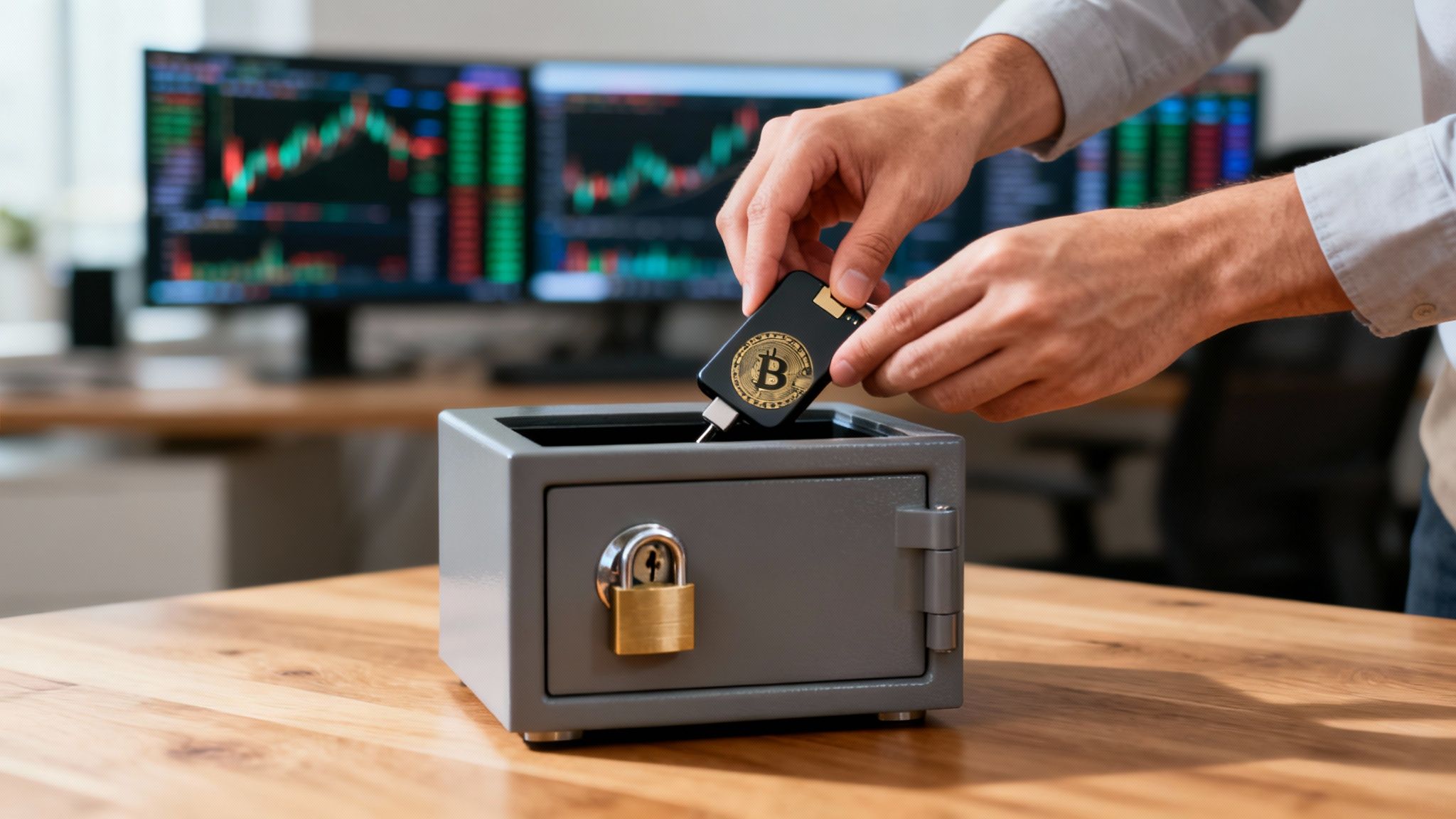
Before we get into the how, let’s quickly cover the why. Understanding this is fundamental to responsible Bitcoin ownership. When your Bitcoin sits on a centralized exchange, you don't actually hold the Bitcoin. You hold an IOU from that company.
The exchange controls your private keys, and as history has shown time and again, this leaves you wide open to counterparty risk. If they get hacked, go bankrupt, or just decide to freeze withdrawals, your funds are completely at their mercy.
True ownership means you hold your own private keys. This concept is called self-custody, and it’s the entire reason for moving your assets to a cold storage solution you control.
The Critical Difference Between Custodial and Self-Custody
Taking your Bitcoin into self-custody shifts the responsibility—and the power—entirely to you. That might sound intimidating, but it's the only way to guarantee your assets are truly yours.
Here’s how they stack up:
- Ownership: With self-custody, you hold the private keys. On an exchange, the platform holds them for you as a custodian.
- Control: Offline storage gives you total control to send or receive Bitcoin whenever you want. Custodial services can restrict your access or freeze your account without notice.
- Security: Your security is in your hands, safe from the large-scale breaches that target exchanges. Custodial wallets pool user funds, making them a giant honeypot for attackers.
The old saying in the Bitcoin community, "Not your keys, not your coins," isn't just a catchy phrase—it's a critical security principle. It’s a constant reminder that if you don't control the private keys, you don't really own your Bitcoin.
To give you a quick snapshot of your options before we dive deep, here's a look at the most common methods.
Offline Bitcoin Storage Methods At a Glance
This table provides a high-level comparison to help you start thinking about which approach might fit your needs.
| Method | Best For | Security Level | Complexity |
|---|---|---|---|
| Hardware Wallet | Beginners & most users | High | Low |
| Air-Gapped Device | Tech-savvy users, high-value storage | Very High | Medium |
| Paper Wallet | Long-term deep cold storage (legacy) | High (if done right) | High (error-prone) |
| Multisig | Businesses, joint accounts, institutions | Very High/Highest | High |
Each of these has its trade-offs, which we'll explore in detail.
Lessons from History
The case for offline storage is written in the long history of lost and stolen funds. Since Bitcoin’s early days, analysts estimate that over 3 million BTC are gone forever due to exchange failures, hacks, and simple key mismanagement.
On the flip side, chain analysis shows more than 6 million BTC haven't moved in over five years. This strongly suggests a huge portion of long-term holdings are secured in cold storage by savvy investors.
The digital threat landscape is always evolving. Understanding how concerned should you be about cyber attacks makes it clear why offline storage isn't just a good idea—it's an essential security strategy. The risk isn't some abstract concept; it's a real and present danger for anyone holding digital assets.
Learning how to store your Bitcoin offline is the most powerful step you can take to protect yourself. It’s the difference between having a claim on an asset and having direct, undeniable ownership of it.
Choosing Your Offline Bitcoin Storage Method
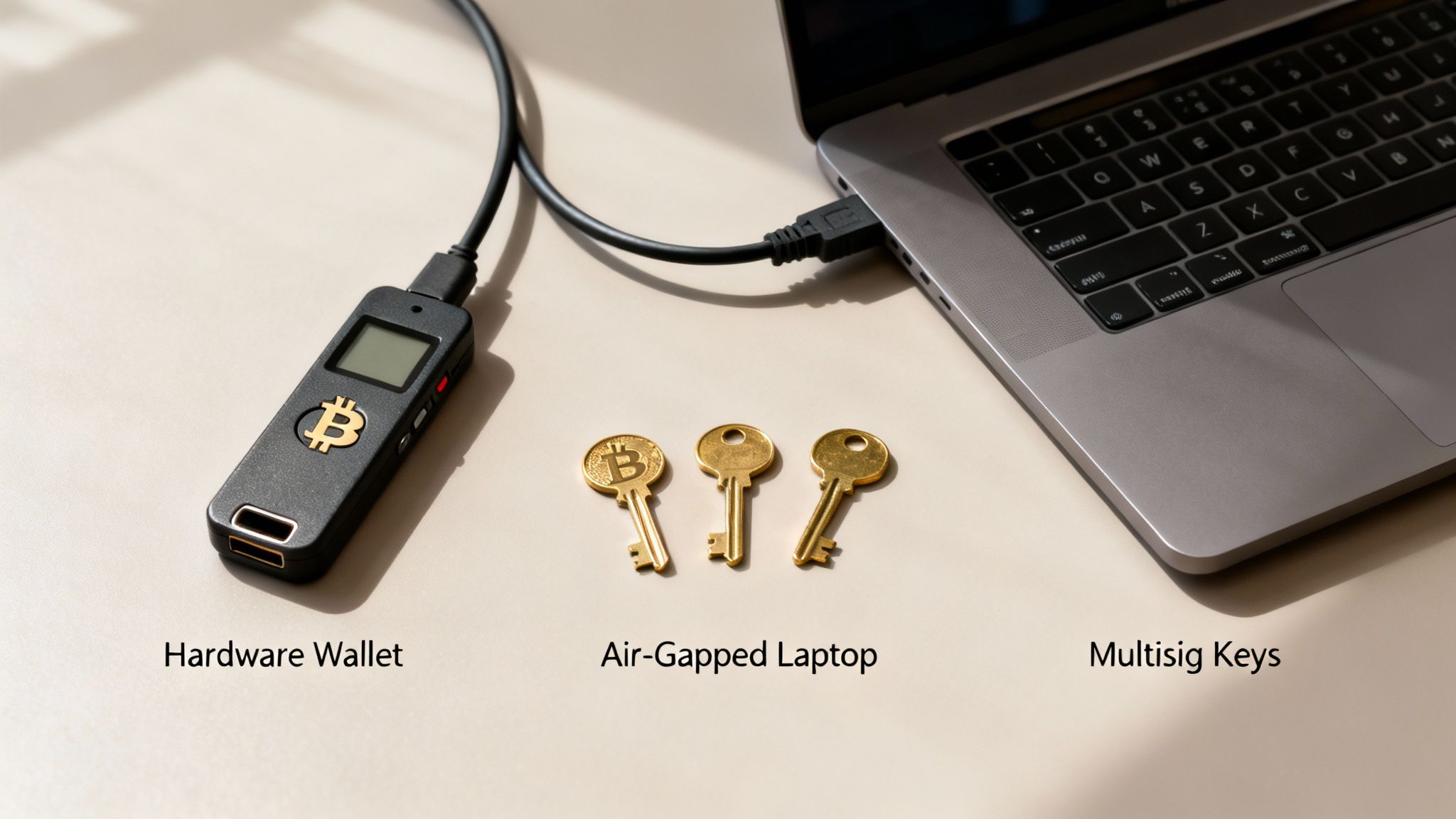
Deciding how to store your Bitcoin offline isn't about finding the single "best" method. It’s about finding the right fit for you. The best choice hinges on a few key factors: how much Bitcoin you're securing, your comfort level with technology, and what kind of threats you're trying to protect against.
For most people, a simple, user-friendly approach is more than enough. But for those protecting substantial wealth, a more robust and complex solution is often necessary.
The three pillars of offline Bitcoin storage are hardware wallets, air-gapped computers, and multisignature (multisig) vaults. Each one strikes a different balance between security, convenience, and complexity. Let's break them down so you can make a smart decision that fits your specific needs.
Hardware Wallets: The Standard for Most Users
For the vast majority of Bitcoin holders, a hardware wallet is the perfect starting point and, for many, the ultimate long-term solution. These are small, dedicated electronic devices built for one job and one job only: to generate and protect your private keys in a completely offline environment.
Think of a hardware wallet as a digital vault for your keys. It signs transactions without ever exposing those keys to your internet-connected computer. This means that even if your computer is crawling with malware, the keys on your device stay safe inside a specialized, tamper-resistant chip.
Here’s why they’ve become so popular:
- Ease of Use: They are designed from the ground up to be user-friendly, with intuitive screens and clear instructions. You don’t need to be a tech wizard to use one.
- High Security: Their core function—keeping keys isolated from online threats—provides a massive security upgrade over software or exchange wallets.
- Simple Recovery: If you lose, break, or have your device stolen, you can recover your funds on a new device using your secret backup phrase (often called a seed phrase).
This powerful combination of security and usability is driving a real shift in the market. In the wake of high-profile exchange hacks, ownership of cold wallets among retail holders shot up by roughly 30-34% year-over-year in 2025 as people moved to reduce their reliance on custodians.
Despite this trend, hot wallets still dominate, with an estimated 69-78% of users keeping them as their primary storage. But the market is growing, with the hardware wallet segment alone estimated at $474.7 million in 2024. You can dig into more detailed cold wallet statistics to see the full picture of this slow but steady move toward self-custody.
Air-Gapped Computers: Maximum Individual Security
For those with a bit more technical know-how or a need for fortress-like security, an air-gapped computer takes isolation to the next level. An "air gap" is exactly what it sounds like: a physical separation between a computer and any network. No Wi-Fi, no Bluetooth, no internet connection. Ever.
This machine is used exclusively for one thing: signing Bitcoin transactions.
The workflow is methodical and deliberate:
- First, you create an unsigned transaction on an online "watch-only" wallet (a wallet that can see your balance but can't spend).
- Next, you transfer this transaction file to the air-gapped computer, usually via a microSD card or by scanning a QR code.
- You then sign the transaction on the offline machine using the private keys stored securely on it.
- Finally, you move the signed transaction file back to your online computer to broadcast it to the Bitcoin network.
This process completely severs the link between your private keys and the internet, eliminating almost every conceivable remote attack. It’s not for the faint of heart, though—it requires a dedicated machine and a disciplined process to get right.
Pro Tip: If you're going the air-gapped route, start with a fresh, clean operating system installation on a computer you trust. Never, ever use this machine for browsing, email, or any other online activity. Maintaining the integrity of that air gap is everything.
Multisignature Vaults: The Gold Standard for Resilience
Multisignature, or "multisig," is the absolute pinnacle of Bitcoin security. It's designed to eliminate single points of failure by requiring multiple keys to authorize a transaction. For example, in a common "2-of-3" setup, three separate keys are created, but you only need any two of them to move your funds.
This structure builds incredible resilience against all sorts of risks:
- Theft: An attacker would have to compromise multiple keys, which you've hopefully stored in geographically separate, secure locations.
- Loss: If you lose one key—say, in a fire or a boating accident—you can still access your funds with the other two.
- Inheritance: You can distribute keys among family members, a lawyer, or a trustee to create a rock-solid succession plan.
Setting up a multisig vault means coordinating multiple hardware wallets or other signing devices. It definitely requires a deeper understanding of how Bitcoin works under the hood. While it’s probably overkill for a small amount of Bitcoin, it’s the undisputed standard for businesses, family offices, and individuals securing life-changing wealth.
Comparison of Offline Bitcoin Security Setups
Choosing the right cold storage method comes down to balancing your personal security needs, technical confidence, and the amount of Bitcoin you're protecting. This table breaks down the key differences between the three main approaches.
| Feature | Hardware Wallet | Air-Gapped Computer | Multisignature Vault |
|---|---|---|---|
| Best For | Most individual users, from beginners to advanced. | Technically savvy users, privacy advocates, large holders. | Businesses, family offices, securing generational wealth. |
| Security Level | High. Keys are isolated on a dedicated, secure device. | Very High. Keys are on a device that never touches the internet. | Highest. Eliminates single points of failure. |
| Complexity | Low. Designed for ease of use with a straightforward setup. | High. Requires a dedicated machine and a strict, manual process. | Very High. Requires coordinating multiple devices and backups. |
| Cost | Moderate ($60 - $250 per device). | Moderate to High (cost of a dedicated laptop/computer). | High (cost of multiple hardware wallets and setup services). |
| Single Point of Failure? | Yes. The seed phrase backup is a single point of failure. | Yes. The offline machine and its backup can be a SPoF. | No. Designed specifically to eliminate single points of failure. |
| Convenience | High. Relatively easy to sign transactions. | Low. The process is manual and time-consuming. | Low. Requires coordinating multiple keys/people to sign. |
Ultimately, a standard hardware wallet provides more than enough security for most people. However, as your holdings grow or your needs become more complex, exploring an air-gapped or multisig setup becomes a logical next step in your self-custody journey.
Your Hardware Wallet Setup Guide
For anyone serious about learning how to store their Bitcoin offline, a hardware wallet is the natural starting point. It's the go-to method for a reason, offering a fantastic balance of serious security and surprising simplicity.
But let's be clear: getting the setup right from the very beginning isn't just important—it's everything. One wrong move here can completely undermine the security you're trying to build. This guide isn't just about getting the device running; it's about establishing solid operational security (OpSec) to protect your Bitcoin for the long haul.
Securing Your Device From Day One
Your security posture starts the moment you decide to buy a hardware wallet. This is a critical first step that far too many people get wrong.
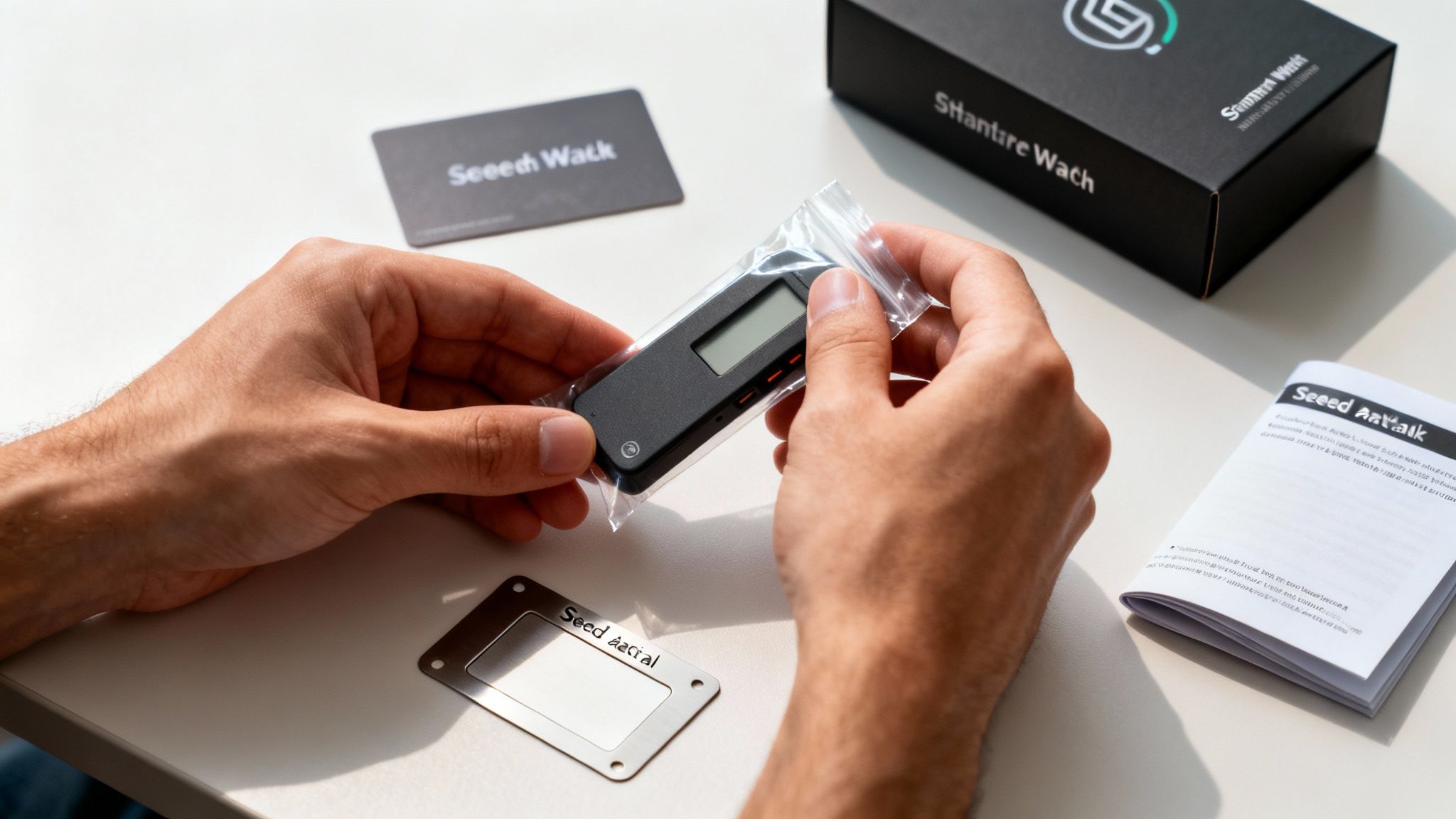
Always, and I mean always, buy your hardware wallet directly from the manufacturer's official website. Don't even think about hunting for a deal on Amazon or eBay. The risk of a supply chain attack, where a device is tampered with before you even get it, is very real. Buying direct is your best defense.
When the package arrives, it’s time to play detective. Scrutinize the packaging for any sign it's been opened.
- Are the seals or holographic stickers broken or peeled back?
- Do you see any weird scratches, bits of glue, or packaging that doesn't quite match?
- If anything feels off, stop. Do not use the device. Get in touch with the manufacturer and ask for a replacement.
This initial check ensures you're starting with a clean, untampered device, which is the absolute foundation of offline storage.
The Initial Setup in a Secure Environment
Once you've verified the device is legit, it's time for the initial setup. And where you do this matters. Find a private spot where you won't be interrupted or watched. That means no public Wi-Fi, no coffee shops, and definitely no using a shared computer.
Connect the device to a computer you trust and follow the on-screen instructions from the manufacturer. The device will walk you through creating a new wallet, which is just a fancy way of saying it's generating a new set of private keys. Critically, this all happens on the hardware wallet itself, totally isolated from your computer.
During this process, you'll set a PIN. Pick something strong and random—no birthdays or "1234." This PIN is your first line of defense if someone physically gets their hands on your device.
A common misconception is that your Bitcoin is stored on the hardware wallet. It’s not. The Bitcoin lives on the blockchain; the wallet just holds the private keys that prove you own it. That's why this next step is the most important one.
Mastering Your Seed Phrase Backup
At some point during setup, your device will show you a sequence of 12 or 24 words. This is your recovery seed phrase (or mnemonic phrase). Think of it as the master key to your entire Bitcoin stash. With these words, anyone can restore your wallet on a new device and drain your funds. Protecting this phrase is your single most important job.
You must never, ever create a digital copy of your seed phrase.
- NEVER type it into your computer or phone.
- NEVER take a picture of it.
- NEVER save it in a password manager or in the cloud.
The second it touches a device connected to the internet, you've completely defeated the purpose of having an offline hardware wallet. Write the words down carefully on the recovery cards provided, and then double-check the spelling and order of every single word.
With the words written down, think about durability. Paper gets destroyed by fire and water. For serious, long-term protection, people stamp their seed phrases into steel plates or use other purpose-built metal backup devices. This makes your backup virtually indestructible.
Store this backup somewhere incredibly secure and hidden—a fireproof safe or a bank's safe deposit box are common choices. Some people even split their backup across multiple locations, adding another layer of security against disaster or theft.
Advanced Security With Multisig and Air-Gapped Setups
A hardware wallet is a massive leap forward for the average Bitcoin holder, but some situations demand an even tougher defense. When you're guarding serious value—or managing funds for a business or family—relying on a single device and its one seed phrase can start to feel like a single point of failure.
This is exactly where advanced offline strategies come in. Multisignature wallets and air-gapped setups are the next frontier, creating a level of security that’s practically immune to remote hacks and incredibly resistant to physical threats. Yes, they require more technical confidence and a bit more discipline, but the peace of mind is worth it.
Eliminating Single Points of Failure With Multisig
A multisignature wallet, or "multisig," is the gold standard for resilience. In simple terms, it's a wallet that requires more than one key to sign off on a transaction. This completely neutralizes the risk of a single key being lost, compromised, or stolen.
Think of it like a bank's safe deposit box that needs two separate keys to open—one for you, one for the manager. With Bitcoin, you control all the keys, but the principle is the same. A very common setup is a 2-of-3 multisig wallet:
- You create three independent private keys.
- You need any two of those keys to authorize a payment.
This structure is incredibly robust. If a thief gets their hands on one key, it's useless by itself. If a disaster like a fire destroys one key, you still have the other two and can access your funds without skipping a beat.
Key Takeaway: Multisig isn't just about stopping theft; it's about engineering redundancy. It turns your Bitcoin storage from a single point of failure into a distributed, fault-tolerant system.
Setting up a multisig wallet usually means coordinating several hardware wallets through dedicated Bitcoin desktop software. Each device generates and protects one of the keys, making sure they're never stored in the same physical location. It’s an ideal solution for businesses where multiple partners need to approve payments or for creating a bulletproof inheritance plan.
The Air-Gapped Workflow for Total Isolation
Another powerhouse technique is the air-gapped setup. An air gap is exactly what it sounds like: a physical separation between your private keys and any network connection. The computer holding your keys has its Wi-Fi and Bluetooth physically removed (or permanently disabled) and is never connected to the internet. Ever. This machine becomes a dedicated, offline "signing device."
Since this device never touches the internet, it’s completely shielded from malware, viruses, and remote hackers. Spending from an air-gapped wallet involves a very deliberate and secure workflow.
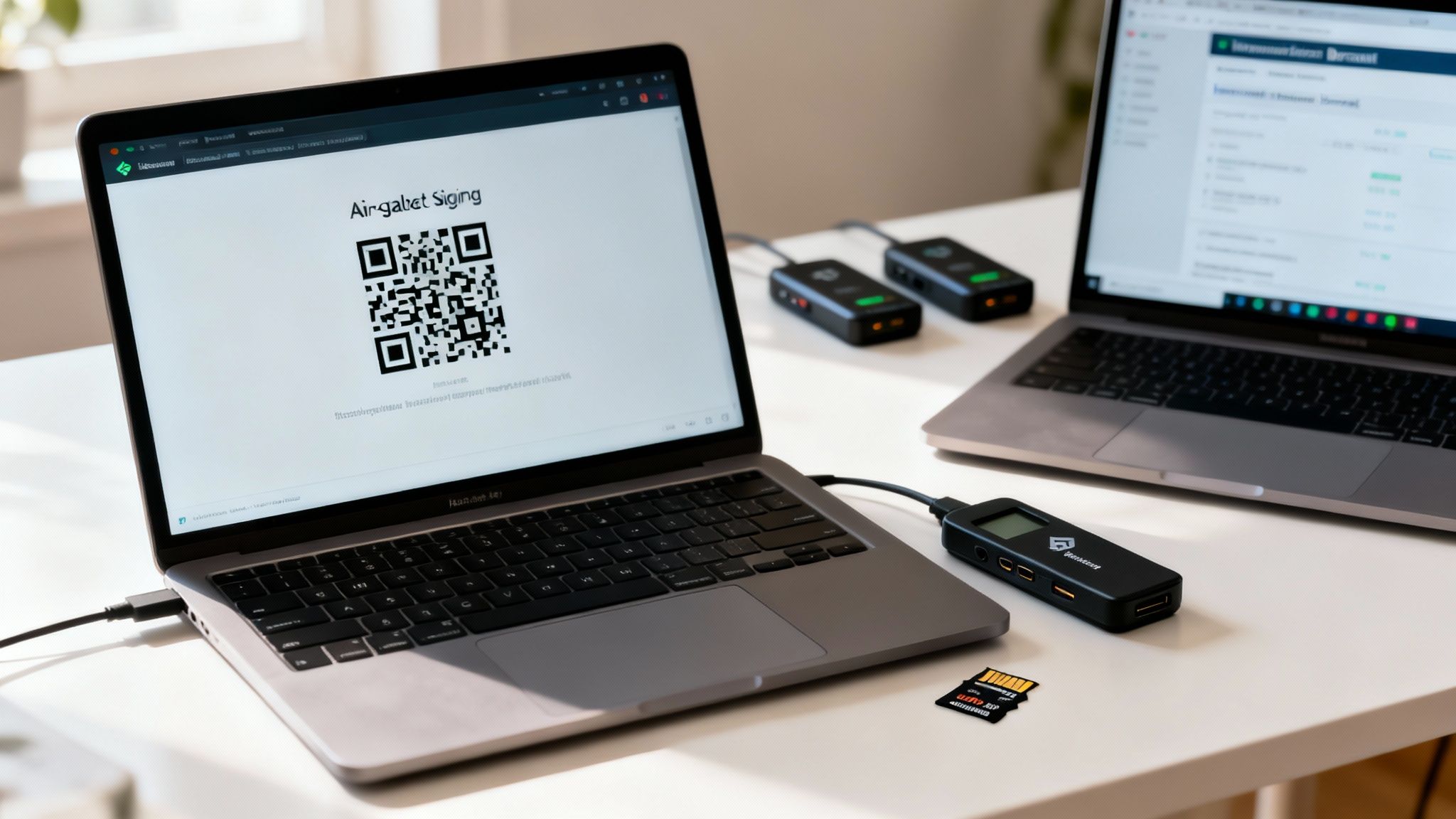
Craft the Transaction Online: First, on a regular internet-connected computer, you use a "watch-only" wallet. This wallet knows your public addresses, so it can see your balance and create new ones, but it has no spending power. Here, you'll build the transaction, defining the amount and recipient address.
Move It Offline: Next, you transfer the unsigned transaction data over to the air-gapped computer. This is usually done with a microSD card or by displaying a QR code on the online computer's screen and scanning it with a webcam attached to the offline one.
Sign in Isolation: On the air-gapped machine, you load the unsigned transaction file into your Bitcoin software. Because this computer holds the private keys, it can cryptographically sign the transaction to authorize the payment.
Broadcast the Signed Transaction: Finally, you move the newly signed transaction data back to the online computer using the same method (microSD or QR code). From there, you can safely broadcast it to the Bitcoin network for confirmation.
This methodical process guarantees your private keys are never exposed to an online environment. It's not the most convenient method for daily payments, but for securing a significant nest egg, an air-gapped system offers one of the highest levels of security possible. It's a cornerstone of understanding how to store Bitcoin offline for maximum protection.
Maintaining Your Offline Security Long-Term
Getting your offline Bitcoin storage set up is a massive step forward, but the work doesn't stop there. Real security isn't a one-and-done task; it's a discipline you practice over the long haul. Keeping your cold storage airtight requires a commitment to a few key operational habits that will protect your assets for years, if not decades.
Think of it like owning a physical vault. You wouldn't just install it and walk away. You'd periodically check the locks, review who has the combination, and make sure the structure is still sound. The same logic applies to protecting your Bitcoin.
Conducting Regular Recovery Drills
One of the most critical—and most often skipped—practices is the recovery drill. Your seed phrase is the ultimate safety net, but it's worthless if it's written down wrong or you can't access it in a crisis. A recovery drill is simply the act of testing that backup to prove it works.
You don't need to wipe your primary hardware wallet to do this. The safest approach is to use a new or secondary device. You can even buy a cheap hardware wallet just for this test. When you set it up, choose the "restore from seed" option and punch in the 12 or 24 words from your master backup. If it restores access to your funds (which you can confirm with a watch-only wallet), you can breathe easy knowing your backup is solid.
Performing a recovery drill once a year provides incredible peace of mind. It turns your backup from a theoretical idea into a proven tool you know you can rely on when it matters most.
Bolstering Physical Security and Redundancy
Your offline keys are only as secure as their physical environment. A hardware wallet or a steel plate with your seed phrase just sitting on a desk is an open invitation for theft or accidental loss. Robust physical security isn't optional.
- Use High-Quality Safes: A fireproof and waterproof safe should be the bare minimum for storing your primary device and its backup.
- Geographic Distribution: Never keep all your eggs in one basket. A single house fire, flood, or burglary could wipe you out. Store backups in completely separate, secure locations—think a bank's safe deposit box or a trusted family member's home in another city.
- Decommissioning Old Devices: When it's time to retire an air-gapped laptop or any device that held sensitive keys, knowing how to securely wipe a computer before recycling is a crucial final step to ensure no data can be recovered.
The growing market for self-custody highlights just how important these practices are. The broader crypto wallet market hit an estimated $12.6 billion in 2024, with the cold-wallet segment alone accounting for $1.63 billion. This trend toward users holding their own keys makes disciplined, long-term security more vital than ever.
Firmware Updates and Inheritance Planning
Finally, long-term maintenance means keeping your gear up-to-date and planning for the inevitable. Hardware wallet manufacturers regularly push out firmware updates to patch security holes and add new features.
Always download these updates directly from the official company website and follow the installation instructions to the letter. And before you start any update, double-check that you have your correct seed phrase handy, just in case something goes wrong.
An inheritance plan is another piece of the puzzle that people often forget. You need a clear, documented process for your loved ones to access your Bitcoin if something happens to you. This could be a multisig setup where a trusted attorney holds one key, or it could be detailed instructions left with your will. Without a plan, your hard-earned assets could be lost to the digital ether forever.
Common Questions About Storing Bitcoin Offline
Moving your Bitcoin into cold storage for the first time can feel like a big step, and it’s natural to have a few questions. Getting straight answers is the best way to feel confident about your security. Let's tackle some of the most common concerns people have.
What Happens If My Hardware Wallet Breaks or I Lose It?
This is easily the biggest fear for newcomers, but the answer should put your mind at ease: your Bitcoin is completely safe.
Your funds don't actually live on the hardware wallet. They exist on the Bitcoin blockchain. The wallet is just a specialized key that securely holds the private information needed to access and spend your coins.
If your device gets lost, stolen, or simply stops working, you just get a new one. During setup, you'll use your recovery seed phrase—that list of 12 or 24 words you wrote down—to restore full access to all your funds. This is exactly why protecting that seed phrase is your single most important job.
Are Paper Wallets Still a Good Idea?
While they are technically a form of offline storage, paper wallets are now widely seen as an outdated and unnecessarily risky method.
For one, creating them securely is tricky. You need a high degree of technical skill to ensure the computer you use isn't compromised with malware that could steal your key the moment it's generated. The paper itself is also incredibly fragile—vulnerable to fire, water damage, or just fading over time.
Even worse, spending from a paper wallet usually means importing the private key into a "hot" online software wallet. The second you do that, you've exposed your key to the internet, completely defeating the purpose of keeping it offline in the first place. Modern hardware wallets give you far better security and are much easier to use.
How Can I Receive Bitcoin If My Wallet Is Offline?
You can generate a fresh receiving address anytime you want without ever plugging in your hardware wallet or bringing your private keys online. The trick is to set up a "watch-only" wallet on your computer or phone.
A watch-only wallet is created using your extended public key (xpub), a piece of information your hardware wallet can export safely. This special type of wallet lets you see your balance and create new addresses to receive payments, all while your private keys stay locked away on your offline device. You only need to connect your hardware when you’re ready to send Bitcoin, not receive it.
A watch-only wallet offers the perfect blend of convenience and security. You can monitor your funds and accept new payments without ever putting your offline private keys at risk.
Is It Safe to Update My Hardware Wallet's Firmware?
Yes, and you absolutely should. Keeping your device's firmware up to date is a critical part of maintaining its security over the long term. Manufacturers regularly release updates to patch potential vulnerabilities and introduce new features.
The key is to do it safely. Always follow the official instructions from the manufacturer and only download updates directly from their verified website—never from an email link or a third-party site. The device is designed to protect your keys during the update process. Still, it's always smart to double-check that you have your physical seed phrase backup handy before you begin, just in the unlikely event you need to restore the device.
Ready to accept Bitcoin payments directly from your customers' wallets? Flash provides merchants with powerful, non-custodial tools to integrate Bitcoin into any business. From point-of-sale apps to digital paywalls, you can launch Bitcoin payments in under a minute without intermediaries. Start your journey at .