At its core, using a Bitcoin wallet is pretty simple: you share a receiving address to get paid in Bitcoin, and you use your private keys to sign off on sending Bitcoin to someone else. It helps to think of it as a bank account, but one where you are in complete control, no permission needed.
Understanding Bitcoin Wallets for Your Business
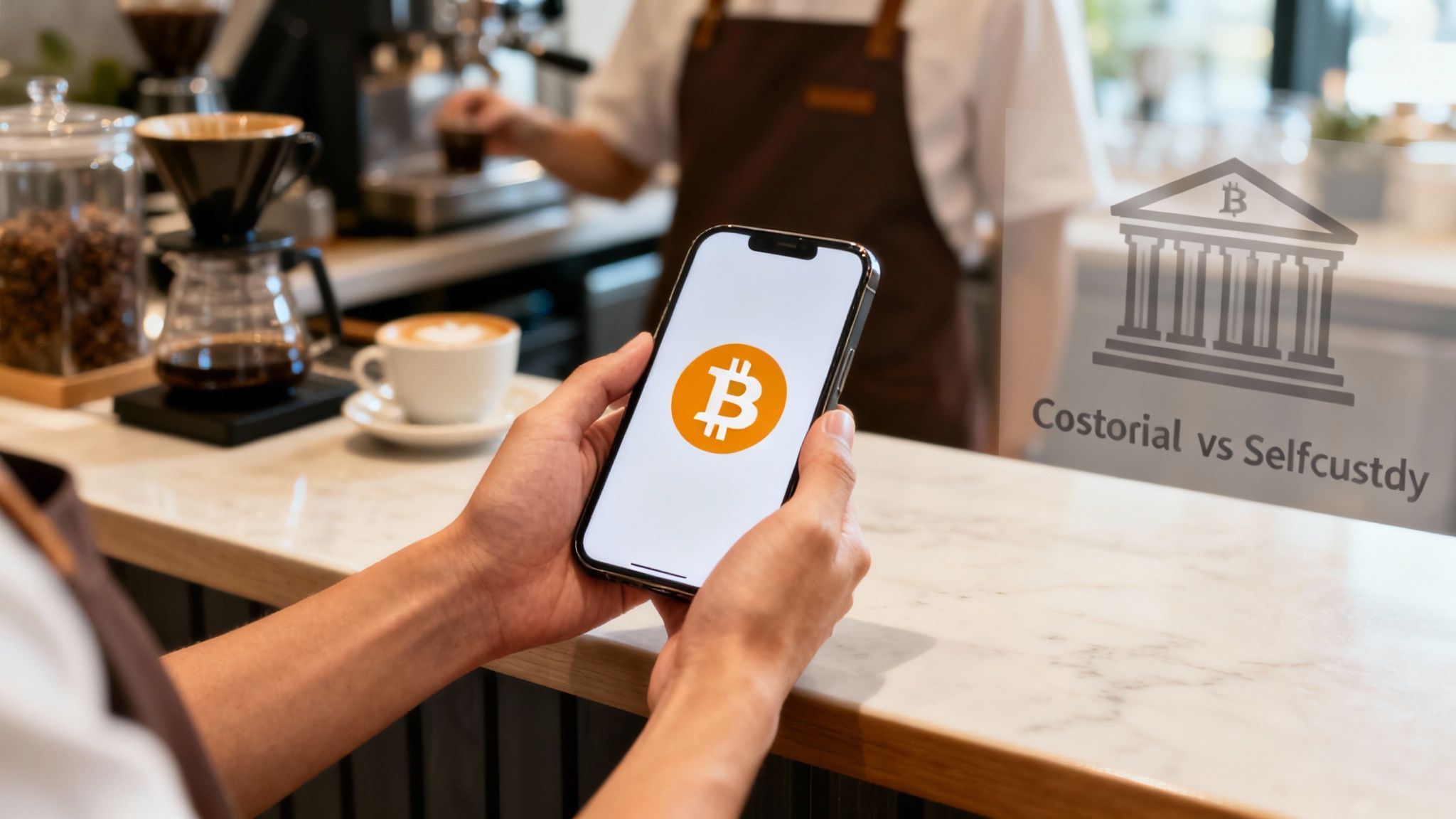
Before we get into the "how-to," you need to understand what a Bitcoin wallet actually is. It doesn't hold your coins like a leather wallet holds cash. Instead, it’s a tool for managing your private keys—the secret bits of code that prove you own your Bitcoin and give you the power to spend it.
For merchants and creators, this is a huge deal. It’s a direct financial pipeline between you and your customers, completely cutting out the delays, high fees, and chargeback headaches that come with traditional payment networks. The second a customer pays you in Bitcoin, those funds are yours, sitting securely in your wallet.
The Critical Choice: Custodial vs. Non-Custodial
This is probably the most important decision you'll make when you get started. Choosing between a custodial and a non-custodial wallet determines who actually controls your money.
Custodial Wallets: A third party, usually an exchange, manages these for you. They feel familiar because they operate just like a bank. The company holds your private keys, which means they have the final say over your funds. If they have an outage, freeze your account, or get hacked, you're locked out of your own Bitcoin.
Non-Custodial Wallets: With this option, you are the one holding your private keys. You are your own bank. This gives you absolute control and sovereignty over your funds. No one can ever freeze your account or stop you from moving your money.
For any serious business, a non-custodial wallet is the only way to go. It completely removes the risk of relying on someone else and guarantees the revenue you earn is 100% yours, the moment you receive it.
Why Non-Custodial Control Matters for Business
Going non-custodial isn't just a security preference; it's a fundamental business strategy. When you control your keys, you operate without any middlemen. This direct, peer-to-peer model is what gives Bitcoin its power for commerce.
It’s the reason modern tools like Flash can exist. Our payment solutions are built to connect directly to your non-custodial wallet. Whether you're generating a payment link, using a Point-of-Sale app, or running a subscription service, you never have to give up custody of your funds.
Flash simply facilitates the transaction—the Bitcoin always moves directly from your customer’s wallet to yours. This approach doesn't just crush transaction fees; it gives you instant, final settlement on every single sale.
Choosing the Right Bitcoin Wallet for Your Needs
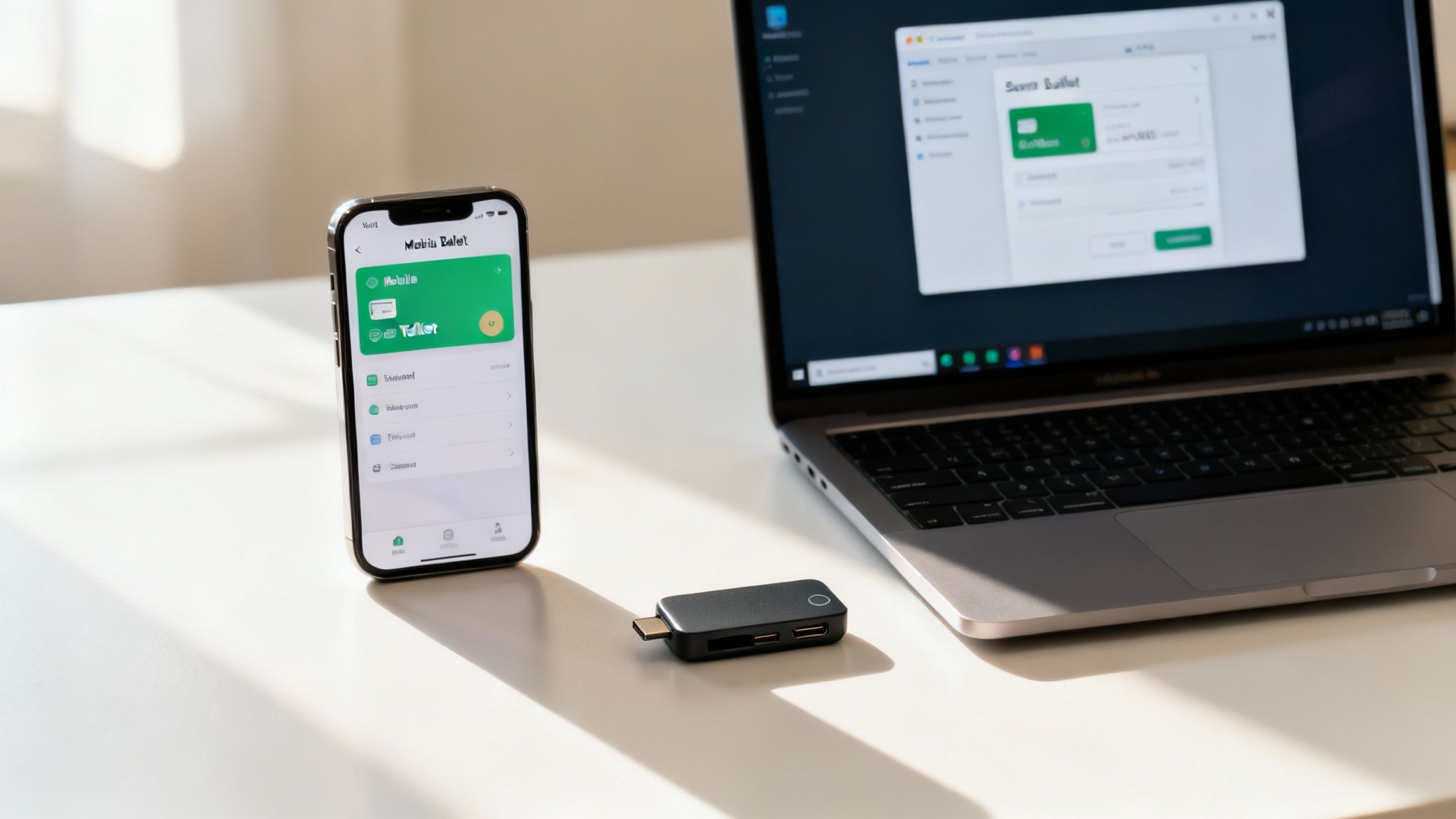
Alright, so you're on board with taking control of your own keys—fantastic. The next big decision is picking the right type of wallet for your business. This isn't just about downloading an app; it's a strategic choice that pits convenience against security.
Think about your daily operations, how many transactions you handle, and what level of risk you're comfortable with. The goal is to match the tool to the task. You wouldn't use a bank vault for petty cash, and you definitely wouldn't keep your entire company's revenue in your pocket. Bitcoin wallets work on the very same principle.
Mobile Wallets for Daily Payments
Let's start with the most common and convenient option: a mobile wallet. This is simply an app you install on your smartphone. For any business with a physical presence—a cafe, a market stall, a brick-and-mortar shop—this is your go-to.
Using a mobile wallet is as easy as scanning a QR code. In a business context, this means you can turn any phone or tablet into a point-of-sale terminal in minutes. The trade-off for this accessibility is that mobile wallets are "hot wallets," meaning they're always connected to the internet. This makes them more vulnerable than offline options.
Think of a mobile wallet like your cash register. It should hold enough Bitcoin for your daily operations but not your entire business savings. This approach lets you enjoy the convenience without exposing all your funds to unnecessary risk.
Desktop Wallets for Secure Operations
A desktop wallet is a software program you install on a dedicated computer. These are a great middle-ground, offering a solid balance of security and usability for businesses that operate from a fixed location, like an office managing an e-commerce backend.
You'll often find that desktop wallets pack more advanced features than their mobile cousins—things like detailed transaction histories, better fee management, and sometimes even integrations with other business software. Just remember, the security of the wallet is only as strong as the computer it's on. Keeping that machine clean from malware is non-negotiable.
Hardware Wallets for Maximum Security
When it comes to protecting a serious amount of Bitcoin, nothing else comes close to a hardware wallet. These are small, physical USB-like devices that store your private keys completely offline in what's known as "cold storage."
Because transactions are signed on the device itself, your keys never touch an internet-connected computer. This makes them practically immune to online threats like hacking and malware.
Here’s how a hardware wallet fits into a business workflow:
- Your Business Vault: This is where you transfer and store significant earnings that aren't needed for immediate operational expenses.
- Physical Control: Only someone with the physical device (and its PIN) can authorize sending funds. This adds a powerful, real-world layer of security.
- Total Peace of Mind: Knowing your core business capital is secured offline provides a level of confidence you just can't get with a hot wallet.
Many smart businesses use a hybrid approach: a mobile wallet for daily sales and a hardware wallet for sweeping the profits into long-term, secure savings.
Comparing Bitcoin Wallet Types for Merchants
To help you decide, here’s a quick breakdown of the wallet types and how they fit different business needs. Choosing the right one—or the right combination—is key to managing your Bitcoin effectively and securely.
| Wallet Type | Best For | Key Advantage | Consideration |
|---|---|---|---|
| Mobile Wallet | In-person sales, quick on-the-go payments | Maximum convenience, instant POS setup | "Hot wallet"—always online, best for small amounts |
| Desktop Wallet | E-commerce management, office-based operations | Advanced features, good balance of security & access | Security depends entirely on the host computer |
| Hardware Wallet | Long-term savings, securing large revenue | Maximum security (offline "cold storage") | Less convenient for frequent, small transactions |
Ultimately, the best setup often involves using more than one type of wallet. This allows you to tailor your security to the specific task at hand, keeping your daily operations fluid while your long-term holdings remain locked down and secure.
Setting Up and Securing Your New Bitcoin Wallet

This is where the rubber meets the road. The steps you take right now are what will protect your Bitcoin for years to come. Honestly, setting up a non-custodial wallet has less to do with being a tech wizard and more about disciplined, common-sense security.
When you create a new wallet, the very first thing you'll see is the most important piece of information you'll ever handle in Bitcoin: your seed phrase, sometimes called a recovery phrase.
Your Seed Phrase Is Your Bitcoin
Your seed phrase is a list of 12 or 24 random words. Think of it as the master key to everything your wallet will ever hold. If someone gets their hands on this phrase, they can access and steal your funds from anywhere in the world, instantly. Any PINs or passwords on your device become completely irrelevant.
I’m not exaggerating. That phrase is your Bitcoin. Protecting it should be your highest priority.
Here’s exactly what you need to do, right away:
- Write It Down. Use a pen and paper. Some people even etch it into metal. Make sure you write the words down in the exact order they appear.
- Verify It. Double-check every single word. Is the spelling correct? Is the order perfect? One tiny mistake can make your backup totally useless.
- Stay Offline. Never, ever, ever store your seed phrase digitally. No screenshots. No text files. No password managers. No cloud backups. Digital copies are what hackers dream of finding.
Key Takeaway: Your seed phrase is your only lifeline. If your phone gets lost, stolen, or broken, these words are the only way to get your funds back. Treat them with the same seriousness you'd give the deed to your house.
Layering Your Wallet Security
Once your seed phrase is safely stored offline, it's time to secure the wallet app itself. This is about creating barriers to stop someone from using it if they get physical access to your device.
Start by setting a strong, unique PIN or password for the wallet. Don't use your birthday or "1234." If your device has it, turn on biometric security like a fingerprint or face scan. This adds a solid layer of friction, making it much harder for a thief to just open the app and send a transaction.
If your wallet offers it, you absolutely should enable Two-Factor Authentication (2FA). This requires a second step for verification, usually a code from an app on your phone, making it incredibly difficult for an attacker to get in, even if they somehow get your password.
Storing Your Backup for the Real World
Finally, you need to think about where you're storing that physical backup of your seed phrase. A piece of paper in a desk drawer is a start—it's way better than a screenshot—but it won't survive a fire, a flood, or a simple burglary.
For anyone running a business, this is non-negotiable.
Storing your seed phrase in a high-quality fireproof safe is a great move. For even better security, consider making two physical copies and storing them in completely separate, secure locations. This kind of redundancy means that if one location is compromised, you still have a way to recover your funds.
The goal is to eliminate any single point of failure, whether it's a digital hack or a physical disaster.
Accepting and Managing Bitcoin Payments
Okay, you've got a secure wallet. Now for the fun part: putting it to work.
Whether you're behind a register, selling online, or sending an invoice, the day-to-day of using Bitcoin is surprisingly simple. It all boils down to two things: getting paid and sending money out.
Receiving a payment is the easy bit. Your wallet is capable of generating a nearly infinite number of unique receiving addresses. Think of an address like a one-time invoice number that points directly to your wallet. You can share this as a long string of text, but the most common (and user-friendly) way is as a QR code.
How to Accept a Bitcoin Payment
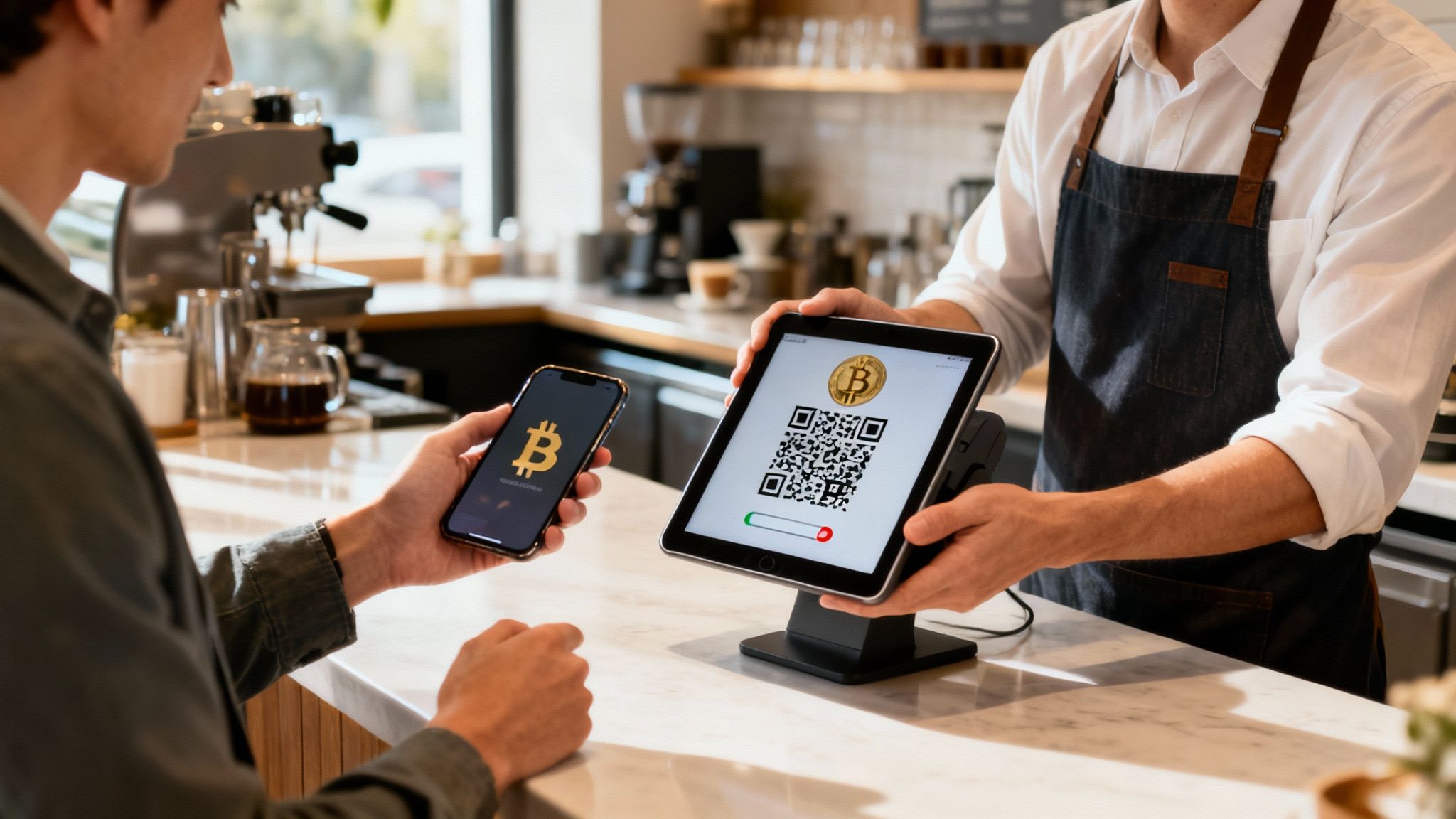
Let's walk through a real-world scenario. Imagine you're running a coffee shop and a customer wants to pay with Bitcoin. You'd pull out your phone with your wallet app or use a dedicated Point-of-Sale system like Flash.
The whole process takes just a few seconds:
- Enter the Sale Amount: You'll type in the price of the latte in your local currency, say $5.00. The app instantly handles the conversion to the current Bitcoin price.
- Generate a QR Code: With a tap, the app creates a unique QR code right on your screen. This code is a neat little package containing both the payment amount and the specific address for this one transaction.
- Customer Scans and Pays: The customer opens their own Bitcoin wallet, scans your code, confirms the details, and hits send.
And that's it. Almost immediately, you'll see a notification that the transaction is "pending." This means the payment is on its way through the Bitcoin network. For small, in-person sales like a coffee, seeing that pending status is all the confirmation you need.
A crucial best practice here: generate a new address for every single transaction. Reusing addresses is a huge privacy misstep. It's like giving every customer the same invoice number, allowing anyone to look up your entire transaction history and revenue on the public blockchain.
Sending Bitcoin and Understanding Fees
Sending Bitcoin—maybe to pay a supplier or transfer funds to a secure cold storage wallet—is just as straightforward. The one new concept to grasp here is transaction fees.
These fees don't go to your wallet provider. They are small payments made to Bitcoin miners, the people running computers that process and secure all the transactions on the network.
When you're ready to send a payment, your wallet will usually suggest a fee based on how busy the network is at that moment. You actually have some control over this.
- Higher Fee: Think of this as paying for priority shipping. A higher fee incentivizes miners to grab your transaction and include it in the very next block, leading to a faster confirmation.
- Lower Fee: If you're not in a rush, you can set a lower fee. Your transaction will just wait in a queue (called the "mempool") until network traffic dies down and a miner picks it up for a lower price.
For most business payments, speed is important, so it's usually worth paying the standard fee to get it done quickly.
Finally, a quick but important note on bookkeeping. Every payment you receive is a taxable event. To keep your accounting clean and make tax season less of a nightmare, it's worth looking into your options for selecting the right crypto tax software.
Integrating Your Wallet with Business Tools
Okay, so you've got a secure, non-custodial Bitcoin wallet. That's the foundation, the essential first step. But for a business, a wallet sitting on its own is like having a cash register with no customers. The real magic happens when you connect that wallet to your day-to-day operations, turning it from a simple digital safe into an active part of your revenue stream.
This is where modern payment platforms completely change the game. Instead of wrestling with complex, custom-built systems, you can use tools designed to plug directly into the wallet you already control. This creates a beautifully simple path for customer payments to land directly in your hands, without ever being held hostage by a third party.
Turning Your Wallet into a Point of Sale
Think about this: any smartphone or tablet you own can become a Bitcoin payment terminal. It's not a far-off future concept; it's here now. Non-custodial Point-of-Sale (POS) apps, like the one from Flash, make this dead simple. You just link your existing wallet to the app, and you’re ready to take in-person payments.
The whole process is incredibly smooth. You punch in an amount in your local currency, the app spits out a unique QR code, and your customer scans it. Boom. The payment goes directly from their wallet to yours.
This direct, peer-to-peer model is a massive upgrade for a few key reasons:
- Instant Settlement: The Bitcoin lands in your wallet immediately. No more waiting days for a bank or processor to release your money.
- No Middlemen: It's just you and your customer. By cutting out the traditional payment gateways, you also cut out their fees and their control.
- Zero Chargeback Risk: Bitcoin transactions are final. Once a payment is confirmed on the network, it’s yours. This single feature protects you completely from the headache and financial loss of fraudulent chargebacks.
This kind of direct integration brings a level of efficiency most merchants only dream of. Your accounting gets simpler because revenue isn't stuck in limbo, and the constant threat of payment fraud just melts away.
Expanding Your Reach with Payment Links
The same powerful principle applies to your online sales and invoices. By connecting your wallet to a service like Flash, you can generate shareable payment links or website widgets in seconds. A customer clicks the link, pays from their wallet, and the funds are sent straight to your wallet. It really is that easy.
This shift toward direct, wallet-to-wallet transactions isn't just a niche trend; it’s the result of massive global adoption. Using a Bitcoin wallet has graduated from a hobbyist activity to a mainstream financial skill, especially for your customers.
Consider the numbers. In 2024, there were over 420 million crypto wallet owners worldwide. That figure is projected to explode to 861 million by 2025. This tells us a huge chunk of your future customer base won't just be familiar with wallets—they'll expect to pay with them.
When platforms connect customer and merchant wallets without ever taking custody, they're simply aligning with how millions of people already manage their money. Customers are ready to pay directly; merchants just need to give them an address. You can dive deeper into the growth of crypto wallet ownership with this report from Awisee.
Got Questions About Your Bitcoin Wallet?
Jumping into the world of Bitcoin always brings up a few questions, especially when you're managing money for your business. It's totally normal. We've put together answers to some of the most common things merchants and creators ask when they first get started.
What if I Forget My Wallet Password or PIN?
That moment of panic when a password slips your mind is real. But with a non-custodial wallet, it's not the disaster you think it is. Your PIN is really just a simple lock on the app, there to stop someone from grabbing your phone and messing with your funds.
The real keys to the kingdom? That's your seed phrase (sometimes called a recovery phrase). If you forget your PIN, you can just delete the app, reinstall it, and hit the "restore wallet" option. The app will ask for your 12 or 24-word seed phrase, and just like that, you're back in full control of your Bitcoin. This is exactly why keeping that phrase safe—and completely offline—is the most important rule of the game.
What Happens if I Send Bitcoin to the Wrong Address?
This is one area where Bitcoin is unforgiving. All transactions on the blockchain are final. Once it's confirmed, there's no "undo" button, no customer support to plead with, and no way to reverse the payment.
This is why you have to be almost obsessive about double-checking every address before you hit send. Most modern wallets have built-in checks to warn you about typos, but at the end of the day, the responsibility is yours. For larger amounts, sending a tiny test transaction first is a smart, time-honored practice that can save you a world of pain.
The most common error is a simple copy-paste mistake or a mistyped character. Always use the built-in "copy" button in a wallet or scan a QR code. Never, ever type an address out by hand.
How Can I Protect Myself from Physical Threats?
We spend a lot of time talking about digital security, but physical threats—what some people call "wrench attacks"—are a genuine concern if you're known to be holding Bitcoin. The best defense here is simple: be discreet.
- Don't Brag: Never post about your Bitcoin holdings on social media or public forums. The less people who know you hold Bitcoin, the less of a target you are. It's that simple.
- Secure Your Space: Basic home security, like a decent alarm system, is often enough to deter someone looking for an easy score.
- Level Up with Multisig: For any serious amount of business funds, a multi-signature wallet is a must. This requires two or more private keys to approve a transaction, meaning a thief can't force a single person to move the funds.
Being smart about your physical security and personal privacy is just as critical as protecting your seed phrase, especially as your Bitcoin holdings grow.
Ready to start accepting Bitcoin directly, cutting out the middlemen and their ridiculous fees? Flash gives you the tools to connect your own non-custodial wallet to our slick Point-of-Sale app, payment links, and subscription tools. You can be up and running in less than a minute. Come join the future of commerce. Learn more at .