Before you can start accepting Bitcoin, you need a crypto wallet. Think of it less like a wallet for cash and more like your digital cash register—a simple tool that lets you securely receive, store, and manage your Bitcoin without ever needing a bank. It's your direct line to a global customer base, right from your phone or computer.
Understanding Bitcoin Wallets for Your Business
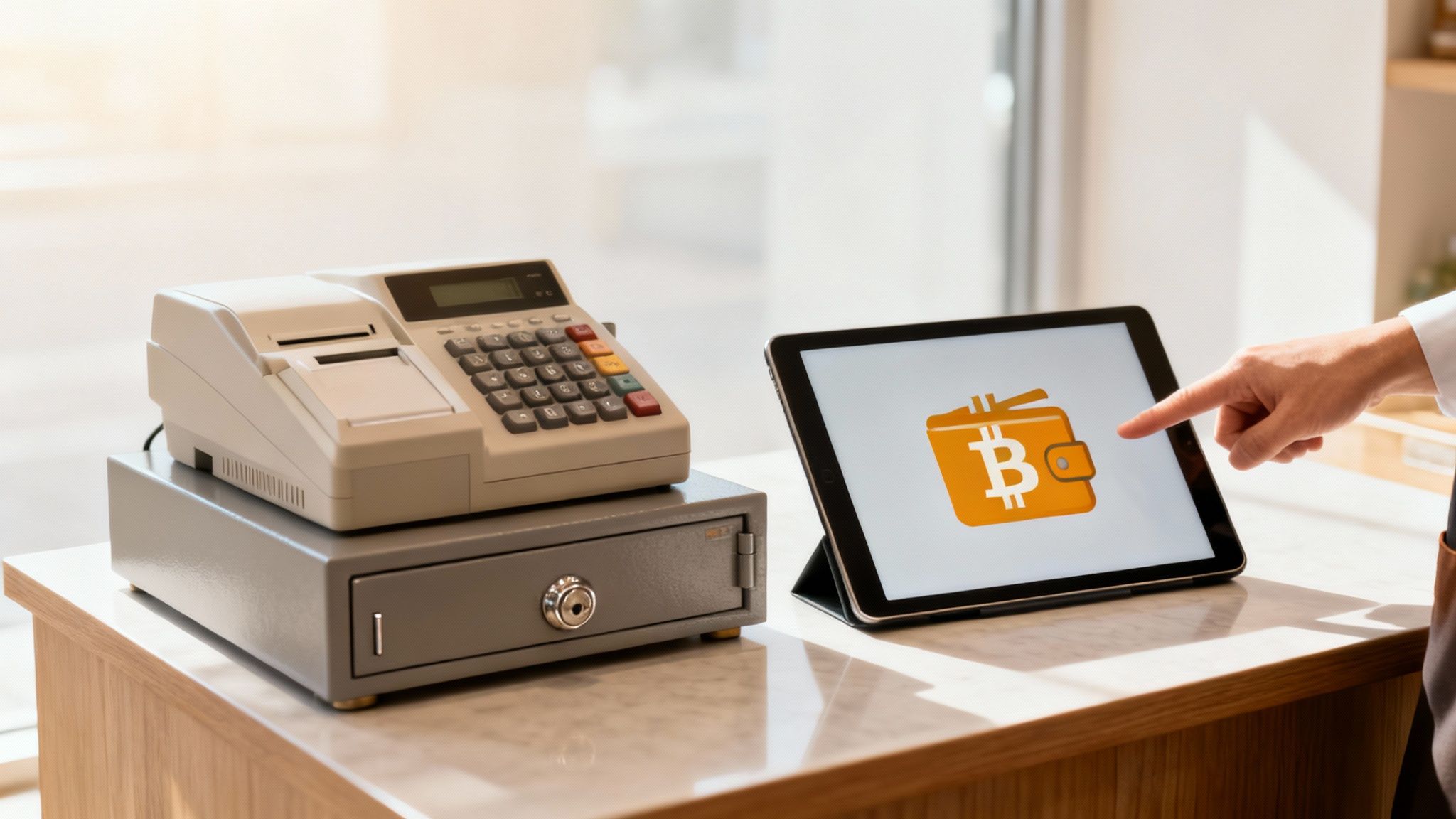
At its heart, a Bitcoin wallet is just a piece of software that talks to the Bitcoin network. It doesn't actually "store" your coins the way your leather wallet holds dollar bills. Your Bitcoin always lives on the blockchain, which is just a global, public ledger. What your wallet does hold are the private keys needed to prove you own the funds and authorize any payments.
Those private keys are everything. They're a long, secret string of characters that grants total access to your funds. If you lose them, you lose your Bitcoin. Period. That’s why the first step in using a crypto wallet is understanding who controls those keys.
Custodial vs Non-Custodial Wallets
When you start looking for a wallet, you'll immediately run into two main types: custodial and non-custodial. The difference is dead simple but has huge implications for any business.
A custodial wallet is one where a third party, usually an exchange, holds your private keys for you. It's convenient, sure, but it also means you're trusting that company completely. You're asking for permission to access your own money.
A non-custodial wallet puts you in complete, exclusive control of your private keys. You are your own bank. This is the entire point of Bitcoin—financial self-sovereignty. For a merchant, this is massive. It means no one can freeze your account, block a payment, or tell you what to do with your revenue.
Choosing a non-custodial wallet isn't just a technical decision; it's a business one. It means you truly own your revenue and can accept direct, peer-to-peer payments from any customer, anywhere, without asking for permission.
The Power of Direct Wallet-to-Wallet Payments
Switching to a non-custodial Bitcoin wallet completely changes how you do business by cutting out the traditional financial middlemen.
Here’s what that actually looks like for your operations:
- Slash Your Fees: With no banks or credit card processors taking their cut, you can say goodbye to high interchange fees and cross-border charges.
- Get Paid Faster: Payments move directly from your customer's wallet to yours. Settlement happens in minutes or seconds, not days like a bank transfer.
- Go Truly Global: You can now accept payment from anyone with an internet connection. This opens your business to a worldwide market that was previously out of reach.
- Skip the Onboarding Hassle: Services like Flash let you start accepting Bitcoin in under a minute. There are no lengthy KYC (Know Your Customer) procedures, so you can respect both your time and your customers' privacy.
Getting comfortable with a Bitcoin wallet is the single most important step you can take to modernize how you get paid. It gives you back control over your money and plugs you directly into a new, fast-growing economy.
Choosing the Right Bitcoin Wallet for Your Business Needs
Picking the right Bitcoin wallet isn't about finding some mythical "best" option. It's about finding the perfect fit for your specific business. This choice will directly shape your security, day-to-day convenience, and ultimately, the payment experience you offer your customers.
The two main camps you'll fall into are software wallets and hardware wallets. Each one is built for very different operational needs, and understanding that difference is key.
Software wallets, often called "hot wallets," are just apps on your phone or computer. Their biggest feature is that they're always connected to the internet, which makes them incredibly handy for fast, everyday transactions. On the other end of the spectrum, hardware wallets are small physical devices designed to keep your private keys totally offline—a method known as "cold storage." This gives you a far superior level of security against online threats like malware and phishing scams.
Software Wallets: Your Digital Cash Register
For businesses with a steady flow of transactions that need to happen now, software wallets are usually the best bet. They come in two main flavors—mobile and desktop—and both are designed for pure accessibility.
Picture a busy coffee shop. Customers are in a rush, and you can't have them waiting around. A mobile wallet running on a tablet at your point-of-sale is the perfect tool. You can pop up a new QR code for each order, and customers can pay in seconds. It just works.
Or maybe you're an online creator selling digital art. You need a checkout process that's buttery smooth for clients anywhere in the world. A desktop wallet can integrate right into your website, letting them pay directly without the painful delays of old-school international banking. For daily commerce, the convenience is a game-changer.
The global crypto wallet market is exploding, projected to climb from USD 12.59 billion to a staggering USD 100.77 billion by 2033. This surge is largely fueled by the demand for simple mobile options, making this a critical time for merchants to get on board. You can dig into more insights on this trend over at Technavio.
Hardware Wallets: Your Fort Knox
While software wallets are great for speed, their constant online connection is also their biggest weakness. A hardware wallet completely eliminates this risk by isolating your private keys from any device that touches the internet.
Think about an online art gallery holding significant revenue in Bitcoin, or an investment firm managing client funds. For them, the absolute top priority is bulletproof, long-term storage. A hardware wallet is their digital vault. Transactions have to be physically signed on the device itself, meaning your private keys are never exposed to your computer or the web.
This makes them essentially immune to remote hacking. The trade-off? A little less convenience. You need the device in your hand to approve any payment. But for any business holding serious capital, that tiny extra step is a very small price to pay for total peace of mind.
Bitcoin Wallet Types Compared for Merchants
Choosing between software and hardware wallets can feel like a tough call, but breaking it down by your business needs makes it much clearer. This table gives you a side-by-side look to help you decide where to start.
| Wallet Type | Best For | Security Level | Convenience | Example Use Case |
|---|---|---|---|---|
| Software Wallets | Daily transactions, small balances, point-of-sale | Good (Online) | Very High | A coffee shop accepting quick payments via a tablet app. |
| Hardware Wallets | Long-term savings, large balances, high-value assets | Excellent (Offline) | Medium | An investment firm securing client funds in cold storage. |
Ultimately, the smartest approach for many businesses is a hybrid one, leveraging the strengths of both wallet types.
Making the Right Choice for Your Business
The decision really comes down to your daily workflow and how much risk you're comfortable with. In practice, many businesses discover that using both is the ideal setup.
Here’s a simple way to think about it:
- Software Wallet: This is your "digital cash register." Keep a smaller, operational amount of Bitcoin here for daily sales and quick payments.
- Hardware Wallet: This is your "digital safe." Sweep larger sums and long-term profits into cold storage for maximum security.
This balanced strategy gives you the best of both worlds: the speed you need to provide a great customer experience and the heavy-duty security required to protect your hard-earned capital. By thinking through your transaction frequency and the amount of funds you'll hold, you can confidently pick the solution that makes sense for your business.
Securely Setting Up Your First Bitcoin Wallet
Alright, you've picked your wallet. Now for the most important moment in its entire lifecycle: the setup. Getting this part right lays a solid foundation for protecting your business's Bitcoin for years to come. This is where your security practices truly begin.
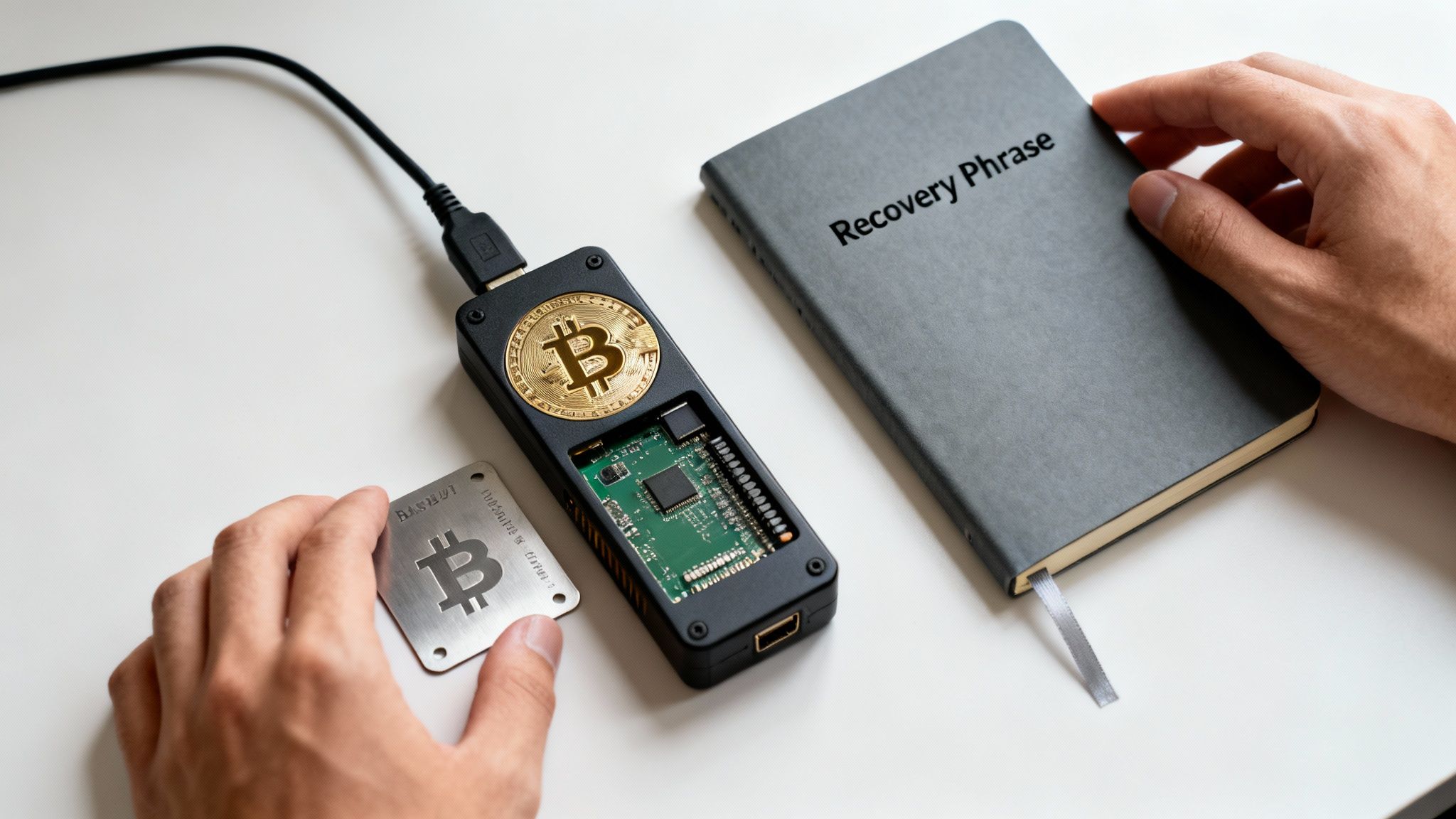
The very first thing any non-custodial wallet will ask you to do is deal with your recovery phrase, sometimes called a seed phrase. Don't mistake this for a simple password. It's the master key to everything. This sequence of 12 or 24 simple words is the one and only thing that can restore your wallet and all its funds on any compatible device in the world.
Think of it as your ultimate escape hatch. If your phone gets stolen or your laptop dies, your Bitcoin isn't gone. That string of words is all you need to get everything back.
The Most Important Secret You'll Ever Keep
Your entire Bitcoin security strategy boils down to how you handle this phrase. If someone else gets their hands on it, they can drain your account in minutes. If you lose it, your funds are gone forever.
There is no "forgot password" link in the world of self-custody. You are the bank.
This means your storage method must be 100% offline and private. Keeping a digital copy is asking for trouble. A screenshot can get backed up to the cloud, a text file can be snagged by malware, and an email can be hacked. Don't do it.
Here are the tried-and-true methods for securing your recovery phrase:
- Go Analog: Write it down with a pen and paper. Store it somewhere safe and private that only you know about—think a fireproof safe or a safety deposit box.
- Use Metal: For ultimate protection against fire and water, you can stamp or engrave your words onto a small metal plate. These are built to last.
- Create Redundancy: Make two or three physical copies and store them in separate, secure geographic locations. This way, a single disaster like a house fire won't wipe you out.
We've seen a rise in so-called "wrench attacks," where criminals use physical threats to force people to give up their keys. This makes discretion a key part of your security. Never store your phrase where it can be easily found in a home invasion.
Locking Down Your Day-to-Day Defenses
Once your recovery phrase is safely tucked away offline, it's time to secure the device your wallet lives on. This is your frontline defense against everyday threats and prying eyes. Treat it with the same seriousness you would your main business bank account.
Start by setting a strong, unique password or PIN for the wallet app itself. Don't recycle passwords from other accounts; a data breach somewhere else could put your funds at risk. Most mobile wallets also let you use biometrics like a fingerprint or face scan, which adds a great layer of convenient security.
Finally, turn on any extra security features the wallet offers. This might be two-factor authentication (2FA) for sending funds or setting spending limits that require extra verification. These small steps create massive hurdles for anyone trying to access your Bitcoin without permission.
By combining a securely backed-up recovery phrase with strong daily device security, you've built a robust defense. Your wallet is now a secure tool, ready for business.
Accepting and Managing Bitcoin Payments
Alright, your wallet is set up and secured. Now for the fun part: putting it to work. This is where you move from theory to practice, accepting borderless payments directly from customers without a bank acting as a middleman. It’s a surprisingly straightforward process that gives you complete control over your own revenue.
The key to getting paid in Bitcoin is your receiving address. You can think of it like an invoice number that’s unique to a single transaction. It’s a long string of letters and numbers that your wallet generates fresh for every single sale. You should get into the habit of never reusing addresses—creating a new one for each payment is a massive boost for your privacy and security.
Generating Your First Payment Request
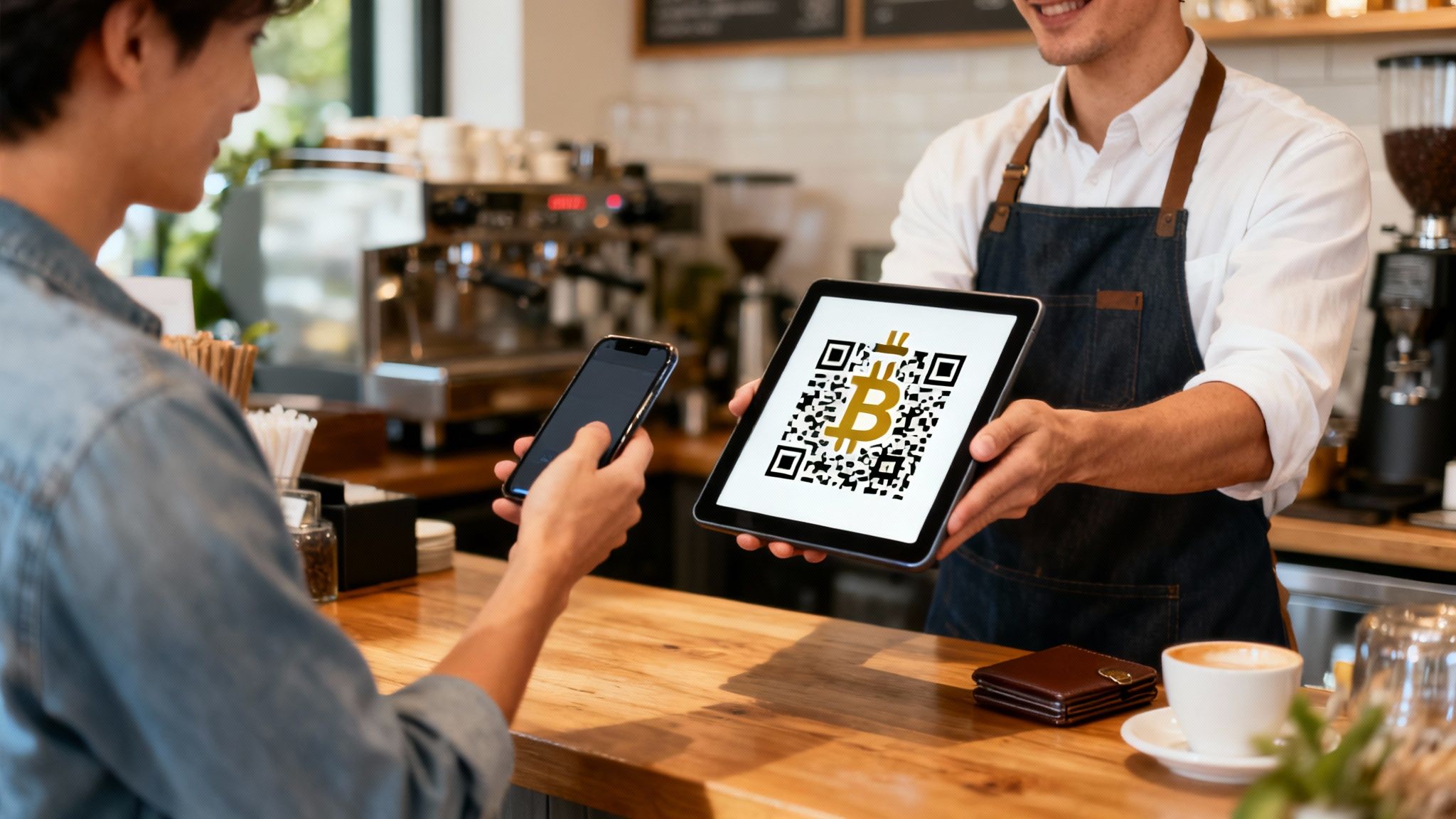
Creating a payment request is dead simple and takes just a few taps in any modern wallet app. Instead of fumbling with copying and pasting that long address, wallets generate a scannable QR code. This little black-and-white square contains all the info a customer needs: the receiving address and, if you want, the exact amount they owe you.
Let's look at how this plays out in the real world:
- In a Physical Store: At the checkout counter, you can use a tablet or phone with your wallet app. Just punch in the sale amount, and the app instantly spits out a unique QR code. The customer scans it with their wallet, confirms, and the deal is done. Simple as that.
- On an eCommerce Website: For online shops, you can integrate a payment button that generates a fresh QR code on the checkout page. The customer scans it with their phone or clicks to pay with their desktop wallet.
This flow is fast, clean, and gets rid of those heart-stopping moments where a typo could send funds into the digital void. With a rapidly growing number of Bitcoin wallet users, this isn't just a novelty anymore. For a deep dive into the numbers on global crypto wallet adoption, Statista has some great data.
Understanding Transaction Fees and Confirmations
When a customer pays you, their wallet attaches a small network fee (often called a "miner fee"). This isn’t a fee you pay; it’s a tip for the miners who process and secure transactions on the Bitcoin network. The size of that fee determines how quickly the payment gets confirmed.
A higher fee usually means a faster confirmation. For small retail sales, like a cup of coffee, a "zero-confirmation" transaction (where it’s been broadcast but not yet locked into the blockchain) is often good enough. For bigger-ticket items, it's smart to wait for at least one confirmation, which usually takes about 10 minutes.
A common myth is that Bitcoin fees are a percentage, like credit card fees. They aren't. The fee is based on data size and network traffic, which means sending $10,000 can cost the exact same as sending $10.
Verifying a Successful Payment
So, how do you know the money has actually arrived? Your wallet app will ping you almost instantly when it detects an incoming payment. You can then watch its status flip from "unconfirmed" to "confirmed" as it gets permanently recorded on the blockchain.
For total transparency, either you or the customer can use a public block explorer. Think of it as a public ledger for the entire Bitcoin network. Just paste the transaction ID into a block explorer website, and you can see everything:
- The sending and receiving addresses
- The exact amount of Bitcoin sent
- How many confirmations it has
This ability for anyone to verify a transaction provides a level of trust and transparency that old-school payment systems just can't offer. It ensures both you and your customer know the payment is secure, final, and on its way.
Integrating Your Wallet with Business Tools
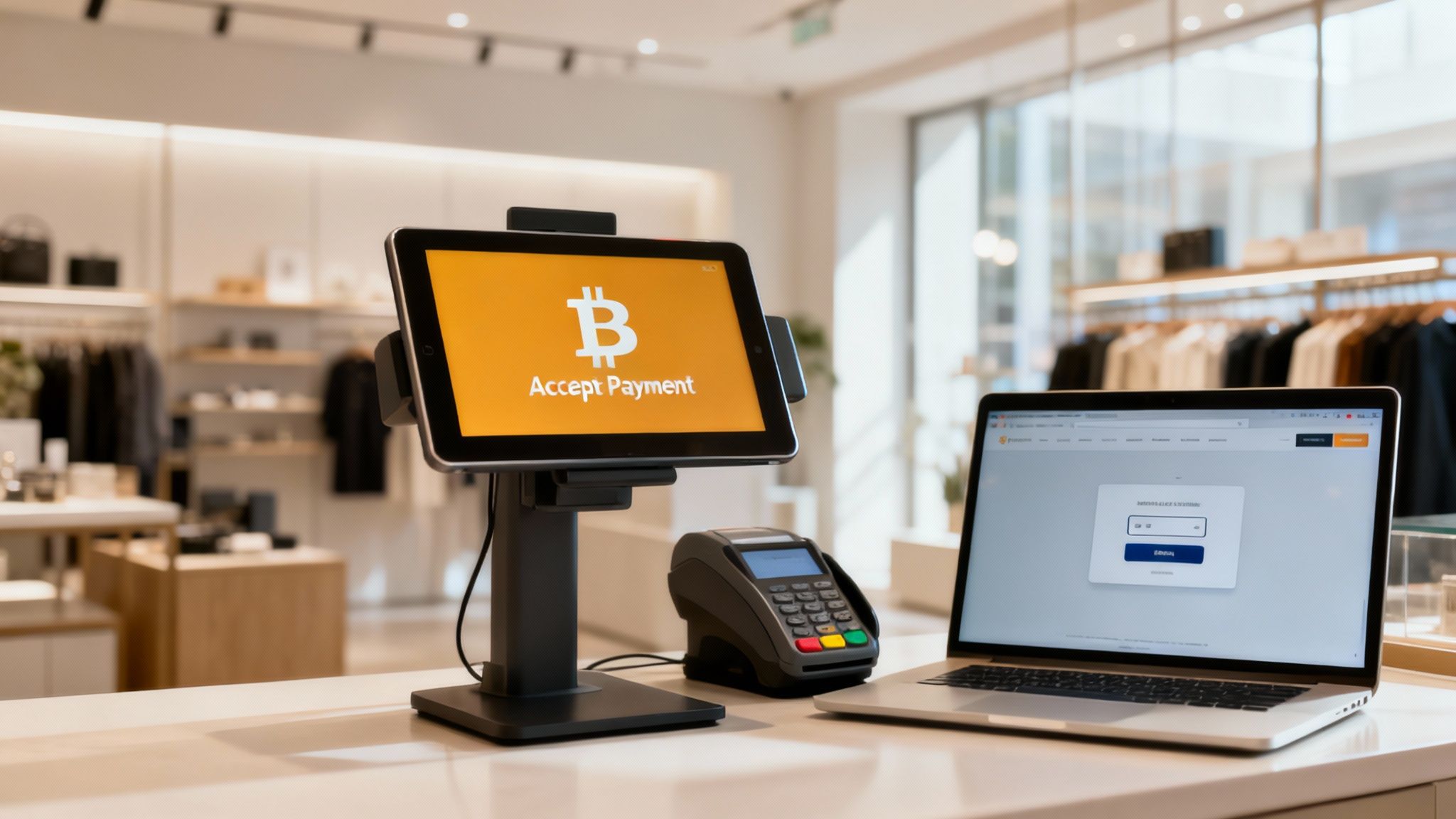
While your Bitcoin wallet is a powerful tool on its own, its real magic for business happens when you connect it to merchant services. This isn't just about accepting a new currency; it's about transforming your wallet from a simple storage app into a dynamic engine for commerce.
By bridging that gap between your wallet and your day-to-day operations, you can start offering a modern payment option that’s fast, global, and surprisingly cheap. The goal is a checkout experience that’s dead simple for your customers and even simpler for you to manage. Best of all, you don't need to be a developer to get it done.
Turning Your Smartphone into a POS Terminal
If you run a brick-and-mortar business, the thought of adding a whole new payment system can feel overwhelming. Don't worry, it's not. You can turn the smartphone or tablet you already own into a fully functional Bitcoin point-of-sale (POS) terminal. This is a game-changer for retail shops, cafes, market stalls—anyone who deals with customers face-to-face.
Specialized POS apps, like the one from Flash, link directly with your non-custodial wallet. The flow is incredibly smooth: you punch in the sale amount in your local currency, and the app instantly spits out a QR code with the Bitcoin equivalent. Your customer scans it, pays, and that's it.
This setup comes with some serious perks:
- Minimal Hardware Costs: Forget expensive, proprietary payment terminals. You’re using a device you already have.
- Lower Transaction Fees: Direct wallet-to-wallet payments mean you get to sidestep the 2-3% interchange fees that credit card networks skim off the top.
- Instant Settlement: Card payments can take days to hit your account. Bitcoin payments show up in your wallet within minutes, which is a huge boost for your cash flow.
Effortless Online Payments with Links and Widgets
For online businesses, the integration is just as painless. You can start accepting Bitcoin for digital goods, services, or subscriptions without touching a single line of code. The two go-to tools here are payment links and website widgets.
A payment link is exactly what it sounds like: a shareable URL that takes a customer to a clean, simple checkout page. You can create a link for a specific product or a custom amount and just text it, email it, or drop it in an invoice. It's perfect for freelancers, consultants, or anyone selling directly to clients.
A website widget, on the other hand, is a small piece of code you embed on your site to create a "Pay with Bitcoin" button. When a customer clicks it, a payment interface pops up right there, guiding them through the process. This is the ideal setup for eCommerce stores and subscription services.
Integrating these tools is about more than just adding another payment option. It's a strategic move to future-proof your business, slash overhead costs, and connect with a rapidly growing global audience of Bitcoin users who actively seek out merchants that support the network.
When you're thinking through the nuts and bolts of connecting your crypto wallet to your business, resources on how to integrate a payment gateway can provide some useful parallels. Even though they often focus on traditional systems, the core principles of connecting a payment method to your operations are the same.
Ultimately, these integrations allow you to fully capitalize on Bitcoin by making it a core part of your business, not just a separate account you have to manage. This is a crucial step in learning how to use crypto wallets effectively for commerce.
Common Questions About Using Bitcoin Wallets
Even after you get the hang of using a crypto wallet, it's totally normal to have a few questions rattling around. Stepping into the world of Bitcoin payments is a big move for any business, and it’s smart to get your uncertainties cleared up first.
This is your go-to guide for the real-world questions we hear from merchants every day. We'll cut through the jargon and give you the direct answers you need to handle common situations like a pro.
What Happens If I Lose the Device with My Wallet on It?
This is probably the number one fear for anyone new to Bitcoin, and for good reason. But here's the good news: as long as you followed the single most important rule during setup, your funds are perfectly safe. That rule? Secure your recovery phrase.
Your Bitcoin isn't actually stored on your phone or computer. It lives on the global Bitcoin blockchain. Your wallet is just the tool that holds the private keys, which are like a password that proves you own the funds.
So, if your device gets lost, stolen, or just gives up the ghost, your money isn't gone. You just need to:
- Grab a new, secure device.
- Install a compatible non-custodial wallet app.
- Look for the "restore" or "import" option when you first open it.
- Carefully type in your 12 or 24-word recovery phrase.
Just like that, your wallet will be fully restored, complete with your balance and entire transaction history. This is exactly why that phrase is so powerful. It's your ultimate master key, making any single device completely disposable. It's also why you must never, ever store it digitally. Keep it offline and in a safe place, period.
How Do I Handle Taxes on Bitcoin Payments?
Taxes are a fact of life for any business, and Bitcoin is no different. The specific rules can change quite a bit depending on where you live, but the core ideas are pretty consistent. Your best move is always to consult a local tax professional who knows their way around digital assets.
That said, here’s the general way most tax authorities look at Bitcoin payments:
- Recognize it as Income: When a customer pays you in Bitcoin, you've received income. You need to record the fair market value of that Bitcoin in your local currency at the precise moment you received it.
- Keep Meticulous Records: This is non-negotiable. For every payment, log the date, time, the amount of Bitcoin, and its value in your currency right then and there.
- Manage the Volatility: Bitcoin’s price can swing. To make your accounting simpler and avoid headaches from price changes, many merchants choose to convert their Bitcoin payments into their local currency right away.
There are specialized crypto tax software platforms that can connect directly to your wallet's public address. They can be a lifesaver, automating the tracking process and saving you a huge amount of time while cutting down on errors.
Are Bitcoin Transactions Instant and Are There Hidden Fees?
The ideas of "instant" and "fees" work a bit differently in the Bitcoin world—and it's mostly good news for merchants.
Bitcoin transactions aren't technically instant, but they're incredibly quick compared to old-school bank transfers that can take days. A payment hits the network in seconds. For small, in-person sales (like buying a coffee), this is usually good enough. It’s known as a "zero-confirmation" transaction.
For the payment to be set in stone and permanently locked into the blockchain, you need to wait for a "confirmation," which takes about 10 minutes on average. For bigger sales, waiting for at least one confirmation is standard practice.
Now for the fees. There’s really only one you need to think about: the network fee. This is a tiny amount paid to the miners who keep the network running. Here’s what’s important:
- It’s based on how busy the network is, not how much you're sending. A $5 payment can cost the same as a $50,000 payment.
- You won't find any of the usual suspects: no interchange fees, no cross-border fees, and no monthly account fees that plague credit card processors.
And for merchants who need truly instant, dirt-cheap payments, many wallets and services are now integrated with the Lightning Network. It's a technology built on top of Bitcoin specifically for high-speed, high-volume transactions.
How Do I Protect Myself from Theft or Scams?
Beyond keeping your recovery phrase safe, protecting your business comes down to good habits and staying aware. The biggest threats aren't sophisticated hackers but clever social engineering tricks and basic security slip-ups.
One disturbing trend is the rise of physical "wrench attacks," where criminals use threats or actual violence to force someone to hand over their crypto. This makes being discreet more important than ever.
Here are a few practical steps to stay safe:
- Be Private: Don't brag about large Bitcoin holdings or publicly connect your business's main identity to a wallet with a big balance. Discretion is your best defense.
- Verify Everything: If you get an email or message asking you to click a link to "verify your wallet" or "claim a prize," just assume it's a scam. Never, ever type your recovery phrase into a website.
- Use a Dedicated Device: For your business, think about using a smartphone or tablet just for processing Bitcoin payments. This isolates it from the risk of malware that might come from personal apps or general web browsing.
By making these security-first habits second nature, you can confidently use a crypto wallet and protect your business's hard-earned revenue.
Ready to start accepting fast, secure Bitcoin payments without the hassle? With Flash, you can turn your phone into a Bitcoin POS terminal, create simple payment links, and connect with a global customer base in under a minute. Get started today at .