A payment request invoice is really just a digital bill asking for payment. But for anyone using Bitcoin, it's a completely different animal. It ditches the old-school banking details and replaces them with a simple QR code and a unique Bitcoin address. The result? Payments that are faster, cheaper, and way more secure for anyone, anywhere in the world.
Why Bitcoin Invoices Are a Game Changer
Using a Bitcoin payment request invoice fundamentally changes how merchants and freelancers get paid. It cuts out the middlemen—the banks and credit card processors—that clog up the system, slow down transactions, and tack on fees. Instead of waiting days for a wire transfer to clear or losing a percentage to a processor, the funds go directly from your client’s wallet to yours.
This direct, peer-to-peer connection is what makes it so powerful. There are no reversible transactions, which means chargeback fraud becomes a thing of the past. That's a massive win for anyone selling digital goods or offering services globally.
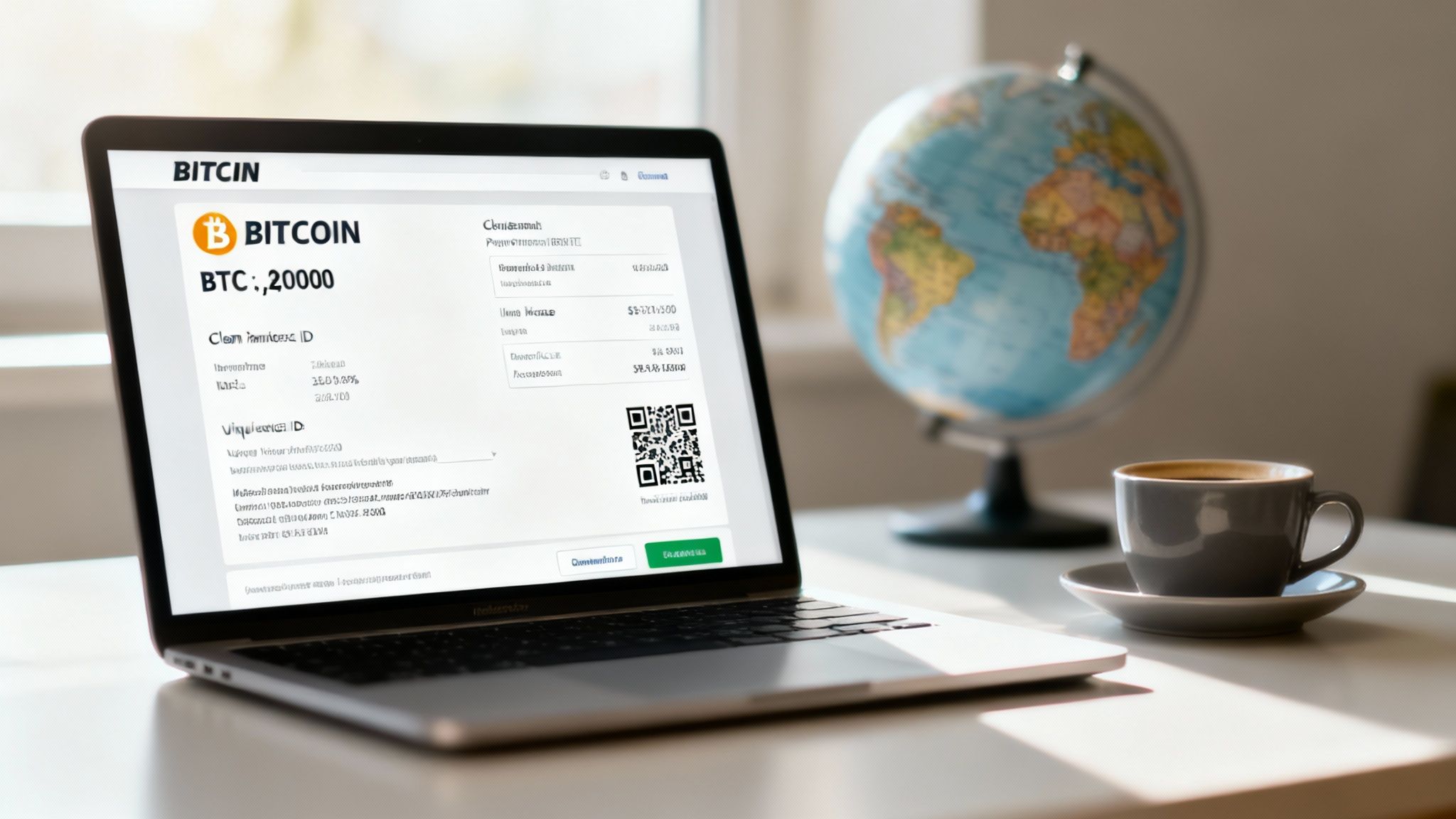
Key Components of a Bitcoin Invoice
A good Bitcoin invoice is all about clarity and simplicity for the person paying. Here’s what it absolutely needs:
- Unique Bitcoin Address: This is where the money goes. Best practice is to generate a fresh address for every single invoice. It’s a simple step that goes a long way in protecting privacy.
- QR Code: A scannable code that bundles the Bitcoin address and payment amount. This makes it incredibly easy for clients to pay straight from a mobile wallet. No typos, no fuss.
- Amount Due: Always show this in both your local currency (like USD) and Bitcoin (BTC). This avoids any confusion about exchange rates.
- Payment Window: This is a set time limit, usually 15-30 minutes, where the BTC exchange rate is locked in. It’s your protection against the market's ups and downs.
To really see the difference, let's put them side-by-side.
Bitcoin Invoice vs Traditional Bank Invoice
| Feature | Bitcoin Invoice | Traditional Bank Invoice |
|---|---|---|
| Payment Details | QR Code, unique Bitcoin address | Bank name, account number, SWIFT/IBAN |
| Transaction Fees | Typically very low network fees (pennies) | 1-3% processing fees, wire transfer fees |
| Settlement Time | Minutes to an hour (near-instant with Lightning) | 1-5 business days, often longer internationally |
| Chargeback Risk | None. Transactions are final. | High. Prone to chargeback fraud. |
| Global Access | Borderless. Accessible to anyone with a wallet. | Restricted by banking systems and borders. |
| Privacy | Pseudonymous. No personal data shared. | Requires sharing sensitive personal/banking info. |
As you can see, the Bitcoin invoice strips out the complexity and cost associated with the legacy financial system.
The Bigger Picture in Payments
This move toward digital invoices isn't happening in a vacuum. It's part of a much larger trend. The global payment processing market was valued at a staggering $61.1 billion in 2023 and is only getting bigger. This growth is fueled by a huge demand for faster, more local, and more efficient payment options—which is exactly where a Bitcoin payment request invoice shines. If you want to dive deeper, you can explore more about the evolving payments industry to see these shifts in action.
The core benefit here is control. With a Bitcoin invoice, you are your own bank. You set the terms, you hold the keys, and you receive the payment without needing permission from anyone. For businesses of all sizes, this financial sovereignty is a total game changer.
Designing a Professional Bitcoin Invoice Template
Crafting a clear and professional Bitcoin invoice is your first move toward getting paid quickly and without any fuss. A well-designed template isn't just about looking good; it's a precise instruction manual for your client. It kills the guesswork and slashes the odds of payment errors, making for a smooth transaction from start to finish.
Think of your invoice template as a reusable asset. It builds trust and streamlines your workflow every single time you need to bill someone. Your goal is to give the payer everything they need in one clean document, combining standard invoice details with the specific elements needed for a Bitcoin payment.
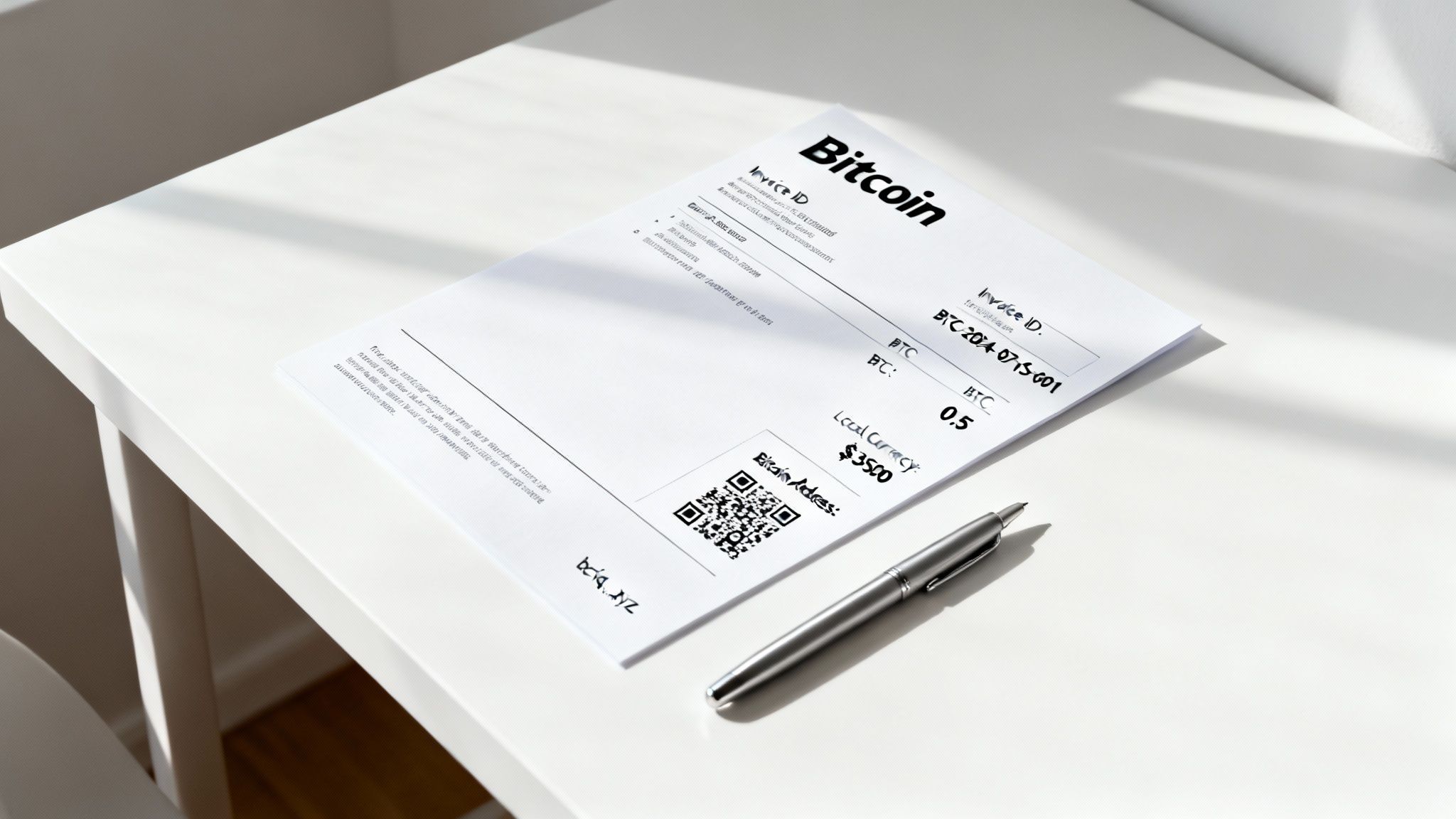
Core Elements Your Bitcoin Invoice Must Have
Let's break down the essential fields. Some of these are just standard business practice, but others are unique to a Bitcoin payment request. Getting these right is non-negotiable if you want to look professional.
- Your Business Information: Clearly state your name or your company's name and contact details.
- Client Information: Pop in the client's name or their business name. This helps both of you keep your records straight.
- Invoice ID and Dates: Every invoice needs a unique number for tracking. Don't forget the issue date and the payment due date.
- Itemized Services or Products: Detail exactly what the client is paying for. List each item with a description, quantity, and the rate.
- Total Amount Due (Dual Currency): This is a big one. Show the total amount in your local fiat currency (like USD or EUR) and the matching amount in Bitcoin (BTC). This transparency is absolutely crucial for clarity.
That dual-currency display is more important than you might think. While you're invoicing for a specific fiat value, your client needs to know the exact BTC amount to send.
The single most critical practice for a Bitcoin invoice is generating a new, unique Bitcoin address for every single payment request. Reusing addresses is a major privacy and accounting mistake. It lets anyone trace all payments tied to that address on the public blockchain, creating a messy and insecure setup.
The Non-Negotiable Bitcoin Payment Details
Beyond the usual stuff, the Bitcoin-specific section is where you make it incredibly easy for your client to pay you. This is the heart of your payment request invoice.
The QR Code
This is your ticket to a frictionless mobile payment. A client can just scan the QR code with their Bitcoin wallet app, and it will automatically pull in the payment address and the exact BTC amount. This all but eliminates the risk of typos that could send funds into the void. Make sure your QR code encodes both the Bitcoin address and the specific amount due.
The Bitcoin Address
Always include the full Bitcoin address in plain text right below the QR code. This is a simple backup for anyone paying from a desktop wallet who might find it easier to copy and paste the address. And remember the golden rule: this address must be unique to this specific invoice.
When you design your template with these elements in mind, you're creating a professional document that’s both easy to understand and simple to act on. This thoughtful approach helps ensure you get paid correctly and on time, all while offering your clients a modern, efficient way to pay.
Of course, a platform like Flash can automate this entire process for you. It generates professional, error-free invoices with fresh addresses every time, right from your own wallet.
Ditch the Waiting Game: Get Paid Instantly with the Lightning Network
Let’s be real: waiting for on-chain Bitcoin confirmations can feel like watching paint dry. It’s perfectly fine for large, high-stakes payments, but when you're selling coffee or trying to close out a project, you need that payment to clear now.
This is exactly why the Lightning Network is such a game-changer. It’s a layer built on top of Bitcoin that makes transactions near-instant and incredibly cheap. For merchants, freelancers, and creators, Lightning turns Bitcoin into a seriously fast payment method, easily keeping pace with traditional card swipes.
A Real-World Scenario: The Designer's Final Invoice
Imagine you're a freelance graphic designer. You've just put the finishing touches on a killer logo, and the client is itching to get the final files. Naturally, you need the payment before you hand over your work. This is the perfect moment for a Lightning-enabled payment request invoice.
Instead of a standard on-chain address, your wallet or a tool like Flash will generate a unique Lightning invoice. This isn't your typical Bitcoin address; it’s a long string of characters packed with all the payment info, designed for a single, immediate use.
You send this invoice over to your client. For them, the process is incredibly smooth:
- Open Their Wallet: They'll open any Lightning-compatible Bitcoin wallet on their phone or computer.
- Scan or Paste: They can either scan the QR code you sent or just paste the invoice string directly into their wallet.
- Confirm Payment: The wallet immediately shows the exact amount. One tap, and it's done.
The second they hit "confirm," the payment zips across the Lightning Network and lands in your wallet in seconds. No more checking block explorers. You get a notification that the payment has settled almost instantly.
The real magic of a Lightning invoice is the combination of speed and finality. The payment isn't just "on its way"—it's settled. This gives you the confidence to deliver your goods or services on the spot, knowing the funds are securely yours.
Confirming the Payment on Your End
As soon as your client pays, your Lightning wallet or point-of-sale system lights up. You'll see the status flip from "Pending" to "Paid." With that confirmation in hand, you can fire off those final logo files to your client without a second thought. The whole transaction is wrapped up seamlessly.
This kind of instant settlement is something traditional banking systems just can't compete with. And while it’s still useful to understand the old ways of doing things, like how to calculate traditional invoice due dates, Lightning fundamentally changes the dynamic. You're no longer dealing with due dates; you’ve moved to a "pay now" model that works better for everyone.
Automating Your Invoicing with Webhooks
Constantly refreshing your wallet to see if a payment has landed? That’s no way to run a business. Manually checking on payments is a tedious chore that pulls you away from work that actually matters. This is exactly where webhooks come in, creating a hands-off, automated workflow for your Bitcoin payment request invoices.
So, what is a webhook? In simple terms, it's an automated message that zips from one app to another when a specific event happens. For us, that "event" is a successful Bitcoin payment. The moment a client pays your invoice, your payment processor can automatically "ping" your other business tools to let them know.
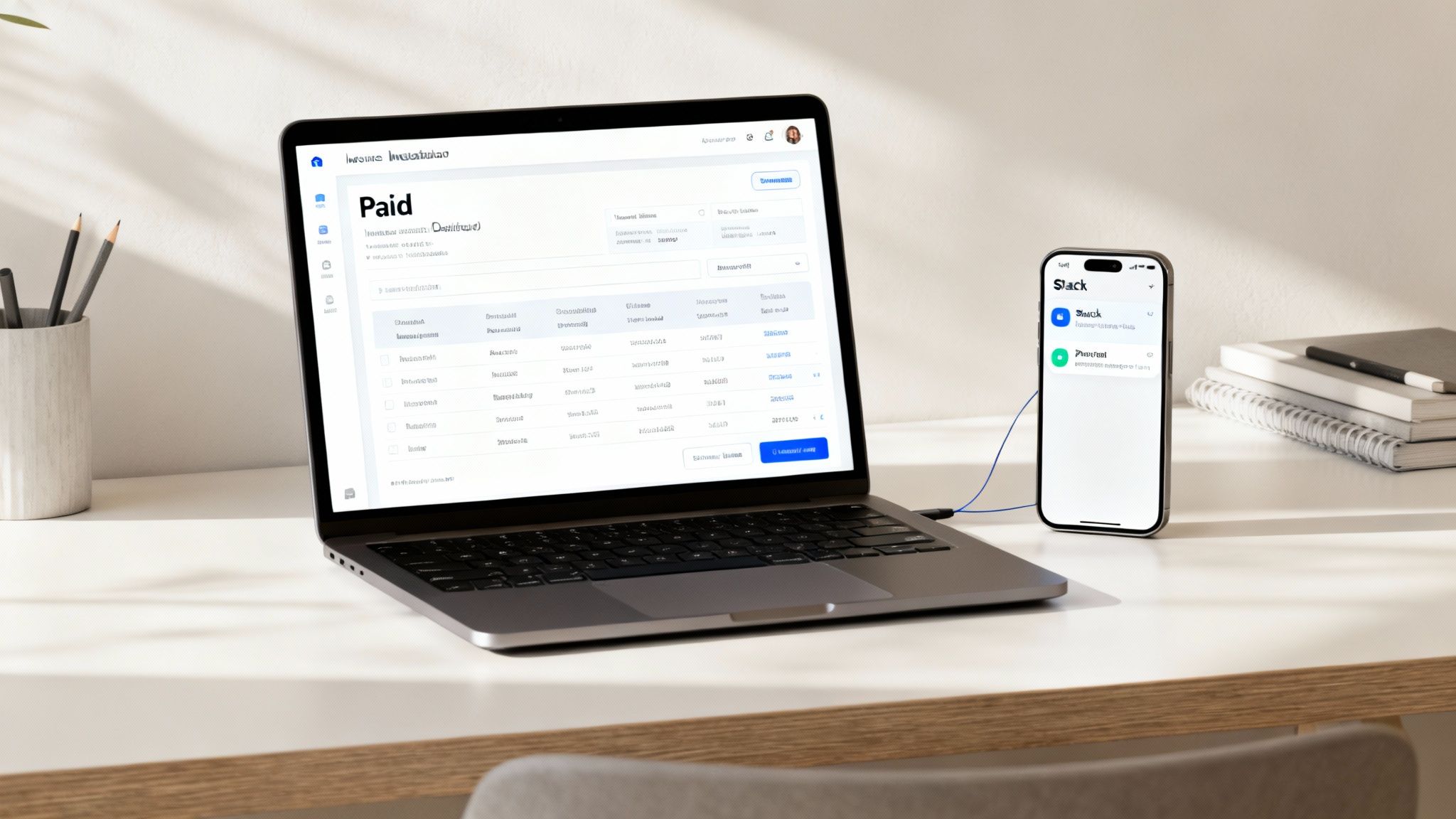
This kind of automation is quickly becoming the standard, not the exception. The global accounts payable automation market hit $3.08 billion in 2024 and is only getting bigger as businesses ditch manual work. With automation, companies can slash the average 14.6 days it takes to process a typical invoice. You can read more about these global AP trends and forecasts to get a sense of just how much this shift is reshaping business operations.
How Webhooks Transform Your Workflow
Let's paint a picture. Imagine you're a freelance consultant who just sent a Bitcoin invoice for a big project. With webhooks set up, the second your client pays, a whole chain of events kicks off automatically:
- Instant Alert: A real-time notification pops up in your team's Slack or Discord: "Invoice #123 has been paid." No more checking your wallet.
- Accounting Sorted: Your accounting software, maybe QuickBooks or Xero, is instantly updated. The invoice is marked 'Paid' without you lifting a finger.
- Project Updated: A card in your project management tool, like Trello or Asana, automatically moves from "Invoiced" to "Completed."
This isn't some complex, tech-heavy setup. Services like Flash make it incredibly simple to integrate these kinds of notifications. All you have to do is copy a unique URL—the webhook—from your target app (like Slack) and paste it into your payment processor's settings.
The real power of a webhook isn't the tech; it's the time you get back. Instead of performing three separate manual updates for every single paid invoice, the system handles it instantly and without errors. It’s a tiny change that leads to massive efficiency gains.
Setting Up a Simple Payment Notification
Let's walk through a non-technical example: getting a payment notification in Slack. The process is surprisingly straightforward and requires absolutely no coding.
Most platforms that support webhooks have a dedicated spot for them in their settings. Here’s how it usually goes:
- Generate a Webhook URL in Slack: Head over to your Slack app settings, look for "Incoming Webhooks," and create a new one for a specific channel, say,
#payments. Slack will spit out a unique URL for you. - Add the URL to Your Payment Processor: In your Bitcoin payment processor's dashboard (like Flash), find the developer or notifications settings.
- Paste and Save: Look for the webhook section, paste in the URL you just copied from Slack, and hit save.
And that's it. Seriously. Now, every time you receive a payment through a payment request invoice, your processor will send the details straight to your Slack channel. This instant feedback loop keeps your whole team in the know and your records perfectly synced, turning invoicing from a manual headache into a seamless, automated process.
Best Practices for Managing Bitcoin Invoices
Sending your Bitcoin payment request is just the beginning. How you manage that invoice through its entire lifecycle is what really builds client trust and protects your bottom line. It’s all about creating a smooth, predictable experience that sidesteps common issues and ensures every transaction is buttoned up.
The world of digital payments is exploding. We’ve gone from roughly $1.7 trillion in global digital payments in 2014 to a projected $18.7 trillion by 2024. By 2030, that number is expected to hit an incredible $33.5 trillion. This massive shift shows just how critical efficient, real-time invoicing is for keeping cash flowing.
Mitigate Volatility and Keep Clean Records
Bitcoin’s price can swing, but that volatility shouldn't eat into your earnings. The trick is to set a tight payment window—typically 15-30 minutes—where the BTC exchange rate is locked in. This guarantees you receive the exact fiat value you billed for. Most modern Bitcoin payment processors, including our own at Flash, handle this for you automatically.
Just as crucial is keeping meticulous records. For every single invoice, you need to log:
- The unique invoice ID
- The transaction date and time
- The fiat value at the moment of payment
- The amount of Bitcoin received
- The blockchain transaction ID (TxID)
This data isn't just for show; it's essential for your accounting, tax reporting, and heading off any potential disputes down the road.
One of the biggest mistakes I see is address reuse. Never, ever use the same Bitcoin address for more than one invoice. It creates a massive privacy hole by linking all your transactions on a public ledger and turns your bookkeeping into an absolute nightmare.
Avoid Common (and Costly) Mistakes
Even tiny errors can spiral into major headaches. One of the most common slip-ups is simply sending an invoice with the wrong amount. Always double-check your math, especially when converting from fiat to BTC. A single typo can lead to an underpayment and a very awkward conversation about a refund.
Poor communication is another classic pitfall. If a payment is late or a client seems confused, don't wait for them to reach out. Be proactive. A polite reminder or a quick offer to walk them through the payment process—especially if they're new to Bitcoin—can make all the difference and actually strengthen the relationship.
This mindset of using clear protocols to prevent errors is a smart business practice across the board. For example, many e-commerce businesses use automated shipping compliance solutions to streamline their fulfillment. Applying that same level of rigor to your invoicing can save you a world of trouble.
Of course. Here is the rewritten section, crafted to sound like an experienced human expert, following all the provided guidelines and examples.
Common Questions About Bitcoin Invoicing
Once you start using Bitcoin for your billing, you'll inevitably run into a few practical questions. It's totally normal. Getting these common concerns sorted out from the get-go will help you handle your invoicing like a pro.
Let's walk through a few of the most frequent queries I hear.
What Happens If a Client Sends the Wrong Amount?
This is a classic worry, but it's usually just a matter of clear communication. If a client sends too little, the best thing to do is reach out to them right away. Just explain what happened and send a new payment request for the remaining balance. Simple as that.
What if they send too much? The professional move is to coordinate a refund for the extra amount. You'll want to gently explain that they'll need to cover the small network transaction fee for the return payment. This is actually one area where using a dedicated Bitcoin payment processor really shines—they often prevent these mix-ups by locking in the exact amount for the payer in the first place.
How Do I Handle Bitcoin Price Volatility?
This is the big one, right? To protect your bottom line from the market's ups and downs, your payment request invoice needs to have a tight payment window. Think 15-30 minutes. That's the standard, and it works by locking in the BTC-to-fiat exchange rate for that short period.
Most modern Bitcoin payment services do this for you automatically when they generate an invoice. It's a crucial feature that ensures you get paid the exact fiat value you billed for, no matter what the price does a few hours later. If you’re building an invoice from scratch, make sure you clearly state that the quoted BTC amount is only valid for a limited time to encourage them to pay promptly.
The goal here is to kill any uncertainty for both you and your client. A locked-in rate inside a clear time frame makes the whole thing predictable and stable, putting Bitcoin payments on par with any traditional method you're used to.
Is It Safe to Put My Bitcoin Address on an Invoice?
Yes, it's perfectly safe, but there's a non-negotiable rule you have to follow: always generate a new, unique Bitcoin address for every single invoice. I can't stress this enough. Reusing addresses is a huge privacy risk, as it lets anyone on the internet look up that address and see every single payment ever sent to it on the public blockchain.
Generating a fresh address for each payment isn't just a good idea; it's the industry standard for a reason. All reputable Bitcoin wallets and payment processors have this as a core feature. Besides protecting your privacy, it also makes your accounting a breeze because you can easily tie each incoming payment to its specific invoice.
Ready to create professional, error-free Bitcoin invoices automatically? With Flash, you can generate secure payment requests with fresh addresses and locked-in rates every time, right from your own wallet. Streamline your billing and get paid faster by visiting to get started.