When you hear "Bitcoin payment," you might just picture sending some Bitcoin to a long string of characters. But for any serious business, a proper Bitcoin request for payment is much more than that. Think of it as a smart, structured invoice containing every detail needed for a smooth transaction: the exact amount, the destination address, and a description of what's being paid for.
This is a world away from just posting a static wallet address on your site. It’s the difference between a professional, trackable checkout and a chaotic, error-prone mess for both you and your customers.
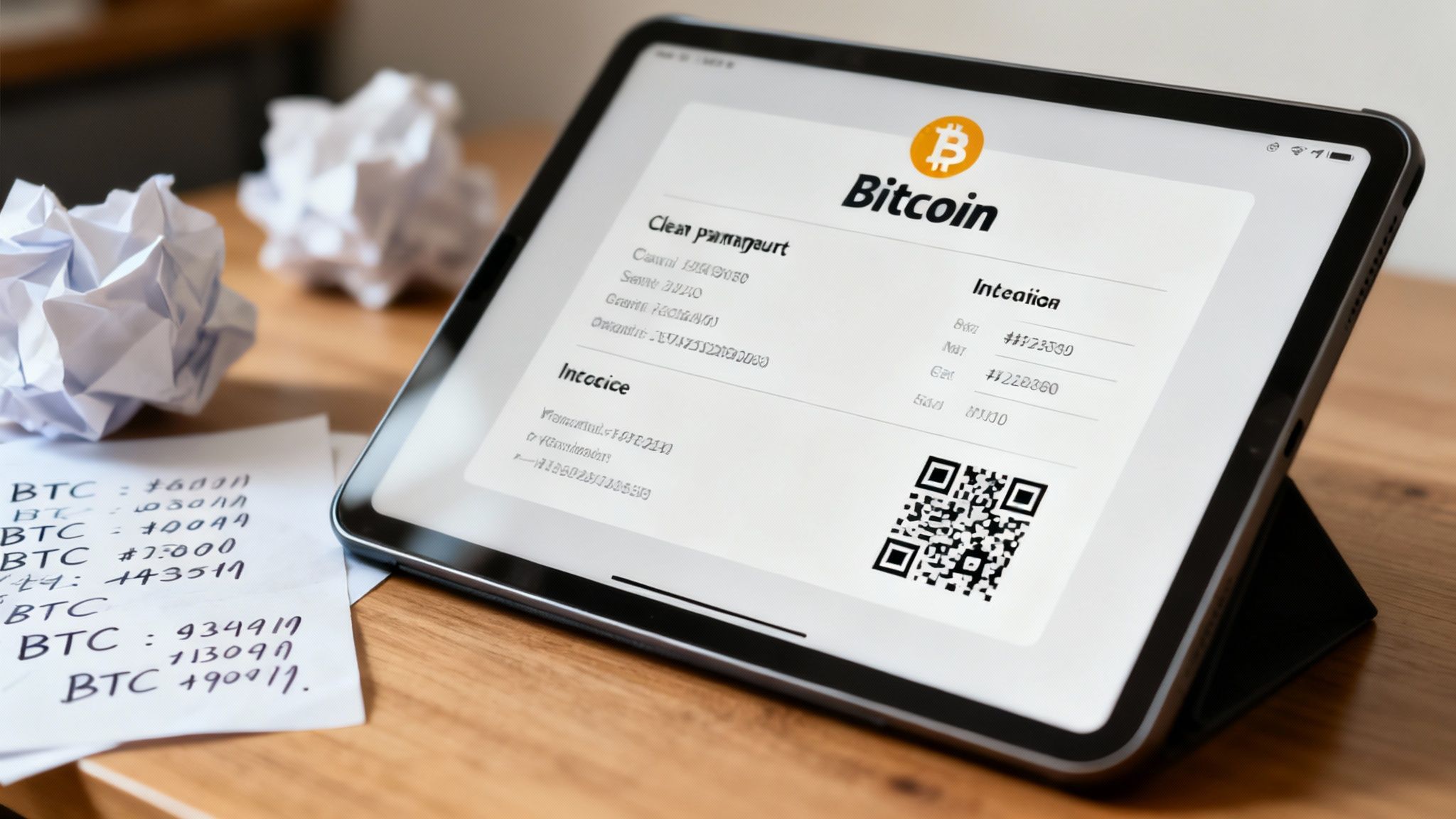
Why Simply Posting a Bitcoin Address Doesn't Work for Business
So you want to accept Bitcoin. Great! The seemingly easy route is to just drop your wallet address on your checkout page. But merchants who go this route quickly find themselves tangled in a web of hidden problems. This old-school method creates more headaches than it solves, leading to confused customers and a reconciliation nightmare for you.
Frankly, it's a clunky approach that was never meant for the speed and precision of modern commerce.
The core issue is a complete lack of data. When a customer sends funds to your static address, all you see is an amount and a sender’s address—that’s it. There’s no invoice number, no product details, nothing to connect that payment to a specific order. Your accounting process immediately devolves into a manual guessing game, especially when multiple customers pay similar amounts around the same time.
The Traps of a Static Address
Relying on a single, unchanging address opens your business up to several risks and painful inefficiencies that a real payment request system is designed to eliminate:
- Payment Guesswork: With no attached metadata, you can't easily tell which payment belongs to which customer or sale. This turns your bookkeeping into a massive time sink.
- Price Volatility Roulette: Bitcoin’s value can shift in the minutes between when you state a price and when the customer finally pays. A static address can't lock in an exchange rate, leaving you exposed to potential losses if the price dips.
- Customer Mistakes: It's incredibly easy for a customer to accidentally send the wrong amount or forget to add a note. This forces you into awkward follow-up conversations just to figure out what they were trying to buy.
For any business that values professionalism and efficiency, using a basic wallet address is simply unsustainable. A structured, dynamic request for payment delivers the clarity, security, and automation you need to accept Bitcoin as seamlessly as any other payment method.
To properly integrate Bitcoin into your operations, you need a system that gives every transaction context. Instead of just getting a random deposit, you should receive a payment that’s automatically tied to a specific invoice, customer, and sale. This is exactly what dynamic payment requests do, transforming a messy, manual process into a reliable and scalable business workflow.
To see the difference clearly, let's break down how a static address stacks up against a dynamic payment request system like Flash. The contrast highlights why one method is built for personal transfers, while the other is essential for commerce.
Static Address vs Dynamic Payment Request
| Feature | Traditional Method (Static Address) | Flash Method (Dynamic Request) |
|---|---|---|
| Transaction Data | None. Just amount and sender. | Rich data: invoice ID, customer info, item description. |
| Bookkeeping | Manual, error-prone guesswork. | Automated and instant reconciliation. |
| Payment Accuracy | High risk of over/underpayments. | Exact amount is pre-filled, preventing errors. |
| Exchange Rate | Not locked. Exposed to volatility. | Rate is locked for a set time, ensuring you get paid the correct fiat value. |
| User Experience | Clunky. Requires manual copy/paste. | Smooth, professional checkout with a QR code and one-click payment options. |
| Scalability | Fails at scale; impossible to track. | Built for high volume with automated tracking and notifications. |
| Privacy | Address reuse is a major privacy risk. | A unique address is generated for every transaction, enhancing privacy. |
It's clear that for any real business application, the dynamic request is not just an improvement—it's a necessity. It provides the robust framework needed to handle payments professionally and efficiently, turning a potential operational bottleneck into a streamlined asset.
Create Your First Bitcoin Payment Link
Alright, enough with the theory. Let's jump in and create a professional request for payment with a real-world example.
Imagine you're a freelance designer who just finished a logo project. It's time to invoice your client. Instead of just sending a raw, confusing wallet address, we'll use the Flash dashboard to build a detailed and secure payment link.
This simple shift turns a basic Bitcoin transaction into a professional billing experience. Your client gets total clarity on what they're paying for, and you get all the data you need for clean record-keeping. No more guesswork or chasing down transaction details.
Setting Up a Professional Invoice
First things first, you'll need to set the invoice amount. You can type this in your local currency, like $500 USD. Flash instantly calculates the exact Bitcoin equivalent based on the live market rate. This is huge—it guarantees you receive the precise value you’re owed, no matter what the BTC price does in the meantime.
Next, add the details that give the payment context. This is your chance to attach an internal invoice number for your own accounting and add a clear description for the client, maybe something like 'Logo Design - Final Payment.' These little touches are what separate a professional invoice from a casual request, and they make reconciliation a breeze later on.
The interface for creating these requests is incredibly straightforward, as you can see below.
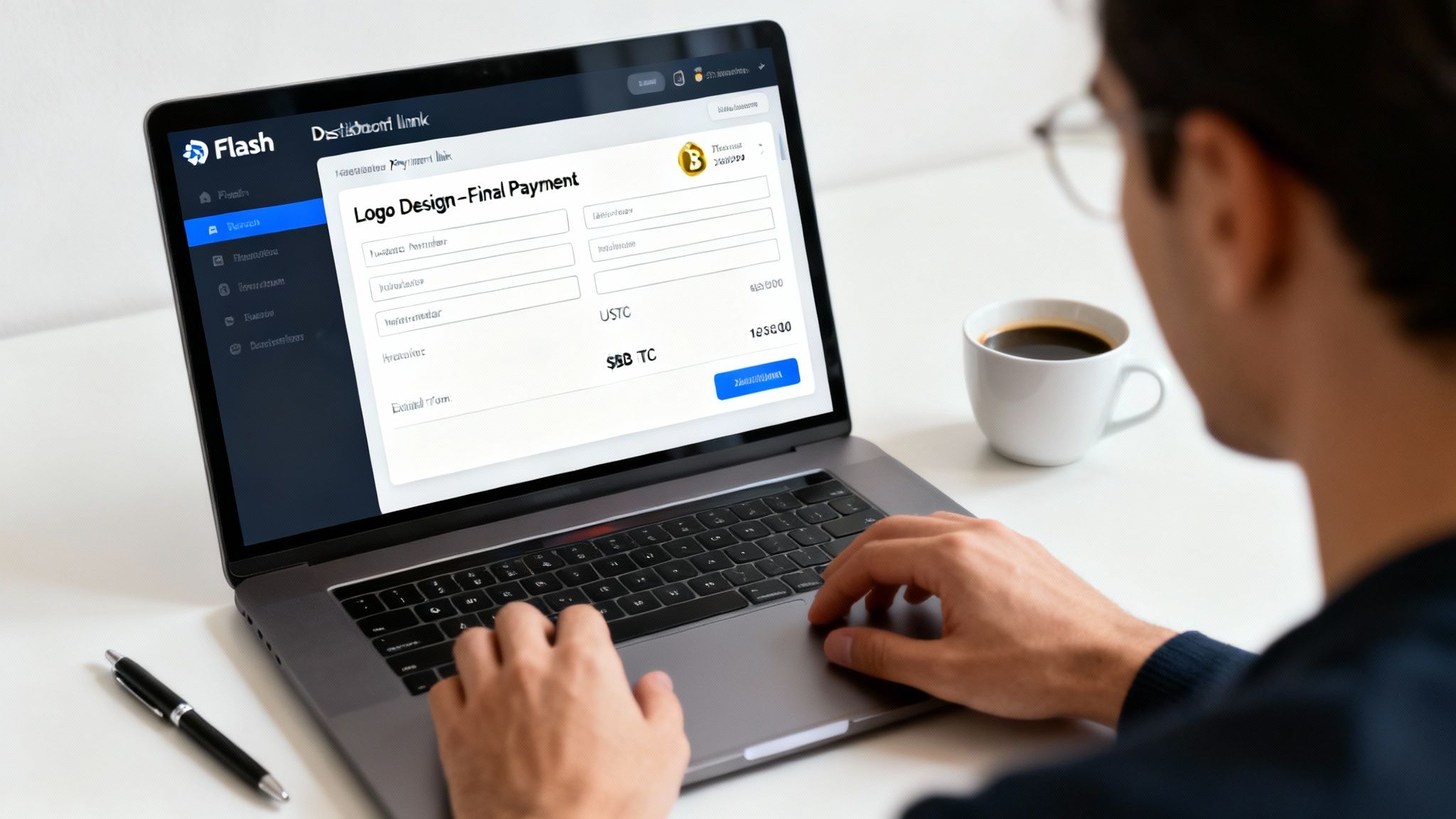
Everything you need is consolidated into one clean view, making it fast and almost impossible to make a mistake.
Locking in the Price with an Expiration
This next part is one of the most critical features: setting an expiration time for the payment link. Bitcoin's price is volatile, and this is your built-in protection. By setting a short payment window—say, 15 minutes—you effectively lock in the BTC-to-USD exchange rate for your client.
This means your client has a fixed period to pay the agreed-upon BTC amount to settle the $500 invoice. If they miss the window, the link simply expires. You can then generate a new one with an updated rate. It’s a simple but powerful tool that prevents you from getting underpaid.
Taking this one small step gives your business a few key advantages:
- Price Stability: You completely remove the risk of a sudden BTC price drop devaluing your payment before it's confirmed.
- Urgency for the Client: That little countdown timer encourages prompt payment, which is always good for cash flow.
- Transaction Integrity: It ensures the deal is settled exactly as agreed, with no nasty surprises for you or your client.
Once it's all configured, just generate the link and send it over. Your client gets a clean, professional payment page with a QR code and all the necessary details. It creates a seamless and trustworthy checkout experience that makes your brand look good.
Automate Invoicing with the Flash API
Manually creating payment links is great when you're a freelancer or just starting out with a few sales here and there. But what happens when you need to handle hundreds, or even thousands, of transactions a day? At that point, manual processes don't just slow you down—they break down.
This is where automation becomes non-negotiable. For any business looking to scale, the Flash API is the engine that drives a powerful, integrated Bitcoin payment system. It lets you programmatically generate Bitcoin requests for payment right inside the applications you already use, whether that's an e-commerce store or a custom CRM. The moment a customer clicks "Pay with Bitcoin," a unique invoice is created automatically. No human intervention needed.
Generating a Payment Request Programmatically
Let's walk through a real-world scenario. A customer is on your e-commerce site, ready to check out with a cart full of items. Your server can make a simple API call to Flash, instantly generating a unique payment request for that specific order.
Here’s what that request might look like using cURL, a popular command-line tool for making web requests. This example creates an invoice for $99.99.
curl -X POST https://api.flash.trade/v1/payments
-H "X-Api-Key: YOUR_API_KEY"
-H "Content-Type: application/json"
-d '{
"amount": 9999,
"currency": "USD",
"description": "Order #12345 - Premium T-Shirt",
"expires_at": 900
}'
The process is just as clean in a programming language like Python, a common choice for web backends.
import requests
import json
api_key = "YOUR_API_KEY"
url = "https://api.flash.trade/v1/payments"
payload = {
"amount": 9999, # Amount in cents
"currency": "USD",
"description": "Order #12345 - Premium T-Shirt",
"expires_at": 900 # Expires in 15 minutes (900 seconds)
}
headers = {
"X-Api-Key": api_key,
"Content-Type": "application/json"
}
response = requests.post(url, headers=headers, data=json.dumps(payload))
print(response.json())
The beauty of this approach is how seamless it is. Your customer stays on your site, and the entire backend process happens in milliseconds. It transforms your checkout from a manual chore into a fully automated, efficient workflow.
Understanding the API Response
Once you make that API call, Flash sends back a JSON response packed with useful information. You'll want to pay close attention to two fields in particular: payment_hash and checkout_url.
checkout_url: This is the unique link you'll redirect your customer to. It takes them to a hosted payment page with the QR code and invoice details, identical to the ones created manually.payment_hash: Think of this as the unique ID for the payment request. You absolutely need to store this in your database and tie it to the customer's order. It's how you'll track the payment's status later on.
Of course, once invoices are out there, managing them effectively is the next step. Some businesses even look into solutions like invoice factoring to keep cash flow healthy.
One final, critical note on security. Your API key is literally the password to your payment system, so treat it that way. Never, ever expose it in your website's front-end code or commit it to a public code repository. The best practice is to store it securely as an environment variable on your server. This ensures your integration is not just powerful, but safe.
Accept Bitcoin for In-Person Sales
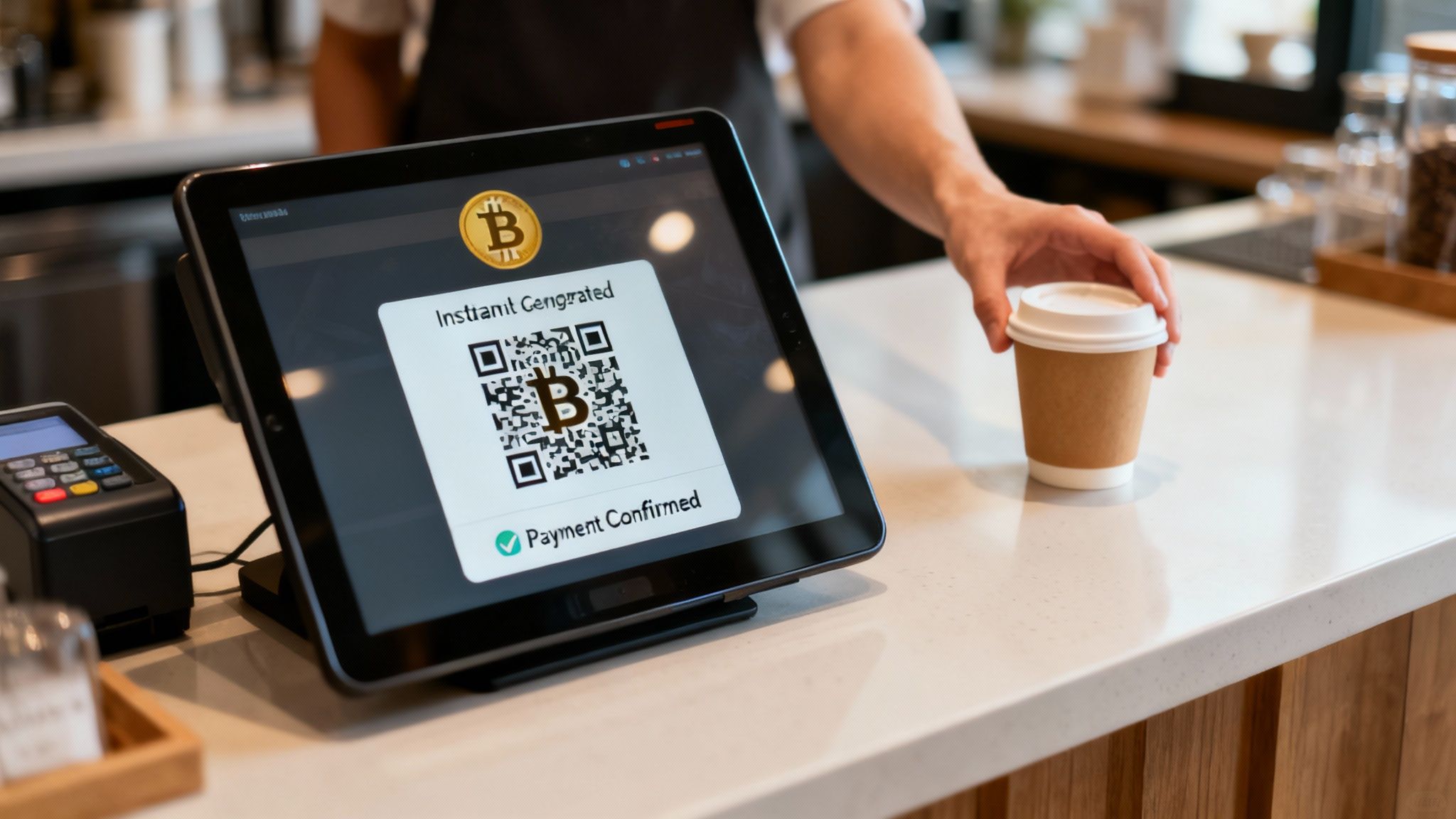
So far, we’ve been talking about digital invoicing. But what about the hustle and bustle of a brick-and-mortar business? If you run a coffee shop, a boutique, or a busy market stall, you need a way to create a Bitcoin request for payment that’s just as quick as a credit card tap.
Nobody has time for clunky checkout processes, especially when there's a line of customers forming. This is where a dedicated Point-of-Sale (POS) solution isn't just nice to have—it's essential. The whole point is to make the transaction feel familiar for both your staff and the customer. Your barista shouldn't need a crash course in Bitcoin to sell a latte; they just need a simple tool that works every time. The entire process, from ringing up the sale to getting paid, should take just a few seconds.
The Frictionless POS Workflow
Let's walk through a real-world scenario. A customer orders a coffee for $5.00.
Your cashier taps that amount into their tablet or phone running the Flash POS app. Instantly, the app generates a unique QR code with all the payment details baked in. This is a dynamic payment request, and it locks in the current Bitcoin exchange rate for a short time to ensure the amount is exact.
The customer simply scans the QR code with their mobile Bitcoin wallet, confirms the details on their screen, and sends the payment. It's a clean, direct, peer-to-peer exchange. No intermediaries are needed.
This whole workflow is built for speed. A confirmation pops up on the cashier's screen the moment the transaction is detected on the network, giving them immediate proof of payment. They can hand over the coffee and move on to the next person without any awkward waiting.
This move toward seamless digital payments is part of a much bigger trend. The global volume of payment requests sent through digital channels has exploded. Projections show the total transaction value could hit a staggering $24.07 trillion in 2025 alone. This growth makes it clear: consumers want more convenient and secure ways to pay. You can dig into more global payment network statistics at Coinlaw.io.
Key Benefits for In-Person Merchants
Switching to a Bitcoin POS system offers some serious, practical advantages for any physical retail environment. It really can change how you handle payments at the counter.
- Speed and Efficiency: The transaction is over in seconds. This keeps your checkout lines moving and your customers happy.
- Reduced Errors: Because the app generates a pre-filled payment request, you eliminate the risk of customers accidentally sending the wrong amount.
- Lower Fees: Bitcoin transactions can save you a bundle compared to the high percentage fees that traditional credit card processors charge.
- No Chargebacks: All Bitcoin payments are final. This is a huge win for merchants, as it protects you from the fraudulent chargebacks that can be a real headache with credit card sales.
Ultimately, integrating a system like this is about meeting your customers where they are. It’s a practical way to future-proof your business, giving people more choice while making your own operations more efficient and secure.
Set Up Recurring Bitcoin Subscriptions
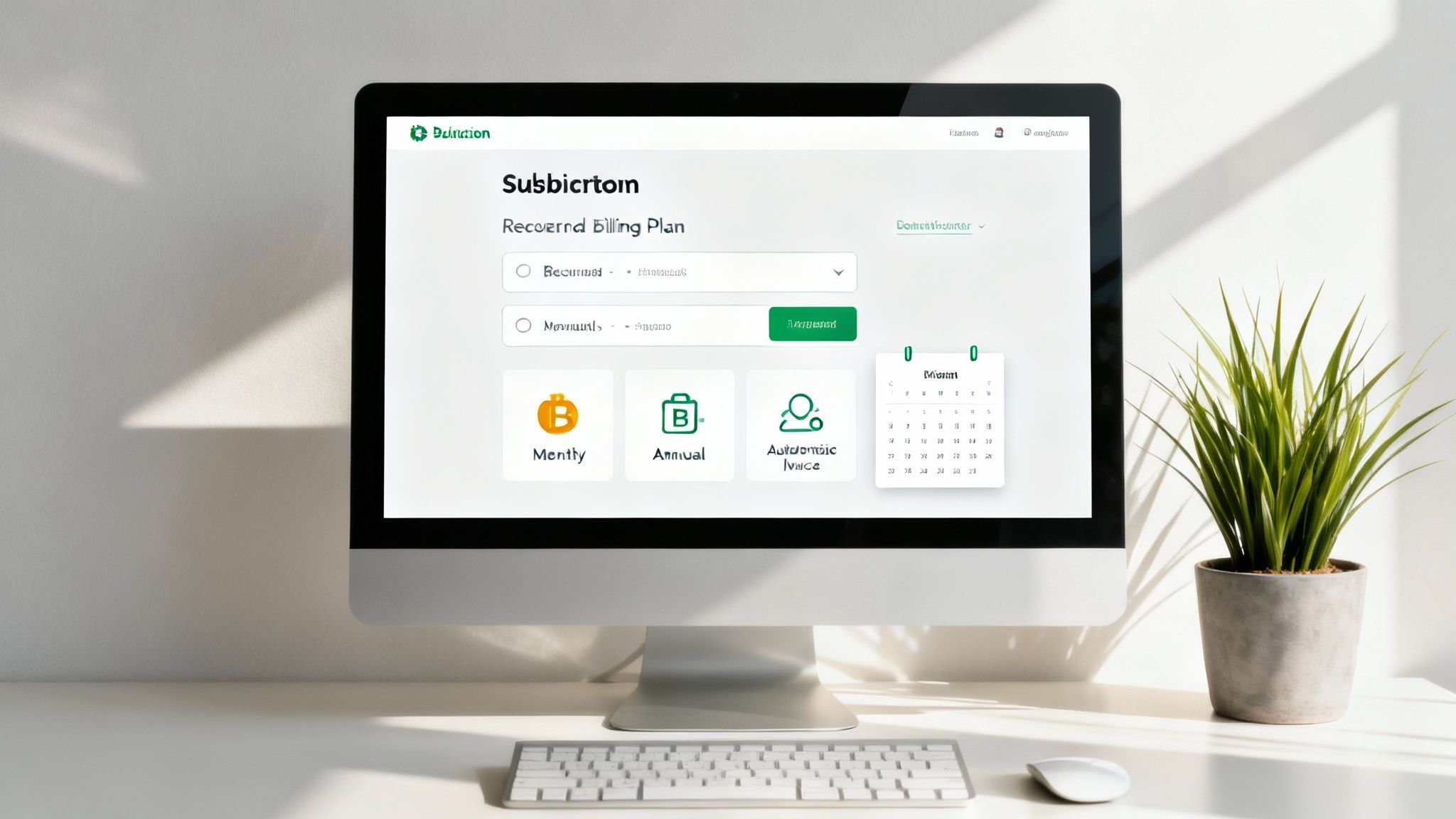
If your business runs on recurring revenue, consistent billing is your lifeblood. It doesn't matter if you're a SaaS platform, a paid newsletter, or a members-only community—getting paid on time, every time, is everything. This is where automated Bitcoin billing becomes a real game-changer.
Imagine tapping into a global customer base without ever worrying about failed cross-border payments or watching high fees eat into your profits. Setting up a proper subscription plan is more than just sending a monthly reminder; you need a system that handles the entire subscriber journey automatically. This means defining billing cycles, firing off invoices right on schedule, and managing everything from sign-up to a potential cancellation.
Defining Billing Cycles and Automating Invoices
First things first, you need to decide how often to bill your customers. With Flash, you can dial in the billing cycle to perfectly match your business model.
- Monthly: The go-to for most SaaS products and content subscriptions.
- Quarterly: A solid choice for business-focused services or premium memberships.
- Annually: Perfect for locking in customers long-term, often with a nice discount.
Once you’ve set the cycle, the system takes the wheel. Flash automatically generates a fresh request for payment for every subscriber at the start of their billing period. The invoice gets delivered, and you're spared the headache of manually tracking dates or chasing down payments. That level of automation is what separates a hobby from a scalable subscription business.
The customer experience is just as seamless. Subscribers can authorize recurring payments with confidence, giving them peace of mind while ensuring your revenue stream stays predictable and reliable.
For any subscription model to work, the payment process needs to be invisible. You set it up once, let the automation run, and get back to focusing on what your subscribers are actually paying you for: value.
Managing the Subscriber Lifecycle
Of course, managing subscriptions isn't just about collecting money. Things happen. Payments fail. Customers cancel. These are just the realities of running a recurring revenue business, and you need a clear process for handling them.
A failed payment shouldn't automatically mean a lost customer. When a Bitcoin payment doesn't clear—maybe due to insufficient funds or a missed deadline—the system can trigger an automatic notification. You can set up workflows to retry the payment or just send a friendly reminder to the customer with a new, easy-to-pay invoice.
Cancellations should be just as straightforward. When a customer decides to leave, the system needs to immediately stop all future billing for that user. This prevents those dreaded accidental charges and helps you part on good terms. Inside the Flash dashboard, you can track this whole journey, giving you a clear, real-time view of your active subscribers, churn rates, and overall financial health.
Common Questions About Bitcoin Payment Requests
As you start working Bitcoin into your business, you're bound to have a few questions pop up. That's perfectly normal. Getting a handle on these common queries is the best way to build confidence and make sure you're getting the most out of your new payment setup.
Think of this section as your quick-reference guide. We’ll tackle the most frequent concerns merchants bring up, helping you troubleshoot issues and fine-tune your workflow. Once you nail these concepts, you'll be managing transactions like a pro and explaining the process to your customers with total ease.
How Does Flash Handle Bitcoin Price Volatility
This is usually the first thing on everyone's mind, and for good reason. When you create a payment request for, say, $100 USD, Flash instantly locks in the current Bitcoin exchange rate. This rate is held for a set window, typically 15 minutes.
The invoice your customer sees will show the exact amount of BTC needed to cover that $100 value at the locked-in rate. It’s a simple but powerful feature that acts as a shield, protecting your revenue from any sudden price dips that might happen while the customer is fumbling for their wallet. If the 15-minute window closes, they’ll just need a new request with an updated rate. This guarantees you always get the full fiat value you asked for.
This price-locking mechanism takes all the guesswork and risk out of the equation. It effectively turns Bitcoin from a volatile asset into a stable, reliable payment method for everyday business.
What Happens After a Customer Pays an Invoice
The moment a customer sends their Bitcoin, the Flash system starts watching the network for the transaction. You can see it all happen in real-time on your dashboard, where the invoice status will switch from 'Pending' to 'Completed' as soon as it gets enough confirmations on the blockchain.
For a more hands-off approach, you can set up webhooks. These are just instant pings that Flash sends to your own application or server whenever a payment comes through. This is perfect for automating what happens next, without you lifting a finger. For instance, you could:
- Automatically flip an order to "Paid" in your e-commerce store.
- Instantly give a customer access to a digital download or online course.
- Kick off the shipping process for a physical product.
This kind of real-time feedback loop is exactly what you need to scale your operations efficiently.
Can I Customize the Look of My Payment Pages
Absolutely. A consistent brand experience is vital for building customer trust, and that definitely includes your payment page. Flash gives you the tools to customize the checkout pages your customers interact with.
You can easily upload your company logo, dial in your brand colors, and even add custom notes or terms of service. This makes the payment process feel like a seamless and secure part of your own website, not like you're shipping them off to some generic third-party processor. If you're looking to broaden your income streams, exploring different mobile monetization strategies can also give you ideas on how to present your payment options. And for developers hitting the API, you have complete freedom to build a fully bespoke checkout experience on your own domain, just using Flash to handle the backend processing.
Ready to offer your customers a modern, secure, and efficient way to pay? With Flash, you can get Bitcoin payments up and running in under a minute, connecting directly with your customers wallet-to-wallet. Start accepting Bitcoin today and open your doors to a global user base. Get started with Flash.