Accepting a Shopify crypto payment isn't just a gimmick; it’s a practical way to connect with a global, tech-savvy customer base. For store owners, enabling Bitcoin is a direct path to a new market, all while slashing transaction fees and killing chargeback fraud for good.
Why Accepting Bitcoin Is a Smart Move for Your Shopify Store

Adding a Bitcoin option to your Shopify store is more than just another button at checkout. It's a strategic move that solves some of the most persistent headaches in e-commerce—problems that directly hit your bottom line.
Let's start with the big one: transaction fees. Traditional credit card processors quietly skim 2% to 4% off every single sale. That's money straight out of your pocket. Bitcoin network fees, especially when managed through a payment provider like Flash, are a fraction of that cost.
Even better, Bitcoin transactions are final. This means the risk of chargeback fraud—that nightmare scenario where a customer disputes a charge after you've already shipped the product—is virtually zero. Once a Bitcoin payment is confirmed, it can't be reversed. That’s real payment security.
Expand Your Customer Base Globally
The moment you accept Bitcoin, your store becomes truly international. Bitcoin is borderless. You can get paid by anyone, anywhere, without wrestling with cross-border banking delays or currency conversion headaches.
This is a game-changer for anyone selling digital goods or shipping internationally. An artist in Spain can sell a digital print to a buyer in Japan, and the payment settles in minutes, not days. That kind of frictionless experience is exactly what a growing number of global consumers are looking for.
Bitcoin empowers merchants to become their own bank, removing intermediaries and providing direct access to a global financial system. It transforms a simple transaction into a secure, peer-to-peer exchange of value.
A Growing Trend in Merchant Adoption
The shift to digital payments isn't some far-off future; it's happening right now. The data shows a clear trend of merchants getting on board.
In the first half of 2025 alone, payment platforms recorded over 644,578 Bitcoin transactions from merchants. That number spiked to 115,000 transactions in June 2025, proving that consumer demand is real and growing. In fact, nearly 41% of merchants in one analysis chose Bitcoin over fiat for certain sales, especially for cross-border deals where the benefits are undeniable. If you want to dig deeper, you can find more statistics on this growing adoption in recent studies.
Choosing The Right Bitcoin Payment Gateway For Shopify
Alright, let's talk about one of the most critical decisions you'll make: picking the right payment processor for your Shopify store. When you decide to add a Shopify crypto payment option, this isn't just about installing another app. This choice hits your bottom line directly, shaping your fees, daily accounting, and, most importantly, your customer's checkout experience.
Think of it less like choosing software and more like finding a business partner. The right one makes everything smoother. The wrong one? It just creates headaches.
Of course, your payment gateway needs to play nice with your store's foundation. While we're focused on Shopify here, it's always smart to have a grasp of the best ecommerce platforms out there, since your platform choice dictates every integration that follows.
Key Factors In Your Decision
So, what should you be looking for? When I'm comparing options, I boil it down to three core elements.
First up, transaction fees. These can be all over the map, from a simple flat percentage to more complex costs based on network activity. Next are your settlement options. Do you want your Bitcoin sales instantly flipped into US dollars to avoid volatility, or are you comfortable holding the Bitcoin yourself?
And finally, the customer experience. Is the checkout process clunky and confusing, or is it so slick your customers barely notice it? A bad checkout experience kills sales. It's that simple.
Your payment gateway is the bridge between your store and the Bitcoin network. A good gateway makes the journey seamless and secure for both you and your customer, while a poorly chosen one can create friction and lost sales.
Comparing Top Bitcoin Payment Gateways for Shopify
To help you cut through the noise, let’s look at a few of the top contenders you'll find in the Shopify App Store. They each bring something different to the table. For example, a name like Coinbase Commerce is often the go-to for beginners because it's a recognized brand with a pretty straightforward setup.
On the other hand, you have solutions like Flash, which are built for merchants who value decentralization and want direct control over their funds. Flash is all about wallet-to-wallet transactions. This means you receive Bitcoin directly, with no middleman holding onto your money. This approach almost always leads to lower fees and gives you total financial autonomy.
Here’s a quick table to help you compare the different philosophies at a glance.
Comparing Top Bitcoin Payment Gateways for Shopify
This side-by-side comparison breaks down the leading Bitcoin payment processors, helping you zero in on the best fit for your store's unique needs.
| Payment Gateway | Transaction Fee | Settlement Options | Best For |
|---|---|---|---|
| Coinbase Commerce | Typically 1% | Auto-convert to USD or hold Bitcoin | Merchants new to Bitcoin who want a simple, trusted, and familiar setup. |
| Flash | Often lower, network-based fee | Hold Bitcoin directly in your wallet | Businesses seeking decentralization, direct fund control, and no KYC. |
| Other Solutions | Variable (0.5% - 1.5%) | Mixed (auto-convert or hold) | Stores with specific needs, like high-volume sales or custom integrations. |
Ultimately, the right choice really boils down to your own comfort level with Bitcoin and your specific business model.
If your goal is to eliminate price volatility and keep your books entirely in your local currency, then a service with an auto-conversion feature is a must-have. But if you view Bitcoin as a business asset and want to slash fees while keeping full control, a direct, non-custodial gateway is the way to go.
Take some time to weigh these factors. The right Shopify crypto payment solution is the one that supports your business not just today, but for the long haul.
Alright, let's get our hands dirty. Theory is one thing, but a practical walkthrough is where the magic happens. We're going to go through the whole process of adding a Shopify crypto payment option to your store.
To make this real, we'll use a popular, non-custodial app called Flash as our example. The goal here is to keep things simple and clear—no dense jargon, just a straight path to accepting your first Bitcoin payment.
The process really boils down to three main phases. First, we'll find and install the right app from the Shopify App Store. Then, we'll get your account set up with the payment provider. Finally, we'll connect it all back to your Shopify settings. It might sound a bit technical, but it's really just a series of clicks once you know where to look. I'll point out the common spots where people get stuck so you can avoid them entirely.
Finding and Installing Your Payment App
Everything starts in the Shopify App Store, which is basically the command center for any third-party tools you want to plug into your store. This is where you’ll find the payment gateways that expand what your shop can do. Think of it as a toolkit for building a more powerful, global e-commerce machine.
Just head over to the App Store and search for the Bitcoin payment provider you've chosen. For this guide, we'll use Flash, since it’s built for direct, wallet-to-wallet transactions without a middleman holding your funds. Once you see the app listing, just click "Add app" to kick things off.
This is the Shopify App Store interface you'll be looking at. It’s the starting point for finding and installing any payment gateway.
Shopify designed this to be pretty intuitive, letting merchants quickly check out and integrate new features without needing a developer.
Next, Shopify will pop up a screen asking you to authorize the app's permissions. This is a standard security check. It gives the app the access it needs to hook into your store's payment and order systems. This step is what allows the app to add a new payment button at checkout and, more importantly, mark an order as "paid" once a Bitcoin transaction is confirmed on the network.
Pro Tip: Before you click install, take five minutes to scan the app's recent reviews and look at their support docs. This quick check can save you hours of headaches down the line by flagging any common setup issues or recent updates you should know about.
Configuring Your Payment Provider Account
Once the app is installed, you’ll be taken over to the payment provider’s dashboard to create an account. This is where you’ll manage your Bitcoin payments, so getting this part right is important.
With a non-custodial service like Flash, the setup is usually much faster because you can skip the lengthy "Know Your Customer" (KYC) identity verification that traditional finance companies require.
The main job here is to link your own Bitcoin wallet.
- First, generate a new receiving address from your preferred Bitcoin wallet software (or use an existing one). This is the exact address where your customers' Bitcoin payments will land.
- Next, you'll enter this address into the payment provider's dashboard. This tells their system exactly where to send the funds from every sale.
- Finally, you'll create your API keys. This is the most critical part of the setup. These keys are a unique set of credentials that build a secure bridge between the payment provider and your Shopify store.
Think of API keys as a secure digital handshake. They let Shopify and the gateway talk to each other without exposing any sensitive data. You’ll usually get a "Public Key" and a "Secret Key." Treat that Secret Key like you would any password—never share it publicly.
Activating the Gateway in Shopify
You're on the home stretch. With your API keys copied, head back to your Shopify admin dashboard.
From there, navigate to Settings > Payments. This is the control panel for every way you get paid. Look for a section called "Alternative payment methods" (or something similar) and search for the Bitcoin app you just installed.
Shopify will then ask you to enter the API keys you just generated.
Carefully paste the Public Key and Secret Key into the correct fields. I always double-check for any extra spaces or characters that might have been copied by accident. Once you hit "Activate," the connection is live.
And that's it. Your new Shopify crypto payment option will now show up at checkout, ready for customers anywhere in the world to pay you directly in Bitcoin. You've successfully opened your store to a new, global currency.
Optimizing Your Store for a Seamless Bitcoin Checkout
Alright, you've flipped the switch and activated your new Bitcoin payment gateway. That's a huge win, but the real work starts now. The next challenge is making this new payment option feel as normal and trustworthy as swiping a credit card.
If your customers hit the checkout and feel even a hint of confusion or hesitation, they’re gone. This is where clear, simple communication becomes your best tool for locking in those sales. It's not enough to just have a Shopify crypto payment button; you have to show customers you've thought through their experience.
Building Trust Through Clear Communication
Let's start with something easy. Add a "Bitcoin Accepted Here" badge to your website's footer, right there with the Visa and Mastercard logos. It’s a tiny change, but it has a massive psychological impact. It instantly tells Bitcoin users they’re in the right place.
Next, think about where the questions will pop up. The checkout page is ground zero for last-minute doubts. Most gateways, including Flash, let you add custom instructions right where they're needed most.
Use that space. A short, reassuring message can work wonders:
- Tell them what's next: "You'll be shown a QR code to complete your payment."
- Set expectations: "Your order is confirmed once the Bitcoin transaction is verified."
- Offer a lifeline: "Questions? Check out our Bitcoin FAQ for a quick guide."
This kind of guidance kills uncertainty at the most critical point in the buying journey, stopping cart abandonment before it happens.
Remember, optimization is all about reducing friction. Every question you can answer before a customer even thinks to ask it is a step closer to a finished sale. A smooth checkout is a profitable one.
For a deeper dive into improving your entire checkout flow, it’s worth reading up on these Shopify conversion rate optimization tips.
Creating a Simple and Effective FAQ
A dedicated FAQ page is your secret weapon. It doesn't need to be an exhaustive technical manual. Just tackle the top three or four questions a first-time Bitcoin payer might have about your specific store.
I saw a great real-world example of this with a store selling custom mechanical keyboards. They noticed a drop-off right after people selected the Bitcoin option. Their fix? A simple FAQ, linked directly from the checkout page. The result was a significant increase in completed Bitcoin transactions.
Their FAQ was brilliant in its simplicity. It just answered these core questions:
- How do I pay with Bitcoin? (A straightforward explanation of scanning a QR code with their wallet.)
- What happens if I send the wrong amount? (A quick note reassuring them that the payment gateway prevents this.)
- How long does the payment take? (A clear, honest explanation about network confirmation times.)
This proactive approach took the mystery out of the process and made customers feel secure. By getting ahead of their concerns, the store positioned its Shopify crypto payment option not as some complex tech hurdle, but as a simple, secure alternative. They turned hesitation into confident conversions.
Managing Your Bitcoin Sales and Payouts
Getting a Shopify crypto payment option up and running is a great first step. Now comes the real work: managing this new revenue stream day-to-day. This means keeping an eye on your sales, knowing how to handle refunds, and making a critical choice about what to do with the Bitcoin you earn.
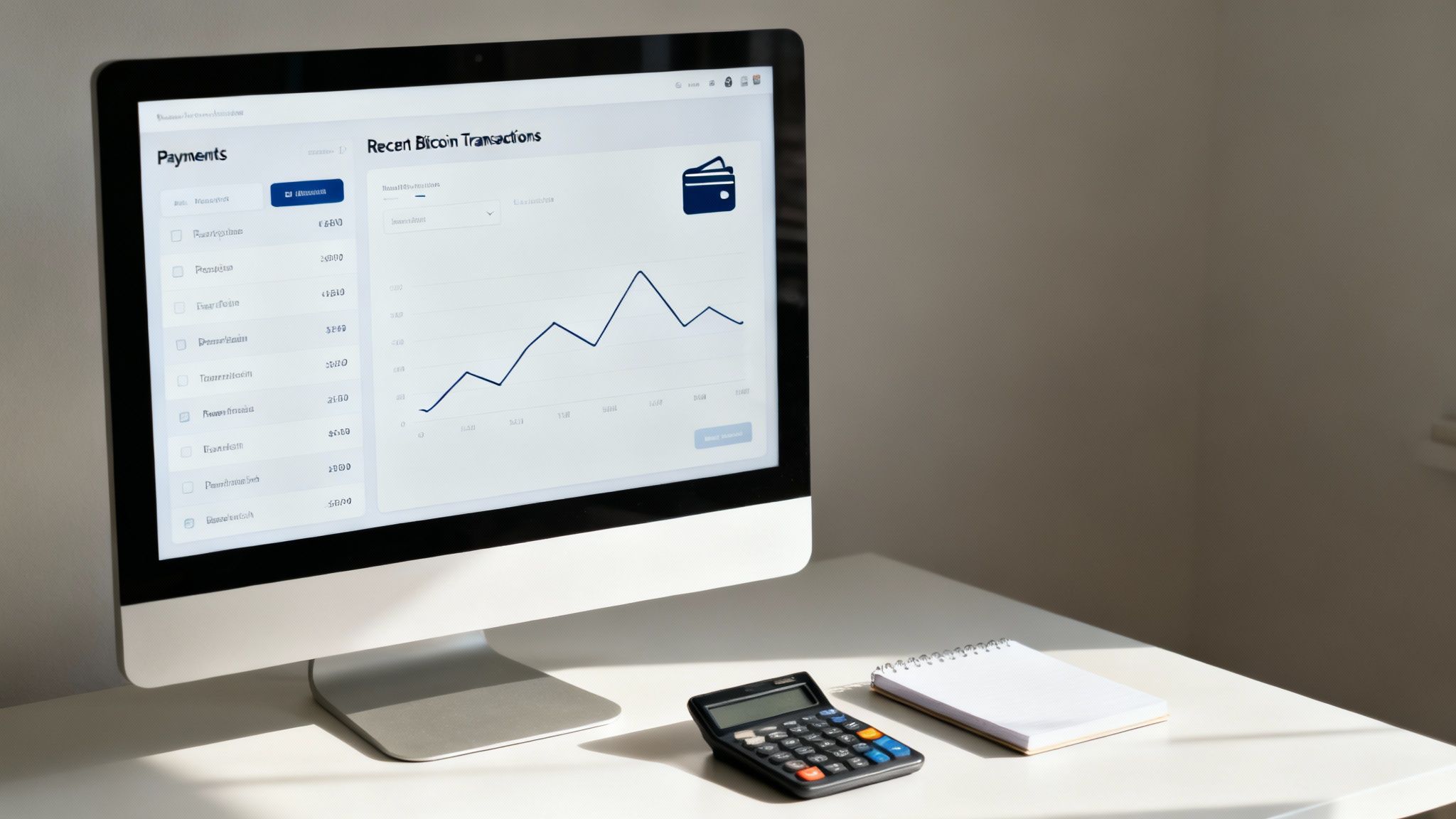
Think of your payment provider's dashboard as your new mission control. This is where you'll live, matching up Shopify orders with actual on-chain transactions, checking payment statuses, and sorting out any hiccups. Get comfortable with it now, and your future self will thank you. The key is understanding how the dashboard’s transaction records line up with your Shopify order numbers—nailing this makes bookkeeping a thousand times easier.
To Hold or To Convert Your Bitcoin
Here’s the big strategic question you need to answer: do you keep the Bitcoin you receive, or do you have it instantly converted into your local currency? There’s no right or wrong answer. It really depends on your business model, cash flow needs, and how you feel about market volatility.
Think of this decision as choosing your financial operating system. Converting to fiat currency provides stability and simplifies accounting, while holding Bitcoin treats it as a potential business asset with room for growth.
Let's dig into the two main playbooks here.
- Instant Conversion: This is the set-it-and-forget-it option. Your payment processor immediately flips every Bitcoin payment into your local currency (like USD) the moment the sale happens. You get the exact dollar value you charged, no matter what Bitcoin's price does next. This is perfect for businesses that need predictable income and want to keep their accounting simple and clean.
- Holding Bitcoin: This approach turns your revenue into a potential business asset. By keeping the Bitcoin in a secure wallet, you're betting on its long-term potential. If its value goes up, you've made more than just the initial sale. This works well for businesses that believe in Bitcoin's future and have the financial cushion to ride out any price swings.
Practical Management and Refunds
Your dashboard is also where you’ll handle the occasional refund. It's important to know that refunding a Bitcoin payment isn't like reversing a credit card charge. Bitcoin transactions are final. You can't just "void" one.
To process a refund, you have to create a brand-new transaction sending the funds back to the customer. This means you’ll need to ask them for a Bitcoin wallet address and then send the correct amount from your business wallet. Always, always double-check the refund amount and the customer's address before you hit send. Once it’s gone, it’s gone.
Clear communication is your best friend here. Keeping the customer in the loop throughout this process is crucial for making sure they walk away happy.
Common Questions About Shopify Crypto Payments
Even with a straightforward setup, adding a new way for customers to pay always brings up a few questions. Jumping into Shopify crypto payments is a simple process, but let's walk through some of the most common concerns I hear from merchants before they get started.
Most store owners ask about security first. Is it really safe to let customers pay with Bitcoin? The answer is a confident yes, as long as you're using a reputable payment gateway. These platforms are built from the ground up to securely manage the nuts and bolts of Bitcoin transactions.
They handle the heavy lifting, like verifying payments on the network to make sure the funds are confirmed before you ship anything out. Think of them as a secure middleman, protecting both you and your customer. Plus, a huge benefit of Bitcoin is that payments are final—which means chargeback fraud is completely off the table.
How Do I Handle Bitcoin's Price Volatility?
This is probably the number one question I get from business owners. The good news is, modern payment gateways have already solved this for you.
Most processors now offer an instant conversion feature. What this means is the second a customer pays you in Bitcoin, the service immediately converts it into your local currency, whether that’s USD, EUR, or something else.
You get the exact fiat amount you charged for the product. This completely shields your business from Bitcoin's price swings, allowing you to get all the perks of a global currency without taking on the financial risk of volatility.
Will Adding Bitcoin Confuse My Regular Customers?
Not at all. When you integrate a Bitcoin payment option, it just shows up at checkout next to your other methods like credit cards and PayPal. It's simply one more choice for your customers.
Shoppers who want to stick with traditional payments will probably just ignore it and check out like they always do. But for the growing number of people who actively use and prefer paying with Bitcoin, it’s a convenient and welcome option. As long as your checkout is designed clearly, there’s no room for confusion.
What Are the Tax Implications?
This is where you need to be careful. Tax rules for Bitcoin can get complex and change quite a bit depending on where you are in the world.
If your payment processor instantly converts Bitcoin into your local currency, you can usually treat it like any other sale in your accounting. But, if you decide to hold onto the Bitcoin, it's often treated as a property asset, and that comes with a whole different set of tax rules.
Because regulations are always evolving, it is highly recommended to consult with a tax professional who understands digital assets. They can give you advice that’s specific to your business and location, making sure you stay 100% compliant.
Ready to unlock a global customer base and slash transaction fees? Get started with Flash and enable secure, direct Bitcoin payments on your Shopify store in under a minute. Learn more at paywithflash.com.