To sweep a paper wallet is to create a single, definitive transaction that moves the entire Bitcoin balance from that paper wallet's private key to a fresh, secure address in a modern wallet. This isn't just a transfer; it's a critical security upgrade.
So, What Does It Actually Mean to Sweep Your Bitcoin?
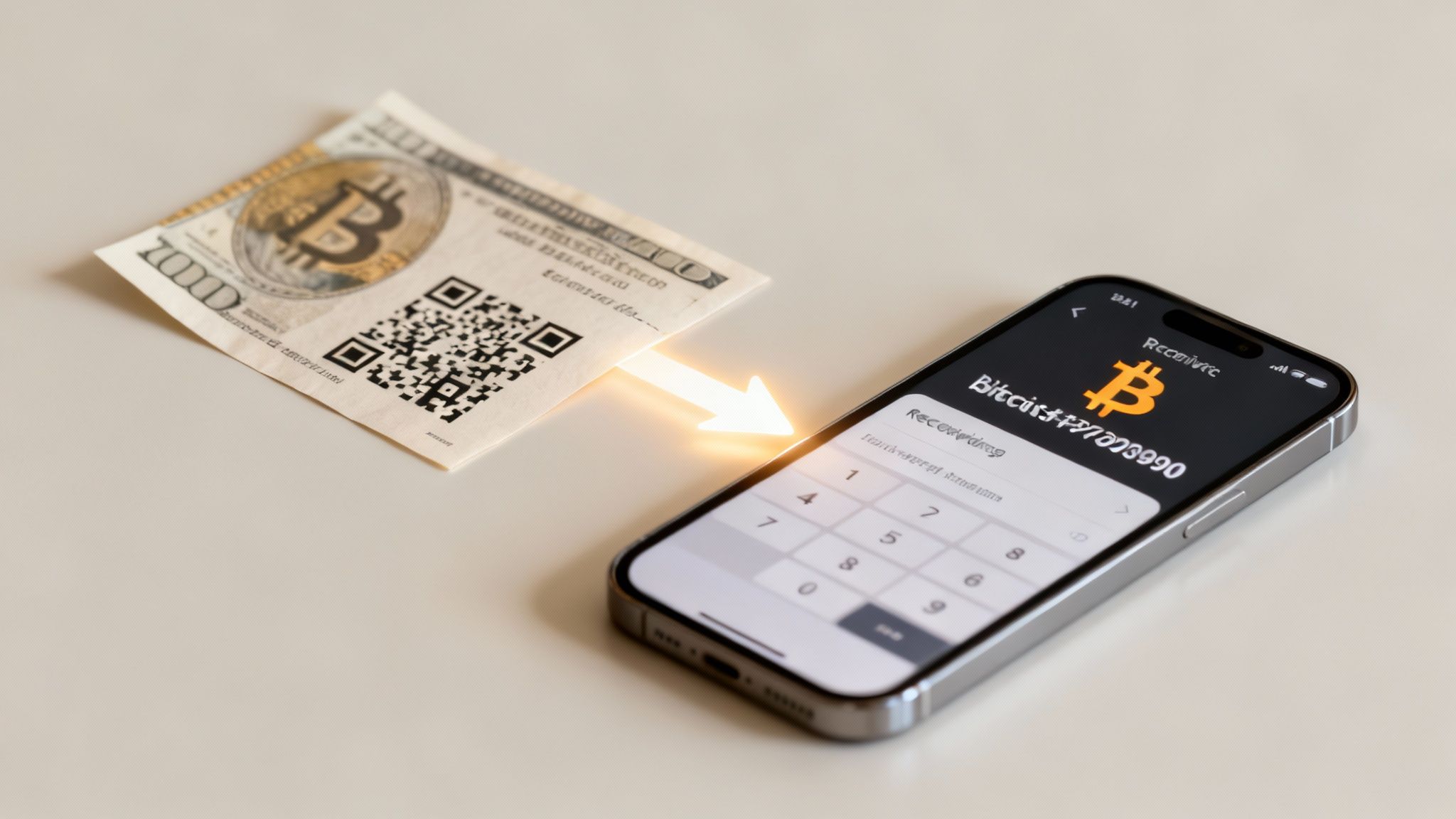
If you're holding a Bitcoin paper wallet, you've got a piece of early crypto history in your hands. Back around 2011, these were a go-to method for offline "cold storage," offering solid protection from online hackers. Their popularity really took off during Bitcoin's first big bull run between 2013 and 2015, as people scrambled for safer ways to hold their coins. You can see more on these wallet adoption trends from these insights.
But here’s the catch: a paper wallet is only secure as long as its private key stays completely offline and unseen. The second you expose that key to any internet-connected device—even for a moment—you have to assume it's compromised. That’s precisely where "sweeping" comes in.
Why Sweeping is Not the Same as Importing
People often use "sweeping" and "importing" interchangeably, but they are worlds apart in terms of security. Getting this right is the first and most important step to protecting your funds.
Let's break down the key differences between sweeping and importing a private key from your paper wallet.
| Feature | Sweeping | Importing |
|---|---|---|
| Fund Movement | Creates a new on-chain transaction to move all funds to a new address. | No funds are moved. Your wallet simply gains control over the existing address. |
| Security | High. The old private key is emptied and becomes useless, mitigating exposure risk. | Low. The original private key remains active and may have been exposed. |
| Address Reuse | Avoids address reuse. Funds land in a brand-new, uncompromised address. | Forces address reuse. You are spending from the old, potentially public address. |
| Best Use Case | The only recommended method for accessing funds from a paper wallet. | Generally discouraged. Maybe for small, non-critical amounts in specific recovery scenarios. |
Ultimately, importing just gives your modern wallet another key to an old, potentially exposed address. Sweeping, on the other hand, moves your Bitcoin into a new, safe fortress that your modern wallet controls.
The core principle is simple: sweeping moves your Bitcoin to a new, safe home. Importing just gives your current wallet the keys to the old, potentially insecure one. For this reason, sweeping is the only recommended method for accessing funds from a paper wallet.
The Security Benefits of a Full Sweep
The entire point of sweeping is to neutralize the risk tied to that old private key. Once your sweep transaction is broadcast and confirmed on the Bitcoin network, the paper wallet is empty. Its key is now worthless.
This creates a clean break. Even if some sneaky malware on your computer managed to snag the key while you were performing the sweep, there's nothing left for an attacker to steal.
This whole process also aligns perfectly with a fundamental Bitcoin security practice: never reusing addresses. By creating this new, definitive transfer, you're not just moving funds; you're upgrading your security from an outdated storage method to a modern, more functional, and far safer wallet environment.
Setting Up a Secure Environment for the Sweep
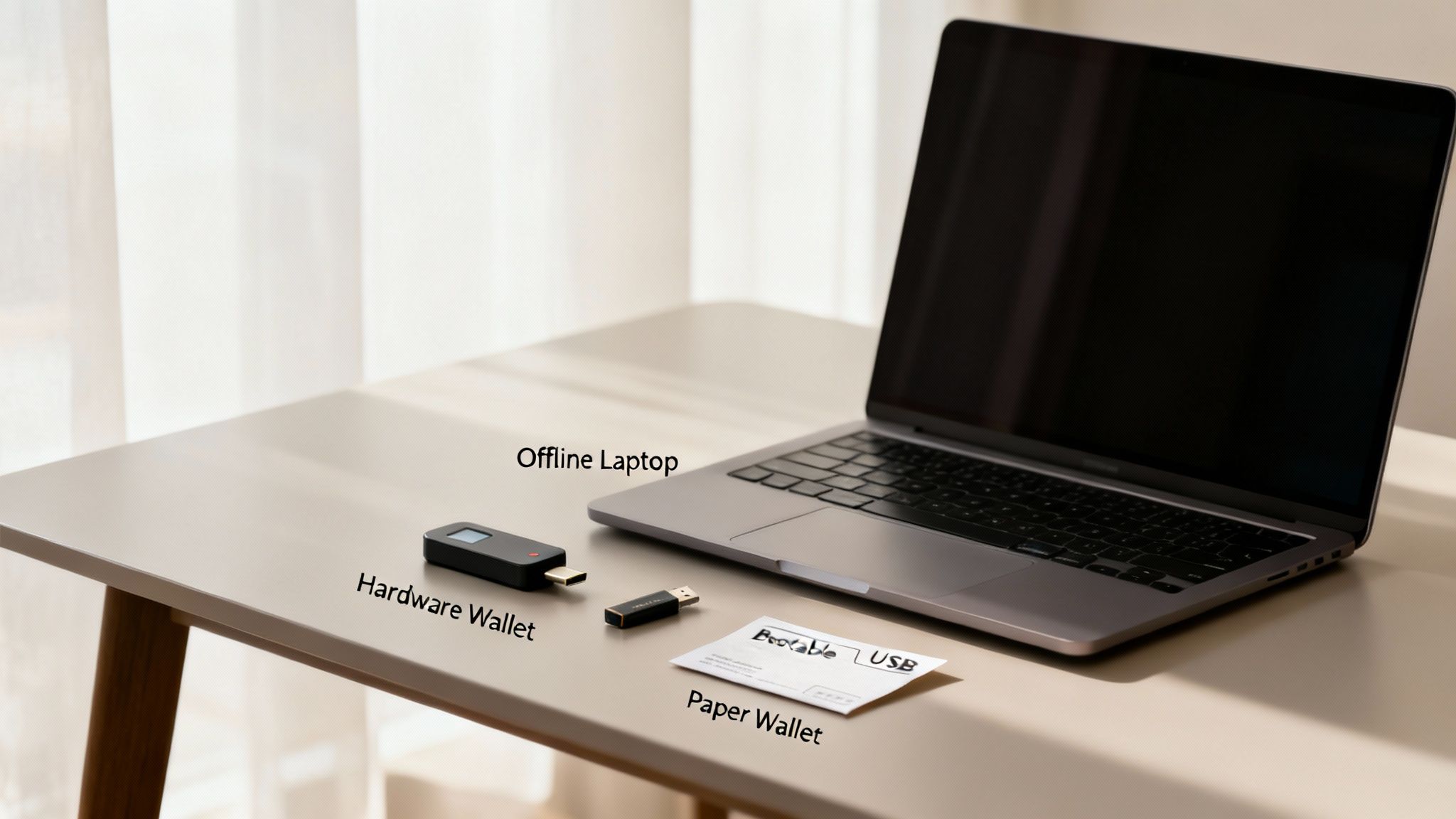
Before your paper wallet's private key ever sees the light of day, you have to create a sterile digital environment. This isn't optional. The single biggest threat when you sweep a paper wallet is exposing that precious private key to a compromised device. Think malware, keyloggers, or screen scrapers just waiting to steal it the moment it's typed or scanned.
And no, just using your private home Wi-Fi isn't enough. True security here means going offline and taking deliberate steps to shield the entire process from prying eyes. Your everyday computer, the one you use for emails and browsing, is almost certainly not secure enough. It’s been exposed to countless websites and potential threats, making it a minefield for this kind of operation.
Choosing Your Tools Wisely
First things first: you need a reputable, non-custodial Bitcoin wallet. This is non-negotiable. "Non-custodial" means you, and only you, control the private keys. No third party ever holds your funds, giving you complete sovereignty over your bitcoin.
Look for a wallet with a proven track record, an active development community, and—most importantly—a specific "sweep paper wallet" or "import private key" function.
Once you’ve picked your wallet, it’s time to create that pristine environment. Here are the gold-standard options:
- A Dedicated Offline Computer: This is my preferred method. Grab an old laptop, wipe it completely clean, and commit to never connecting it to the internet again. You'll install your chosen wallet software on it, perform the sweep, and sign the transaction entirely offline.
- A Bootable Operating System: If a dedicated machine isn't practical, a live OS like Tails is the next best thing. It boots from a simple USB stick and runs entirely in your computer's RAM, leaving zero trace on your main hard drive once you shut it down.
A privacy-focused OS like this is designed from the ground up to protect you from surveillance, making it a perfect sterile room for handling your keys. Building a solid digital defense is critical, and knowing how to find a reliable cyber security firm can offer deeper insights into protecting all your digital assets.
Key Takeaway: The goal is simple: your private key should only ever be exposed on a device that is clean, trusted, and completely offline. Never, ever use a public computer, a friend's laptop, or any device you don't have 100% control over.
Finally, get your physical materials in order. You'll need the paper wallet itself and a separate, secure device (like your smartphone with its new wallet app) to generate a fresh receiving address. This new address is where the bitcoin will land after the sweep. Having everything ready beforehand minimizes the time your key is exposed and helps the whole process go off without a hitch.
A Practical Walkthrough of the Sweep Process
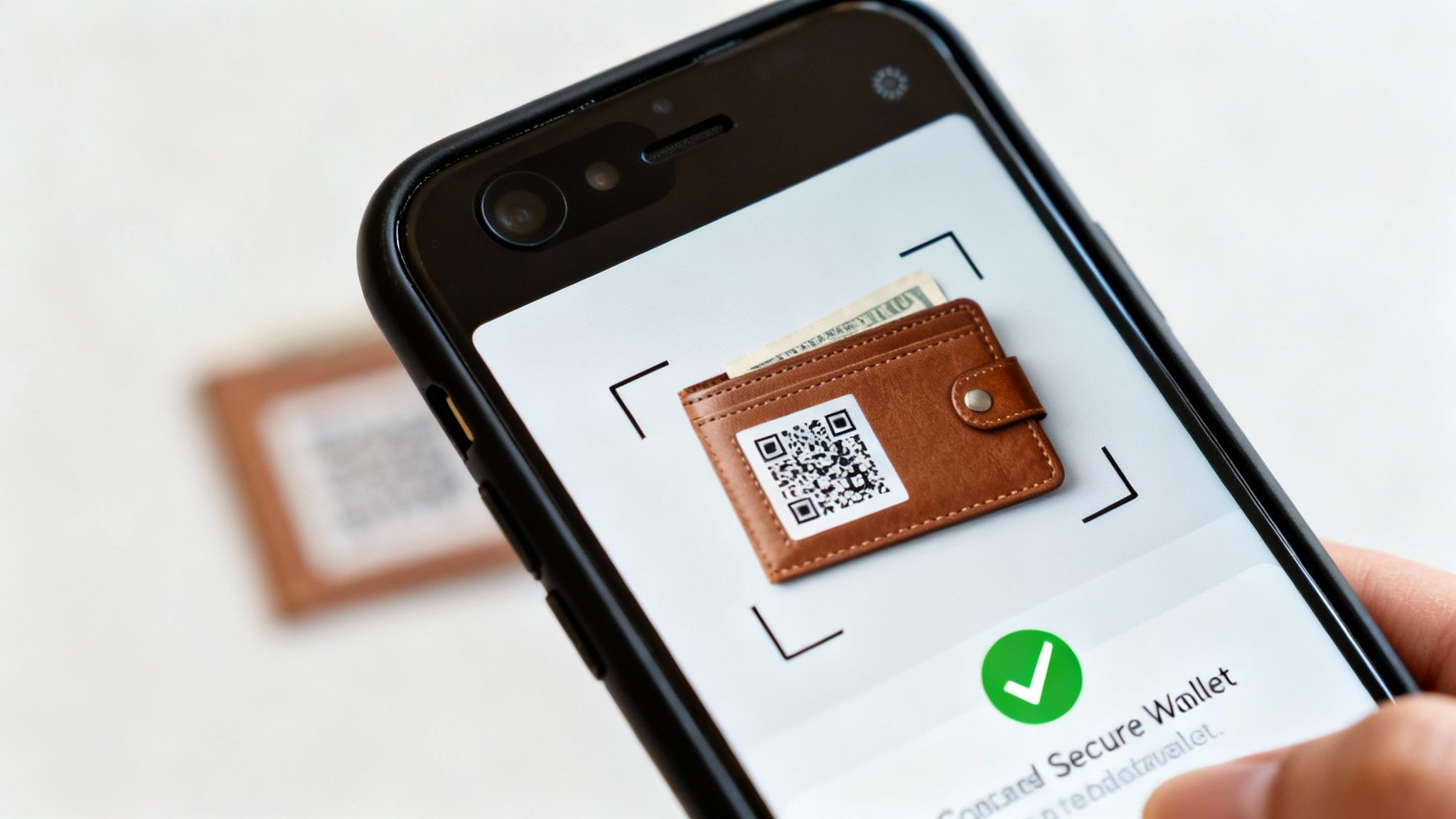
Alright, you've got your secure, offline environment ready. Now for the main event: actually sweeping the funds. The good news is that modern Bitcoin wallets have made this surprisingly simple. The trick is to move carefully and double-check everything before you hit send.
For this guide, we'll walk through the process using a typical mobile wallet. Don't worry if you're on a desktop; the core steps are nearly identical across most trusted platforms.
First things first, you'll need to find the sweep function in your wallet. It's usually tucked away in the "Settings" or "Tools" menu to keep you from tapping it by accident. Look for labels like "Sweep Paper Wallet," "Import Private Key," or even "Claim Funds." That "import" language can be a bit misleading, but as long as you're using a non-custodial wallet, it will perform a proper sweep by creating a brand-new transaction on the blockchain.
Once you find and select that option, your phone's camera will pop up. This is the moment of truth for your paper wallet's private key.
Scanning and Confirming the Transaction
Line up your phone's camera with the private key QR code on your paper wallet. Keep a steady hand and make sure you have good lighting. The app should recognize the code almost instantly and, just like that, display the Bitcoin balance tied to that key. This is your first critical checkpoint.
Next, the wallet gets a new transaction ready, preparing to send the entire balance to a fresh address that it controls. Your screen should now show a few crucial details:
- The Amount Being Sent: This has to match the paper wallet's full balance.
- The Destination Address: A brand-new, secure address generated by your wallet.
- The Network Fee: The cost to get your transaction confirmed by Bitcoin miners.
Take a breath here. Verify every single detail. Does the amount look right? Is the fee reasonable for how quickly you want it confirmed? Once you give it the final okay, the wallet uses the private key you just scanned to sign the transaction and broadcasts it to the Bitcoin network.
The whole sequence—from scanning the QR code to broadcasting the transaction—should happen in one smooth session. This keeps the time your private key is exposed on your device to an absolute minimum, which is a huge security win.
Moving funds from paper to a digital wallet is part of a massive global shift. Digital wallet use is skyrocketing, with the number of users expected to blow past 5.2 billion by 2026. This boom is powered by things like QR code payments, which are on track to handle over 40% of all digital transaction volumes.
In the Bitcoin world, the trend is just as clear. The vast majority of active wallets are "hot wallets" on phones and computers, showing a decisive move away from older methods like paper. Sweeping is the bridge that connects these legacy funds to the modern, app-based ecosystem. For a deeper dive, check out this Juniper Research report on digital wallet growth.
Understanding and Setting Transaction Fees
One of the most common hangups for newcomers is the network fee. Bitcoin transaction fees aren't percentages of the amount you send. Instead, they're based on the transaction's data size (measured in satoshis per virtual byte, or "sats/vB") and how congested the network is at that moment.
Your wallet will likely give you a few options:
- Low Priority: You'll save a bit of money, but if the network is busy, your transaction could be stuck waiting for hours or even days. Not ideal.
- Medium Priority: This is the sweet spot. It usually gets your transaction confirmed in the next block, which is typically within 10-20 minutes.
- High Priority: This costs more but tells miners to put your transaction at the front of the line, often resulting in a near-instant confirmation.
For a security-focused move like a paper wallet sweep, paying for speed is a smart move. I always recommend choosing the medium or high priority fee. The extra few cents or dollars is a tiny price to pay for the peace of mind that comes from seeing your funds land safely in their new home without a long, anxious wait.
Verifying Your Funds and Post-Sweep Security
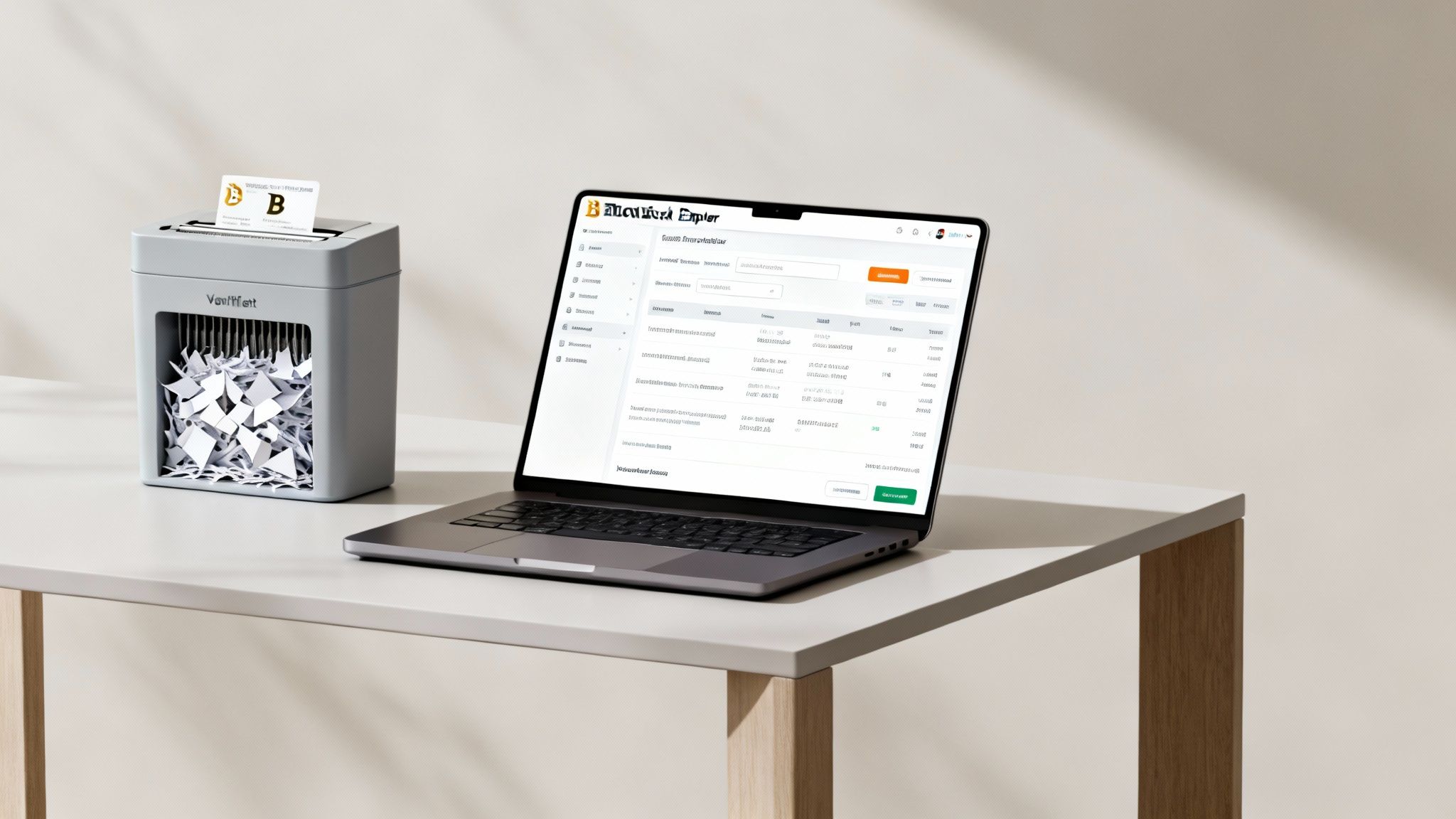
So you’ve hit "send" and broadcast the transaction. The hard part is over, but your job isn't quite done yet. Your Bitcoin is now making its way across the network, and these final steps are absolutely critical to lock down your funds for good.
First thing’s first: you need to verify the transaction. This is where a block explorer becomes your best friend. Think of it as a live tracking tool for the entire Bitcoin network. Your wallet will give you a transaction ID (often called a TXID); just copy that string of characters and paste it into any public block explorer to watch your funds move in real-time.
Initially, you'll see the transaction marked as "unconfirmed." Don't panic—this is completely normal. It just means it's waiting to be picked up by a miner and included in the next block.
Watching for Confirmations
A single confirmation means your transaction has officially been added to a block on the blockchain. While that’s a great first step, you're not quite at the finish line. To be considered truly secure and irreversible, you'll want to see a few more blocks stacked on top of it.
Here’s a practical breakdown of what to look for:
- 1-2 Confirmations: The transaction is almost certainly final. Your funds should now appear in your new wallet, though they might still be labeled as "pending" or "unconfirmed."
- 3-6 Confirmations: This is the gold standard for finality in the Bitcoin world. By this point, the transaction is so deeply buried in the blockchain that it's considered fully settled and secure.
Once you see at least three confirmations, you can breathe a sigh of relief. The sweep was a success. Your Bitcoin is now under the control of your new wallet's private keys, rendering the old paper wallet completely obsolete.
Crucial Takeaway: The second your sweep transaction gets its first confirmation, you must treat the private key on that piece of paper as compromised. It has been exposed to an online device and is no longer a safe place to store any amount of Bitcoin, ever again.
The Final Step: Destroy the Evidence
This leads us to the most satisfying part of the process: securely destroying the old paper wallet. It might feel a bit dramatic, but this step is non-negotiable. The funds are safe in their new digital home; that piece of paper is now a security risk.
Don't just toss it in the bin. The private key is still printed right there, and anyone who finds it could potentially try to scan it. Treat it with the same seriousness as a document with your bank account details on it.
A couple of effective ways to do this:
- Shredding: A cross-cut shredder is perfect. It dices the paper into tiny, unreadable confetti.
- Burning: If you can do it safely, fire is the most definitive way to ensure that key is gone for good.
By taking this final action, you're closing the security loop. You’ve moved your funds from a fragile, outdated storage method to a modern, robust wallet and eliminated the old, exposed private key from existence. This simple act of discipline prevents future accidents—like sending more funds to the old, compromised address—and reinforces one of the most important rules in Bitcoin: never reuse addresses.
Dealing With Common Sweep Problems
Even when you do everything right, sweeping a paper wallet can sometimes hit a snag. It happens. QR codes get smudged, transactions hang in limbo, and old wallet formats can refuse to cooperate. But don't panic—most of these headaches are pretty common and have straightforward fixes.
The trick is to stay calm and work the problem. A failed first attempt almost never means your funds are gone; it just means it's time for a little troubleshooting.
When Your QR Code or Key Won't Cooperate
One of the most frequent frustrations is a QR code that your wallet app just refuses to scan. This is especially common with older paper wallets that have faded, gotten creased, or were just printed poorly in the first place.
Here are a few things to try before giving up:
- Fix the Lighting and Focus: Get into a well-lit room, but watch out for glare on the paper. Sometimes, just moving your phone slowly closer and then farther away is enough to help the camera grab a clean focus.
- Try a Different Wallet App: Not all QR scanners are created equal. One wallet app might struggle while another reads the code instantly. It's worth trying a different reputable Bitcoin wallet to see if its scanner is a bit more forgiving.
- Go Manual (As a Last Resort): If the QR code is a total loss but you can still clearly read the full private key string, you can type it in by hand. This should be your last option because it's incredibly easy to make a mistake. Triple-check every single character—one wrong letter or number and the key is invalid.
Getting the key entered correctly is the entire ballgame. Once the wallet accepts it, you can get back to the sweep process.
Stuck Transactions and Low Fees
Another classic problem: your sweep transaction is sitting "unconfirmed" for hours, or even days. Nine times out of ten, this means the network fee you chose was too low for how busy the network is. Miners always pick up the transactions with the highest fees first, leaving yours at the bottom of the pile.
The best tool for this job is Replace-by-Fee (RBF). Most modern Bitcoin wallets have this feature. It lets you rebroadcast the exact same transaction, but with a higher fee. You're essentially jumping the line by outbidding your first attempt to get a miner's attention.
If your wallet doesn't support RBF, your only option might be to wait it out until the network quiets down. In a real pinch, you could import that same private key into a different wallet that does support RBF and try the sweep again from there. This is exactly why paying a slightly more generous fee from the start can save you a massive headache later.
Sweeping paper wallets really hit its stride during the 2017-2018 bull market when Bitcoin rocketed toward $20,000. That price surge pushed tons of early hodlers to finally secure funds from old paper backups, especially after catastrophic exchange failures like Mt. Gox's $450 million collapse highlighted just how risky leaving coins on an exchange could be. Fast forward to today, and paper wallet sweeps still account for a surprising volume of on-chain transactions as long-term holders secure their assets. You can dig deeper into these trends in this digital wallet market report.
Clearing Up Common Questions About Paper Wallet Sweeps
To wrap things up, let's tackle some of the questions that always come up when it’s time to sweep a paper wallet. Getting these details right isn't just about the process; it reinforces the security mindset you need to handle Bitcoin safely.
Think of this as the final check-in before you move your funds, making sure every last detail is covered.
Can I Just Use Public WiFi To Sweep My Paper Wallet?
The short answer? Absolutely not. This is probably one of the riskiest things you could do. Exposing your private key on a public WiFi network is like shouting your bank password in a crowded coffee shop.
These networks are notorious hunting grounds for attackers running "man-in-the-middle" attacks, where they just sit and wait to intercept sensitive data. Your private key is the master key to your Bitcoin. Always, always perform the sweep on a trusted, private network you control. For the truly paranoid (which is a good thing in Bitcoin), using a completely offline device is the gold standard.
What if I Only Want To Spend Part of the Balance?
This is a fantastic question that gets right to the heart of why sweeping is the right move. When you sweep a paper wallet, you aren't just dipping into the funds—you're moving the entire balance out in one final, decisive transaction.
Your modern Bitcoin wallet handles this beautifully behind the scenes. It creates a single transaction that does two things at once:
- It sends the exact amount you want to spend to your intended destination.
- The rest of the Bitcoin—the "change"—is automatically sent to a brand new, secure address that your own wallet controls.
This is a critical security feature, not just a convenience. It completely eliminates the dangers of address reuse and ensures your remaining funds are moved to a fresh, uncompromised address, keeping them safe.
How Much Should I Pay for a Transaction Fee?
This trips a lot of people up. Bitcoin transaction fees have nothing to do with the amount of bitcoin you're sending. Instead, they're based on the transaction's data size and how busy the network is at that moment.
When you're performing a security-critical operation like a sweep, don't cheap out on the fee. Your wallet will likely offer a few fee levels. I'd strongly recommend choosing a medium or high-priority fee.
Trying to save a few cents with a low fee can leave your transaction stuck in limbo for hours, which is incredibly stressful when your entire balance is on the line. A higher fee gets your transaction picked up by miners quickly, usually confirming within 10 to 30 minutes.
Do I Really Need To Destroy the Paper Wallet Afterward?
Yes. This step is non-negotiable. The moment you scan or type that private key into any device that has been, or ever will be, connected to the internet, you must consider it exposed forever.
The funds are now safe in their new home, but that old key is a massive security liability. Someone could find that piece of paper years from now and try to use it.
Securely destroying the physical wallet by shredding or, even better, burning it is the only way to be 100% certain that old key can never come back to haunt you. It's the final, satisfying step to locking down your new, secure setup.
Ready to accept Bitcoin payments securely and efficiently? Flash provides the tools merchants need to integrate Bitcoin seamlessly, from point-of-sale apps to customizable payment links. Start accepting wallet-to-wallet payments in under a minute with no KYC required. Learn how Flash can connect your business to the global Bitcoin economy.