A hardware wallet is a small, specialized physical device, often looking a bit like a USB drive. It has one single, critical job: to provide the highest level of security possible for your Bitcoin. How? By keeping your private keys—the secret codes that prove you own your funds—completely offline and isolated from any internet-connected device. This simple separation is what protects your Bitcoin from a whole world of online threats.
Why Your Bitcoin Needs Its Own Vault
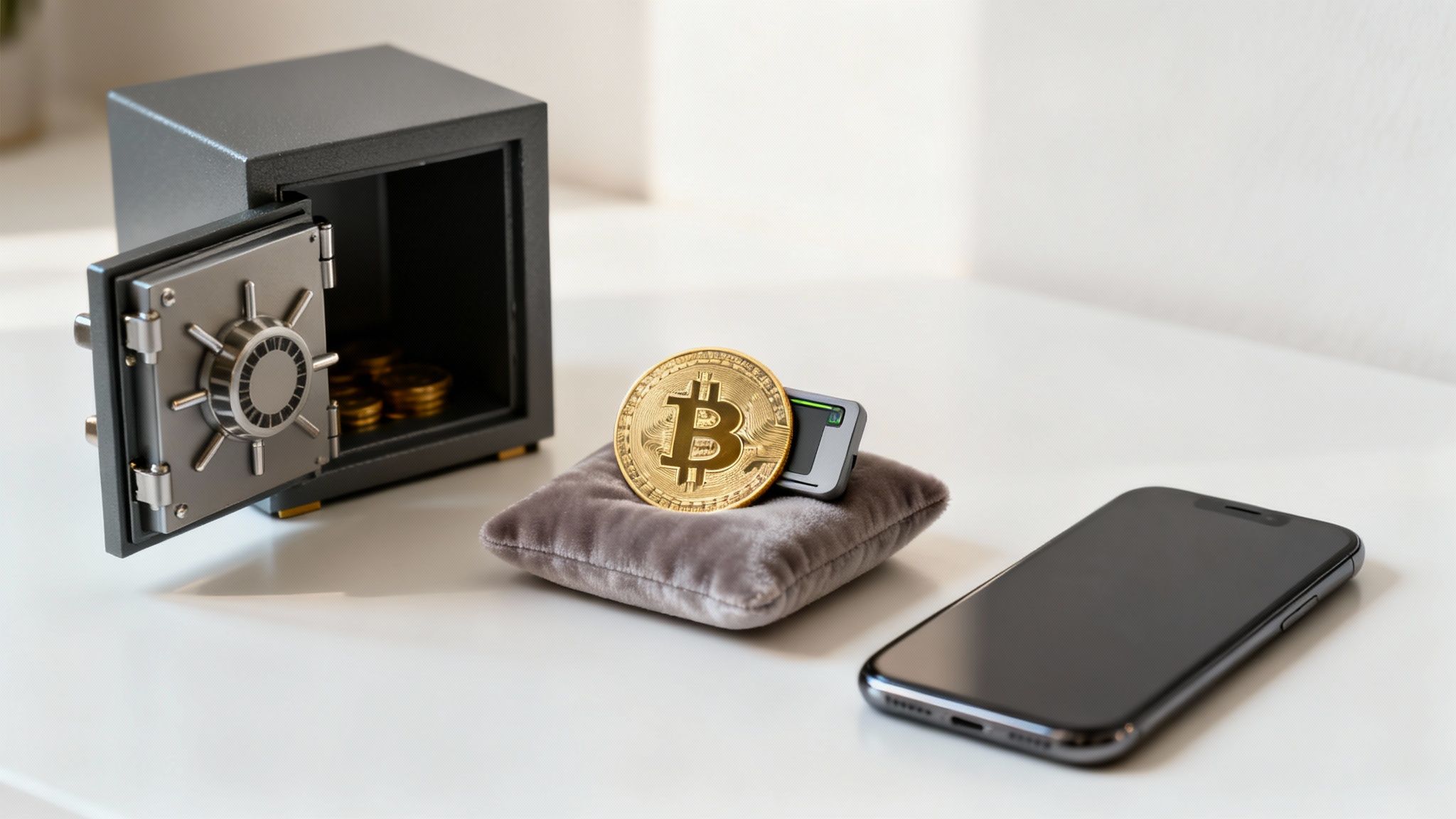
To really get what a hardware wallet does, it helps to think about how you handle regular money. A payment app on your phone or a software wallet on your computer is like your checking account. It's super convenient for day-to-day spending, but it's also vulnerable if your device gets hacked. In the Bitcoin world, these are called "hot wallets" because they're always connected to the internet.
A hardware wallet, on the other hand, is the digital equivalent of a fortified bank vault. It's a form of "cold storage," which is just a fancy way of saying your private keys never touch the internet. This physical separation is the entire foundation of its security.
Hot Storage vs. Cold Storage
Understanding the difference between these two storage methods is absolutely essential for anyone serious about protecting their Bitcoin.
- Hot Wallets: These are software-based and live on your internet-connected devices, like your smartphone or laptop. While great for convenience, this constant connection exposes them to online risks like malware, viruses, and phishing scams.
- Cold Wallets: These are physical devices that keep your private keys totally offline. When you want to send a transaction, you sign it on the device itself, so your keys are never exposed to your potentially compromised computer.
A hardware wallet creates an impenetrable barrier between your Bitcoin and the digital world. By keeping your private keys offline, it makes common online attacks completely useless, giving you true ownership and total peace of mind.
Ultimately, using a hardware wallet is the undisputed best practice for long-term security. It effectively moves your Bitcoin from a digital "checking account" into a personal, offline vault that only you can access, truly safeguarding your wealth for the future.
How Your Private Keys Stay Offline
The real magic of a hardware wallet is how it approves transactions without ever letting its most valuable secret—your private key—escape its physical walls. Think of it as a master key that can unlock your Bitcoin but is permanently locked inside a secure vault. It can be used, but it can never be removed, copied, or even seen.
This creates what’s known as an "air gap" between your Bitcoin and the internet. Your computer, which is always online and exposed to threats, prepares the transaction. But it can't approve it because it simply doesn't have the key. Only the hardware wallet has that power.
Signing a Transaction Securely
Let’s walk through what this fortress-like security looks like in a real-world scenario. Imagine you want to send some Bitcoin from your wallet.
Create the Transaction: You'll start by using a software interface on your computer or phone. This software prepares the basic details, like the destination address and the amount, but it has no power to sign it.
Send to the Device: The unsigned transaction data is sent to your hardware wallet, usually over a USB cable. This is a one-way street for your private key; data comes in for approval, but the key never, ever comes out.
Verify and Confirm: This is the most important part. Your hardware wallet’s screen will display all the transaction details. You must physically verify the address and amount on the device itself. This is a critical step that prevents malware on your computer from tricking you by showing you a different address.
Sign Offline: Once you've confirmed the details are correct, you press a physical button on the device. This is your go-ahead. The wallet then "signs" the transaction internally, using the private key stored securely offline.
Broadcast the Signature: The wallet sends back only the approved, cryptographic signature to your computer. Your private key remains isolated and safe inside the device. Your computer then broadcasts this signed transaction to the Bitcoin network to be finalized.
The core principle is simple but powerful: your private keys are generated, stored, and used entirely within the hardware wallet's secure chip. They never touch your computer, your phone, or the internet, making online theft physically impossible.
This entire process is powered by a specialized, tamper-proof chip inside the device known as a secure element. This is the same type of high-security chip found in modern passports and credit cards, built specifically to withstand both physical and digital attacks. It acts as an impenetrable digital vault, ensuring your Bitcoin stays completely under your control.
The Unbeatable Security of Cold Storage
Why bother with a physical device when a mobile app feels so much easier? It's a fair question, but the answer gets right to the heart of Bitcoin security: a hardware wallet makes your BTC immune to the most common and dangerous online threats.
Think of it as a specialized vault built for one purpose: to keep your private keys locked down and offline. This simple act of taking your keys offline—into what we call cold storage—instantly neutralizes entire categories of cyberattacks. Malware on your computer, sneaky phishing scams, and keylogging viruses are rendered completely useless. They can't steal what they can't touch.
Your Physical Line of Defense
Every hardware wallet introduces layers of physical security that a remote hacker simply cannot bypass. These aren't optional extras; they're baked into the design to create a powerful barrier against anyone trying to get to your funds.
- PIN Protection: To even wake the device up, you have to enter a PIN directly on its screen. Get it wrong too many times, and most wallets will wipe themselves clean to shut down brute-force attacks.
- Physical Confirmation: This is the big one. To send any Bitcoin, you must physically press a button on the wallet itself. This proves you are present and approve the transaction, stopping any malware from draining your account behind your back.
The whole point is to ensure your keys are never compromised. In the IT world, there's a related concept for getting rid of old data called understanding secure data sanitization, where the goal is to make information totally unrecoverable. Hardware wallets apply a similar principle in reverse—they’re designed so your private key can never be extracted from the device in the first place.
But what if you lose the device? That's where your ultimate safety net comes in: the recovery seed phrase. This is a list of 12 or 24 words generated when you first set up the wallet. It's the master key to all your Bitcoin.
If your hardware wallet is ever lost, stolen, or just stops working, that phrase is all you need to restore complete access to your funds on a new device. This is what gives you true ownership over your Bitcoin, completely independent of any single piece of hardware.
It’s the gold standard for security, yet only an estimated 2–3% of users currently rely on hardware wallets. This highlights a massive gap between the risks people face and the simple solutions available to protect them.
Hardware Wallet vs Software Wallet Security
To see the difference clearly, let's break down how hardware and software wallets stack up against each other. One keeps your keys connected to the internet, while the other creates an impenetrable offline barrier.
| Feature | Hardware Wallet (Cold Storage) | Software Wallet (Hot Storage) |
|---|---|---|
| Key Storage | Private keys are stored offline on a dedicated secure chip. They never touch the internet. | Private keys are stored on your internet-connected device (phone, computer). |
| Vulnerability to Malware | Immune. Malware on your computer cannot access the keys stored on the separate device. | High. A virus, keylogger, or spyware on your device can potentially steal your keys. |
| Transaction Signing | Transactions are signed offline within the device. You must physically confirm on the device. | Transactions are signed on your internet-connected device, making it vulnerable to interception. |
| Phishing Attacks | Highly resistant. Even if you're tricked, the transaction details are shown on the wallet's screen for physical verification. | Vulnerable. Phishing scams can trick users into signing malicious transactions. |
| Physical Security | Protected by a PIN and physical confirmation buttons. Some have tamper-evident seals. | Relies solely on the security of your phone or computer (e.g., password, biometrics). |
| Ease of Use | Requires a physical device, so it's slightly less convenient for frequent, small payments. | Very convenient for quick, everyday transactions directly from your phone or desktop. |
The takeaway is simple: software wallets offer convenience, but they operate in a high-risk environment. For any amount of Bitcoin you can't afford to lose, the robust, offline protection of a hardware wallet is not just a feature—it's a necessity.
Choosing Your First Hardware Wallet
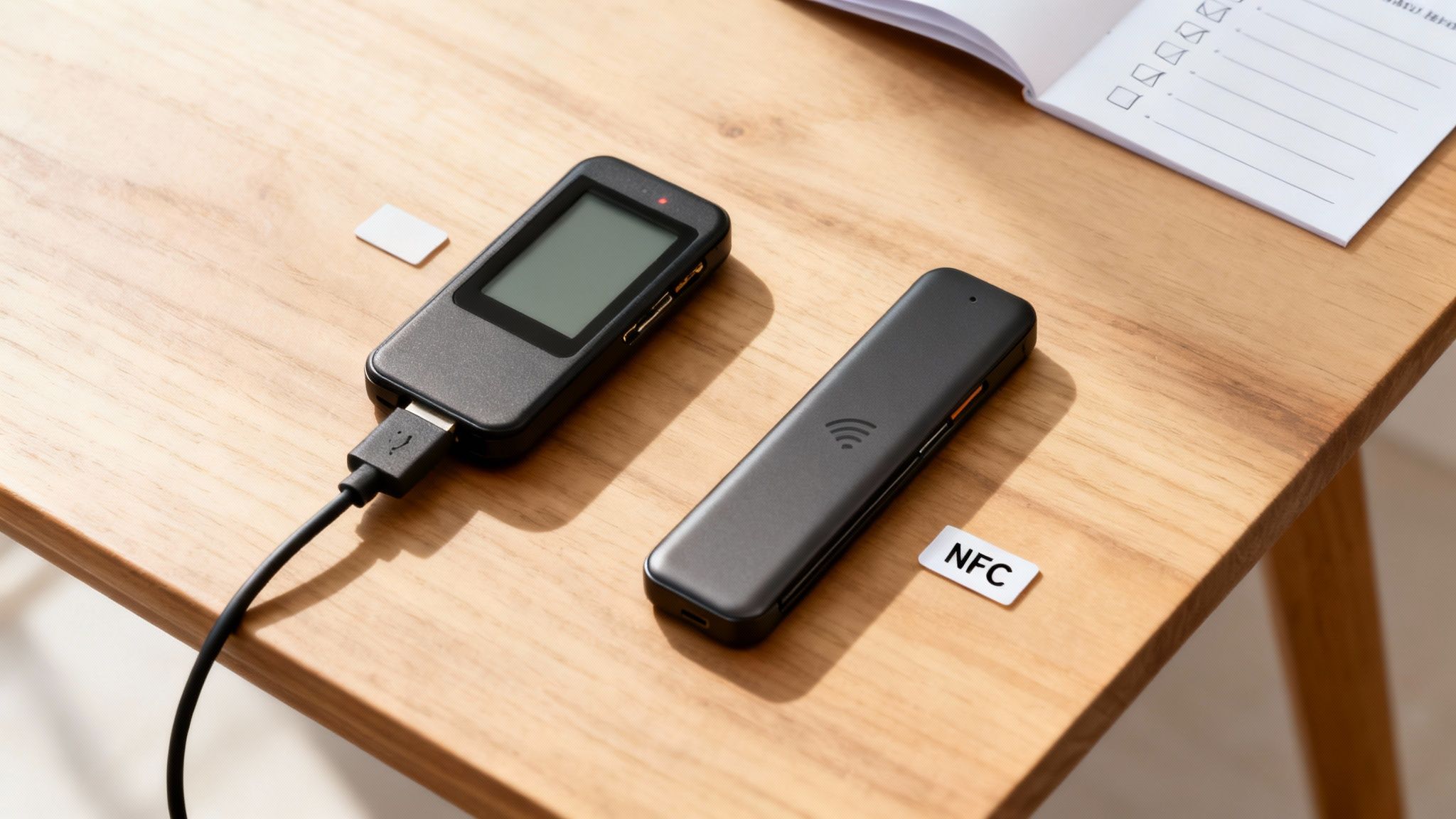
Alright, you're ready to take control of your Bitcoin. Choosing the right hardware wallet is a huge step, and the single most important thing to look for is the manufacturer's reputation. You want a company that's been around the block, one known for transparency, regular security audits, and ideally, open-source software.
Here’s your golden rule, and it's non-negotiable: always buy directly from the manufacturer's official website. Never, ever buy a hardware wallet from a third-party marketplace or a second-hand seller. Going through unofficial channels opens you up to the risk of getting a tampered device designed to swipe your funds. Don't take that chance.
Key Features to Consider
Beyond a solid reputation, a few practical features will shape your experience. Think about how you plan to use the device—this will guide you to the perfect fit.
Build Quality and Screen: Look for a device that feels solid in your hand. Durability matters. A bigger, clearer screen isn't just a nice-to-have; it's a core security feature. This is where you'll verify transaction details before approving them, making it your last line of defense against scams.
Connectivity Options: How will you connect the wallet to your computer or phone? Most wallets use a tried-and-true USB connection. It’s simple, reliable, and just works. This classic method is still a dominant force for a reason.
In fact, good old USB-connected devices held about 47.52% of the market share in 2024. But we're also seeing NFC (Near Field Communication) wallets gain traction, offering a tap-to-connect convenience that makes these ultra-secure devices feel a lot more user-friendly. You can dig into more data on these market trends to see where things are headed.
Ultimately, the goal isn't to find the one "best" wallet for everyone. It's about finding the one that perfectly matches your security needs and how you'll actually use it.
Why Businesses Trust Hardware Wallets
Hardware wallets aren't just for individual Bitcoin enthusiasts; they are an essential security tool for any business that holds or deals in BTC. When a company's Bitcoin is on the line, security isn't just a feature—it's a fiduciary duty. This is where hardware wallets step in, offering an institutional-grade shield against a growing list of digital threats.
Think of a business's Bitcoin treasury as a honeypot for cybercriminals. By storing company funds on a hardware wallet, you're essentially creating a digital "air gap." This gap isolates your reserves from online attacks like malware and phishing, effectively slamming the door on both external hackers and unauthorized internal access.
Advanced Security for Corporate Governance
One of the most powerful ways businesses use hardware wallets is in a multi-signature (multisig) configuration. It’s like a digital bank vault that needs multiple keys to open, which creates an incredibly robust system of checks and balances.
For example, a transaction could be set up to require approval from three different hardware wallets, each held by a separate executive. This setup eliminates any single point of failure and makes internal theft almost impossible—a critical feature for sound corporate governance.
By requiring multiple, physically separate approvals for any transaction, multisig setups ensure that no single individual can move company funds. This model provides the high level of security and accountability that businesses demand.
The enterprise world is catching on, and fast. Businesses and institutions are projected to hold a staggering 68.88% market share of the hardware wallet space by 2025. This trend is only getting stronger, partly thanks to new regulations that mandate offline storage for customer funds. You can dig deeper into these hardware wallet market statistics to see the full picture of this growing movement.
Common Questions About Hardware Wallets
Even with the clear security benefits, it's totally normal to have a few questions before you trust a new gadget with your Bitcoin. Let's walk through some of the most common worries to clear things up and show you just how simple securing your Bitcoin can be.
The goal here is to demystify the whole process. These devices are designed from the ground up to be both incredibly secure and surprisingly user-friendly.
What Happens If I Lose My Hardware Wallet?
This is easily the number one question on everyone's mind, and the answer is a huge relief. If your hardware wallet is ever lost, stolen, or even crushed by a steamroller, your Bitcoin is still completely safe.
The magic isn't in the physical device itself; it's in the recovery seed phrase you wrote down when you first set it up. Think of those 12 or 24 words as the master key to your digital vault. To get your funds back, you just grab a new hardware wallet (from any compatible brand), choose the "restore" option during setup, and type in your phrase. Just like that, you'll have full access to your Bitcoin again.
This is why your recovery phrase is the single most important thing to protect. The device is replaceable; the phrase is not. Keep it offline, protect it from fire and water, and never, ever type it into a computer or take a picture of it.
Can a Hardware Wallet Get Hacked?
If you're talking about an online attack, the answer is a hard no. Hardware wallets are built around one core idea: keeping your private keys totally isolated from the internet. This "air-gapped" design makes them immune to the remote attacks that plague software wallets, like viruses, keyloggers, and phishing scams.
Even if your computer is riddled with malware, a hacker can't touch the keys locked away on your hardware wallet's secure chip. Every single transaction has to be verified on the device's screen and physically confirmed by you pressing a button. This creates a physical, real-world barrier that a remote attacker simply can't get past.
Is Using a Hardware Wallet Complicated?
Not anymore. While the security tech under the hood is seriously advanced, the experience of using a modern hardware wallet is designed to be straightforward. The setup process holds your hand with step-by-step instructions.
Day-to-day use is even easier. It usually just means plugging in the device, typing in your PIN, and physically pressing a button to approve a transaction you see on its screen. If you can handle a smartphone, you've got all the skills you need to confidently protect your Bitcoin with a hardware wallet.
Ready to accept Bitcoin payments directly and securely at your business? Flash provides the tools you need to integrate instant, low-fee Bitcoin payments without ever holding your funds. Turn any device into a point-of-sale terminal, set up digital paywalls, and reach a global audience. Get started in under a minute.